Quick answer
Slide the waste drawer straight out, lift the old liner out by its edges, and drop in a new liner with the seams facing outward before pushing the drawer back until it seats. Change the liner whenever you empty the drawer, and empty it when the app says the drawer is full or when waste sits above the liner rim.
Emptying the waste drawer is the one hands-on chore a self-cleaning litter box still asks of you, and it takes about two minutes once you have a rhythm. The liner is the part people get wrong: pull it too hard and it tears, leave it bunched and the drawer will not seat properly.
This guide walks through the full cycle in order, from checking the fill level to seating a fresh liner, with the small checkpoints that keep the drawer sensor happy.
Before you pull the drawer: confirm it is actually full
Your Litter-Robot reports drawer status through the app, and that reading is the most reliable signal you have. Wait for the full notification rather than emptying on a fixed schedule, because how fast the drawer fills depends on how many cats use it and how much litter they track out. In a single-cat home, that can stretch well past a week; in a busy multi-cat home, it can be a few days.
If you would rather check by eye, look for clumps sitting at or above the liner's top edge. Waste piled above the rim is the point where the next cycle can drag against it.
- Do not empty early just to be safe. Repeated half-empty drawer pulls waste liners and adds nothing.
- If the app says full but the drawer looks nearly empty, check that the liner is not bunched under the drawer lip before assuming a sensor fault.
Pull the drawer out and set it down flat
Grip the drawer handle and pull straight toward you in one smooth motion. Do not angle it upward as it comes out; a tilted drawer lets loose litter and clumps slide over the back edge and into the base. Set the drawer on a hard floor or a sheet of newspaper, not on carpet where stray granules disappear.
This is also the moment to glance inside the base opening. If you see clumps that fell behind the drawer, remove them now with a scooper or gloved hand before they interfere with the drawer sliding back in.
- Keep a small scoop and a trash bag within reach so you are not walking away mid-task.
- If the drawer resists, stop. Something is misaligned rather than stuck.
Remove the old liner without tearing it
Lift the liner out by gathering the four corners together, then pull it up and out in one motion. The common mistake is grabbing one edge and yanking, which stretches the plastic until it splits and dumps waste back into the drawer. If the liner is stuck to the drawer bottom, work a finger under the edge to break the seal before lifting.
Tie the gathered corners into a knot to close the bag, then place it directly in your trash. Do not set a tied bag back into the drawer while you look for a fresh liner.
- Do not shake the liner to settle contents. That is how litter dust ends up on everything nearby.
- If the old liner is soaked through, wipe the drawer with a pet-safe cleaner and let it dry fully before adding a new liner.
Fit the new liner so it stays put
Open the new liner, push your hand to the bottom, and press the base flat against the drawer floor. Fold the excess plastic over the drawer's outer rim rather than tucking it inside, because liner that hangs into the drawer catches waste and pulls loose during a cycle. The fit should be snug but not stretched.
Use a liner sized for the drawer you own rather than a kitchen or tall-kitchen bag. An oversized bag drapes over the sides and can block the drawer from seating; an undersized one slips off the rim and lets waste hit bare plastic.
- Check that no plastic overlaps the drawer's front lip, where it can catch on the base.
- Smooth the liner against the drawer walls so it does not fold in on itself.
Seat the drawer and confirm the reset
Push the drawer back in until it stops and sits flush with the base. Then check the app or the unit's indicator to confirm the drawer status has cleared. If the full alert persists after a fresh liner and a properly seated drawer, pull the drawer out and reinsert it once more before troubleshooting further.
Do not force the drawer. If it will not go in flush, the liner is almost always the cause, either bunched at the back or hanging over the front edge.
- Run a manual cycle after replacing the liner to confirm everything moves freely.
- If the alert will not clear, review the drawer seating before assuming a sensor problem.
The two-minute liner swap, in order
- 1. Confirm full status: Check the app notification or look for waste sitting at or above the liner rim. Checkpoint: do not empty on a fixed calendar schedule; let the fill level decide.
- 2. Pull the drawer straight out: Use the handle and keep the drawer level as it leaves the base. Mistake to avoid: tilting the drawer and spilling loose litter into the base.
- 3. Clear any fallen clumps: Look into the base opening and remove stray waste before it blocks the drawer. Checkpoint: the drawer should slide back in without resistance.
- 4. Lift the old liner by its corners: Gather all four corners, break any seal at the bottom, and lift in one motion. Mistake to avoid: yanking a single edge, which tears the plastic and spills waste.
- 5. Tie and bin the old liner: Knot the corners closed and place the bag straight into your trash. Checkpoint: never leave a tied bag sitting in the drawer while you fetch a new liner.
- 6. Press the new liner flat: Push your hand to the bottom, flatten the base, and fold excess plastic over the outer rim. Mistake to avoid: oversized bags that drape over the sides and block the drawer.
- 7. Seat the drawer and verify the reset: Push until flush, then confirm the full alert has cleared in the app or on the unit. If the alert stays on, reseat the drawer once before troubleshooting anything else.
Which Litter-Robot models this applies to
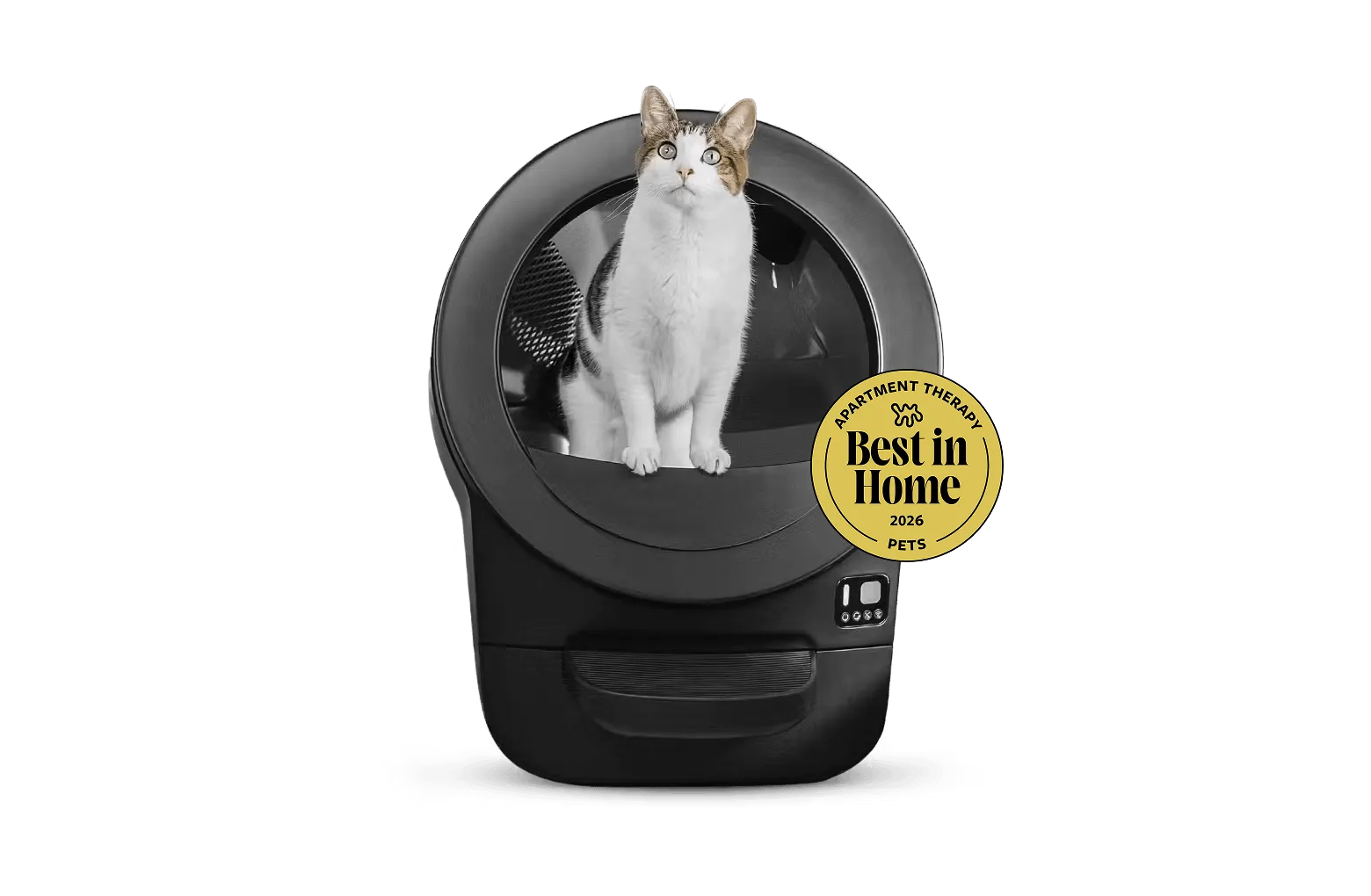
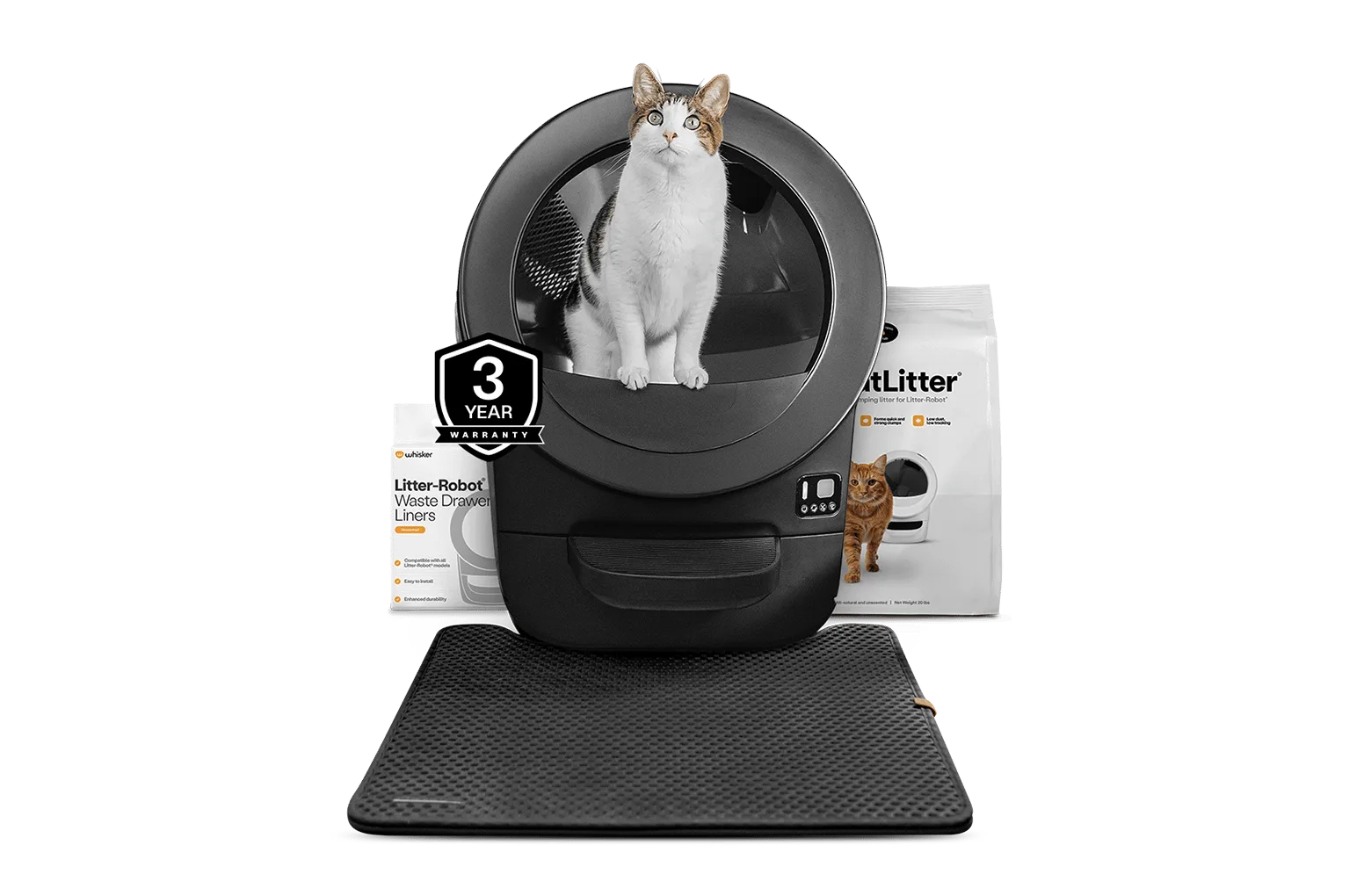
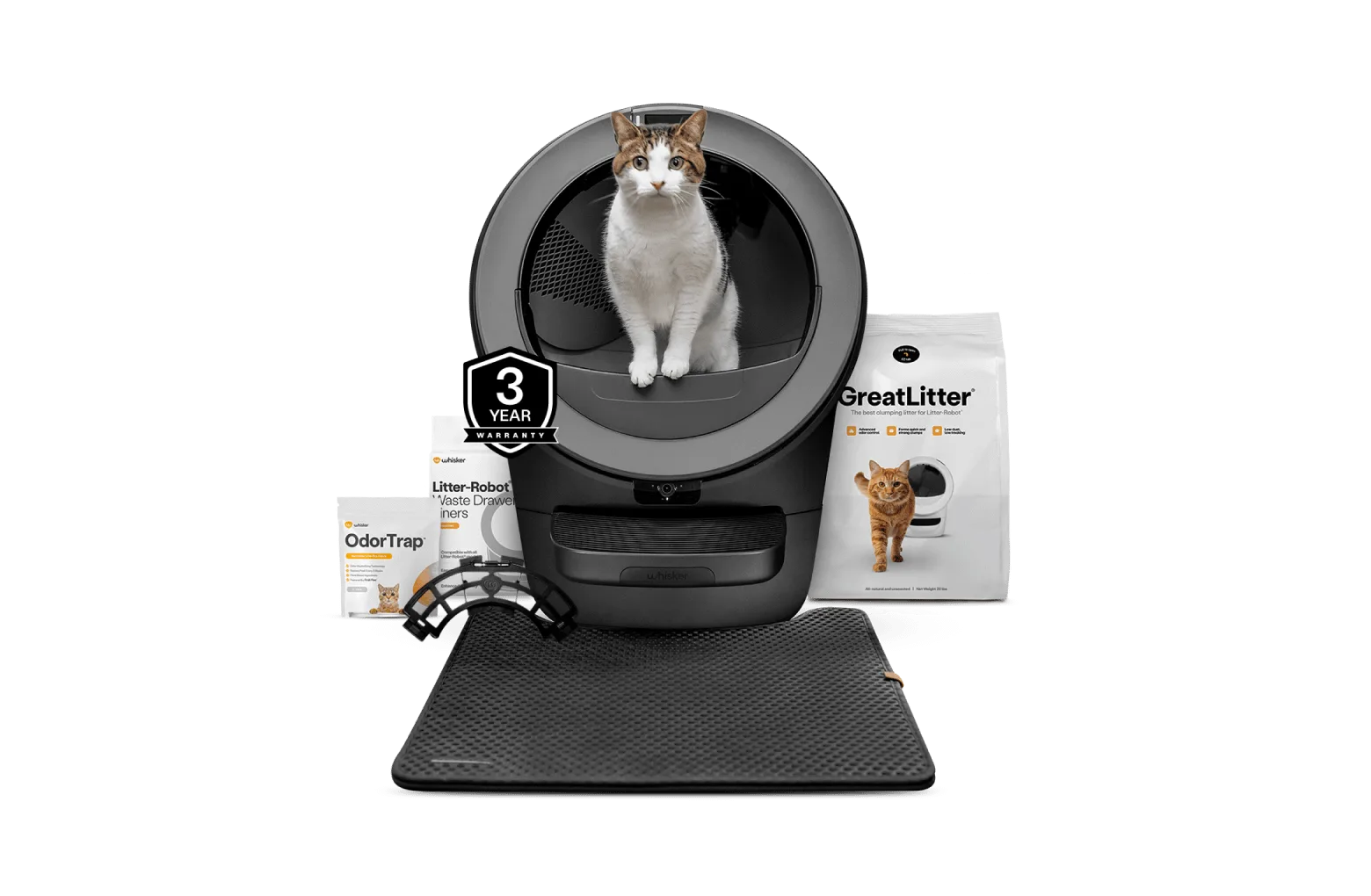
- Litter-Robot® 5 Starter Bundle: Litter-Robot 5 is the most advanced self-cleaning litter box for cats, and the bundle includes the highly-rated accessories needed to get the most out of it. If you are setting up a new Litter-Robot 5, the bundle accessories arrive together, so you can establish your empty-and-reline routine from day one instead of hunting for supplies later.
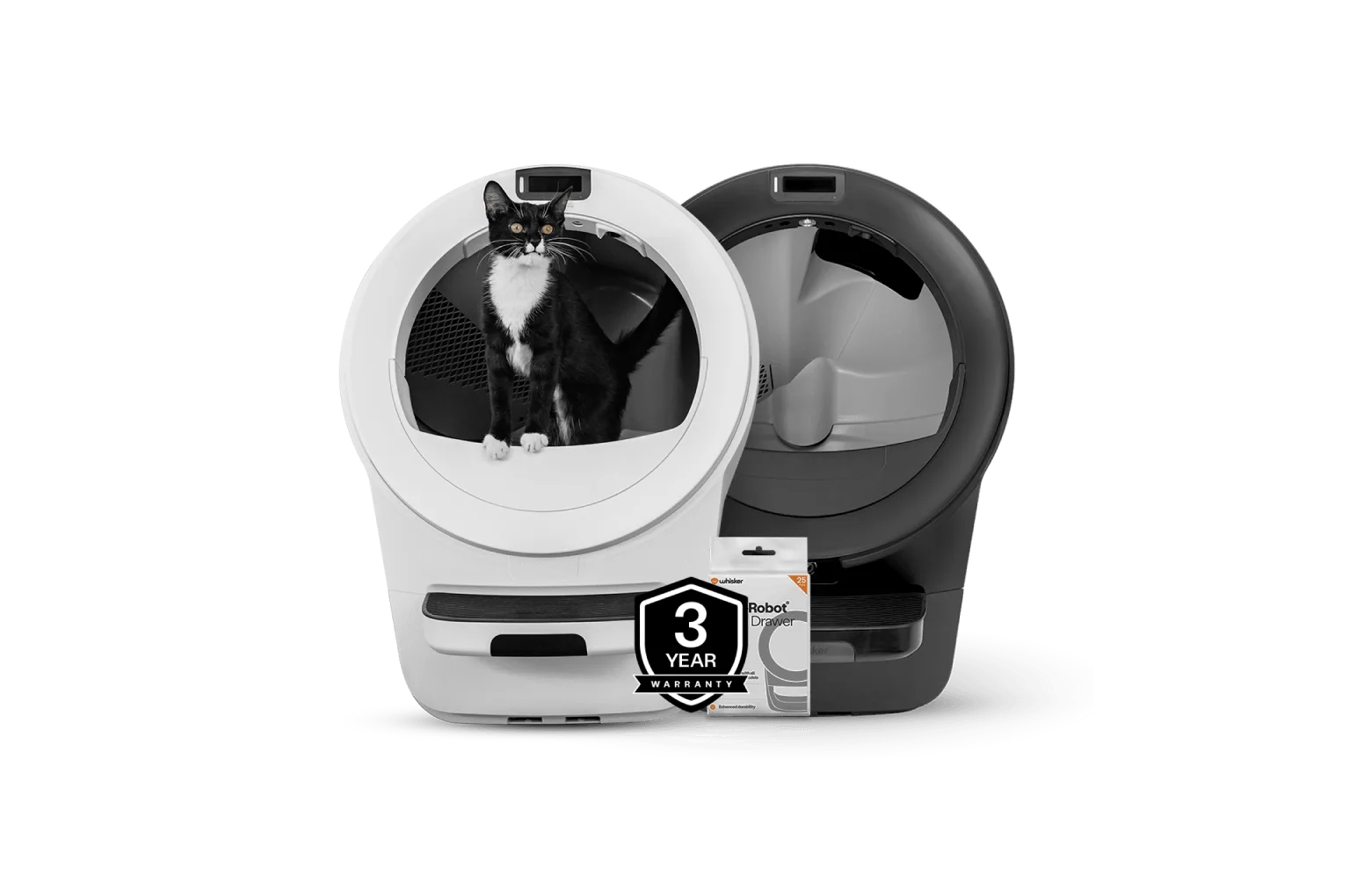
- Litter-Robot® 5 Double Bundle: The bundle comes with two Litter-Robot 5 units covered top-to-bottom by 3-year protection plans. Two units means two waste drawers to manage. Stagger your liner changes so you are never emptying both at the same moment, and keep a spare liner supply for each.
- https://litter-robotejh.com/products/lre-strtr-bundle-831df3abbc37089cf2ebe903-2572414Litter-Robot® EVO Starter Bundle: Litter-Robot EVO is the most streamlined, compact Litter-Robot, and the bundle includes the highly-rated Litter-Robot accessories. A more compact unit generally means a smaller drawer, so expect to empty it more often than a full-size model in a comparable household.
Once you have done this twice, the whole job takes about two minutes and stops feeling like a chore. Keep a spare liner supply on hand, let the fill level rather than the calendar tell you when to empty, and the drawer will stay clean, seated, and reporting accurately.