Quick answer
To extend your wireless mouse battery life, reduce the polling rate, lower the sensor sensitivity, and enable auto-sleep mode. Also, use a mouse with a high-efficiency sensor and avoid leaving it on when not in use.
Understanding Battery Drain in Wireless Mice
Wireless mice use power primarily for the sensor, wireless transmission, and any onboard lighting. Optical and laser sensors consume different amounts of energy, with high-DPI settings and fast polling rates drawing more power. Many modern mice, like the Logitech Pebble Mouse 2 M350s, are designed with energy-efficient components that can last months on a single charge or set of batteries, but your usage habits still play a big role.
Steps to Extend Your Wireless Mouse Battery Life
- 1. Reduce the Polling Rate: The polling rate (how often the mouse reports its position to the computer) is often set to 1000 Hz by default. Lowering it to 500 Hz or 250 Hz can cut power consumption significantly without noticeable lag for everyday tasks. Check your mouse software for polling rate settings. A lower rate saves battery.
- 2. Lower the Sensor DPI: Higher DPI settings require more sensor power. If you don't need ultra-fast cursor movement, set your DPI to a moderate level (e.g., 800–1200). This reduces the sensor's workload and extends battery life. Adjust DPI in your mouse settings. Lower DPI = longer battery.
- 3. Enable Auto-Sleep Mode: Most wireless mice have an auto-sleep feature that activates after a period of inactivity. Make sure this is enabled in your mouse software. Some mice, like the Pebble Mouse 2 M350s, enter sleep mode automatically to conserve power. Verify auto-sleep is on. It can save days of battery over a month.
- 4. Turn Off the Mouse When Not in Use: Even with auto-sleep, manually switching off the mouse when you step away for extended periods (e.g., overnight) eliminates any standby drain. Many mice have a physical on/off switch on the bottom. Get into the habit of turning off your mouse at the end of the day.
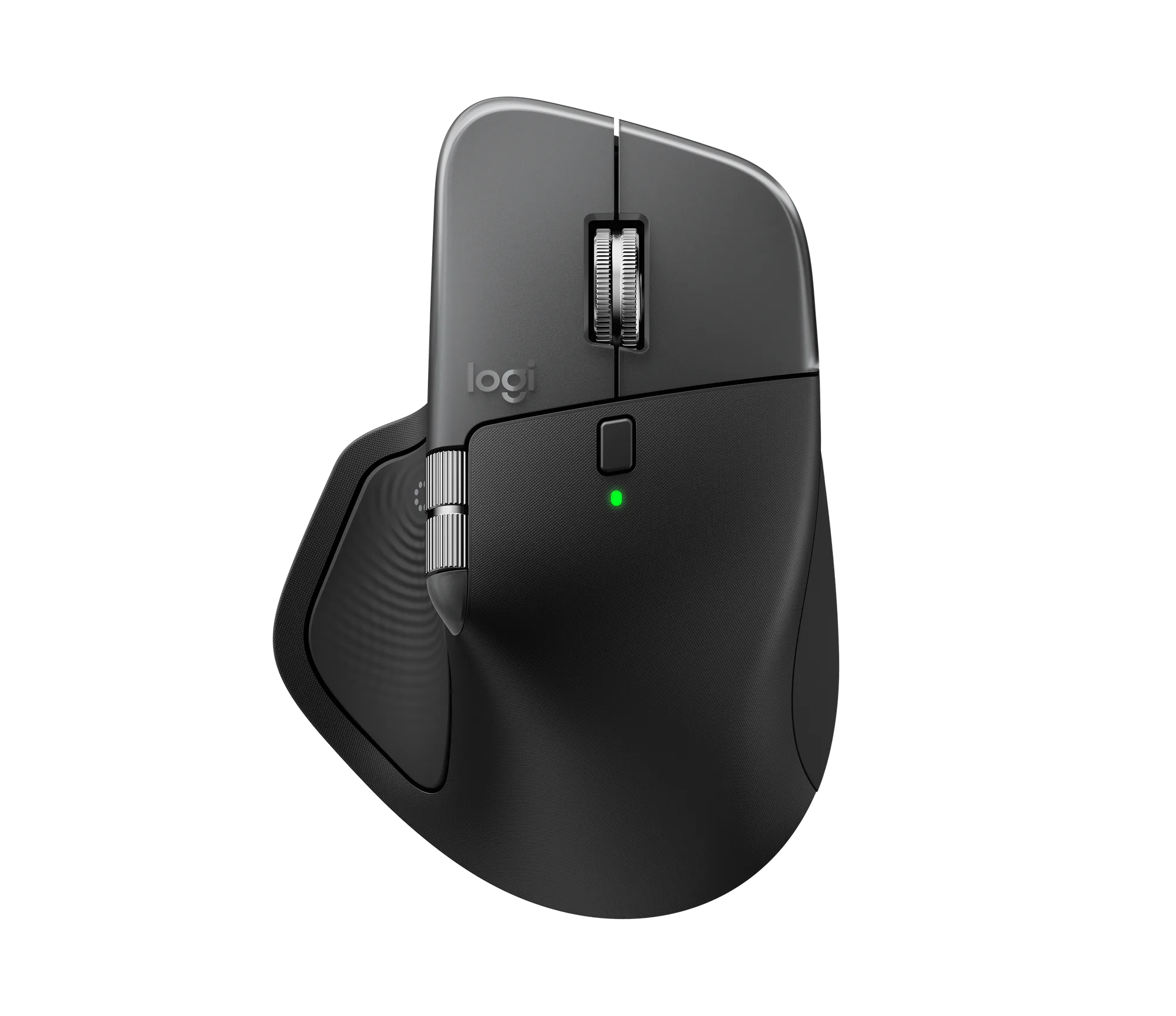
- 5. Use a Rechargeable Mouse with Efficient Sensors: Mice with modern, energy-efficient sensors (like the MX Master 3S) can last weeks or months on a single charge. If you're using an older model, consider upgrading to one with better power management. A newer mouse with a high-efficiency sensor can drastically reduce charging frequency.
- 6. Avoid Using Backlighting or RGB: If your mouse has customizable lighting, turning it off or setting it to a low brightness can save a noticeable amount of power. Lighting is one of the biggest battery drains on wireless peripherals. Disable or dim any LED lighting to extend battery life.
Product facts
- Pebble Mouse 2 M350s - Tonal White: The Logitech Pebble Mouse 2 M350s in Tonal White offers a sleek, compact design for everyday computing. This wireless mouse combines comfort with a quiet, pebble-like shape that fits naturally in your hand. Its energy-efficient design helps conserve battery life, making it a great choice for users who want a reliable wireless mouse without frequent recharging.
- Refurbished MX Master 3S - Black: This certified refurbished MX Master 3S in Black offers a reliable and precise computing experience from Logitechmalls. Designed for productivity, this mouse combines comfort with advanced tracking capabilities. The MX Master 3S features a high-efficiency sensor and a rechargeable battery that can last up to 70 days on a full charge, reducing the need for frequent charging.