Quick answer
Most wireless gear loses runtime to habits, not hardware: charging past full, leaving RGB and high polling rates on, and storing headsets at low charge. Charge to full before long sessions, turn off lighting you do not need, and power devices down when you stop playing. If your headset or mouse still drains fast after those changes, the battery or cable is the next thing to check.
Wireless gaming gear rarely dies from one bad decision. It drains from a stack of small ones: a headset left on overnight, a mouse kept at 8,000Hz polling for desktop work, a battery that never gets a full cycle. Fix the habits first and you often recover hours of runtime without buying anything.
This guide walks through the order that actually matters, from charging routine to settings to storage. It applies to any 2.4GHz or Bluetooth mouse and headset, including HyperX models, and it flags the mistakes that quietly cost you battery.
Start with an honest runtime baseline
Before changing anything, measure what you actually get. Note the charge level when you start a session and when the low-battery warning appears. Do this for two or three sessions. Without a baseline you cannot tell whether a change helped or whether you just played less.
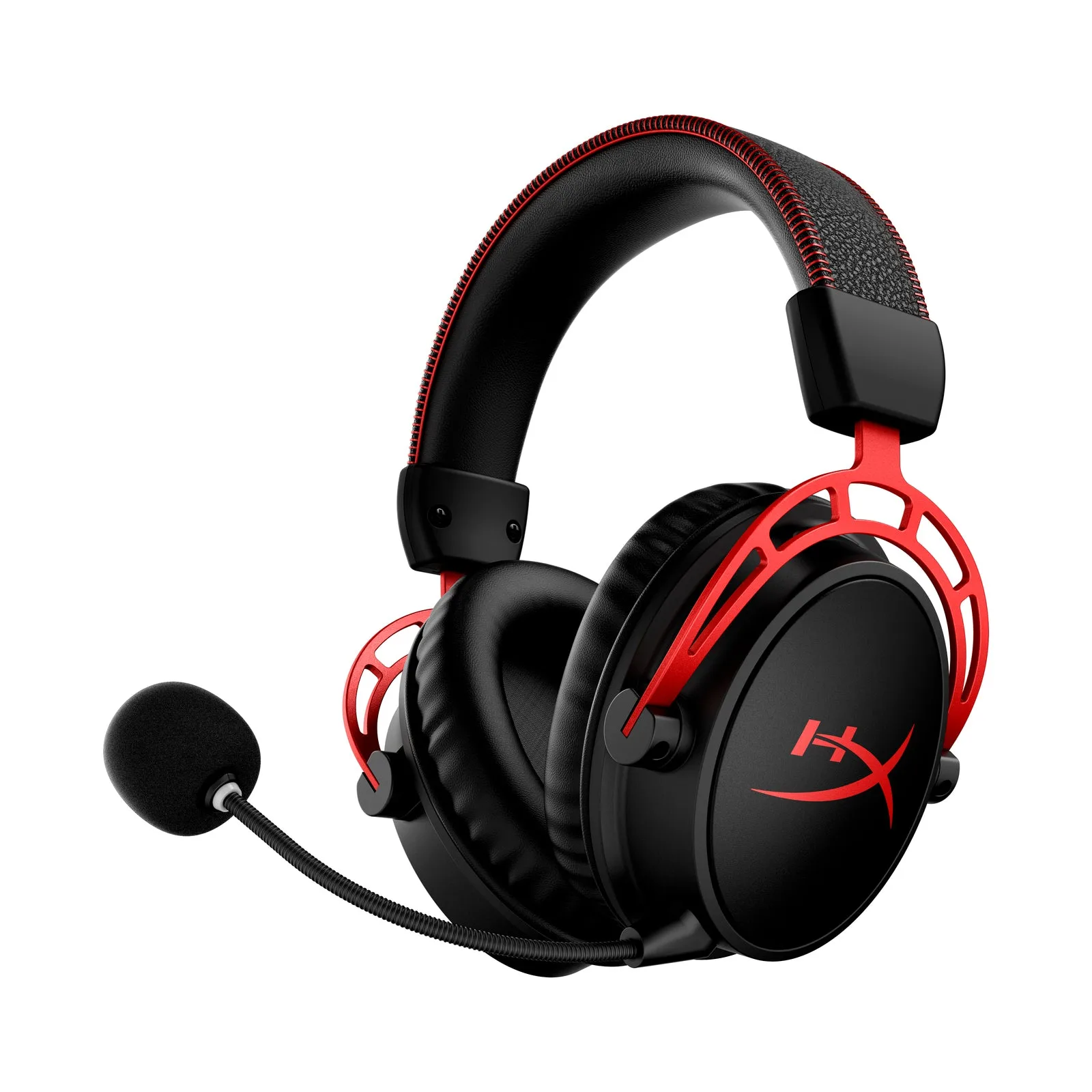
Check what your device claims so you know what to expect. The HyperX Cloud Alpha - Wireless Gaming Headset is rated for up to 300 hours of battery life, while the HyperX Pulsefire Haste 2 Core Wireless - Gaming Mouse runs up to 100 hours on a single AAA battery over 2.4GHz. If your real numbers are far below those figures, something in your routine or settings is the likely cause.
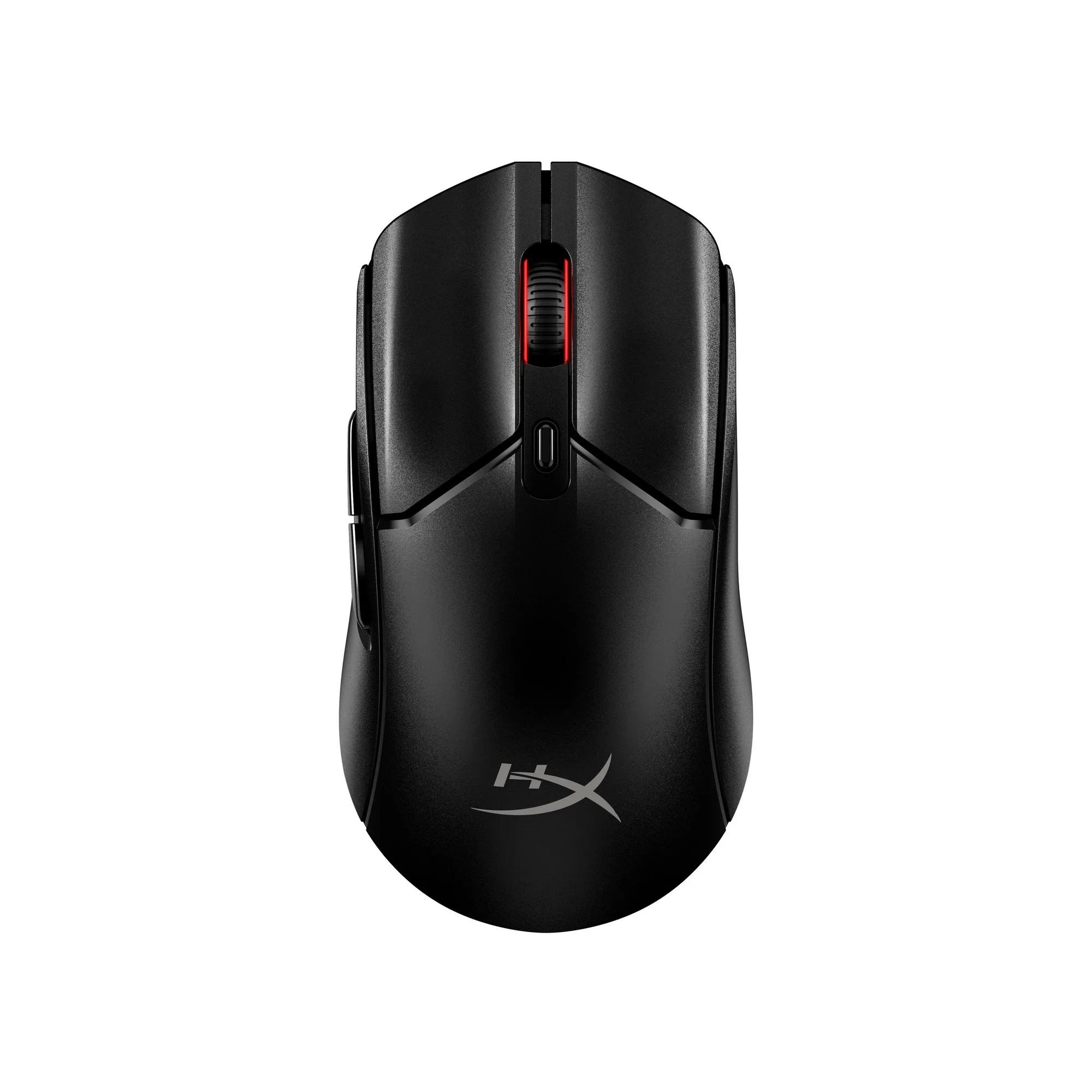
HyperX Pulsefire Haste 2 Core Wireless - Gaming Mouse
- Log start and end charge for three sessions before changing settings.
- Compare against the rated runtime for your exact model, not a similar one.
Charge fully, then unplug
Partial top-ups are convenient but make runtime unpredictable. For a device you use daily, charge it to full and then disconnect. Leaving a headset or mouse plugged in permanently keeps the battery near 100 percent, which is the least comfortable state for long-term capacity.
If your device uses a replaceable battery, keep spares charged and rotate them. The Pulsefire Haste 2 Core Wireless runs on a single AAA battery, so a charged spare in your drawer means zero downtime instead of a cable tether.
- Charge to full, then unplug rather than leaving the cable connected all day.
- For AAA-powered mice, rotate two rechargeable cells so one is always ready.
Turn off lighting and high polling when you are not gaming
RGB lighting and maximum polling rates are the two biggest avoidable drains on a wireless mouse. Lighting runs constantly whether you are in a match or reading a page. High polling rates increase radio traffic and power draw for no benefit during desktop work.
Lower polling or switch lighting off for browsing, then raise it back for competitive play. If your mouse supports Bluetooth, that mode typically draws less than 2.4GHz, which makes it a sensible choice for travel and general use.
- Create a low-power profile for non-gaming use if your software supports profiles.
- Switch to Bluetooth for casual use when the mouse offers it.
Power down properly instead of relying on auto-sleep
Auto-sleep is a safety net, not a plan. A headset left powered on with the mic muted still consumes charge, and a mouse that wakes repeatedly on a vibrating desk drains faster than one switched off. Get into the habit of using the physical power switch.
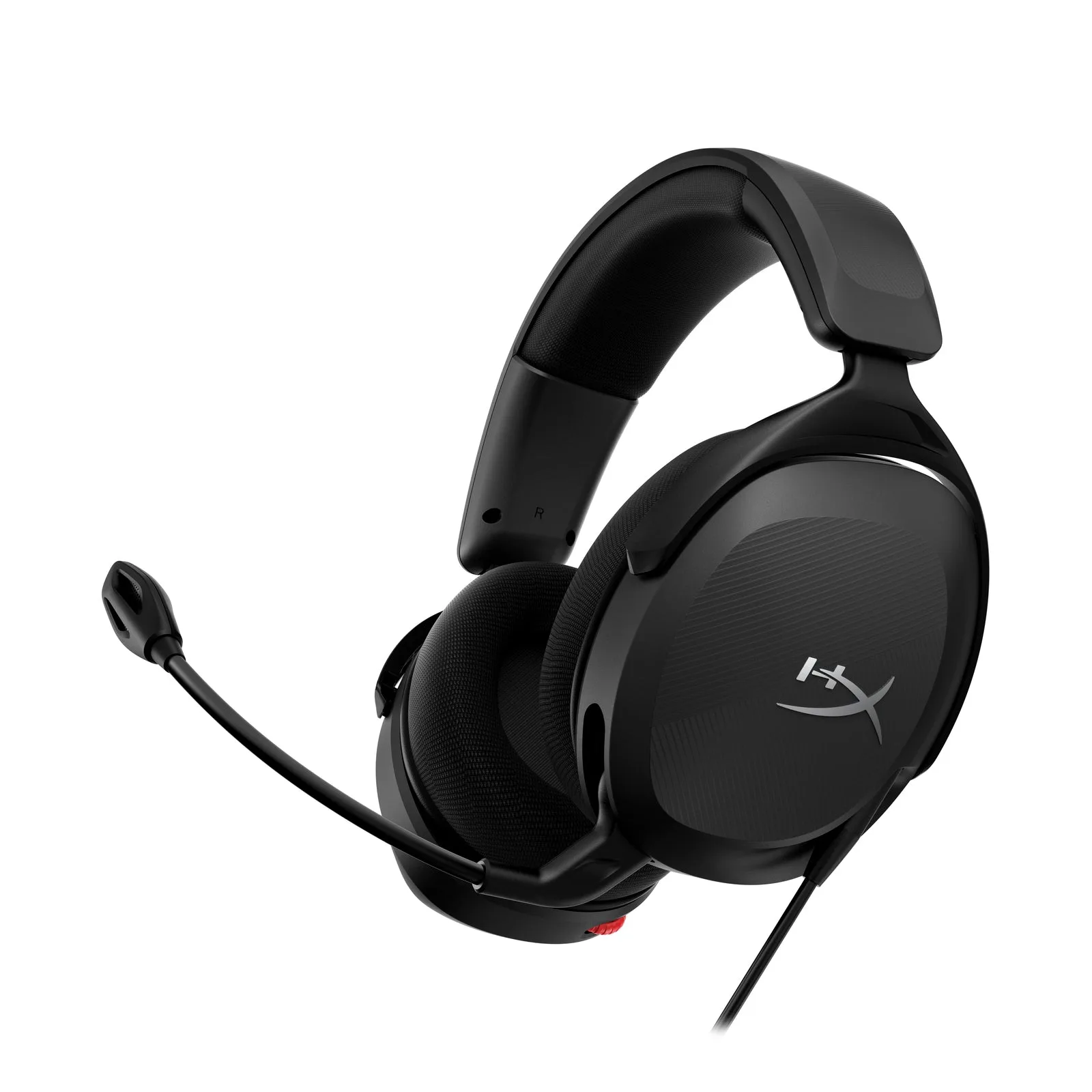
The same applies to wired headsets with inline controls. The Cloud Stinger 2 Core puts audio controls and a swivel-to-mute mic on the headset itself, so muting and volume changes take a second rather than a menu dive. Building that into your end-of-session routine keeps the gear in predictable shape.
- Switch devices off at the end of a session, not just when the warning appears.
- Mute at the headset rather than leaving a live mic running between matches.
Store at a sensible charge and keep contacts clean
If you rotate gear or pack a headset for travel, do not store it empty or at 100 percent for weeks. A mid-range charge is kinder to the cell. Store in a dry place, and keep charging contacts and ports free of dust and lint.
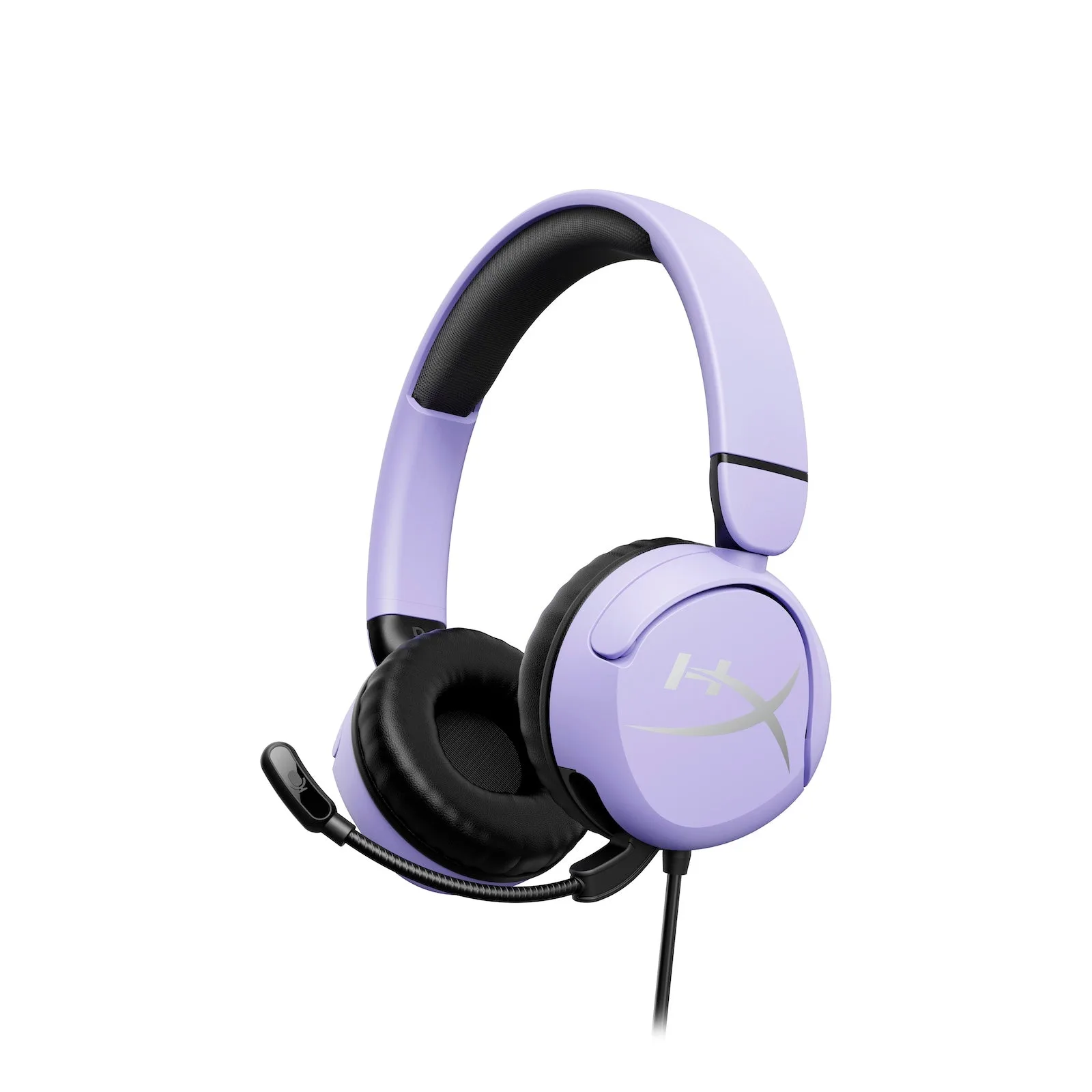
For younger players using a wired headset like the HyperX Cloud Mini - Gaming Headset, the priority is different: it is designed to keep audio levels below 85dB and is recommended for ages 8 to 12, so the care routine is about cable strain and storage rather than battery cycles.
- Wipe charging contacts with a dry cloth before connecting.
- Coil cables loosely instead of wrapping them tight around the earcups.
Know when it is the battery, not your habits
If runtime drops sharply after you have fixed charging habits, lighting, and storage, the battery or charging cable is the next suspect. Test with a different cable and port, and check whether the device charges at all when powered off.
Some specifications are simply not published, and that is a decision limitation rather than a hidden flaw. If a runtime figure is not listed for your model, judge it by your own baseline measurements instead of assuming a number.
- Test a second cable and a different USB port before replacing anything.
- A device that no longer holds charge when off usually needs service or replacement.
Your battery-saving routine, step by step
- 1. Measure your real runtime: Track charge level at the start and end of three sessions and compare with your model's rated figure. Checkpoint: if you are far below the rating, continue to the next steps before assuming a fault.
- 2. Charge to full and unplug: Avoid leaving the device connected permanently; disconnect once it reaches full charge. Mistake to avoid: leaving a headset plugged in overnight as your default habit.
- 3. Cut lighting and polling for non-gaming use: Turn off RGB and lower the polling rate or switch to Bluetooth for browsing and work. Mistake to avoid: running maximum polling and full lighting around the clock.
- 4. Switch off at the end of every session: Use the physical power switch instead of trusting auto-sleep to protect the charge. Mistake to avoid: leaving a muted headset powered on between matches.
- 5. Store at mid charge and clean contacts: For gear you rotate or travel with, store at a mid-range charge and wipe charging contacts dry. Mistake to avoid: storing a device empty or at 100 percent for weeks.
- 6. Re-test before replacing anything: If runtime is still poor, try a different cable and port, and check charging with the device powered off. Next step: if it still will not hold charge, the battery or device needs service or replacement.
Wireless gear worth knowing about
- HyperX Cloud Alpha - Wireless Gaming Headset: Rated for up to 300 hours of battery life, with HyperX signature memory foam and breathable leatherette ear cushions. Long rated runtime means your charging routine, not the cell, is usually the limiting factor, and the cushions matter for multi-hour sessions.
- HyperX Pulsefire Haste 2 Core Wireless - Gaming Mouse: Weighs 70 grams and runs up to 100 hours on a single AAA battery over 2.4GHz, with Bluetooth available for longer use. A replaceable AAA battery means you can swap in a fresh cell instead of waiting on a charge, and Bluetooth gives you a lower-draw option.
- HyperX Cloud Stinger 2 Core Gaming Headsets: Entry-level wired headset with audio controls on the headset and a swivel-to-mute mic. No battery to manage, so care shifts to cable handling and keeping the inline controls clean.
- HyperX Cloud Mini - Gaming Headset: Wired headset recommended for ages 8 to 12, designed to keep audio levels below 85dB, with a flip-to-mute mic. For younger players, the maintenance priority is safe listening levels and cable care rather than charge cycles.
Battery life is mostly a routine problem, and routines are easy to fix. Charge fully, cut unnecessary lighting and polling, switch devices off, and store them sensibly. Do that for a week, compare against your baseline, and you will know whether you have a habit problem or a hardware one.