Quick answer
To extend your PTZ camera cable reach safely, use a compatible extension cable like the Defender 4K Everwatch PTZ 25ft. Extension Cable, plan your route, and secure all connections. Always test the signal before finalizing the installation to avoid video loss or power issues.
Planning Your Cable Route
Before connecting any extension cable, map out the path from your camera to the recorder or switch. Measure the distance accurately, accounting for corners, walls, and any obstacles. This prevents you from underestimating the required length and avoids tension on the cable.
Choose a route that keeps the cable away from power lines, heat sources, and sharp edges. If the cable must pass through walls or ceilings, consider using conduit or protective tubing. This also makes future maintenance easier.
Choosing the Right Extension Cable
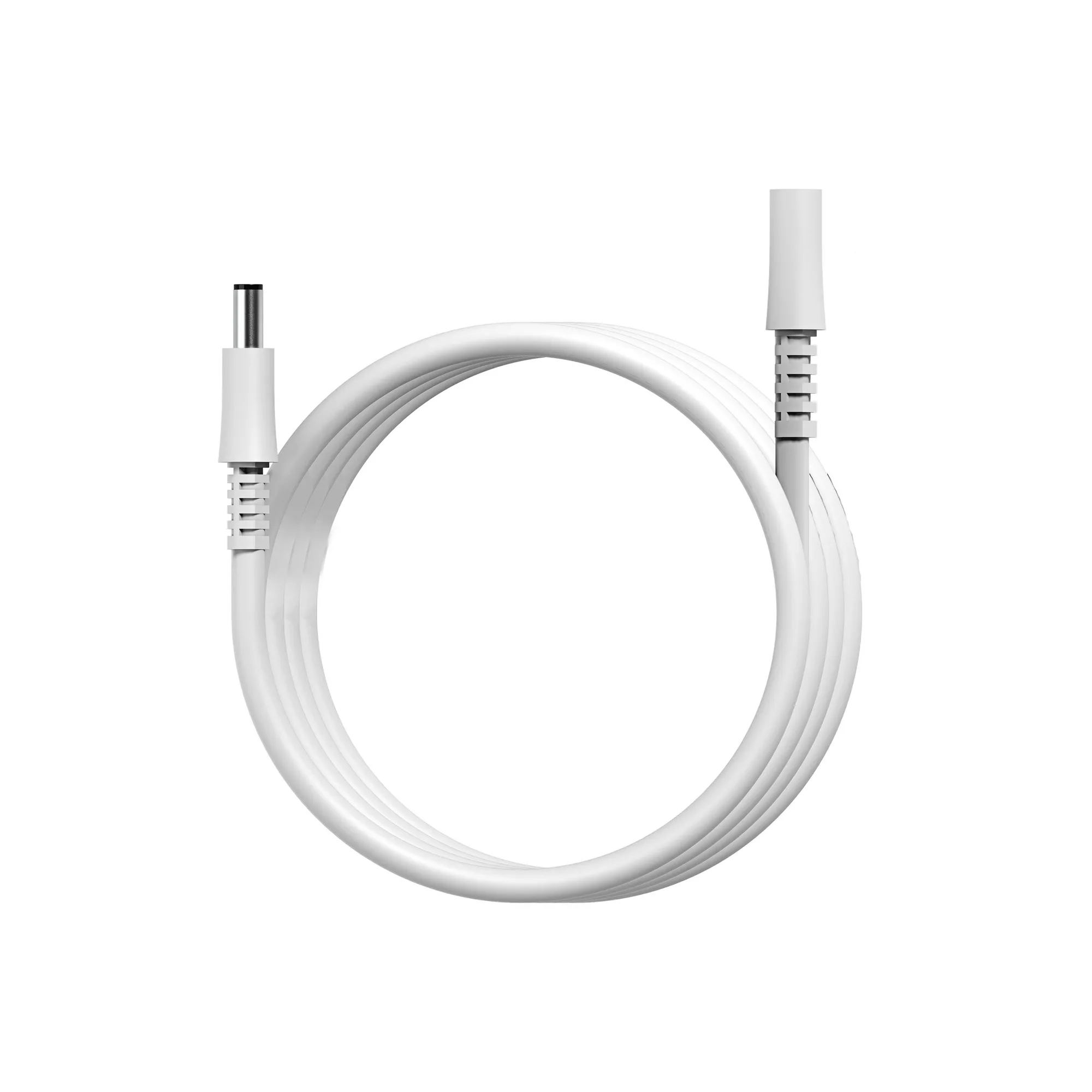
Not all extension cables are the same. For PTZ cameras that transmit 4K video, you need a cable that supports that bandwidth. The Defender 4K Everwatch PTZ 25ft. Extension Cable is designed for this purpose, maintaining reliable connectivity and signal quality.
Check the connector types on your existing camera cable and the extension. They must match exactly. If you are unsure, consult your camera's manual or contact support before purchasing.
Testing Before Finalizing
After connecting the extension, power on the camera and check the video feed. Look for flickering, color shifts, or signal loss. These can indicate a poor connection or an incompatible cable.
If the signal is weak, try reseating the connectors or using a shorter extension. Sometimes, multiple extensions can degrade the signal. Test each segment individually to isolate the problem.
Step-by-Step Safe Extension Process
- Measure and plan the route: Measure the distance from the camera to the recorder, considering corners and obstacles. Choose a safe path away from power lines and sharp edges. Checkpoint: Ensure the total length does not exceed the maximum recommended by the camera manufacturer.
- Select a compatible extension cable: Use a cable that matches your camera's connector type and supports 4K transmission, like the Defender 4K Everwatch PTZ 25ft. Extension Cable. Checkpoint: Verify the connector types match before purchasing.
- Connect and secure the cable: Connect the extension to the camera and recorder, then secure the connection with weatherproofing or cable ties. Avoid bending the cable sharply. Checkpoint: Make sure the connection is snug and protected from moisture.
- Test the video signal: Power on the camera and check the video feed for quality. Look for flickering, color shifts, or signal loss. Checkpoint: If the signal is weak, reseat connectors or try a shorter extension.
- Finalize and monitor: Once the signal is stable, secure the cable along the route and monitor the camera for a few days to ensure consistent performance. Checkpoint: Schedule a follow-up check after 48 hours.
Product Facts
- 4K Everwatch PTZ 25ft. Extension Cable: The Defender 4K Everwatch PTZ 25ft. Extension Cable is designed to extend the reach of your compatible PTZ security camera, maintaining reliable connectivity for your surveillance setup. It is compatible with Defender 4K Everwatch PTZ cameras, offers a 25-foot length for flexible installation, and supports 4K video transmission. This cable lets you place your PTZ camera farther from the recorder without sacrificing video quality, making installation more flexible and reliable.