Quick answer
Work in small batches, handle prints by the edges only, and load pockets from the back of the page forward so you are never sliding a photo past an already-filled slot. Sort your 200 photos into chronological or thematic groups before you open the album, then fill one spread at a time and close the album flat between sessions. The biggest risks are fingerprints, bent corners from forcing stiff prints into tight pockets, and abrasive dust trapped behind the plastic.
Prep your workspace and your prints
Before a single photo goes into a pocket, set up a clean, dry surface away from food, drinks, and pets. Wash and dry your hands thoroughly, or wear cotton gloves if you are handling older or especially valuable prints. Have a soft microfiber cloth nearby for dust, and keep a pencil and sticky notes for labeling sections as you go.
Sort your photos first. A 200-pocket album holds a lot, and deciding on an order after you start loading pockets leads to pulling prints back out — the single most common cause of creases and scratches. Group by year, event, or theme, then stack each group in the order you want it to appear.
Load pockets from the back of the page forward
Slip-in albums are designed so each page has pockets on both sides. If you fill the front side first, you will be sliding photos against a page that already has prints behind it, which increases friction and the chance of catching a corner. Start with the back side of the last page, work forward, and always slide the photo in smoothly rather than forcing it.
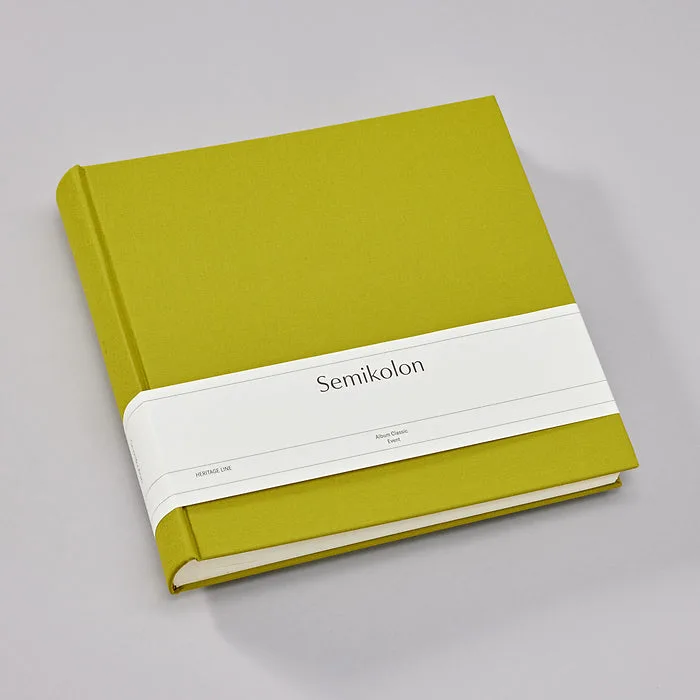
If a print feels tight, stop. Check that you have the correct format — the Semikolon Linen Album Classic takes 10 × 15 cm (4 × 6 inch) prints, and trimming or bending a larger photo to fit will damage both the print and the pocket.
Handle prints by the edges and keep pockets clean
Skin oils are the enemy of long-term print storage. Hold every photo by opposite edges, never by the image surface, and avoid pressing your thumb across the front. If you notice a fingerprint, do not rub it with a dry cloth — that can grind oil into the emulsion. Instead, set the print aside and consult a photo care specialist if the print is important.
Dust and grit are just as damaging. Before loading a pocket, check that it is empty and free of debris. A quick puff of air or a soft brush across the pocket opening removes particles that could otherwise press into the print surface over time.
Plan a layout that leaves room to grow
A 200-pocket album does not have to be filled in one sitting. Leave the first and last spreads open for a title page or a favorite enlargement, and avoid cramming every pocket just because it exists. Empty pockets are fine — they give you room to add photos later without reorganizing the whole album.
If you want a more designed look, alternate horizontal and vertical prints, or group a single event across one spread so the story reads left to right. Just keep the same back-to-front loading order so you never have to reinsert a print.
Step-by-step: filling your album safely
- Sort and stack before you load: Decide the order of all 200 photos first, then stack them in that sequence. Common mistake: loading as you sort, which forces you to pull prints back out and risk creases. Checkpoint: every photo has a home before the album opens.
- Start at the back page and work forward: Load the back side of the last page first, then move toward the front. This keeps you from dragging prints across already-filled pockets. Checkpoint: no photo is ever slid against another print.
- Insert with even, gentle pressure: Hold the print by opposite edges and guide it into the pocket smoothly. If it resists, stop and check the size — never force a print. Checkpoint: the print slides in without bending.
- Close the album flat between sessions: If you are filling the album over several days, close it and store it flat to keep pages from warping. Avoid stacking heavy objects on top. Next step: label sections with sticky notes so you can resume without re-sorting.
Album details that affect how you load it
- Semikolon Linen Album Classic, 200 Pockets: The Semikolon Linen Album Classic has 100 pages with two slip-in pockets per page, holding 200 photos in 10 × 15 cm format. It is handmade in Europe, bound in book linen, and uses archival-quality pH-neutral, lignin-free paper with acid-free plastic pockets. The acid-free pockets and pH-neutral paper are what protect your prints from yellowing and chemical damage, so it is worth taking the extra time to load each pocket carefully rather than rushing.