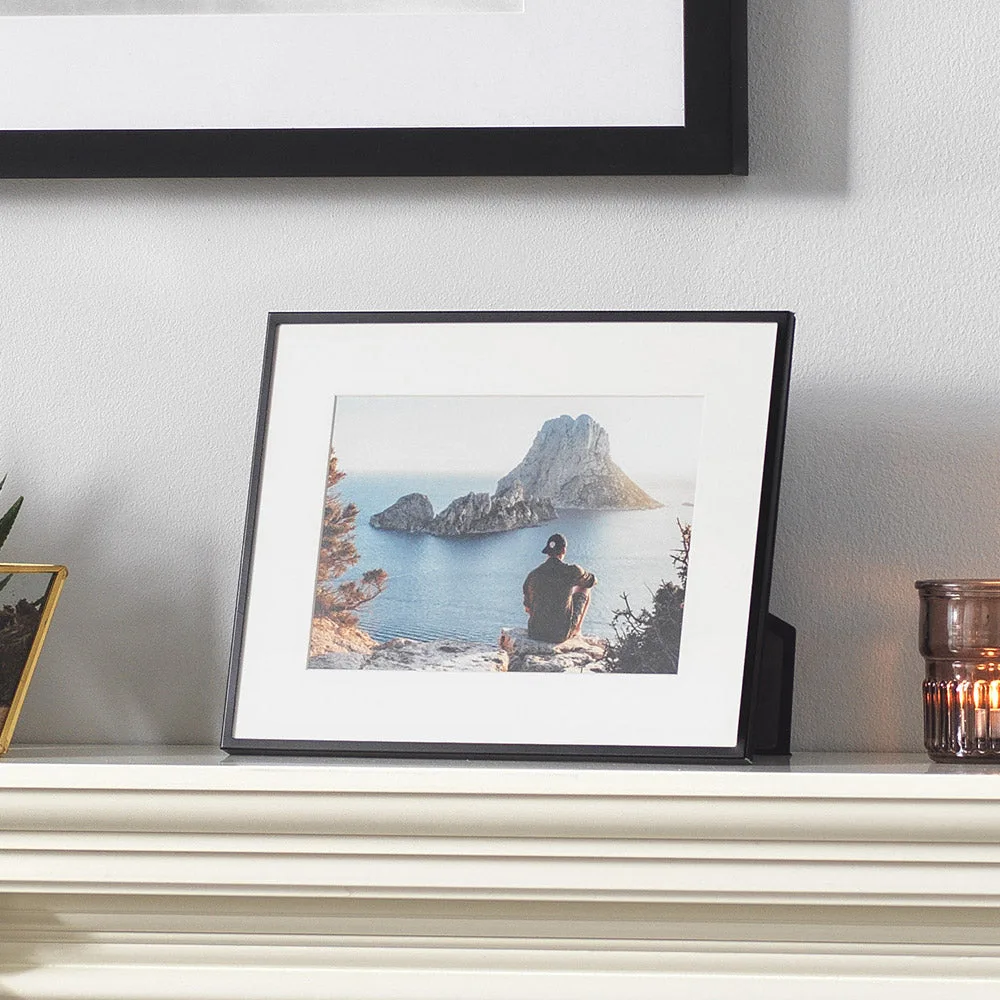
Quick answer
Start by choosing a metal frame that fits your print size and décor, then use the removable mat to create a border or switch to a second size option. Assemble the frame with the included backing and hang it securely using the wall hardware.
Why metal frames work for modern interiors
Metal photo frames offer a slim, clean profile that suits both classic and contemporary settings. The brushed black finish of the Fusion Classic Series or the sleek black steel of the Avenue Series adds a subtle texture without overwhelming your image. City Series frames go further with four colour options—walnut brown, ash grey, chic black, and light natural—so you can match your wall colour or furniture.
A common concern is that metal frames feel cold or industrial. In practice, the removable white mat (included with all three series) softens the look by adding a generous border, making the frame feel warmer and more gallery-like.
Size and matting trade-offs
Each series covers different print sizes. Fusion Classic frames are available from 6x4" up to A3, while City Series runs from 6x4" to A4, and Avenue Series tops out at 8x10". If you need a large format, Fusion Classic is your best bet. For smaller desk or shelf frames, City Series offers the widest colour choice.
All frames include a removable picture mat that lets you use two photo sizes in one frame. For example, an 8x6" frame can hold a 6x4" print with the mat or an 8x6" print without it. The trade-off: using the mat reduces the visible image area, so if you want the print to fill the frame, skip the mat.
How to frame your photo in a metal frame
- Choose the right frame size: Measure your print and select a frame that is at least the same size. If you plan to use the mat, the frame must be larger than the print—for example, a 6x4" print fits an 8x6" frame with the mat. Check the product size options before ordering. Common mistake: ordering a frame that matches the print size exactly, then finding the mat won't fit. Always confirm the matted size.
- Insert your print with or without the mat: Remove the backing board and the mat from the frame. Place your print behind the mat opening if you want a border, or directly into the frame if you want a full-bleed look. Centre the print and press the backing board into place. Check that the print is straight before securing the backing—once the tabs are bent, it's hard to adjust.
- Secure the backing and hang the frame: Most metal frames use bendable metal tabs or a spring clip to hold the backing. Fold the tabs flat against the backing to lock it. Attach the wall hardware (usually a sawtooth hanger or D-rings) and hang the frame on a nail or screw at the correct height. For multiple frames on one wall, use a level and measure spacing before hammering nails to keep the arrangement straight.
Frames that make framing easier
-
Fusion Classic Series Photo Frames (Black): Fusion Classic Series aluminium frames have a slim profile and lightly brushed black finish, available in 11 photo sizes from 6x4" to A3 with a generous removable picture mat. You get two size options in one frame, and the wide size range covers everything from small desk prints to large wall art.
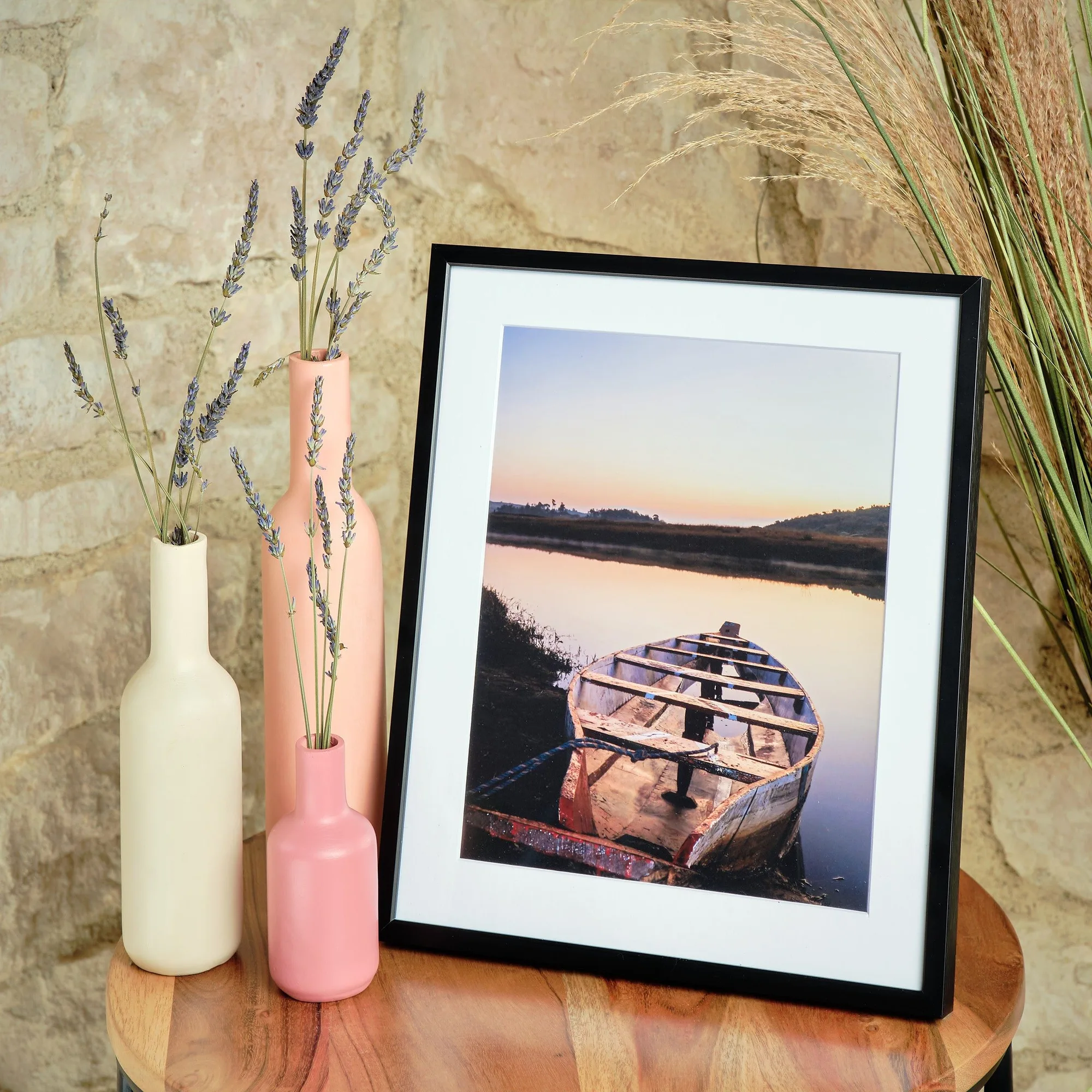
Fusion Classic Series Photo Frames (Black)
-
City Series Photo Frames: City Series frames come in four colours (walnut brown, ash grey, chic black, light natural) and fit seven sizes from 6x4" to A4, each with a removable bevelled white photo mount. The bevelled mount adds a professional gallery edge, and the colour choices let you coordinate with your room without repainting.
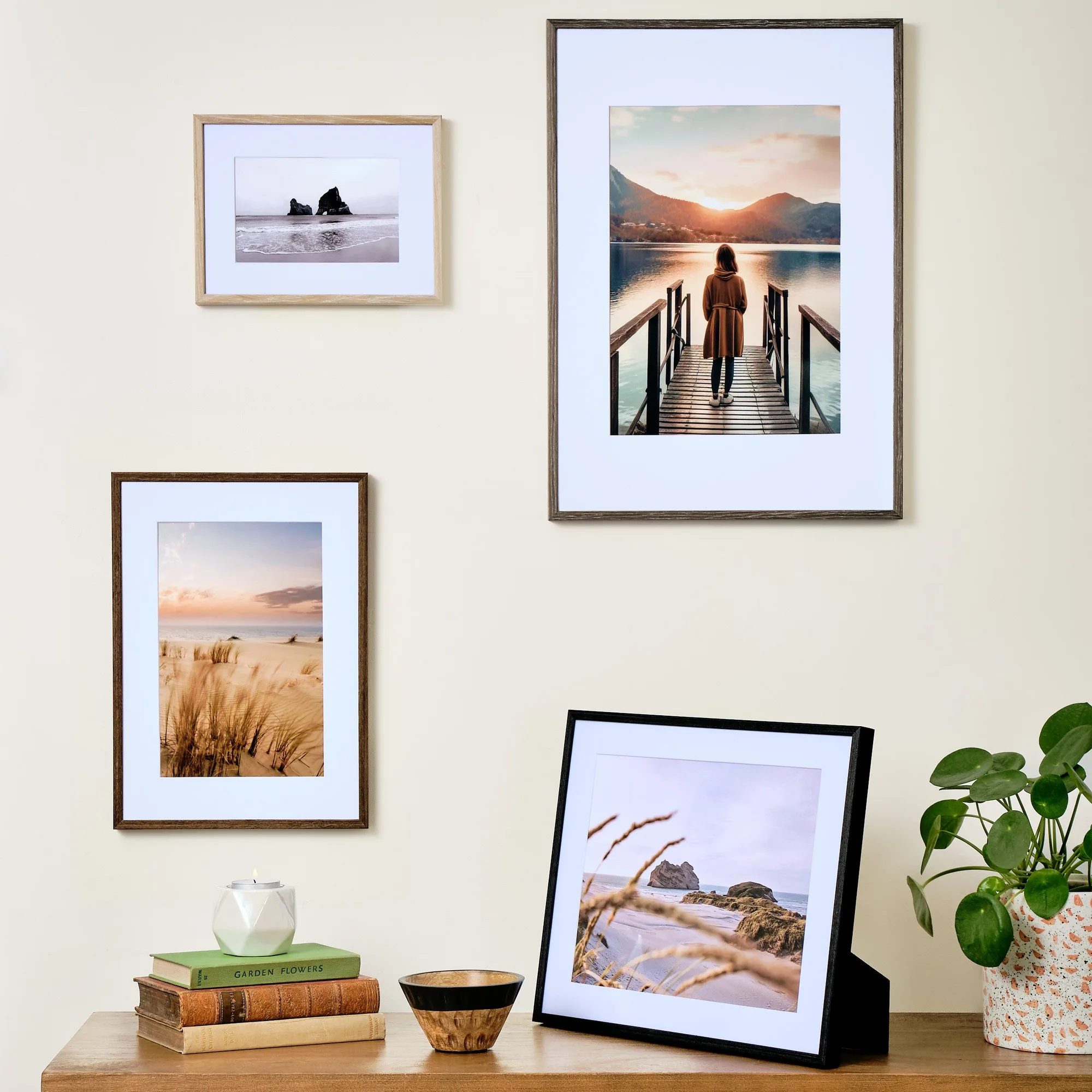
City Series Photo Frames
-
Avenue Series Photo Frames (Black): Avenue Series frames are made of sleek black steel with a 5mm wide profile, luxury black velour lined backs, and removable white picture mats. Available in four sizes up to 8x10". The velour backing protects your print from scratches, and the slim steel profile keeps the focus on your image.