Quick answer
You can install a 4G solar PTZ camera like the Defender Frontier model yourself in a few hours. Focus on choosing a sunny spot with good cellular reception, mounting it securely, and running the initial setup through the app.
Why choose a 4G solar PTZ camera for DIY installation
A 4G solar PTZ camera eliminates the need for running Ethernet or power cables, making it ideal for remote or off-grid locations. The Defender Frontier model, for example, uses 4G cellular connectivity and solar power, so you only need to mount it and insert a SIM card. This simplicity is perfect for DIY installation, but it does mean you rely on cellular coverage and adequate sunlight.
Installation steps
- Choose the mounting location: Pick a spot that gets direct sunlight for most of the day and has strong 4G signal. Use a signal checker app on your phone before mounting. The solar panel needs at least 4-6 hours of sun daily. A shaded or weak-signal spot will cause the camera to drain its battery or lose connectivity.
- Mount the camera bracket securely: Attach the included bracket to a wall, pole, or eave using the provided screws and anchors. Ensure the surface can support the camera's weight (typically 2-3 lbs). Use a level to keep the bracket straight. A loose bracket will make PTZ movements shaky and may cause the camera to drift over time.
- Insert the SIM card and attach the solar panel: Open the camera's SIM slot and insert a compatible 4G data SIM. Then connect the solar panel cable to the camera's power port. Orient the solar panel toward the sun (south-facing in the northern hemisphere). Forgetting to secure the cable connections with the rubber gasket can let moisture in and damage the ports.
- Power on and pair with the app: Press the camera's power button. Wait for the LED to blink, then open the Defender app and follow the pairing instructions. You may need to scan a QR code on the camera body. If pairing fails, check that the SIM has an active data plan and that the camera is within cellular range.
- Adjust PTZ and detection settings: Use the app to set pan, tilt, and zoom presets. Configure motion detection zones and AI alerts. Test the camera's view from the app and tweak the angle until you cover the area you want. Setting overly sensitive detection zones can cause false alerts from passing cars or animals.
Product facts
-
4G Solar Powered 2K+ AI Frontier PTZ Wireless Security Camera: The Defender 4G Solar Powered 2K+ AI Frontier PTZ Wireless Security Camera operates without a wired network connection, using 4G cellular connectivity and solar power for continuous off-grid operation. This means you can place the camera almost anywhere with cellular coverage and direct sunlight, without running cables or hiring an electrician.
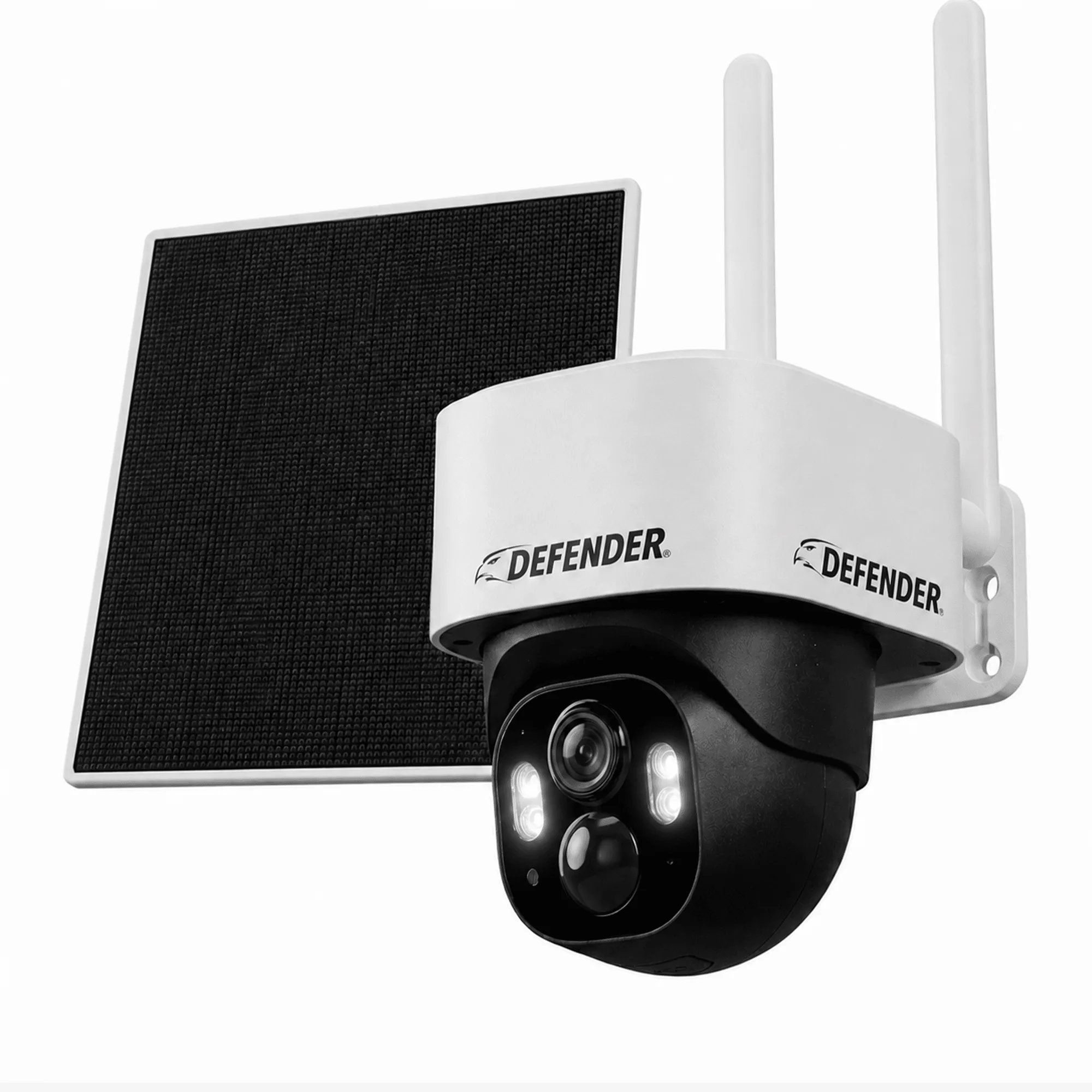
4G Solar Powered 2K+ AI Frontier PTZ Wireless Security Camera