Quick answer
Clean your Galaxy S23 camera lenses thoroughly, align the protector carefully, and press from the center outward to avoid bubbles. Use a dust removal sticker if needed.
Why a camera lens protector matters
The Galaxy S23 and S23+ have prominent camera lenses that are prone to scratches from everyday pocket debris or table surfaces. A tempered glass lens protector adds a durable layer without affecting photo quality, especially when made from double tempered glass with an anti-fingerprint coating.
What to look for in a lens protector
Choose a protector that covers the entire lens array and is compatible with your case. Some protectors, like the Pelican Aluminum Ring HD Lens Protector, include an aluminum ring for extra edge protection and a low-profile fit. Others, like the Case-Mate Lens Protector, focus on ultra-high clarity for maintaining photo sharpness. Both are scratch-resistant and easy to install.
Step-by-step installation guide
- Clean the camera lenses thoroughly: Use the included alcohol wipe or a microfiber cloth to remove all dust, oil, and fingerprints from the lenses. Any residue left behind will cause bubbles or lifting later. A common mistake is skipping the drying step — wait a few seconds after cleaning so no moisture is trapped under the glass.
- Use the dust removal sticker: Peel the sticker and gently dab it over the lenses to pick up any remaining dust particles. This step is critical for a bubble-free result, especially in a dusty room. If you see a speck after applying the protector, lift the edge with a piece of tape and use the sticker again — do not press it down.
- Align and apply the protector: Remove the backing from the lens protector and hold it by the edges. Lower it onto the camera module, making sure it is centered over all lenses. Once it touches, press firmly from the center outward using your finger or the included squeegee. If you misalign it, lift it immediately — do not slide it sideways, as that can scratch the glass.
- Press out remaining air bubbles: Use the squeegee or a soft cloth to push any small bubbles toward the edges. For stubborn bubbles, lift the nearest corner slightly and re-press. Small bubbles near the edge often disappear within 24 hours as the adhesive settles.
- Attach your case: Once the protector is fully seated, snap your Galaxy S23 case back on. Ensure the case does not lift the edges of the protector — if it does, the protector may be too thick or not fully aligned. Some protectors are designed to work with specific case brands; check compatibility before buying.
Recommended lens protectors
-
Camera Lens Protector - Galaxy S23 / S23+: Crafted from double tempered glass with ultra-high clarity to achieve high quality photos through a flawless lens. You get scratch protection without sacrificing photo sharpness, and it is compatible with Case-Mate cases.
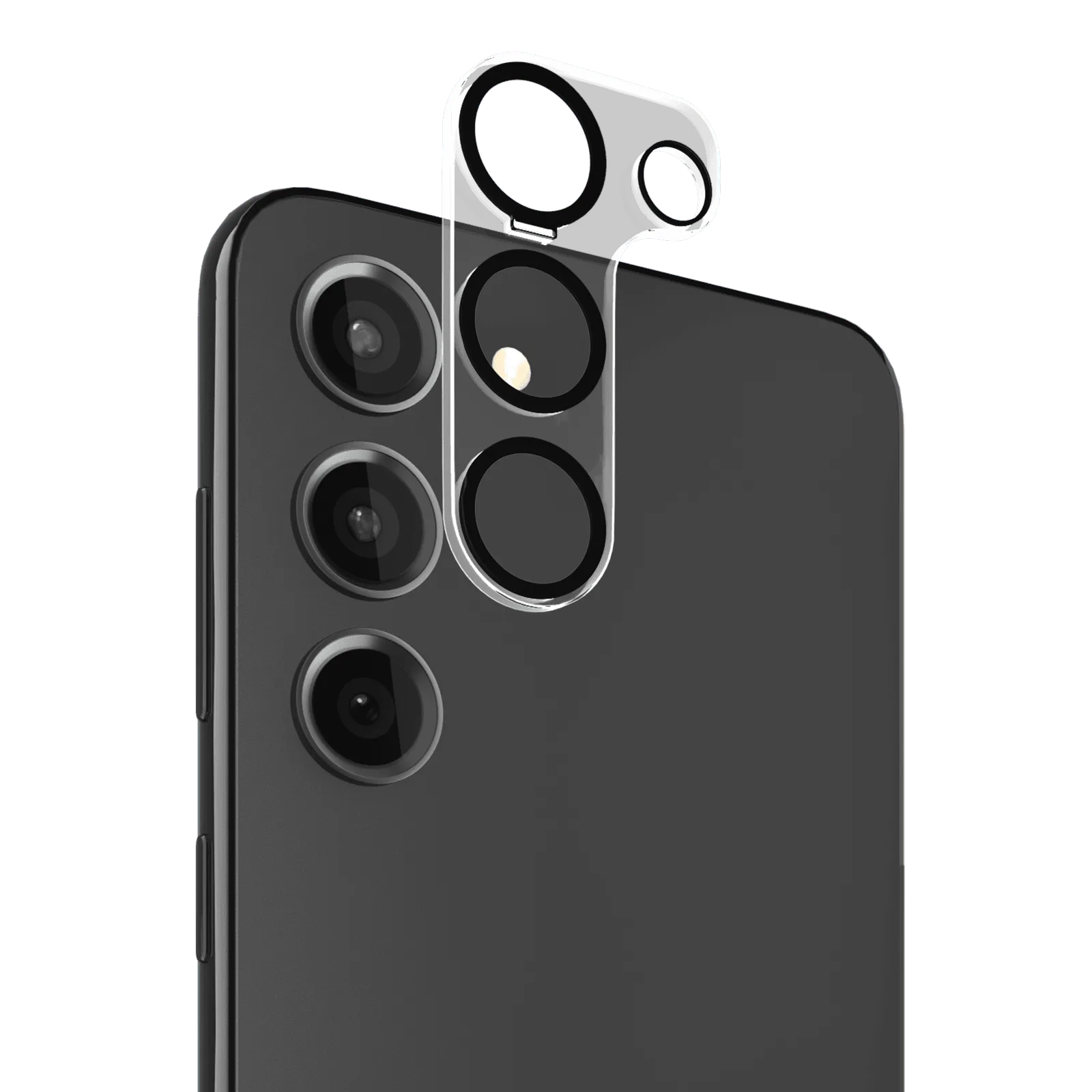
Camera Lens Protector - Galaxy S23 / S23+
-
Pelican Camera Lens Protectors - Galaxy S23 / S23+: Easy-to-install, scratch resistant, double tempered glass lens protector with an anti-fingerprint coating and an aluminum ring. The aluminum ring adds extra edge protection and the anti-fingerprint coating keeps your lenses clean between wipes.
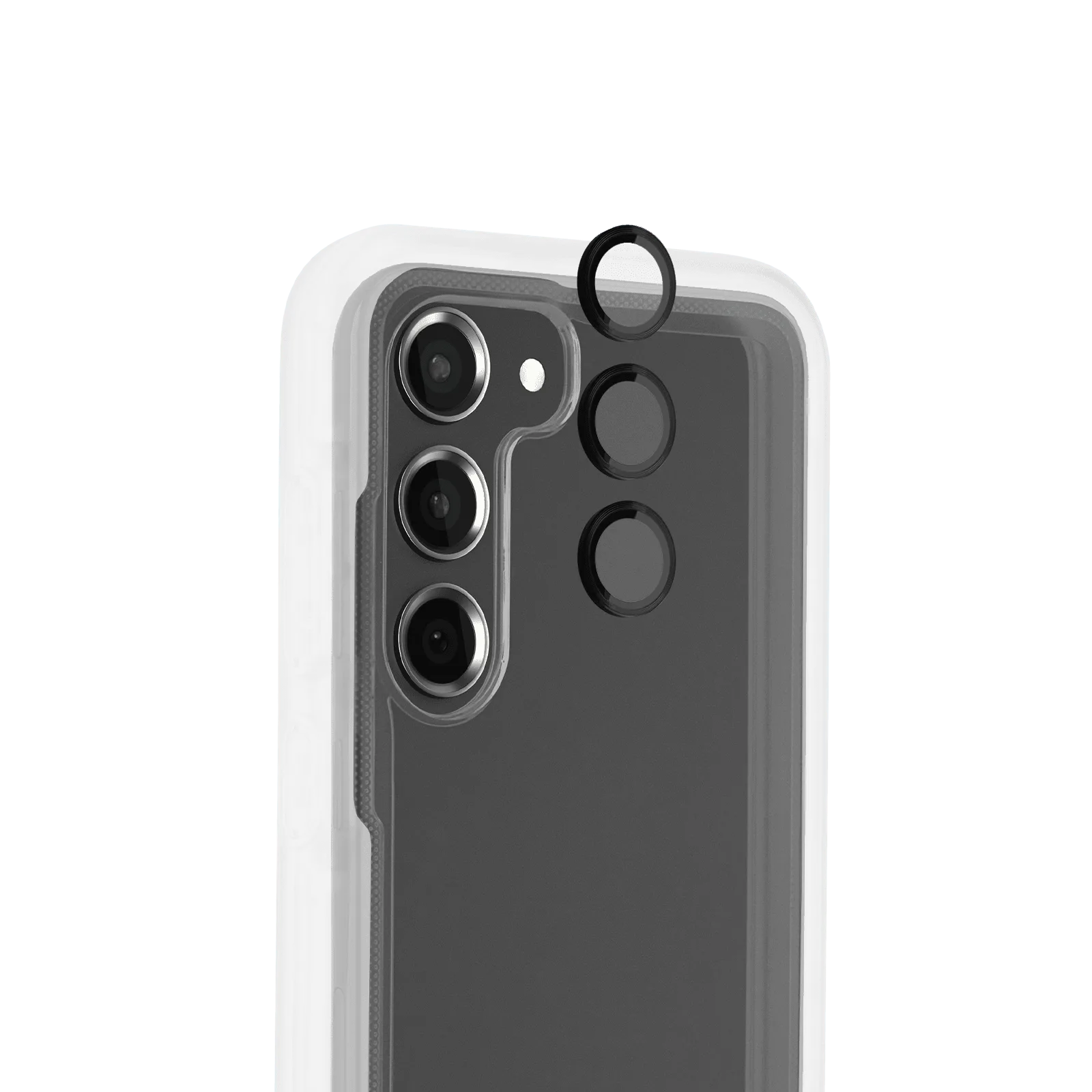
Pelican Camera Lens Protectors - Galaxy S23 / S23+