Quick Answer
To install an iPhone 17e rugged case without blocking buttons, align the case with the phone's button side first, press the corners firmly, and check each button for a tactile click before sealing the case fully.
Why Button Alignment Matters
A rugged case that blocks buttons defeats its purpose. Misaligned cutouts can make the power or volume buttons feel stiff, unresponsive, or require extra pressure. This often happens when the case is installed at an angle or when the phone is forced into place.
The iPhone 17e shares the same dimensions as the iPhone 16e, so cases designed for either model should fit identically. Still, always confirm the case is labeled for the 17e or 16e before installation to avoid fit issues.
Common Installation Mistakes to Avoid
One common mistake is starting from the top or bottom and sliding the phone in. This can misalign the case with the button cutouts. Another is applying excessive force, which can bend the case or scratch the phone's frame.
Taking a few extra seconds to align the case correctly before pressing saves you from having to remove and reinstall it.
Step-by-Step Installation Guide
- Clean and prepare your phone: Wipe your iPhone 17e with a microfiber cloth to remove dust and oils. This prevents debris from getting trapped between the case and the phone, which could push the case out of alignment and affect button access. Check that the case interior is also free of dust before installation.
- Align the button side first: Hold the case with the button cutouts facing you. Slide the power button side of your iPhone into the case first, ensuring the buttons align with the cutouts. This is the most critical step for button responsiveness. Verify that the buttons are centered in their cutouts before pressing further.
- Press the corners and edges: Starting from the button side, press the corners and edges of the case firmly but gently. Work your way around the phone, applying even pressure. Avoid pressing directly on the buttons themselves to prevent misalignment. If you feel resistance, stop and re-check alignment rather than forcing the case.
- Test all buttons: After the case is fully seated, press the power button, volume buttons, and mute switch (if applicable). Each should click smoothly without excessive force. If any button feels stiff, remove the case and repeat the process. Buttons should respond with a clear tactile click; if not, reinstall the case.
Recommended Case for This Guide
-
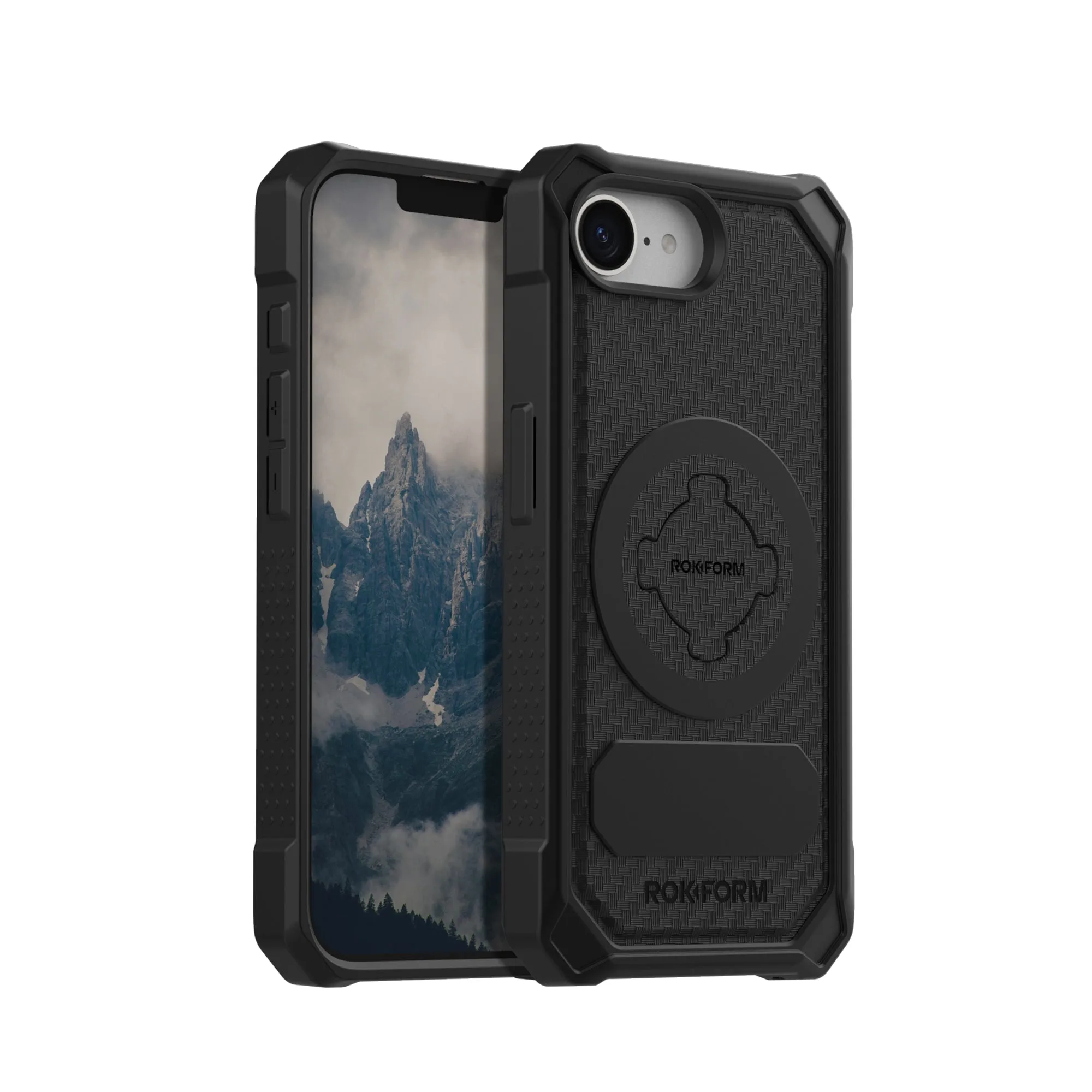
iPhone 17e Rugged Case: The iPhone 17e Rugged Case combines a rigid polycarbonate outer shell with an impact-absorbing TPU inner core, and it shares the same dimensions as the iPhone 16e. This construction provides a precise fit that helps keep buttons aligned when installed correctly, while the TPU core cushions drops without adding bulk that could interfere with button access.
iPhone 17e Rugged Case