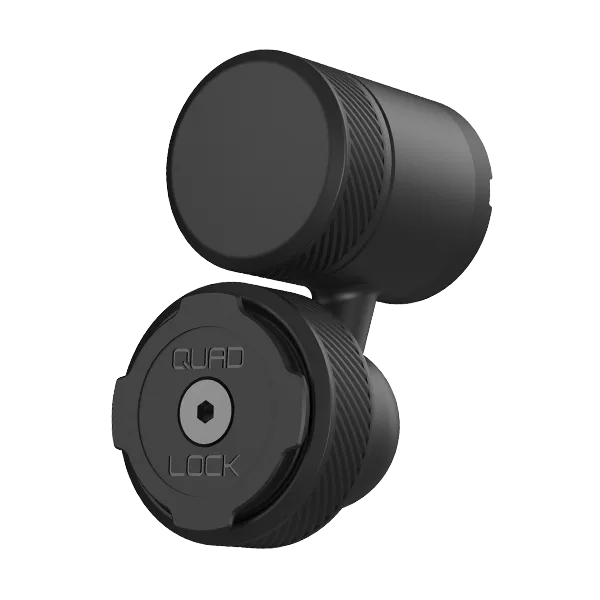
If you're looking for a reliable way to keep your phone visible and accessible while driving, the Quad Lock car vent mount is an excellent choice. Its secure locking mechanism and sturdy design ensure your device stays put, even on bumpy roads. In this guide, we'll walk you through the installation process step by step, so you can get your mount ready in no time.
Quad Lock is known for its rugged, durable mounting systems, and the car vent mount is no exception. Whether you're using it for navigation, hands-free calls, or music streaming, this mount offers a secure fit that doesn't obstruct your view. Let's dive into the installation process.
What's in the Box
Before you start, it's a good idea to check that you have all the components. The Quad Lock car vent mount kit typically includes the vent mount base, a Quad Lock phone case or universal adaptor, and the necessary screws and Allen key. If you're using a Quad Lock case, you'll already have the locking mechanism built in. If not, you'll need a universal adaptor that attaches to your phone or existing case.
For this guide, we'll assume you're using a Quad Lock case, which is the simplest and most secure option. If you have a different setup, the steps are still similar, but you'll need to attach the universal adaptor first.
- Vent mount base
- Quad Lock phone case or universal adaptor
- Screws and Allen key
Step 1: Choose the Right Vent
Not all car vents are the same. The Quad Lock vent mount is designed to fit most horizontal and vertical vents, but it's important to choose a vent that is sturdy and not too flexible. Avoid vents that are too thin or flimsy, as they may not hold the mount securely.
If you have a vent with adjustable fins, make sure they are in a position that allows the mount to sit flat. You can adjust the fins to create a stable base for the mount.
Step 2: Attach the Vent Mount
Hold the vent mount base against the vent fins, ensuring the clips are aligned with the fins. Gently push the mount onto the vent until it clicks into place. The mount should feel snug and not wiggle. If it's loose, you may need to adjust the position or choose a different vent.
Once attached, give it a gentle tug to make sure it's secure. It's better to check now than to have your phone fall while driving.
Step 3: Install the Phone Case
If you're using a Quad Lock case, simply snap it onto your phone. The case is designed to fit perfectly and provides the locking mechanism on the back. Make sure the case is properly aligned with the phone's buttons and ports.
If you're using a universal adaptor, attach it to the back of your phone or case using the adhesive provided. Press firmly and hold for a few seconds to ensure a strong bond. Wait at least 30 minutes before using the mount to allow the adhesive to set.
Step 4: Mount Your Phone
With the case or adaptor in place, you can now attach your phone to the vent mount. Simply place the phone onto the mount, aligning the locking mechanism, and twist it into place. You'll hear a click when it's securely locked.
To release the phone, twist it in the opposite direction. Practice a few times to get the hang of it, especially if you're new to Quad Lock products.
Step 5: Adjust for Best View
Once your phone is mounted, adjust the angle of the vent mount to get the best viewing angle. The mount allows for 360-degree rotation, so you can position it horizontally or vertically. Make sure it doesn't obstruct your view of the road or any important controls.
If you're using the mount for navigation, position it so the screen is easily visible without taking your eyes off the road for too long.
Tips for a Secure Installation
To ensure your Quad Lock vent mount stays secure, periodically check the tightness of the vent clips. Over time, they may loosen slightly due to vibration. Also, avoid using the mount with heavy or oversized phones that could put extra strain on the vent.
If you have a particularly heavy phone, consider using a different mounting option, such as the 4x4 Car - Vent Mount, which is designed for off-road use and can handle more weight.
Alternative: Power Your Phone While Mounted
One of the great things about the Quad Lock system is the ability to add charging capabilities. If you want to keep your phone powered during long drives, consider adding a charging head to your mount. The Charging - Dual USB 12V Car Charger is a great accessory that plugs into your car's cigarette lighter and provides two USB ports, so you can charge your phone and another device simultaneously.
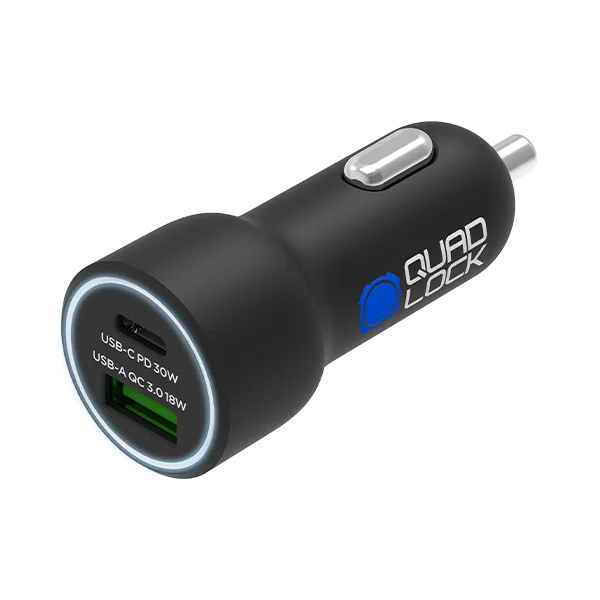
Charging - Dual USB 12V Car Charger
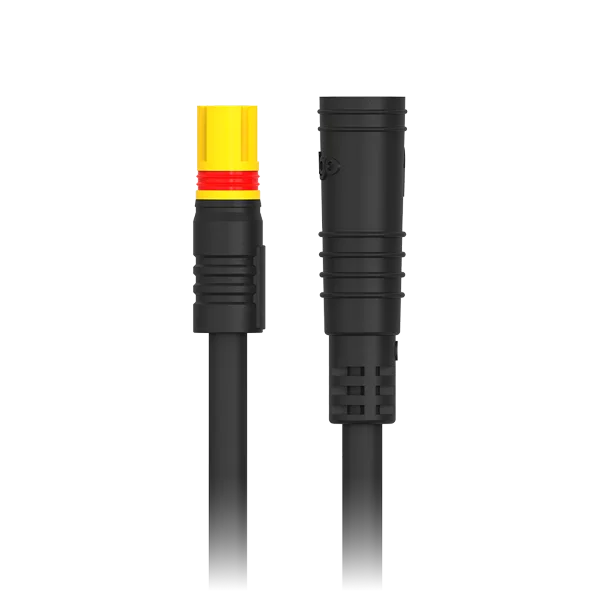
You can also use the Quad Lock Cycling - Power Cables to connect your phone to a power source, though these are more suited for bikes. For cars, the dual USB charger is the simplest solution.
Installing a Quad Lock car vent mount is a simple process that takes just a few minutes. With the secure locking mechanism and sturdy build, you can trust that your phone will stay in place no matter where the road takes you. If you're ready to upgrade your driving experience, check out the 4x4 Car - Vent Mount for extra durability, or explore other Quad Lock products to find the perfect fit for your needs.