Quick Answer
Clean the housing screen thoroughly, align the Screen Shield carefully, and press from the center outward to avoid bubbles. Use the included dust removal tape and cloth for a flawless bond.
Why the Screen Shield Matters
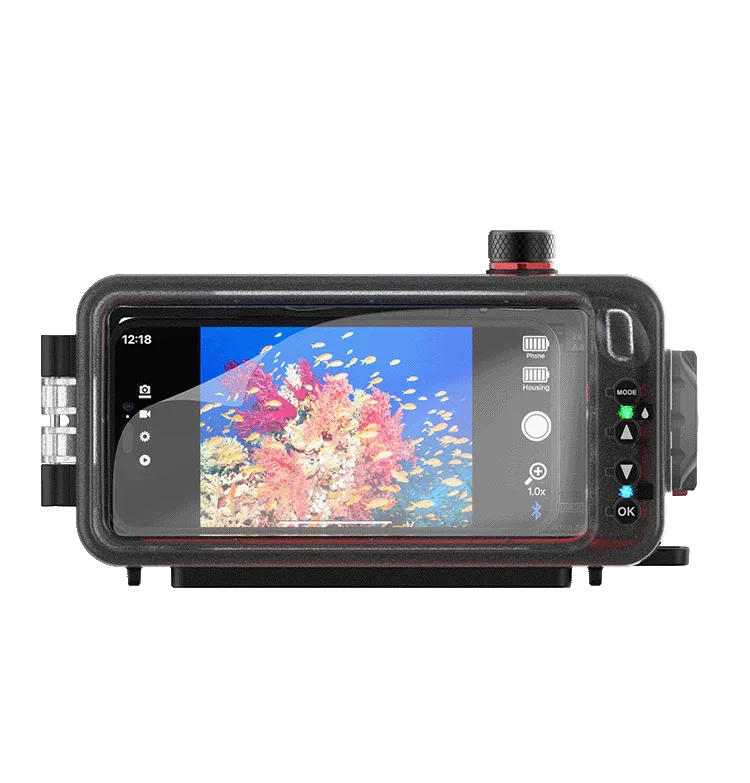
The SeaLife Screen Shield uses a nano coating that repels water, resists fingerprints, and protects against scratches. This is especially useful for rear LCD screens on dive housings like the SportDiver and SportDiver Ultra, where a scratched or smudged display can ruin an underwater shot.
Choosing the Right Shield
SeaLife offers three Screen Shield sizes: one for Micro 3.0, 2.0, HD+, and HD cameras (2.4″ or smaller screens), one for SportDiver and SportDiver S housings (6.8″/173mm diagonal), and one for SportDiver Ultra housings (7.1″/180mm diagonal). Using the correct size ensures full coverage and a secure fit.
Installation Steps
- Clean the screen thoroughly: Use the included cleaning cloth to remove dust, oil, and moisture. For stubborn spots, lightly dampen the cloth with fresh water. Let the screen air-dry completely. Even a tiny speck of dust will create a bubble under the shield.
- Use the dust removal tape: Press the dust removal tape firmly onto the clean screen, then peel it off to lift any remaining lint or particles. Repeat if needed until the screen is spotless. Do not touch the screen with your fingers after this step.
- Align the Screen Shield: Peel the backing from the Screen Shield. Holding it by the edges, hover it over the screen and align it with the edges or corners. The shield is slightly oversized—center it so there is equal margin on all sides. Once the shield touches the screen, you cannot reposition it without risking adhesive failure.
- Press from the center outward: Gently lower the shield onto the screen. Using the included cloth or a soft card, press from the center toward the edges to push out air bubbles. Work slowly and firmly. If a bubble remains, lift the nearest edge until the bubble is released, then re-press.
- Remove the top protective layer (if present): Some Screen Shields have a thin outer film that protects the nano coating during installation. If yours has one, peel it off after the shield is fully bonded. Check the instructions included with your shield—not all models have a separate top layer.
Product Facts
-
Screen Shield for Micro 3.0, 2.0, HD+, HD: The Screen Shield for Micro 3.0, 2.0, HD+, and HD fits screens 2.4″ or smaller and includes two protectors, dust removal tape, a cleaning cloth, and instructions. It's a low-cost way to keep your compact camera's rear screen scratch-free and easy to read underwater.
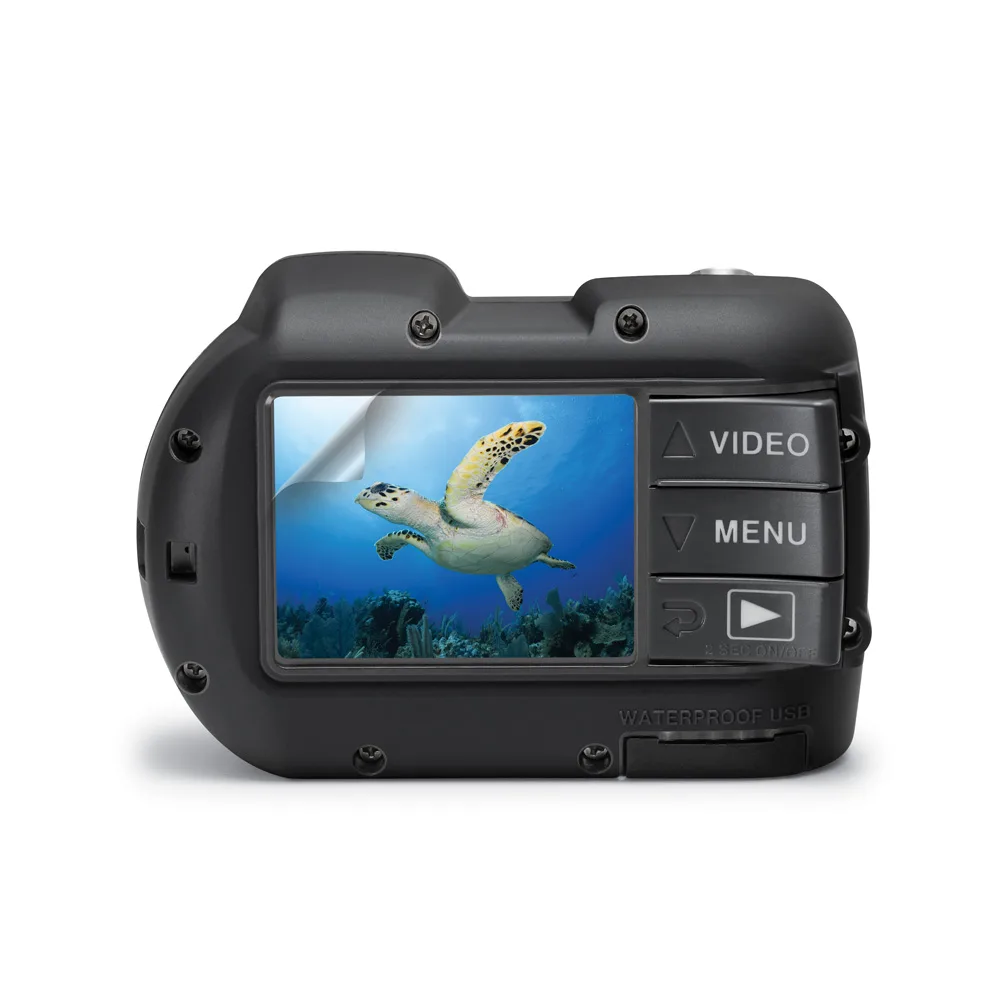
Screen Shield for Micro 3.0, 2.0, HD+, HD
-
Screen Shield for SportDiver & SportDiver S: The Screen Shield for SportDiver & SportDiver S fits screens up to 6.8″/173mm diagonal and uses the same nano coating. Perfect for the larger LCD on SportDiver housings, where a clean display is critical for framing shots during a dive.
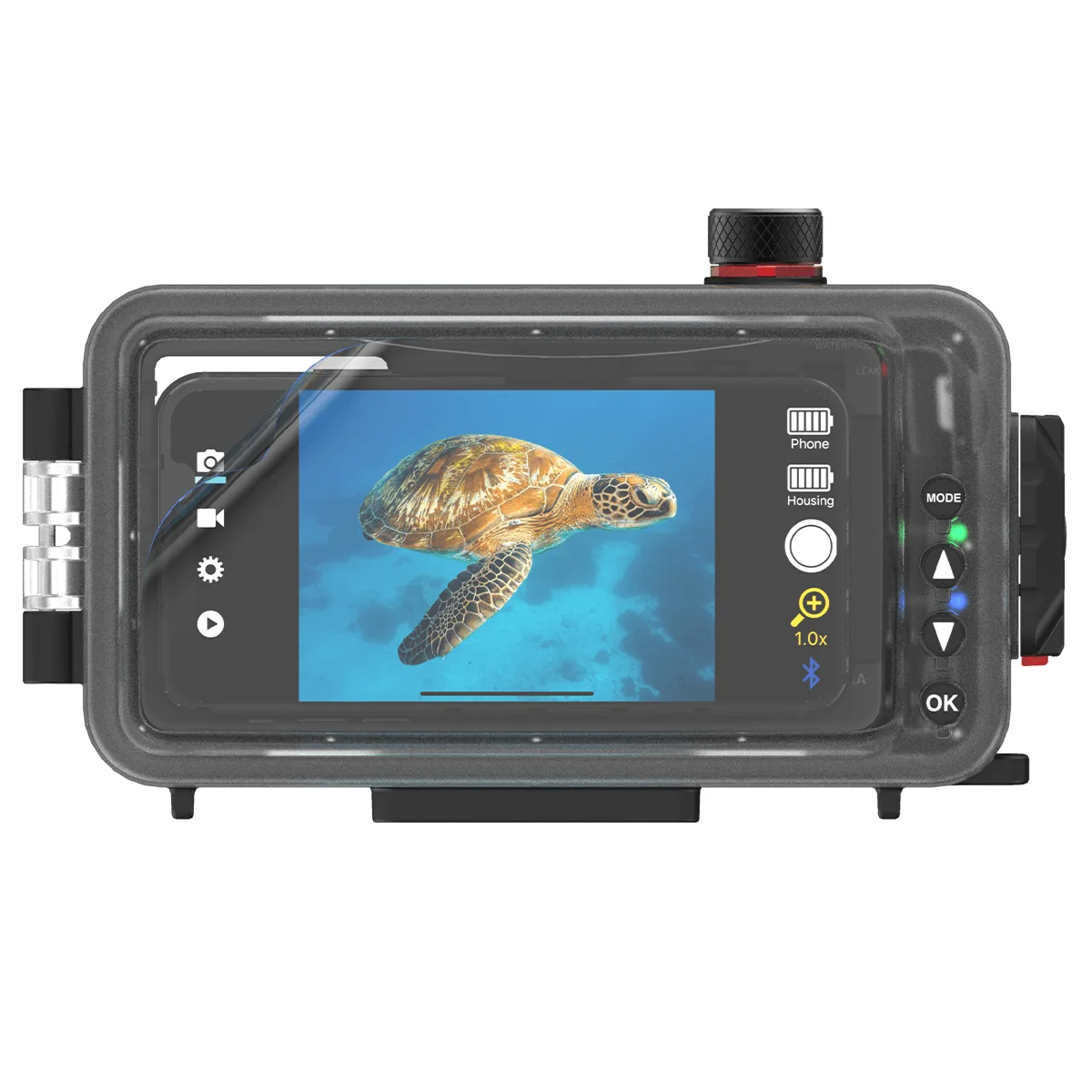
Screen Shield for SportDiver & SportDiver S
-
Screen Shield for SportDiver Ultra: The Screen Shield for SportDiver Ultra fits screens up to 7.1″/180mm diagonal. Specifically designed for the SportDiver Ultra's larger display, ensuring full protection without overhang.