Quick Answer
Installing an SNES RGB bypass involves opening your console, removing the original video encoder, and soldering in a bypass board to output pure RGB. This mod significantly improves video clarity and color accuracy. Follow the steps below for a successful installation.
The Super Nintendo (SNES) is a beloved console, but its original video output can be blurry and dull due to the composite encoder. An RGB bypass mod bypasses this encoder, giving you the crispest, most vibrant picture possible on modern displays. This guide will walk you through the process step by step, from gathering tools to testing your work.
Whether you're a seasoned modder or a beginner, this tutorial provides clear instructions and highlights common pitfalls. By the end, you'll have a professional-quality RGB output that makes your favorite games look better than ever.
Tools and Materials You'll Need
Before starting, gather all necessary tools and components. You'll need a soldering iron with a fine tip, solder (preferably 0.5mm), flux, desoldering wick or pump, a small Phillips screwdriver, and a plastic opening tool. For the mod itself, you'll need an SNES RGB bypass board (such as the one from RetroTink or similar) and appropriate cables.
It's also wise to have a multimeter to check for shorts and continuity. Ensure you have a well-lit, static-free workspace. If you're new to soldering, practice on a scrap board first to build confidence.
- Use a temperature-controlled soldering iron set to around 350°C (660°F) to avoid damaging components.
- Double-check that you have the correct bypass board for your SNES model (1-CHIP vs. other revisions).
Opening the Console and Preparing the Board
Start by turning off the SNES and unplugging all cables. Remove the screws on the bottom of the console using a Phillips screwdriver. Carefully separate the top and bottom shells, being mindful of the RF shield. Lift the shield to expose the main motherboard.
Locate the video encoder chip (usually labeled 'S-RGB' or 'CXA1645'). This is the chip you'll be bypassing. Clean the area around the chip with isopropyl alcohol to remove any dust or grime. Take note of the chip's pinout—refer to your bypass board's documentation for exact connection points.
- Keep screws and parts organized in a small container to avoid losing them.
- If you encounter resistance when separating the shells, check for hidden screws or clips.
Installing the Bypass Board
Now it's time to solder. Begin by tinning the pads on the bypass board and the corresponding points on the SNES motherboard. Using fine wire or the included ribbon cable, connect the bypass board to the video encoder's input and output pins. Follow the wiring diagram precisely—incorrect connections can damage the console.
Solder each connection carefully, ensuring no solder bridges form. Use flux to improve flow and prevent cold joints. After soldering, inspect each joint with a magnifying glass. Once all connections are made, secure the bypass board in place with double-sided tape or hot glue, ensuring it doesn't touch any other components.
- Use heat shrink tubing or electrical tape to insulate exposed wires.
- Double-check that the bypass board is oriented correctly before soldering.
Testing and Reassembly
Before closing the console, connect the SNES to your TV via an RGB SCART cable (or HD Retrovision component cables if you have a compatible setup). Power on the console and check the picture. You should notice significantly sharper text and more vibrant colors. If the screen is blank or distorted, power off immediately and recheck your connections.
If everything looks good, reassemble the console by reversing the disassembly steps. Be careful not to pinch any wires when replacing the RF shield and shells. Tighten the screws gently to avoid stripping them.
- Test with a game known for detailed graphics, like Super Mario World, to see the improvement.
- If you encounter audio issues, ensure the audio lines are connected properly, as some bypass boards also route audio.
Step-by-Step Installation Steps
- Step 1: Gather Tools and Components: Collect soldering iron, solder, flux, desoldering wick, screwdrivers, and the RGB bypass board. Ensure you have the correct board for your SNES revision. Checkpoint: Verify you have all items before starting.
- Step 2: Open the Console: Remove the bottom screws and carefully separate the shells. Lift the RF shield to access the motherboard. Common mistake: Forcing the shells open can break plastic clips. Use a plastic opening tool.
- Step 3: Locate the Video Encoder Chip: Identify the video encoder chip (often labeled S-RGB or CXA1645). Clean the area with isopropyl alcohol. Checkpoint: Confirm the chip model matches your bypass board's documentation.
- Step 4: Solder the Bypass Board: Connect the bypass board to the encoder's input and output pins using fine wire. Solder each joint carefully, avoiding bridges. Common mistake: Solder bridges cause shorts. Use flux and inspect each joint.
- Step 5: Test the Output: Connect the console to a TV via RGB cable and power on. Check for clear picture and correct colors. If the picture is wrong, power off and recheck connections.
- Step 6: Reassemble the Console: Replace the RF shield and shells, ensuring no wires are pinched. Tighten screws gently. Final check: Play a game to confirm everything works.
Product Facts
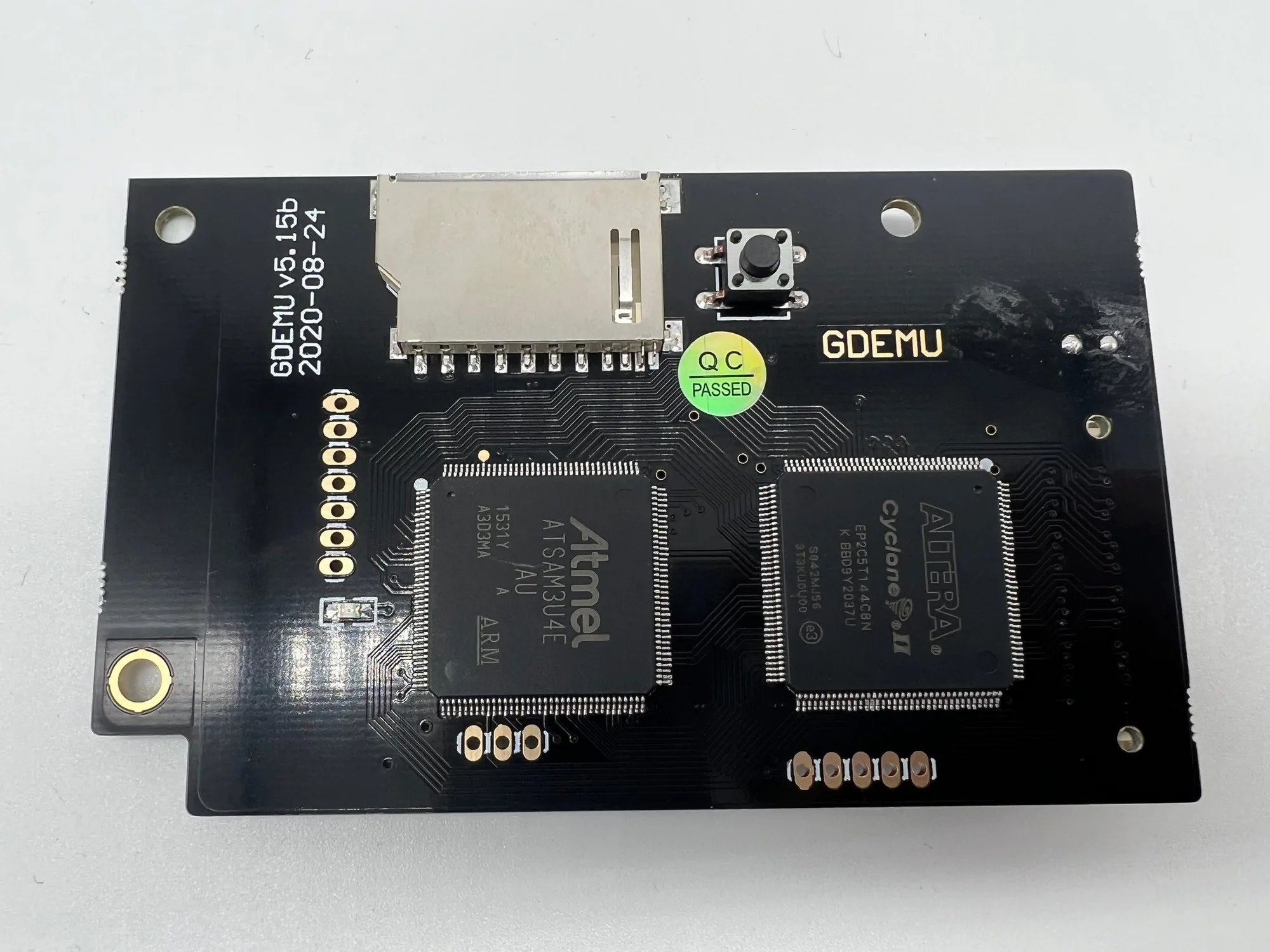
- GDEMU 5.15b Optical Drive Emulator: GDEMU is an SD card based replacement for the disc drive in a Dreamcast console. GD-ROM drives inevitably wear out and fail – as do all mechanical devices – and since the console is no longer being manufactured it’s nearly impossible to source spare parts. While not directly related to SNES, this product highlights the importance of preserving retro consoles by replacing failing mechanical parts with solid-state solutions, similar to how an RGB bypass preserves video quality.
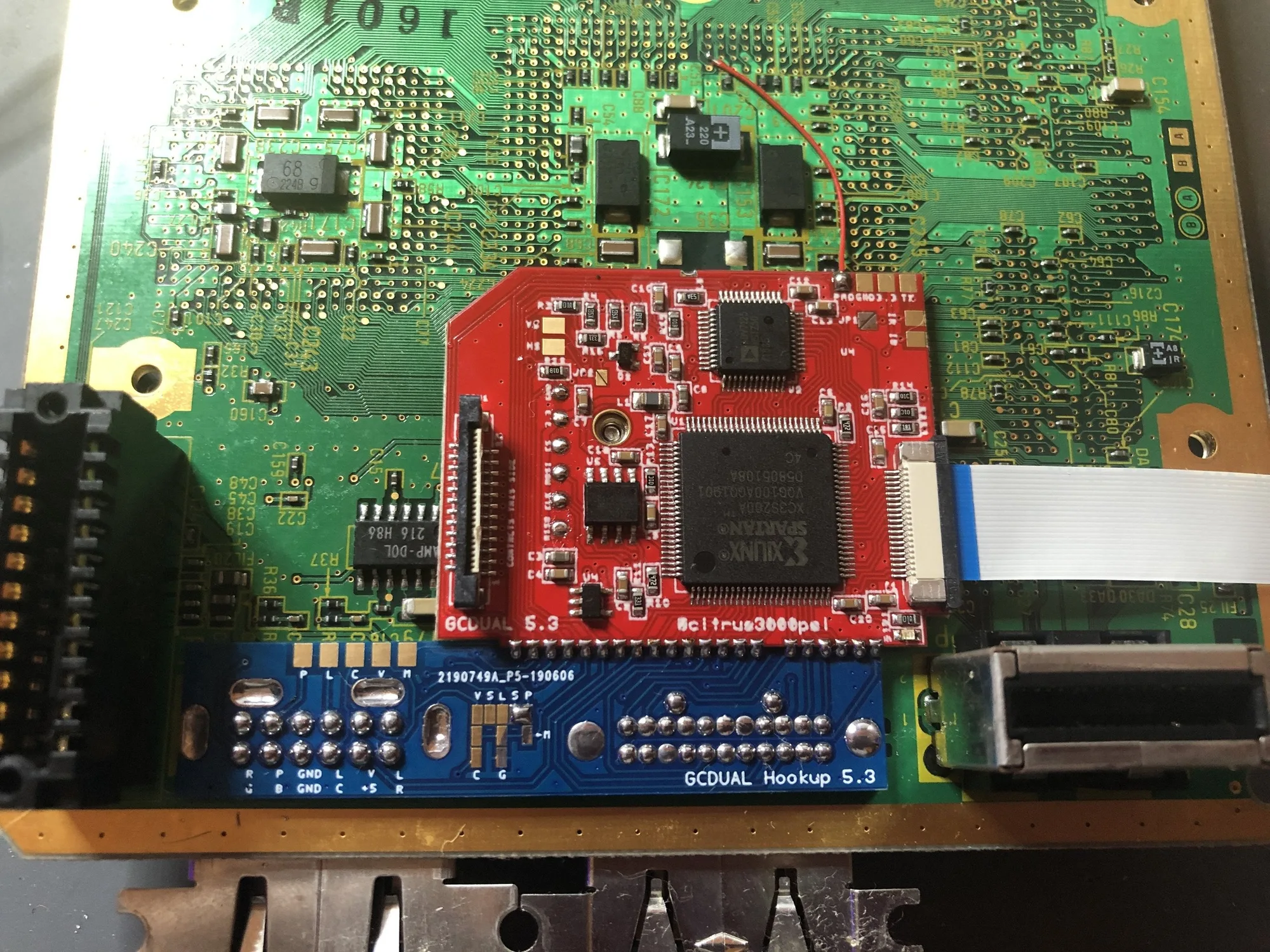
- GameCube HDMI Install: This service installs an HDMI output on a GameCube, allowing it to connect to modern TVs with a digital signal. Just like the SNES RGB bypass, this mod enhances video quality for retro gaming, showing that video mods are a popular way to improve the gaming experience on modern displays.
With your SNES RGB bypass installed, you'll enjoy a significantly sharper and more colorful picture that brings your classic games to life. If you're not comfortable soldering, many retro gaming stores offer installation services. For other console mods, check out our selection of mod kits and services.