Quick Answer
To install a tempered glass screen protector on your Galaxy S26 without bubbles, clean the screen thoroughly, align the protector carefully, and use a firm, even press from the center outward.
Why Tempered Glass Needs Careful Installation
Tempered glass protectors are rigid and less forgiving than flexible film. If you drop it onto the screen at an angle, it can trap dust or create a bubble that's hard to remove. Taking your time with alignment pays off because the glass will bond evenly once it touches the screen.
Galaxy S26 models have slightly curved edges, so the adhesive only covers the flat area. This means the edges may show a tiny gap—that's normal and doesn't affect protection. Don't press hard on the edges to force them down; it can cause the glass to crack or lift.
Step-by-Step Installation
- Clean the screen: Wipe the screen with the included alcohol wipe to remove oils, then use the dry cloth to remove any lint. Finish with a dust removal sticker to pick up any remaining particles. Check the screen under bright light to catch any dust you might have missed.
- Align the protector: Peel the backing off the glass protector. Hold it by the edges and align it with the speaker cutout and home button area. Lower it slowly so the adhesive makes contact from the center outward. If you notice misalignment before the glass touches, lift it and reposition—do not slide it once it's on.
- Press out bubbles: Using your thumb or a soft cloth, press firmly from the center of the screen toward the edges. This pushes air out and helps the adhesive bond evenly. If a bubble remains, lift the nearest edge slightly and re-press. Don't press on the curved edges—this can crack the glass. If bubbles persist, remove the protector and reapply using the second one from the pack.
What to Use
-
Galaxy S26 Series Tempered Glass Screen Protectors (2-Pack) — Screen Protection: Ghostek's Galaxy S26 Series Tempered Glass Screen Protectors come in a 2-pack, providing a tough barrier against scratches and impacts. Having a spare protector means you can redo the installation if the first attempt traps dust, without waiting for a replacement.
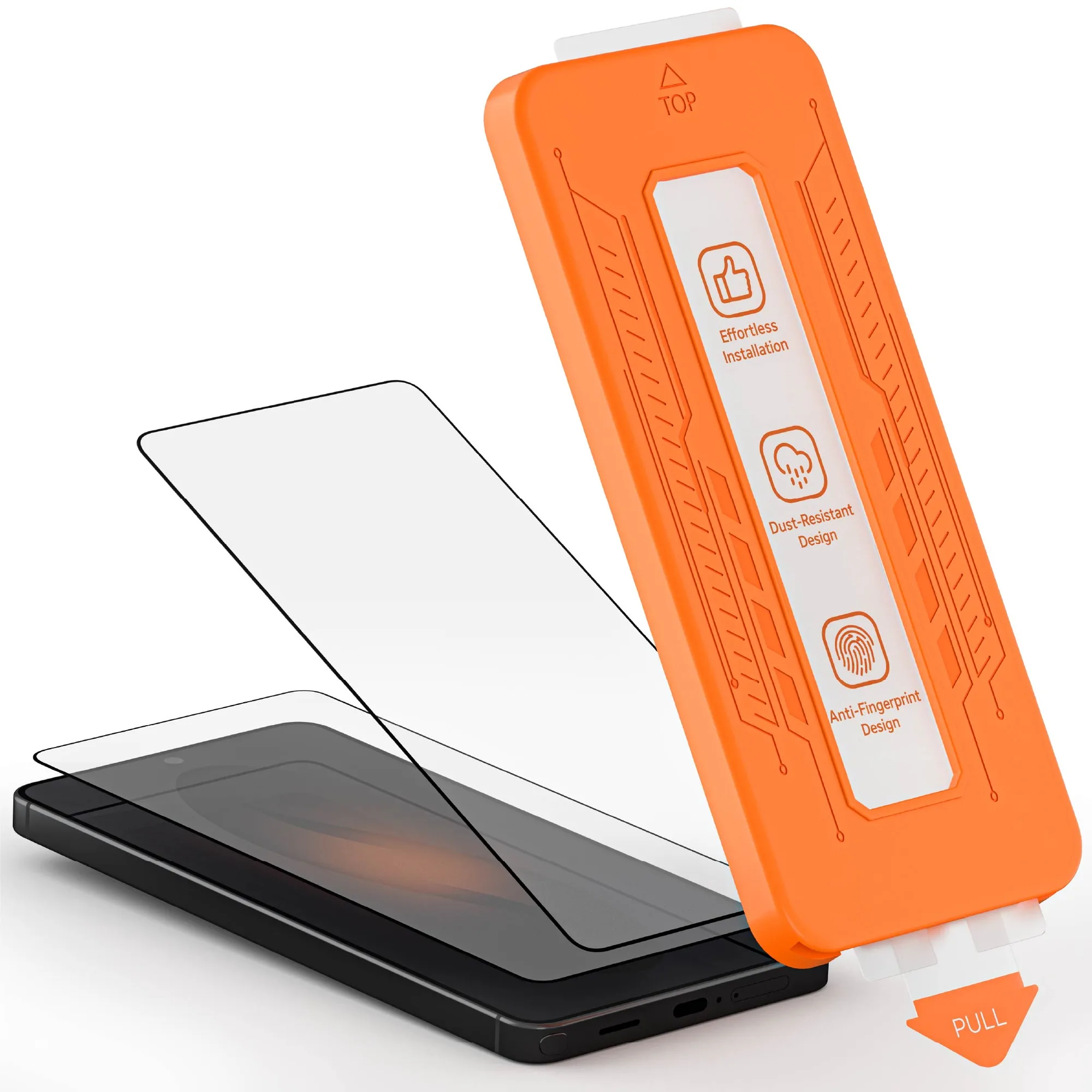
Galaxy S26 Series Tempered Glass Screen Protectors (2-Pack) — Screen Protection