Quick answer
To install a tempered glass screen protector on your iPad, clean the screen thoroughly, align the protector carefully, and press from the center outward to avoid bubbles.
Why tempered glass is worth the effort
Tempered glass offers better impact protection than plastic film, and it maintains the smooth, crystal-clear feel of your iPad's original screen. It also resists water and oil, so fingerprints and smudges are easier to wipe away.
The main trade-off is that glass is less forgiving during installation—once it touches the screen, repositioning is tricky. That's why preparation and alignment matter more than speed.
Step-by-step installation
- Clean the screen: Use the included alcohol wipe to remove oils, then the dry cloth to remove dust. Finish with a dust-removal sticker to pick up any remaining particles. Check the screen under bright light at an angle; any speck you see now will become a bubble or bump later.
- Align the protector: Peel the backing off the glass protector and hold it above the screen. Use the home button or camera cutout as a reference to center it before letting it drop. Once the glass touches the screen, it will adhere instantly—so take your time with alignment.
- Press from the center outward: Use your thumb or the included squeegee to press firmly from the middle of the screen toward the edges. This pushes air out and helps the glass adhere evenly. If a bubble remains, lift the nearest edge slightly and re-press; do not press hard on the bubble itself, as that can crack the glass.
What to look for in an iPad screen protector
-
iPad Tempered Glass Screen Protector: The iPad Tempered Glass Screen Protector keeps your screen looking crystal clear and feeling ultra-smooth. It preserves the original glass feel and clarity, so your iPad still feels premium after installation.
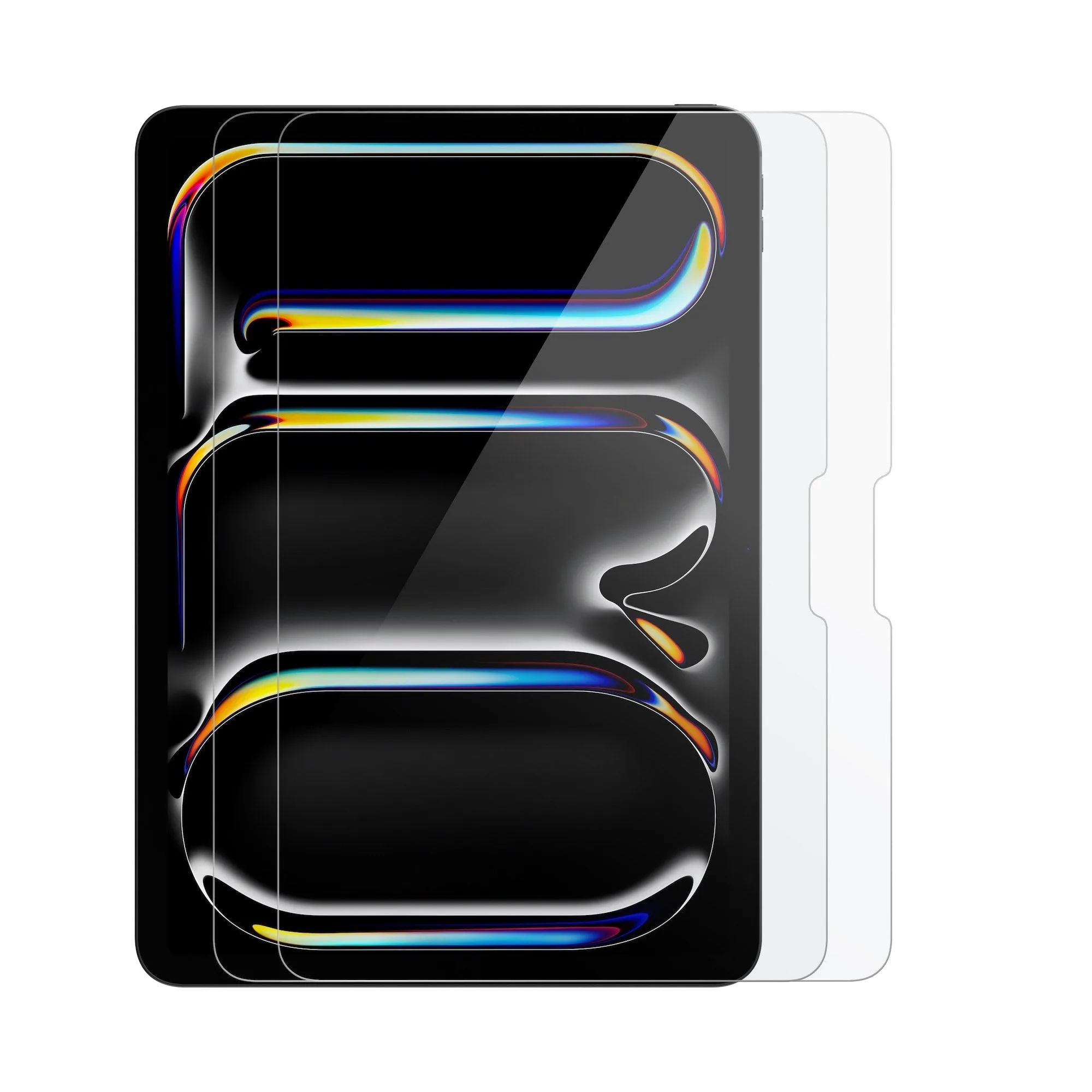
iPad Tempered Glass Screen Protector