Quick Answer
Standard card sleeves split at the corner due to sharp card edges, tight storage, or repeated shuffling. The fix is to inspect your cards, handle sleeves gently, and replace worn ones before they tear further.
Why Corners Split First
The corner of a sleeve takes the most stress during shuffling, especially if you riffle or mash shuffle. Over time, the plastic fatigues and a small tear starts. If the card inside has a sharp or damaged corner, it can accelerate the split from the inside out.
When to Replace vs. Repair
Once a sleeve splits at the corner, the card is no longer fully protected. You cannot reliably repair a split sleeve—glue or tape will create an uneven surface that affects shuffling and may damage other sleeves. The practical choice is to replace the split sleeve immediately. Keep a few spare sleeves from the same pack to maintain a consistent feel.
Diagnose & Fix a Splitting Corner
- Symptom: A small tear or split starting at the open corner of the sleeve, often near the top edge. You may also see the card corner poking through.
- Likely Cause: Sharp or bent card corners inside the sleeve, tight deck storage that presses the corner, or aggressive mash shuffling that catches the sleeve edge. Check your cards for rough corners before sleeving. File down any sharp edges with a fine nail file.
- Corrective Action: Remove the split sleeve immediately. Inspect the card inside—if the card corner is damaged, trim or replace it. Sleeve the card into a fresh sleeve from the same pack. If you have no spare, move that card to a less-used position or use a different sleeve temporarily. Always keep 5–10 spare sleeves from your original pack for quick swaps.
- When to Stop or Choose Another Option: If your sleeves split regularly (every few games) across multiple corners, the issue may be the sleeve brand or thickness for your play style. Consider switching to a thicker sleeve like KMC Hyper Mat (0.12mm) which offers better corner durability. If the splits happen only on one or two sleeves, it's likely a card issue, not a sleeve issue. Persistent splitting means it's time to upgrade your sleeve thickness or change your shuffling technique.
Sleeves That Resist Corner Splits
-
Hyper Mat 80ct - White: Hyper Mat sleeves have a .12mm thickness and a matte textured back, making them extremely durable for tournament play. The thicker material and low-gloss finish reduce friction during shuffling, which helps prevent the corner stress that leads to splits.
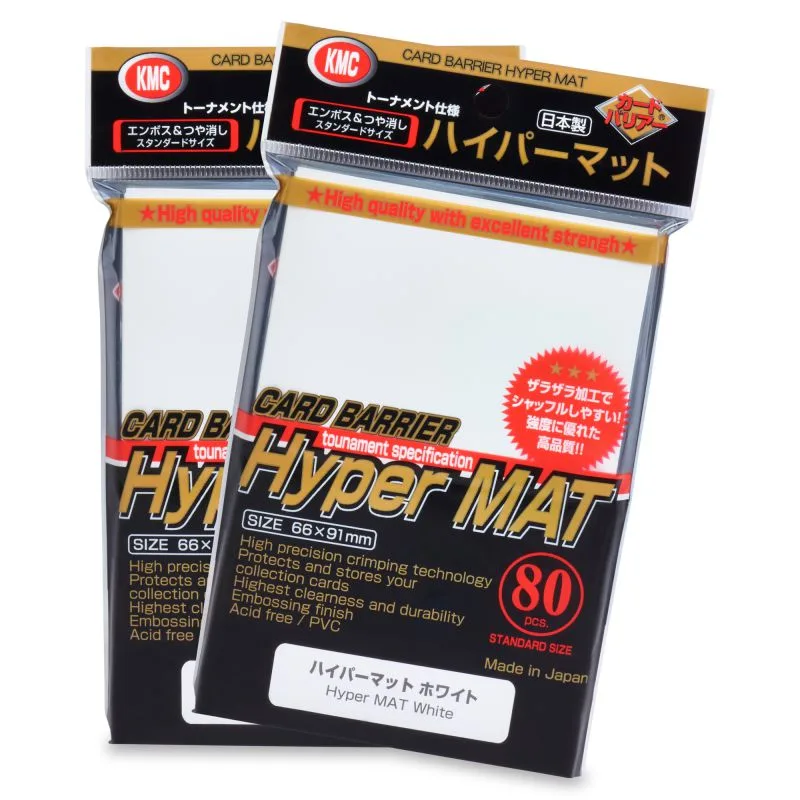
Hyper Mat 80ct - White
-
Hyper Mat 100ct - Clear: Clear Hyper Mat sleeves come in a 100-count pack and share the same .12mm thickness and matte back as the colored versions. A 100-count pack gives you enough sleeves for a 60-card deck plus extras for replacement, so you can swap out a split corner without mismatching your deck.
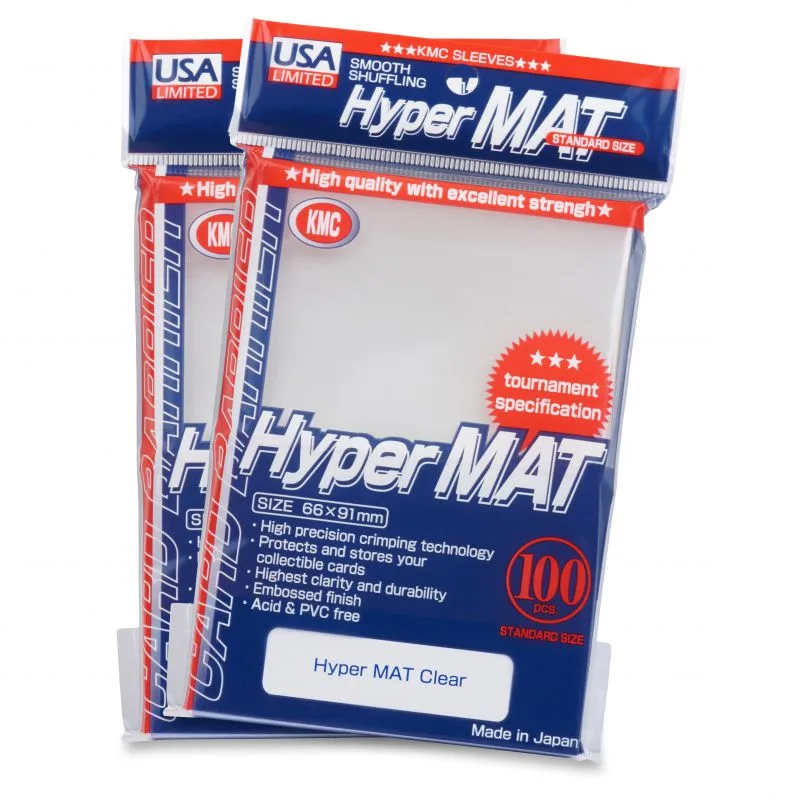
Hyper Mat 100ct - Clear