Quick answer
Keep your Oral-B handle on its charging base between uses, avoid letting it run completely dead, and store it at room temperature. These three habits prevent the most common causes of a battery that drains fast.
Why your Oral-B battery drains faster than it used to
Lithium-ion batteries in Oral-B handles lose capacity gradually over hundreds of charge cycles, so a handle that ran two weeks on a charge when new may eventually run one. That decline is normal. What is not normal is a sudden drop, which usually points to a charging habit problem rather than a dead battery. Leaving the handle off the base for long stretches, storing it in a hot bathroom cabinet, or running it to zero every time all accelerate wear. If your handle is less than a year old and already drains fast, check your routine before assuming you need a new brush.
Charging habits that protect battery life
Oral-B handles are designed to sit on the charging base indefinitely, so you do not need to unplug the base after every use. The charger stops delivering current once the handle is full, which means overnight charging is safe. The habit that actually hurts is deep discharging: letting the handle die completely before recharging. Top it up when the low-battery indicator appears rather than waiting for the brush to stop mid-cycle. If you travel without the base, charge the handle fully before you leave and again when you return, and do not leave it in a hot car or checked luggage.
How to store your toothbrush between uses
Where you store the handle matters as much as how you charge it. Bathrooms swing between humid and hot, and both extremes stress the battery and the seals. Keep the handle upright on its base on a counter away from the shower, not in a closed cabinet where moisture collects. If you use a travel case, take the handle out once you are home so air can circulate. For a second brush or a spare handle you rotate, store it at room temperature with a partial charge, not empty and not plugged in for months.
When to replace the handle instead of the battery
Oral-B rechargeable handles are sealed, so you cannot swap the battery yourself. If the handle still drains within a day or two after a full charge, will not hold a charge at all, or the charging base no longer lights up with a known-good handle, replacement is the practical fix. Before you replace, rule out the cheap causes: dirty charging contacts, a base that is not plugged in fully, or a brush head that is loose and drawing extra power. If those check out and the handle is several years old, a new handle is usually cheaper than a repair.
Your battery care routine, step by step
- Charge fully before first use: New Oral-B handles often ship with a partial charge. Put the handle on the base and let it reach full before your first brushing session. Checkpoint: the charge indicator should show full before you brush.
- Return the handle to the base after each use: Make the charging base the handle's home, not a drawer. Oral-B chargers are designed to stop current when the handle is full, so routine docking is safe. Common mistake: unplugging the base every night, which adds nothing and risks forgetting to charge.
- Recharge at the low-battery warning, not at zero: When the low-battery indicator appears, dock the handle. Waiting until the brush dies mid-cycle is the habit most likely to shorten battery life. Checkpoint: if you regularly hear the brush slow down before you charge, change the timing.
- Keep the handle out of heat and standing water: Store it upright on the counter away from the shower and direct sun. Do not leave it in a hot car or a sealed travel case for long periods. Common mistake: storing the handle in a closed, humid cabinet between uses.
- Clean the charging contacts: Wipe the metal contacts on the handle and base with a dry cloth if charging seems slow or inconsistent. Toothpaste residue can interfere. Checkpoint: the base should light up promptly when you dock a handle that needs charge.
- Store spare handles at room temperature with some charge: If you keep a second handle, charge it partway and store it dry rather than leaving it empty or permanently on the base. Next step: rotate handles every few weeks so both stay in working condition.
- Replace the handle if performance keeps dropping: If a handle drains within a day or two after a full charge, or the base no longer responds, the sealed battery is the limit. Replace the handle rather than trying to repair it. Checkpoint: rule out dirty contacts and a loose brush head before buying a new handle.
Oral-B handles worth knowing about
- Pro 1000 Rechargeable Electric Toothbrush, Turquoise: Pro 1000 Rechargeable Electric Toothbrush, Turquoise, rated 4.69 out of 5 by customers, with one reviewer describing it as a very efficient tool. A straightforward rechargeable handle for anyone who wants reliable daily cleaning without extra modes, and a sensible replacement if an older handle no longer holds a charge.
- Smart Clean 360 Rechargeable Electric Toothbrush Twin Pack: Smart Clean 360 Rechargeable Electric Toothbrush Twin Pack, rated 5 out of 5, with a reviewer noting they bought a separate brush head for sensitive gums. Two handles let you keep one on the charger and one in use, which reduces deep discharges and makes it easier to follow consistent charging habits.
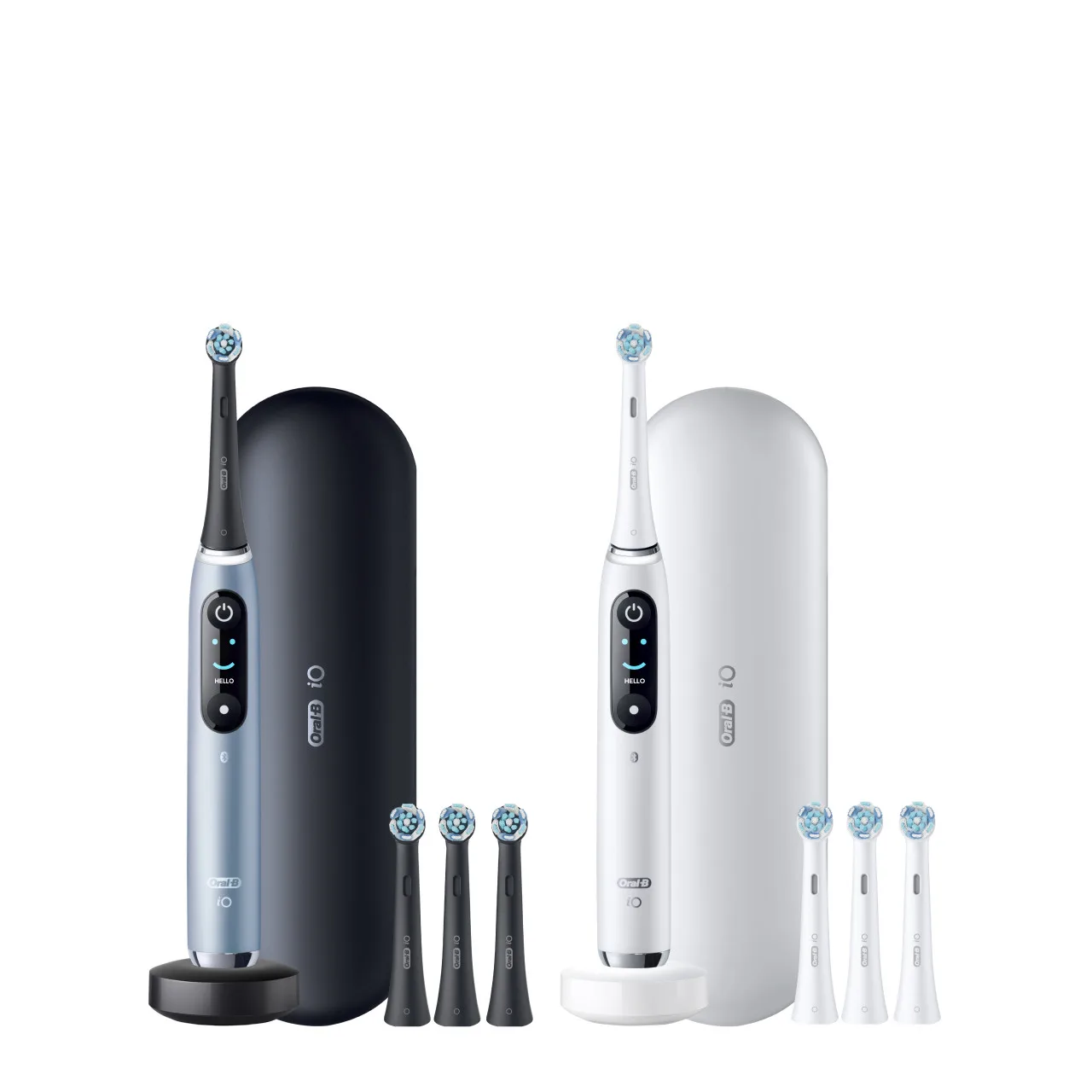
- Oral-B iO Series 9 Rechargeable Electric Toothbrush, Rose Quartz: iO Series 9 Rechargeable Electric Toothbrush, Rose Quartz, with replacement brush heads recommended every 3 months as cleaning power fades. A higher-end handle for shoppers who want the iO brushing experience; the 3-month head reminder is separate from battery care, so track both.