Quick answer
To fast charge in the car, start with a charger that meets your phone's fast-charging standard, such as the GHOSTEK NRGcar 40W USB-C Car Charger. Use a USB-C to USB-C or USB-C to Lightning cable rated for the right wattage, plug into a 12V outlet that stays powered, and avoid USB hubs or extension cables. If your phone still charges slowly, check the cable first, then the charger, then the phone's charging port.
Match charger wattage to your phone's fast-charging spec
Not all fast charging is the same. Your phone will only pull maximum speed if the charger supports the same fast-charging protocol it uses—USB Power Delivery (PD) for most modern phones, or a proprietary standard for some brands. A 40W charger like the GHOSTEK NRGcar can deliver enough power for many phones, but it won't force a phone to charge faster than its own limit.
Check your phone's spec sheet for its maximum wired charging wattage. If it tops out at 20W, a 40W charger will still work and may run cooler, but it won't charge twice as fast. The benefit of a higher-wattage charger is headroom: it can maintain fast speeds even when the battery is low or the phone is running navigation.
Use the right cable—and check it for damage
The cable is the most common bottleneck. A cable that came with an older phone or a cheap gas-station cable may only support 5W or 12W, no matter how powerful your car charger is. Look for a cable rated for at least the wattage your phone needs—often labeled as 60W, 100W, or with an e-marker chip for USB-C PD.
Inspect the cable ends for bent pins, fraying, or lint in the connector. A damaged cable can cause intermittent charging or force the phone into a slow, safe mode. If you have a USB-C to USB-C cable, try flipping the connector at both ends; sometimes a worn port only works one way.
Plug into a stable 12V outlet and avoid adapters
Your car's 12V accessory outlet (cigarette lighter) is designed for accessories, but some outlets cut power when the engine is off or share a fuse with other systems. Test your outlet with the charger and phone while the engine is running to confirm it stays powered. If the outlet is loose, the charger may wiggle and disconnect, causing slow or intermittent charging.
Avoid plugging your charger into a USB hub, a splitter, or an extension cable. These add resistance and can confuse the fast-charging handshake. If you need to charge two devices, use a charger with two ports rather than a splitter, so each port can negotiate power independently.
Reduce phone load while charging
Navigation, streaming, and bright screens all draw power. If your phone charges slowly in the car, try turning off the screen or using a lower brightness, and close background apps that use GPS or data. On a long drive, a phone that is navigating and streaming may barely charge—or even lose power—even with a fast charger.
Heat is another factor. Direct sunlight through the windshield can heat the phone and trigger thermal throttling, which slows charging to protect the battery. Mount the phone in a shaded spot or aim an air vent at it if possible.
Step-by-step: fast charging in the car
- 1. Check your phone's fast-charging standard: Look up the maximum wired charging wattage and protocol (USB PD, Quick Charge, or proprietary). This tells you the minimum charger and cable specs you need. Checkpoint: If your phone supports 25W or higher, a 30W or 40W charger is a good match.
- 2. Choose a car charger that meets or exceeds that wattage: A 40W charger like the GHOSTEK NRGcar provides enough power for most fast-charging phones and can maintain speed during navigation. Avoid no-name chargers that don't list wattage or protocols. Mistake to avoid: Buying a charger that only says 'fast charge' without a wattage rating.
- 3. Use a cable rated for the same wattage: Pick a USB-C to USB-C or USB-C to Lightning cable that explicitly supports the wattage your phone needs. Inspect it for damage and replace any cable that feels loose or shows bent pins. Checkpoint: If the cable is more than two years old or came free with a device, test it with a different charger to rule it out.
- 4. Plug directly into the 12V outlet: Insert the charger firmly into the car's 12V socket. Don't use splitters, hubs, or extension cables. Start the engine and confirm the charger's light (if any) stays on. Mistake to avoid: Using a USB hub in the car—it often blocks fast charging entirely.
- 5. Reduce phone load and heat: Turn off the screen or lower brightness, close heavy background apps, and keep the phone out of direct sunlight. If you need navigation, plug in before you start driving so the phone isn't also charging from a low battery while working hard. Checkpoint: If the phone still charges slowly, try a different cable, then a different charger, then check the phone's charging port for lint.
Products that support fast car charging
- USB-C Car Charger Fast Charging — NRGcarCar Charger 40W / Black: GHOSTEK NRGcar USB-C Car Charger delivers 40W fast-charging output and fits most car outlets. 40W gives enough headroom to fast charge many phones even while navigation runs, and the compact black design stays out of the way.
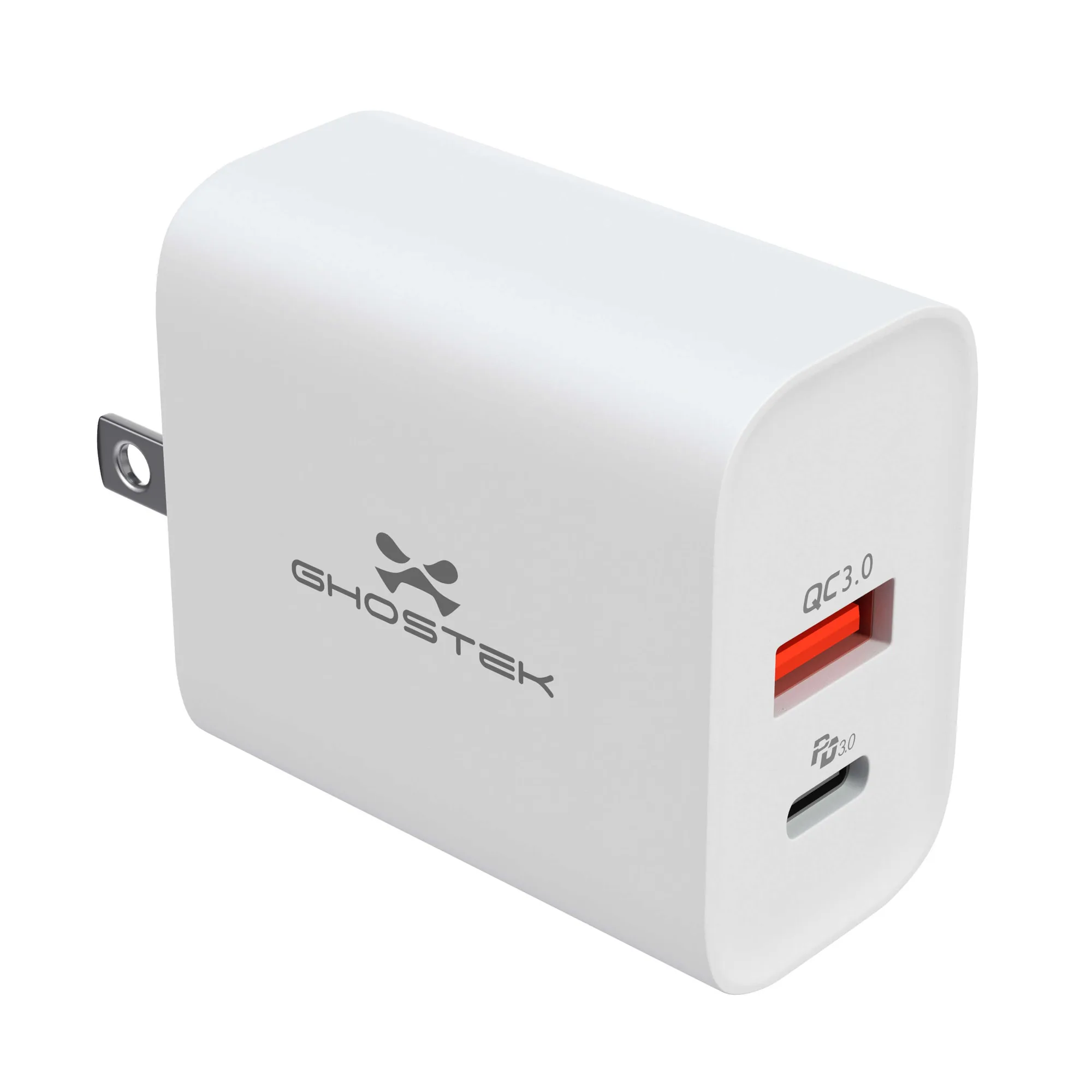
- 30W USB-C Dual Port Wall Charger — NRGlink: GHOSTEK NRGlink 30W USB-C Dual Port Wall Charger has two USB-C ports for charging two devices at once. Useful as a home base to top up before you drive, and the dual ports let you charge your phone and a passenger's device without swapping cables.