Quick answer
To layer Animal Crossing stickers on a laptop case without bubbles or peeling, start with a clean surface, apply the base sticker first, then carefully layer smaller decals on top using a flat edge to smooth out air.
Why layering works for laptop cases
Layering stickers creates a custom look that feels personal and collected. For laptop cases, the flat, rigid surface makes it easier to align and press decals without wrinkles. The key is to avoid stacking too many thick stickers, which can cause edges to lift over time.
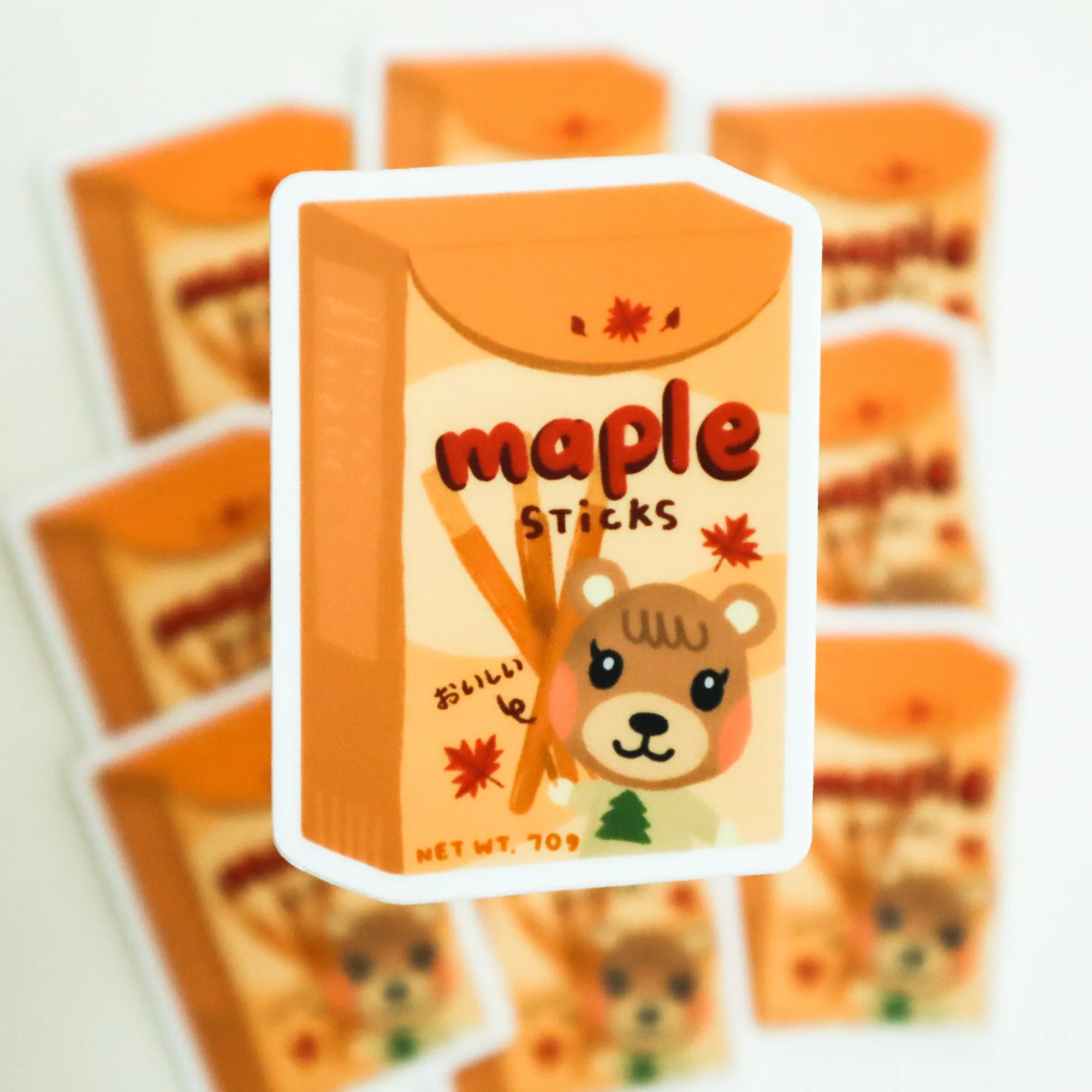
Matte vinyl stickers (like the Snake or Maple from Animal Crossing) have a subtle, non-reflective finish that blends well as a base layer. Holographic stickers (like Judy) add a shiny pop on top, but their glossy surface can show fingerprints if placed underneath.
Choosing your base and accent stickers
Pick one larger sticker as the focal point — this becomes your base layer. Smaller character decals work best as accents layered around or partially overlapping the base. Avoid placing a large sticker on top of another large one; the edges are more likely to catch and peel.
For a cohesive Animal Crossing theme, consider using Maple or Snake as the base (both matte vinyl) and Judy (holographic) as a smaller accent. The matte surface gives the holographic sticker a nice contrast without competing for shine.
Step-by-step layering guide
- Clean the laptop case: Wipe the case with a microfiber cloth and isopropyl alcohol to remove oils and dust. Let it dry completely before placing any sticker. Even a tiny speck of dust can create a bubble under the sticker.
- Apply the base sticker first: Peel the backing off your chosen base sticker (e.g., Maple or Snake). Position it carefully, then press from the center outward using a credit card or squeegee to push out air. Work slowly; if you trap a bubble, lift the nearest edge and re-smooth.
- Let the base sticker settle: Wait at least 10–15 minutes before adding any layered stickers. This gives the adhesive time to bond fully and reduces the chance of shifting. Rushing this step can cause the base sticker to slide when you press the next layer.
- Position the accent sticker without touching the adhesive: Hold the accent sticker (e.g., Judy) by the edges and hover it over the desired spot. Once aligned, press down one edge and slowly lower the rest while smoothing with a card. If the accent sticker overlaps the base by more than half, it may lift the base edge over time.
- Seal the edges: After all stickers are placed, run your fingernail or the edge of a card along every sticker border. This ensures full adhesion and prevents peeling from daily handling. Pay extra attention to corners and narrow parts of the design.
Product facts
-
Judy from Animal Crossing Sticker: Judy from Animal Crossing Sticker is a 2.3" x 2" holographic, waterproof sticker. Its glossy finish makes it a great top-layer accent that catches light without overpowering a matte base sticker.
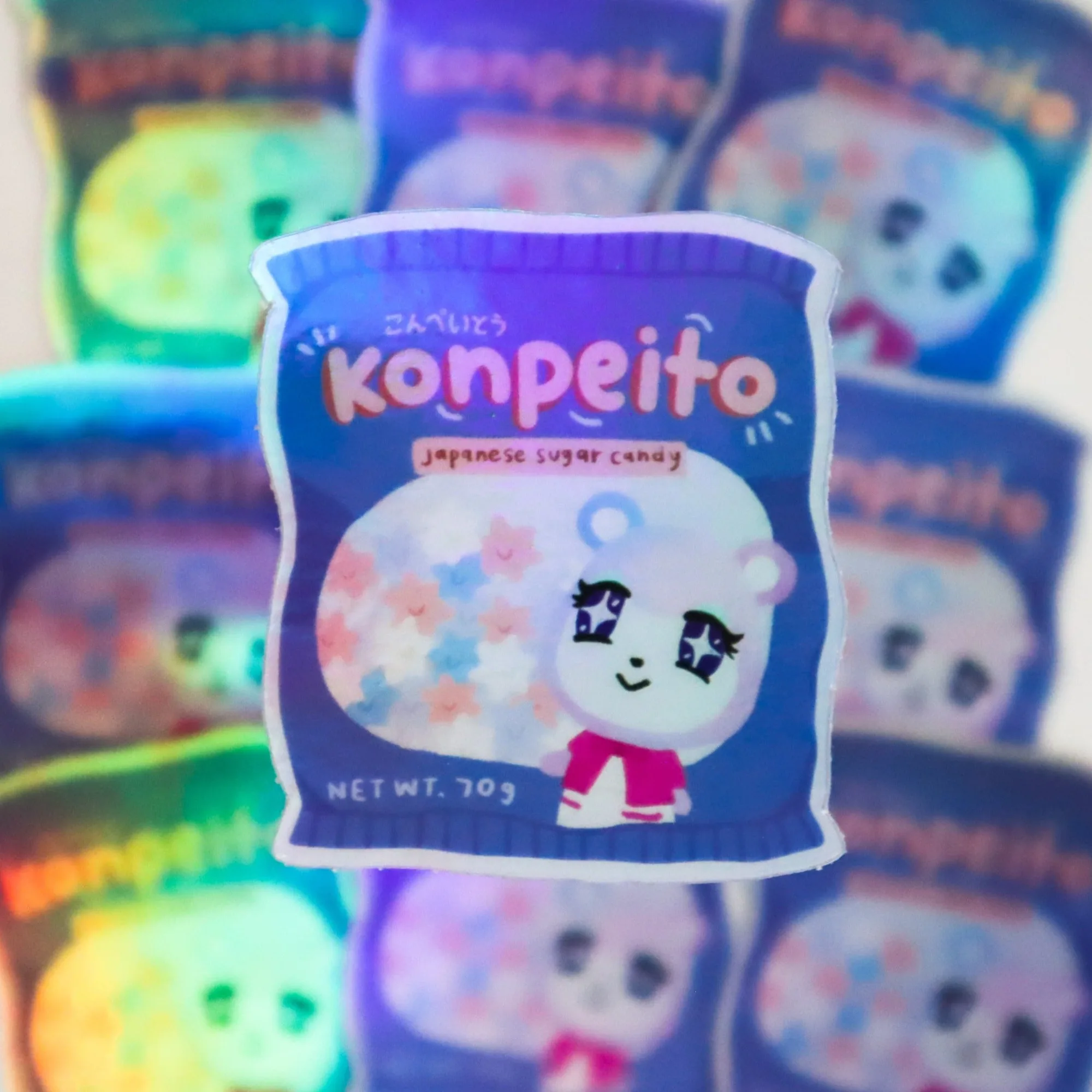
Judy from Animal Crossing Sticker
-
Snake from Animal Crossing Sticker: Snake from Animal Crossing Sticker is a 3" x 1.9" matte vinyl, waterproof sticker. The matte surface reduces glare and provides a stable base for layering smaller holographic decals on top.
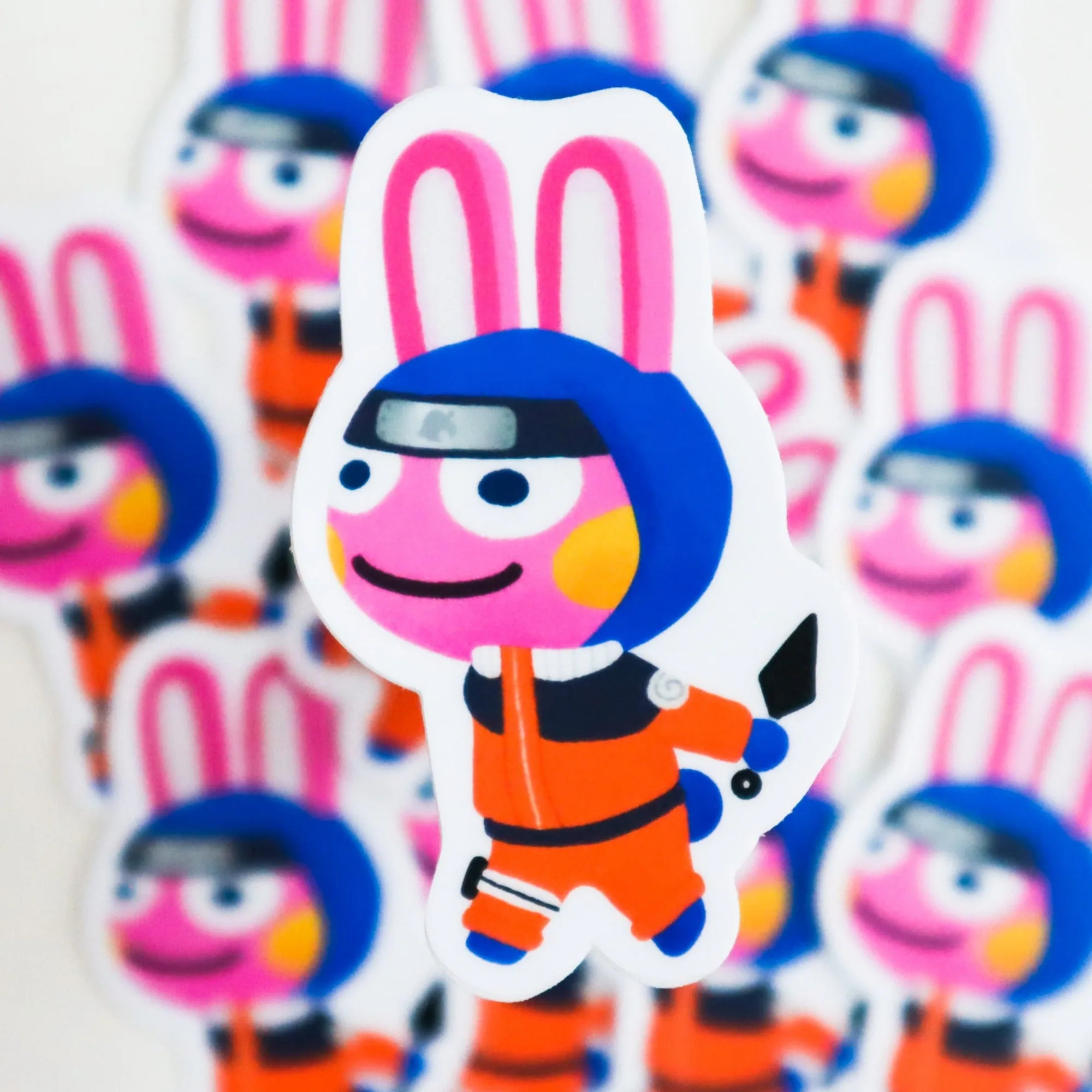
Snake from Animal Crossing Sticker
-
Maple from Animal Crossing Sticker: Maple from Animal Crossing Sticker is a 2.5" x 1.8" matte vinyl, waterproof sticker. Its soft matte finish blends well as a base layer, and the smaller size leaves room for accent stickers around it.