Quick Answer
To layer waterproof stickers on a laptop without lifting, start with a clean, dry surface, place the bottom sticker first, then apply subsequent stickers with a slight overlap or gap. Press firmly from the center out and seal edges with gentle heat if needed.
Why Layering Stickers Requires Extra Care
Layering stickers adds depth and personality to your laptop, but each layer creates a new edge that can catch on sleeves or bag interiors. Waterproof vinyl stickers, like those from NoWhiteSpaceStickers, are flexible and UV-protected, but the raised edges of stacked stickers are more prone to lifting if not applied carefully. The key is to build up layers gradually and press each one down thoroughly.
Step-by-Step Guide to Layer Stickers Without Lifting
- Clean and dry the laptop surface: Wipe the area with isopropyl alcohol and a microfiber cloth to remove oils and dust. Let it dry completely. Any residue or moisture will weaken the adhesive bond and cause lifting later. Checkpoint: Run a dry finger over the surface — if it feels sticky or damp, clean again.
- Apply the base sticker first: Peel the backing from your largest or bottom-layer sticker. Place it on the laptop and press firmly from the center outward using a credit card or squeegee. This pushes out air bubbles and ensures full contact. Common mistake: Starting from an edge traps air underneath. Always start from the center.
- Position the second sticker with a small gap or overlap: For the next layer, decide whether you want a visible gap (for a tile effect) or a slight overlap (for a merged look). If overlapping, keep it under 1/8 inch to avoid a thick edge that will catch on things. Press the new sticker down from its center. Checkpoint: After placing, run a fingernail along the overlap edge to seal it down.
- Press and seal all edges: Once all stickers are layered, go over every edge with firm pressure. Pay extra attention to corners and any overlapping seams. A warm hairdryer on low (held 6 inches away) can soften the vinyl and adhesive, helping edges conform better. Common mistake: Skipping edge sealing. Even one loose corner can catch and peel the whole stack.
Stickers That Work Well for Layering
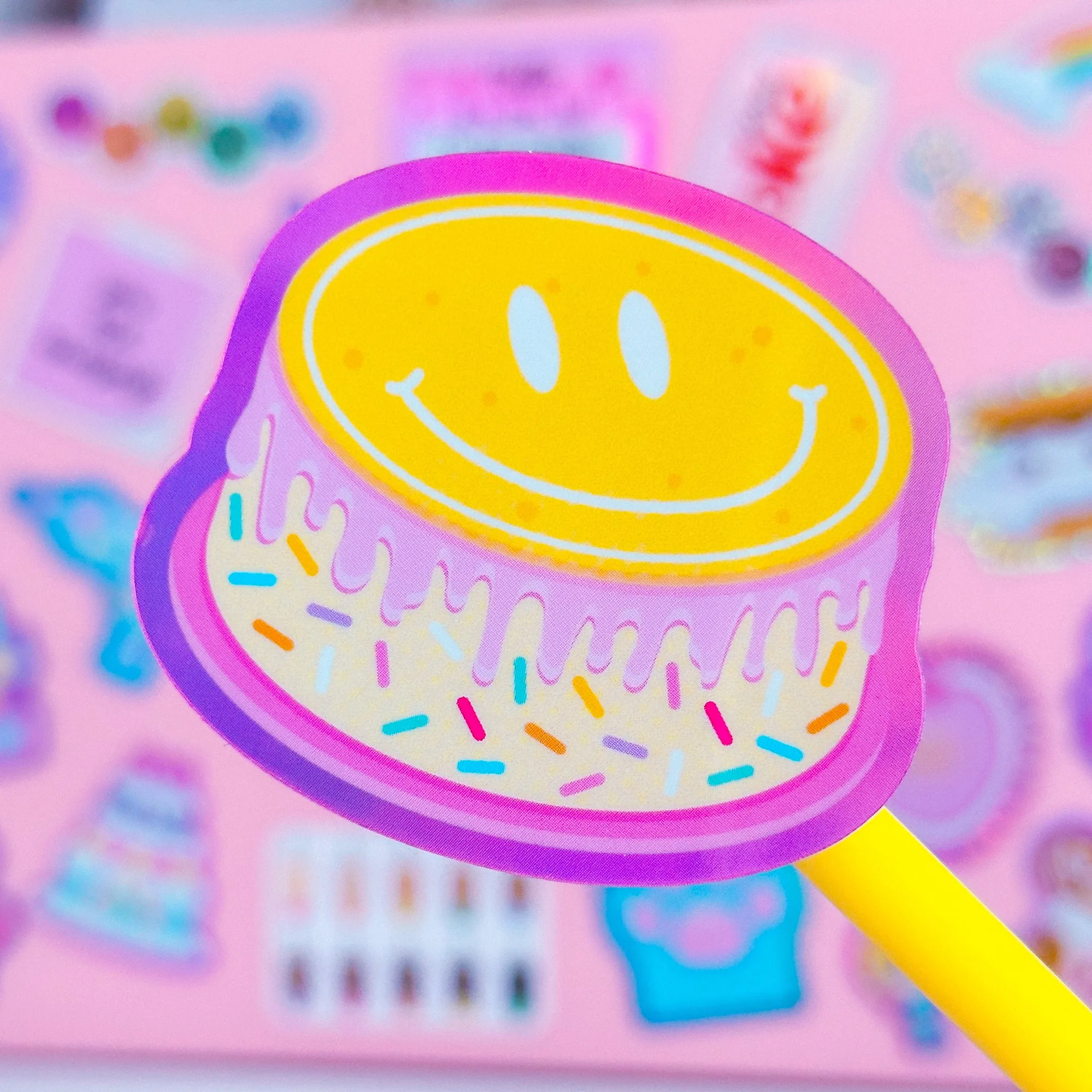
- Waterproof Sticker - Birthday Smile Cake: This listing is for 1 durable, waterproof, vinyl sticker! Size is approx. 2" x 2.3". Sticker is protected with UV laminate - durable against rain or shine! The sticker is heavy duty, but still flexible and easy to use on water bottles, planner covers, laptops, planner carts, etc. Its compact size and flexibility make it a good top layer that won't add too much bulk, reducing the chance of edge lifting.
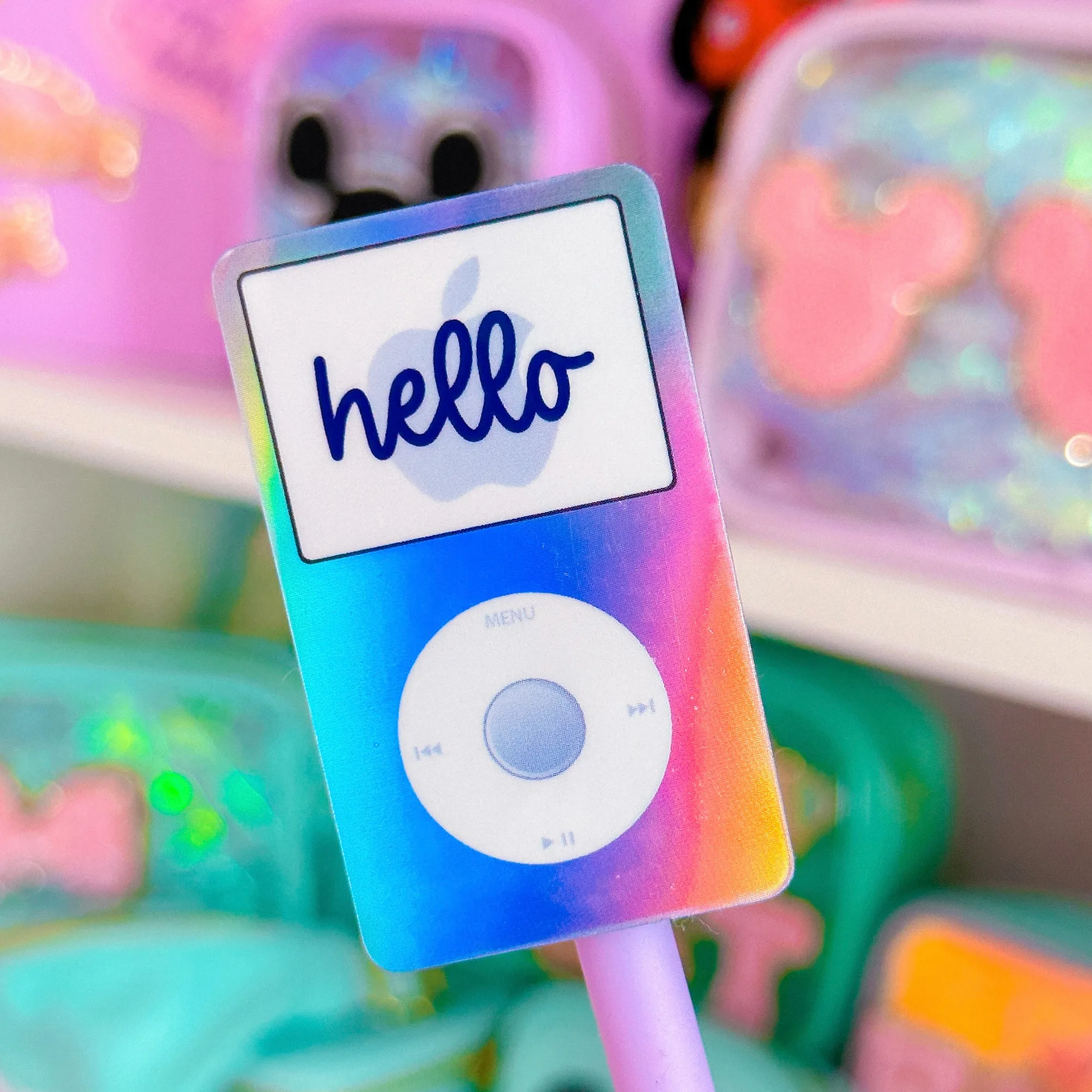
- Waterproof Sticker - Purple Y2K Pod: This listing is for 1 durable, waterproof, vinyl sticker! Size is approx. 1.4" x 2.3". Sticker is protected with UV laminate - durable against rain or shine! The sticker is heavy duty, but still flexible and easy to use on water bottles, planner covers, laptops, planner carts, etc. The smaller footprint is ideal for a middle or accent layer that sits neatly on top of a larger base sticker without overwhelming the design.