Quick Answer
To make your laptop sticker last longer, start with a clean, dry surface, apply it carefully to avoid air bubbles, and then protect it with a clear coat or a laptop case. Avoid excessive heat and moisture to prevent peeling and fading.
Why Laptop Stickers Peel and Fade
Laptop stickers face constant friction from your hands, bag, and even the laptop's own heat. Over time, the adhesive can weaken, and the vinyl can fade from UV exposure. Understanding these stressors helps you take preventive steps.
While weatherproof vinyl stickers are designed to resist water and scratches, they aren't invincible. The adhesive bonds best to a clean, smooth surface, so any oils or dust can shorten their lifespan.
The Trade-Off: Protection vs. Aesthetics
Adding a clear protective layer, like a laptop skin or a clear coat, can significantly extend the life of your sticker. However, it may alter the texture or add a slight gloss, which might not suit your aesthetic. Alternatively, placing stickers on a case you can replace offers protection without permanent commitment.
If you prefer the sticker directly on the laptop, be prepared for eventual wear. Choosing a high-quality vinyl sticker and following the steps below will maximize its lifespan.
7 Steps to Extend Your Laptop Sticker's Life
- Clean the Surface: Wipe the laptop lid with a microfiber cloth and a gentle cleaner (like isopropyl alcohol) to remove oils and dust. Let it dry completely. Check for any remaining smudges before applying.
- Position Before You Peel: Hold the sticker over the desired spot and adjust its placement before removing the backing. This prevents misalignment that can cause bubbles. Use a ruler or your eye to ensure it's straight.
- Apply from One Edge: Peel a small corner of the backing, stick that edge down, then slowly peel the rest while pressing the sticker down with a credit card or your thumb. Work from the center outward to push out air bubbles.
- Smooth Out Bubbles: If air bubbles remain, gently lift the nearest corner and reapply. For stubborn bubbles, use a pin to prick and press them flat. Avoid stretching the vinyl while pressing.
- Let It Cure: Wait at least 24 hours before closing the laptop or handling it roughly. This allows the adhesive to bond fully. Keep the laptop open during this period.
- Protect with a Clear Layer: Apply a transparent laptop skin or a clear coat over the sticker to shield it from scratches and UV rays. This is optional but extends life significantly. Test the clear coat on a corner first to ensure it doesn't damage the sticker.
- Maintain Regularly: Wipe the sticker with a dry or slightly damp cloth to remove dust. Avoid harsh chemicals and prolonged direct sunlight. Inspect edges periodically for peeling and re-press if needed.
Sticker Spotlight
-
Arctic Hare in Swimsuit Vinyl Die Cut Weatherproof Sticker: This vinyl sticker is water resistant, scratch resistant, and fade resistant, and measures about 2 x 3 inches. Its weatherproof properties make it a great choice for laptops, as it can handle light moisture and daily handling without losing its look.
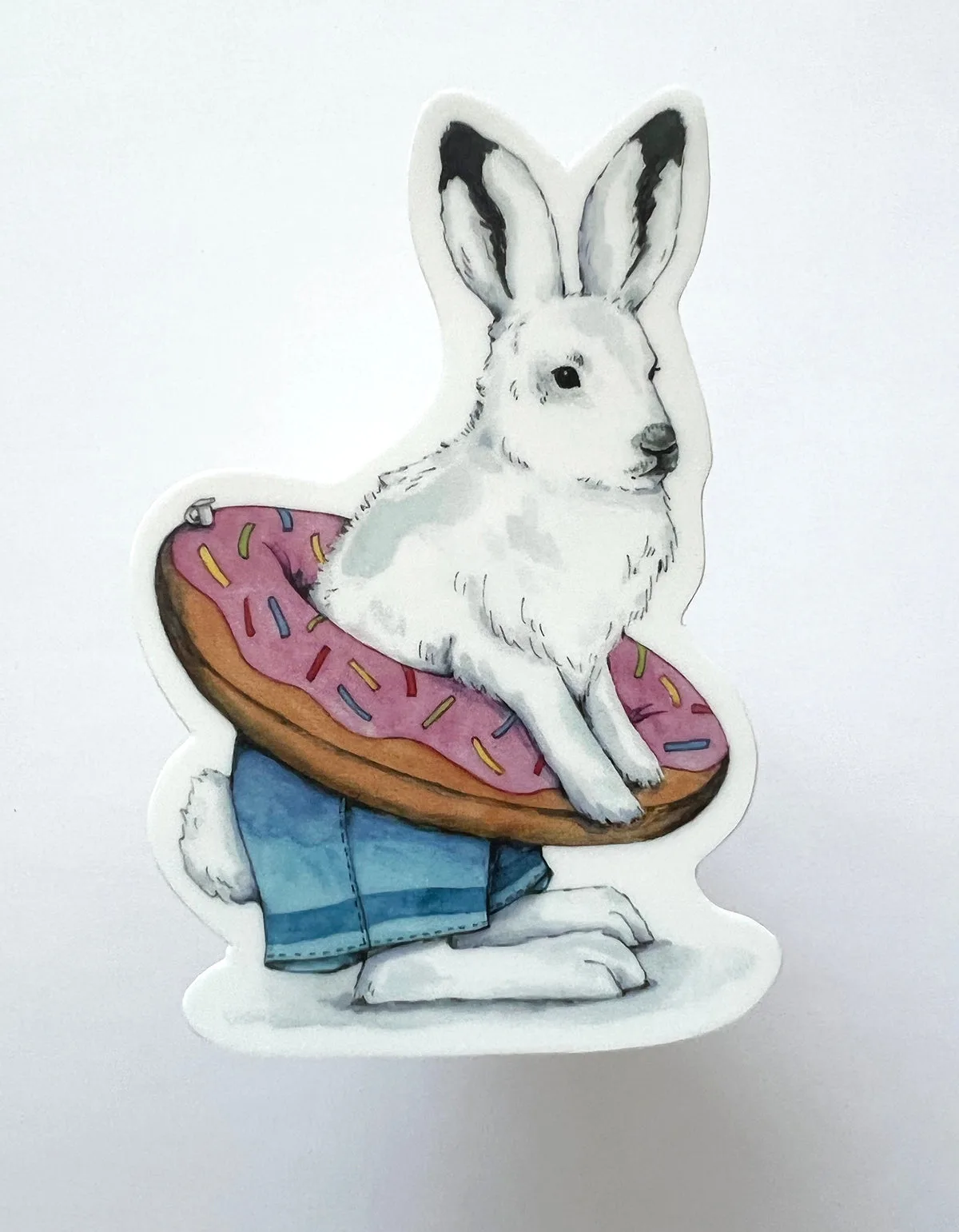
Arctic Hare in Swimsuit Vinyl Die Cut Weatherproof Sticker