Quick answer
Match a DAC and amp to your headphones by first finding their impedance and sensitivity, then calculating the power they need to reach your listening level. Choose an amp that delivers that power with headroom, and a DAC with the inputs and format support you actually use. If your headphones are low-impedance and high-sensitivity, a simple dongle may be enough; if they are high-impedance or low-sensitivity, a dedicated desktop amp will make a clear difference.
Step 1: Find your headphones' impedance and sensitivity
Impedance (measured in ohms) tells you how much the headphones resist electrical current; sensitivity (usually dB/mW or dB/V) tells you how loud they get for a given power input. Both numbers matter. A 32-ohm headphone with 95 dB/mW sensitivity needs far less voltage than a 300-ohm model with 98 dB/mW, even though the second number looks higher. Check the manufacturer's spec sheet or product page—if sensitivity is given in dB/V, convert it to dB/mW by subtracting 10 × log10(impedance) to compare fairly.
Step 2: Calculate your headphone power requirements
Use an online headphone power calculator or the formula: Power (mW) = 10^((Target SPL - Sensitivity) / 10). For a target of 110 dB peak (loud but safe for dynamic peaks), a 300-ohm, 98 dB/mW headphone needs about 16 mW; a 32-ohm, 95 dB/mW headphone needs about 32 mW. But power alone is not enough—you also need enough voltage swing for high-impedance loads and enough current for low-impedance loads. A common mistake is buying an amp that meets the power number at 32 ohms but cannot deliver the voltage for 300 ohms.
Step 3: Decide if you need a dedicated amplifier
If your headphones are under 50 ohms and above 100 dB/mW, your phone or laptop headphone jack may already be sufficient. You likely need a dedicated amp if you hear distortion, thin bass, or a compressed dynamic range at your normal listening volume, or if your headphones are above 100 ohms or below 95 dB/mW. For high-impedance headphones, look for an amp that specifies power at 300 ohms or 600 ohms, not just at 32 ohms.
Step 4: Choose a DAC with the right inputs and formats
Your DAC converts digital audio to analog. Match its inputs to your sources: USB for computer, optical or coaxial for TV or CD player, Bluetooth if you want wireless convenience. Check supported sample rates and formats if you use high-resolution files or DSD. A common mistake is buying a DAC with features you will never use while ignoring the one input you actually need. If you already have a good DAC, you can add just an amplifier.
Step 5: Match gain and output impedance
Amplifiers have gain settings (low/high) to match headphone sensitivity. Too much gain with sensitive headphones creates a noisy background; too little gain with demanding headphones leaves you at maximum volume with no headroom. Output impedance should ideally be below 1/8 of your headphone impedance (the 1/8 rule) to avoid altering frequency response. Many modern amps have near-zero output impedance, which is safe for almost all headphones.
Step-by-step matching process
- Step 1: Check impedance and sensitivity: Find the impedance (ohms) and sensitivity (dB/mW or dB/V) from the spec sheet. Convert dB/V to dB/mW if needed. Checkpoint: write both numbers down before comparing amps.
- Step 2: Calculate power needs: Use a calculator or the formula: Power (mW) = 10^((Target SPL - Sensitivity) / 10). Aim for at least 110 dB peak SPL. Common mistake: ignoring voltage requirements for high-impedance headphones.
- Step 3: Decide if you need an amp: If your headphones are under 50 ohms and above 100 dB/mW, try them with your current source first. If you hear distortion or lack dynamics, get an amp. Checkpoint: test with your phone or laptop before buying.
- Step 4: Pick a DAC with the right inputs: List your sources (USB, optical, coaxial, Bluetooth) and choose a DAC that covers them. Check sample rate support if you use high-res files. Common mistake: paying for inputs you will never use.
- Step 5: Match gain and output impedance: Choose an amp with gain settings that suit your headphones' sensitivity. Ensure output impedance is below 1/8 of your headphone impedance. Checkpoint: low gain for sensitive IEMs, high gain for planar or high-impedance models.
Product facts to know
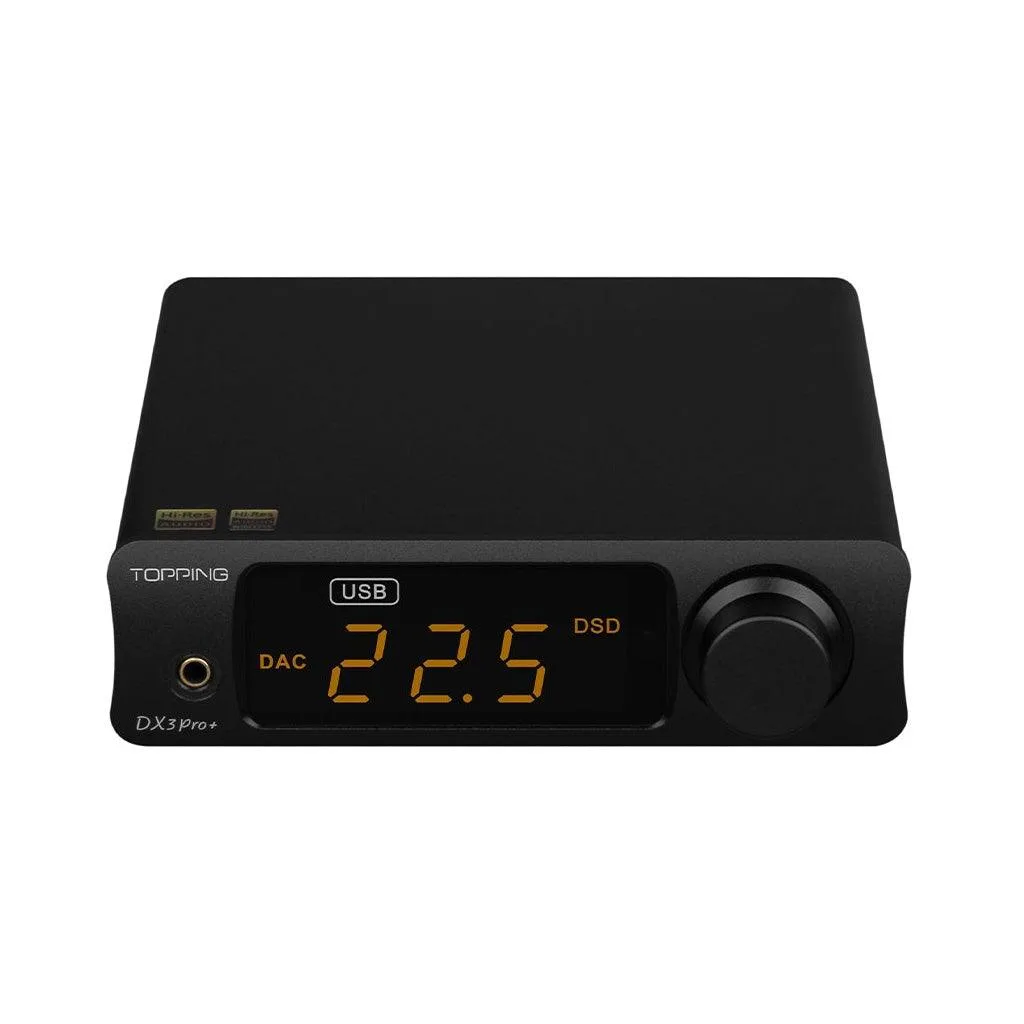
- Topping DX3 Pro+ Desktop DAC & Headphone Amplifier: Topping DX3 Pro+ Desktop DAC & Headphone Amplifier: four output modes, QCC5125 chipset with LDAC/AAC/SBC/aptX/aptX LL/aptX HD, 2nd gen 8-core XMOS XU208, USB input supports up to PCM 32bit/768kHz and DSD512 native, NFCA circuit, 32ohm load: 1800mW x2, 300ohm load: 250mW x2, two gain settings (+6dB Lo...). This DAC/amp combo delivers enough power for high-impedance headphones at 300 ohms and has multiple gain settings, making it a versatile match for a wide range of headphones. The Bluetooth and USB inputs cover both wireless and wired sources.
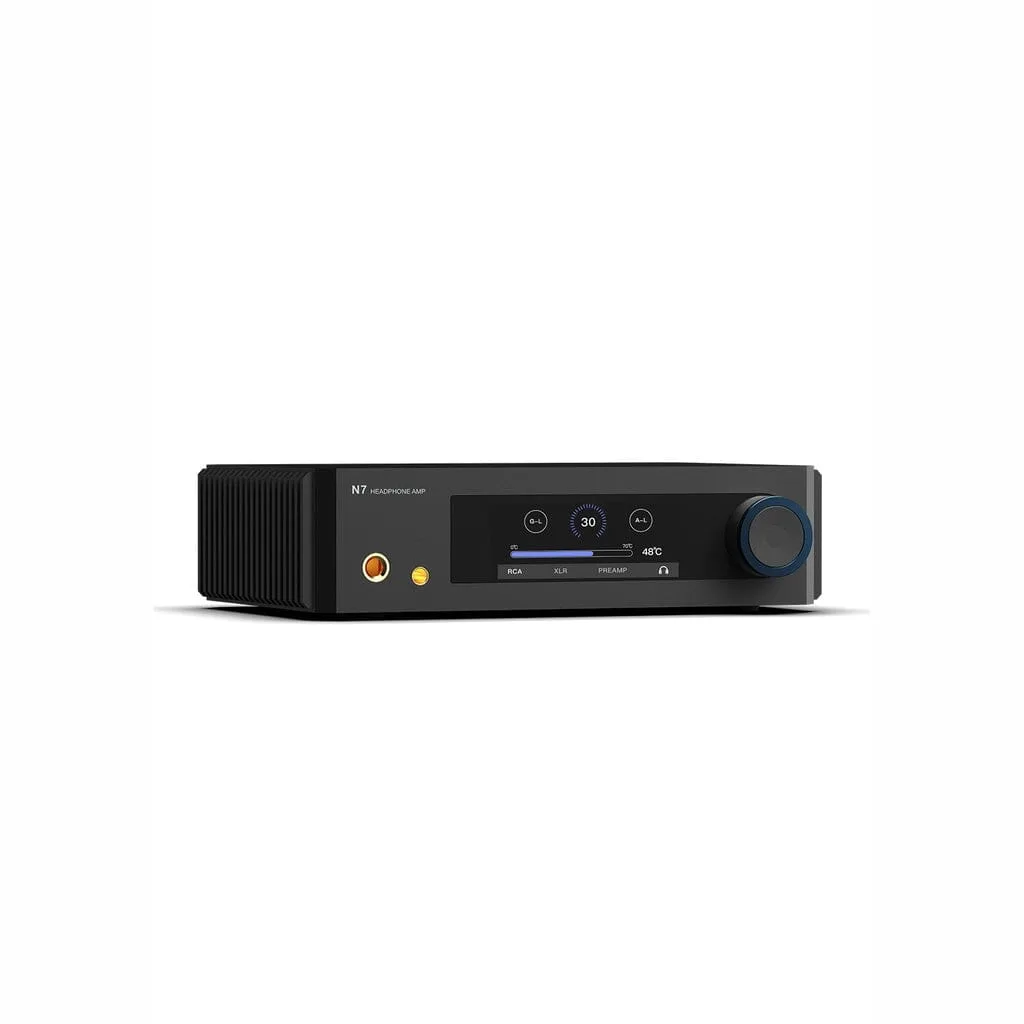
- Aune Audio N7 Headphone Amplifier: Aune Audio N7 Headphone Amplifier: fully discrete Class A, up to 6.5 watts balanced output, twin JFET input stage, R2R volume control, selectable Class A bias current, pure analog amplifier and preamp with no DAC inside. If you already have a DAC and need more power or a different flavor, this pure analog amp provides high balanced output for demanding headphones. Because it has no DAC, you must pair it with a separate DAC or a source with analog outputs.
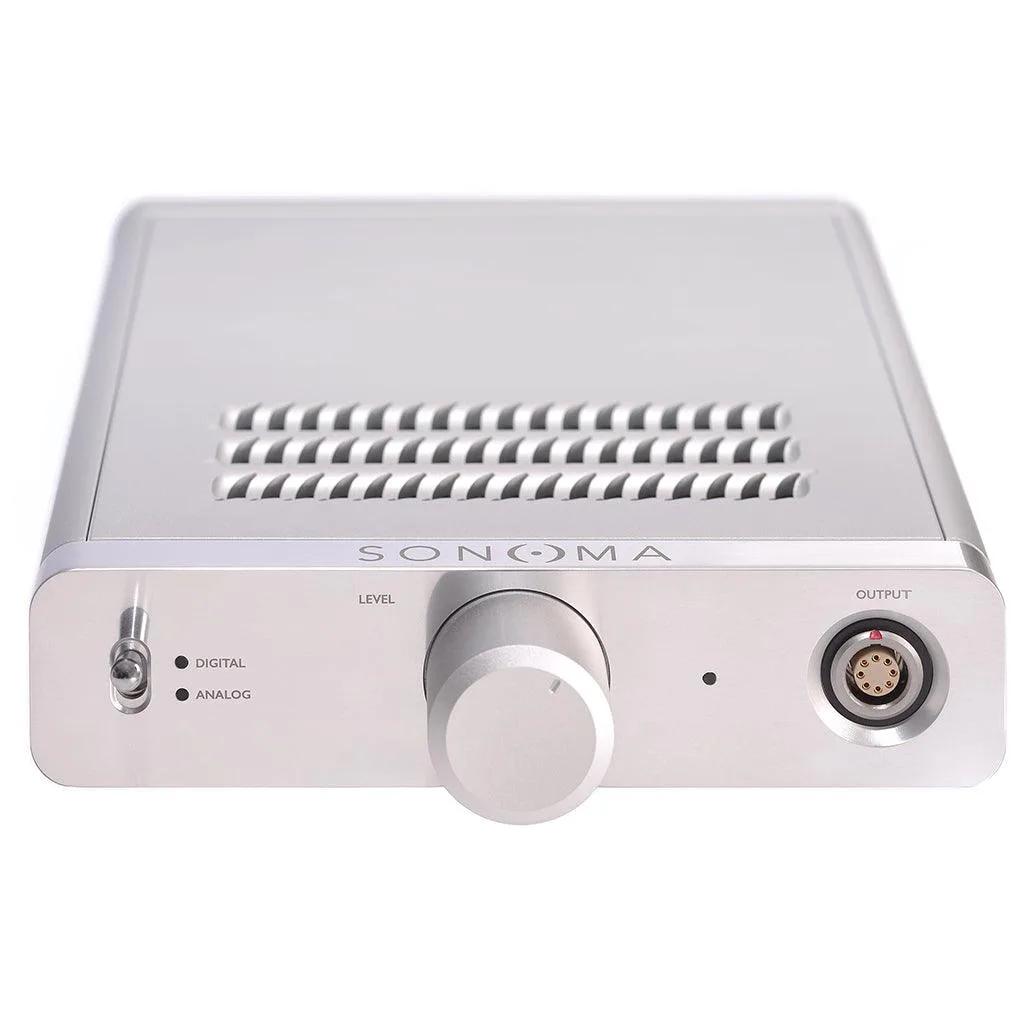
- Warwick Acoustics Sonoma M1 DAC/Energizer: Warwick Acoustics Sonoma M1 DAC/Energizer: integrated headphone system (DAC, amplifier/energizer and open-backed headphone unit), optimized from the ground up. This is an all-in-one system where the DAC, amplifier, and headphones are designed together, so matching is done for you. It is a good option if you prefer not to mix and match components.