Quick Answer
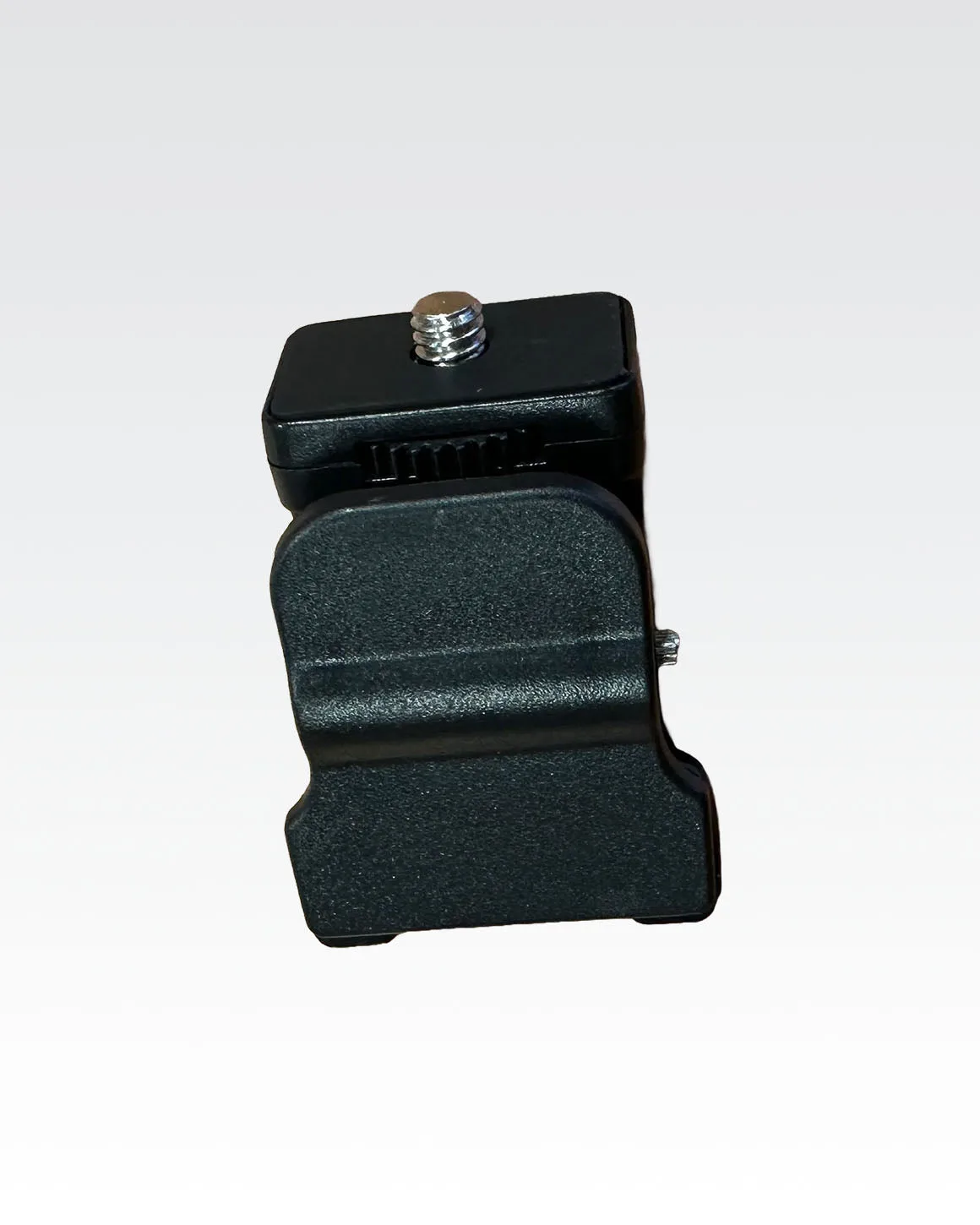
Mounting a smartphone on a light stand requires a compatible phone holder or clip that attaches to the stand's stud or spigot. For Lume Cube Panel Mini or Panel Pro lights, the Universal Clip Mount lets you clip your phone directly to the light itself, while a separate phone mount with a standard 1/4-20 thread can attach to a light stand's accessory arm.
What You'll Need
A light stand with a standard 5/8-inch stud or a 1/4-20 threaded spigot. Most video light stands include one or both. You'll also need a phone mount that has a compatible thread (usually 1/4-20) or a clip-style holder that grips the light fixture itself. If you're using a Lume Cube Panel Mini or Panel Pro, the Universal Clip Mount is designed to attach directly to the light body, eliminating the need for a separate stand mount.
Choosing the Right Mount
Not all phone mounts fit all stands. A dedicated phone mount for a light stand typically screws onto a 1/4-20 thread, which is the same thread used by most camera and lighting accessories. If your light stand doesn't have that thread, you may need an adapter. The Universal Clip Mount from Lume Cube bypasses this issue entirely by clipping onto the light itself, making it a simple option for mobile content creators.
Step-by-Step: Mounting Your Smartphone on a Light Stand
- Check your stand's top thread: Look at the top of your light stand. Most have a 5/8-inch stud or a 1/4-20 threaded spigot. If yours has only a 5/8-inch stud, you'll need a 5/8-to-1/4-20 adapter to attach most phone mounts. Common mistake: Trying to force a 1/4-20 mount onto a 5/8 stud without an adapter can strip the threads or damage the mount.
- Attach the phone mount to the stand: Screw your phone mount onto the stand's 1/4-20 thread. Tighten it by hand until snug—don't overtighten. If you're using the Universal Clip Mount, skip this step and clip it onto your Lume Cube Panel Mini or Panel Pro instead. Checkpoint: Make sure the mount is level and doesn't wobble before placing your phone.
- Secure your smartphone in the mount: Open the phone holder, place your phone in it, and close the grip. Ensure the phone is centered and the buttons or ports aren't blocked. For clip-style mounts, slide the phone into the clip until it clicks or grips firmly. Common mistake: Forgetting to adjust the phone's angle before tightening can lead to a crooked frame. Adjust the ball head or tilt mechanism first, then lock it.
- Position the light and test stability: Turn on your light (like the Lume Cube Broadcast Lighting Kit) and adjust the stand height. Gently tap the phone to check for vibration. If it shakes, lower the stand or tighten all connections. Checkpoint: A tall stand with a heavy phone can tip over. Use sandbags or spread the legs wide for stability.
Product Facts
- Universal Clip Mount for Lume Cube Panel Lights: Easily mount your Lume Cube Panel Mini or Panel Pro with this versatile clip designed for both laptops and smartphones. The rubber grip interior protects your device while keeping the light firmly in place. This clip lets you attach your phone directly to the light, so you don't need a separate stand mount. It's a quick way to keep your phone and light together in one position.