Quick answer
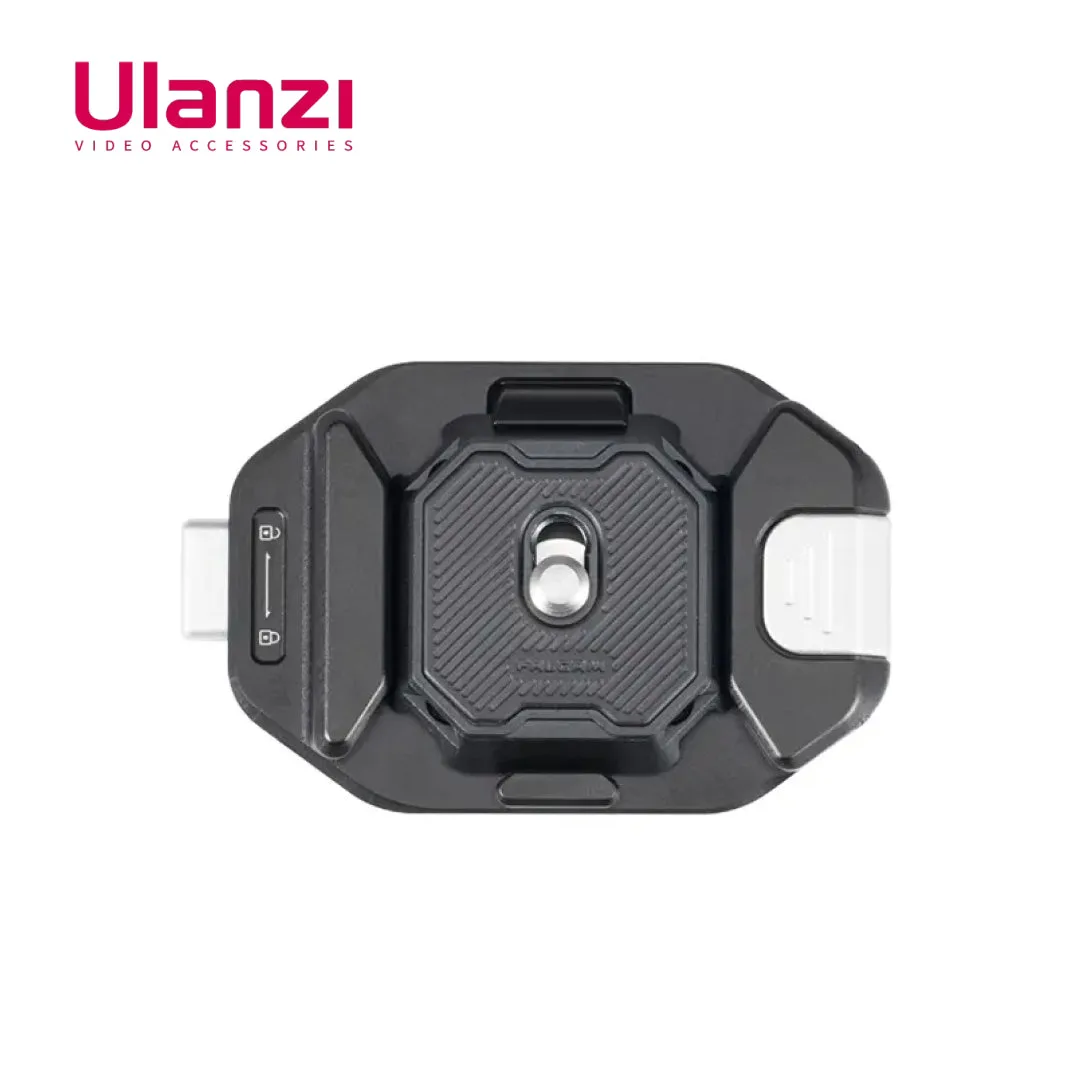
Mount the clip on the strap that crosses your chest, not the shoulder pad, and keep the strap width within the clip's stated limit. Attach the plate to your camera, slide it into the clip until it clicks, then tug the camera firmly before you let go. If the strap is thicker than the clip allows, choose a different strap or a different clip rather than forcing it.
Why strap width and thickness decide the whole setup
Most failed backpack strap camera mounts are not caused by a weak clip. They happen because the strap is too wide or too thick for the clip's channel, so the buckle cannot close fully and the mount shifts while you walk. Measure the strap across its flat width and, if you can, squeeze it to estimate thickness at the point where the clip will sit. The Ulanzi Falcam F38 Quick Release Kit for Camera Backpack Strap Clip V2 is designed for backpack shoulder straps up to 80mm wide and a maximum clip shoulder strap thickness of 20mm, which covers many padded photo backpacks but not every heavy-load hiking strap. If your strap is thicker than that, the clip may still slide on but will not clamp evenly, and that uneven clamp is what lets a camera work loose over a long day.
Choosing a strap position that keeps the camera stable
The clip works best on the section of strap that runs down your chest, roughly between your collarbone and the top of your ribcage. That position keeps the camera close to your body's center of gravity, so it swings less when you turn or bend. Avoid mounting on the padded shoulder section where the strap curves over your shoulder; the curve makes the clip sit at an angle and the camera hangs away from your body. If you use a backpack with load-lifter straps, keep the clip below them so tightening the pack does not pull the clip out of position.
What to check before you trust the lock
A quick release camera clip setup is only as safe as its lock engagement. After sliding the plate in, push it until you feel or hear the lock catch, then pull the camera straight out with moderate force. It should not move. Do this test every time you reattach the camera, not just on the first install, because dust, cold, or a partially seated plate can change how the lock feels. If the plate slides in with no resistance and no click, stop and recheck the plate orientation. The F38 kit is compatible with F38, PD, PGY, and other Arca Standard Square QR Plates, so if you already own a compatible plate, confirm it seats fully before relying on it.
Carrying a camera hands-free without damaging your gear
Hands-free camera carry puts the camera in contact with zippers, buckles, and the ground when you crouch. Keep the camera lens facing inward or downward so it does not catch on branches, and tuck a small microfiber cloth in a pocket to wipe the front element after dusty sections. If you shoot with a compact camera or a phone gimbal, the K&F Concept Nano-X Series 1/4 Black Diffusion Filter with Green Coating for DJI Osmo Pocket 3 / 4 is a screw-on filter rather than a mount accessory, so it does not change how the camera attaches. It only affects the look of your footage, softening highlights and lowering contrast for a dreamier image, which is worth knowing if you plan to shoot while walking and want a consistent look.
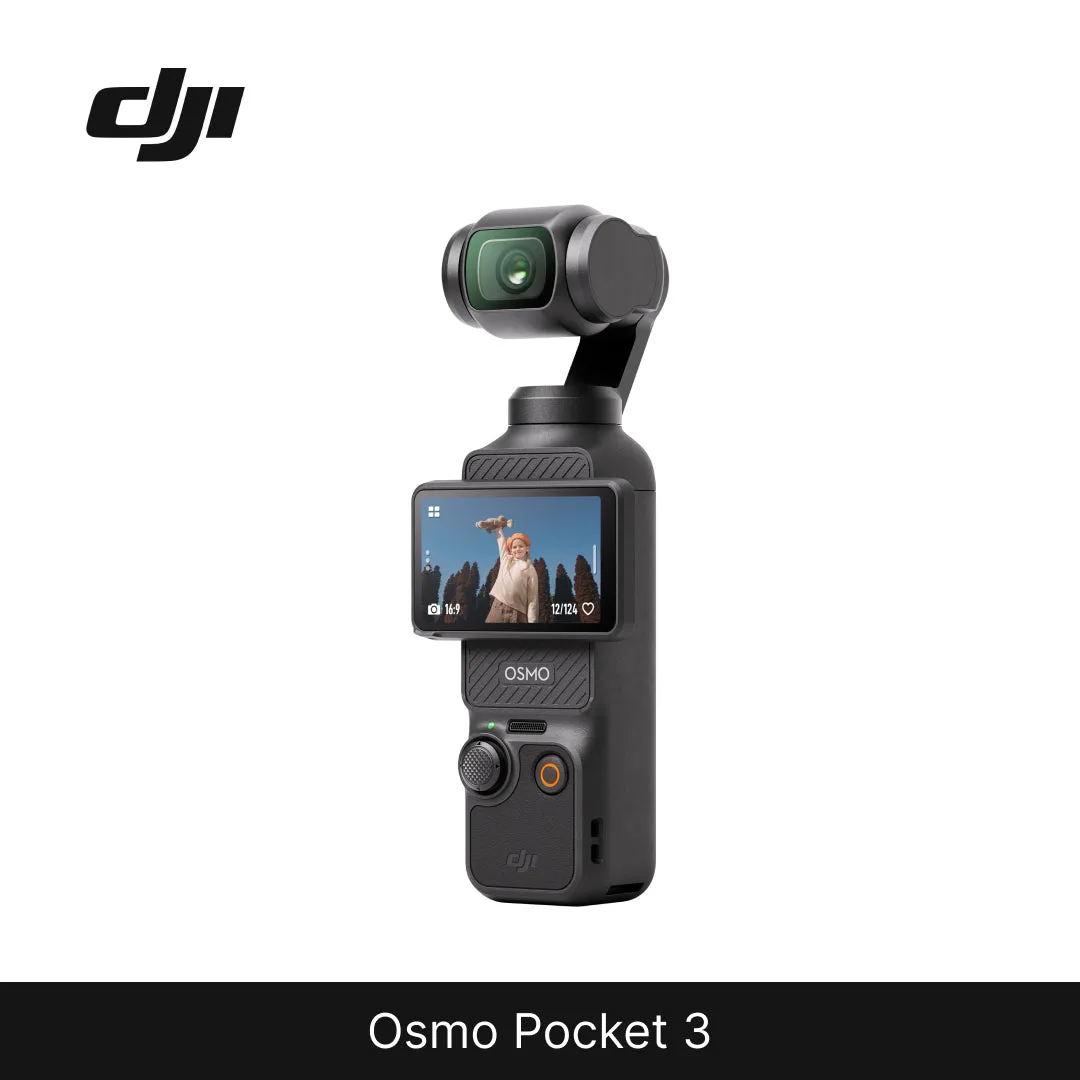
DJI Osmo Pocket 3
Step-by-step backpack strap clip install
- Measure the strap: Use a ruler or tape to measure the flat width of the strap where the clip will sit, and squeeze the padding to estimate its thickness. Compare both numbers with the clip's stated limits. If the strap is wider than 80mm or thicker than 20mm, stop and choose a different strap or clip.
- Attach the plate to the camera: Screw the Arca-style plate into the camera's tripod socket until it is snug. Do not overtighten, and check that the plate sits flat against the camera base with no gap. A plate that rocks or spins means the screw is not fully seated; fix it before mounting.
- Position the clip on the chest strap: Slide the clip onto the strap section that runs down your chest, below any load-lifter straps. Adjust it so the camera will hang close to your body's center. Avoid the curved shoulder pad; the clip needs a straight section to clamp evenly.
- Seat and lock the camera: Slide the plate into the clip until you feel or hear the lock engage. Pull the camera straight out with moderate force to confirm it is held. Repeat this tug test every time you reattach the camera, not just on the first install.
- Walk and recheck: Take a short walk with the camera mounted, including a few turns and a crouch. Stop and recheck the lock and strap tension after the first few minutes. If the clip shifts or the camera swings away from your body, reposition the clip lower or tighter.
Product facts that affect the install
- Ulanzi Falcam F38 Quick Release Kit for Camera Backpack Strap Clip V2: The Ulanzi Falcam F38 Quick Release Kit for Camera Backpack Strap Clip V2 is designed for backpack shoulder straps with a width of 80mm or less and a maximum clip shoulder strap thickness of 20mm. Measure your strap before buying or installing. A strap outside those limits will not clamp evenly, which is a common cause of a camera working loose during a walk.
- Ulanzi Falcam F38 Quick Release Kit for Camera Backpack Strap Clip V2: The F38 kit is compatible with F38, PD, PGY, and other Arca Standard Square QR Plates. If you already own a compatible Arca-style plate, you may not need a second plate, but you should still confirm it seats fully and locks before trusting it on a strap.
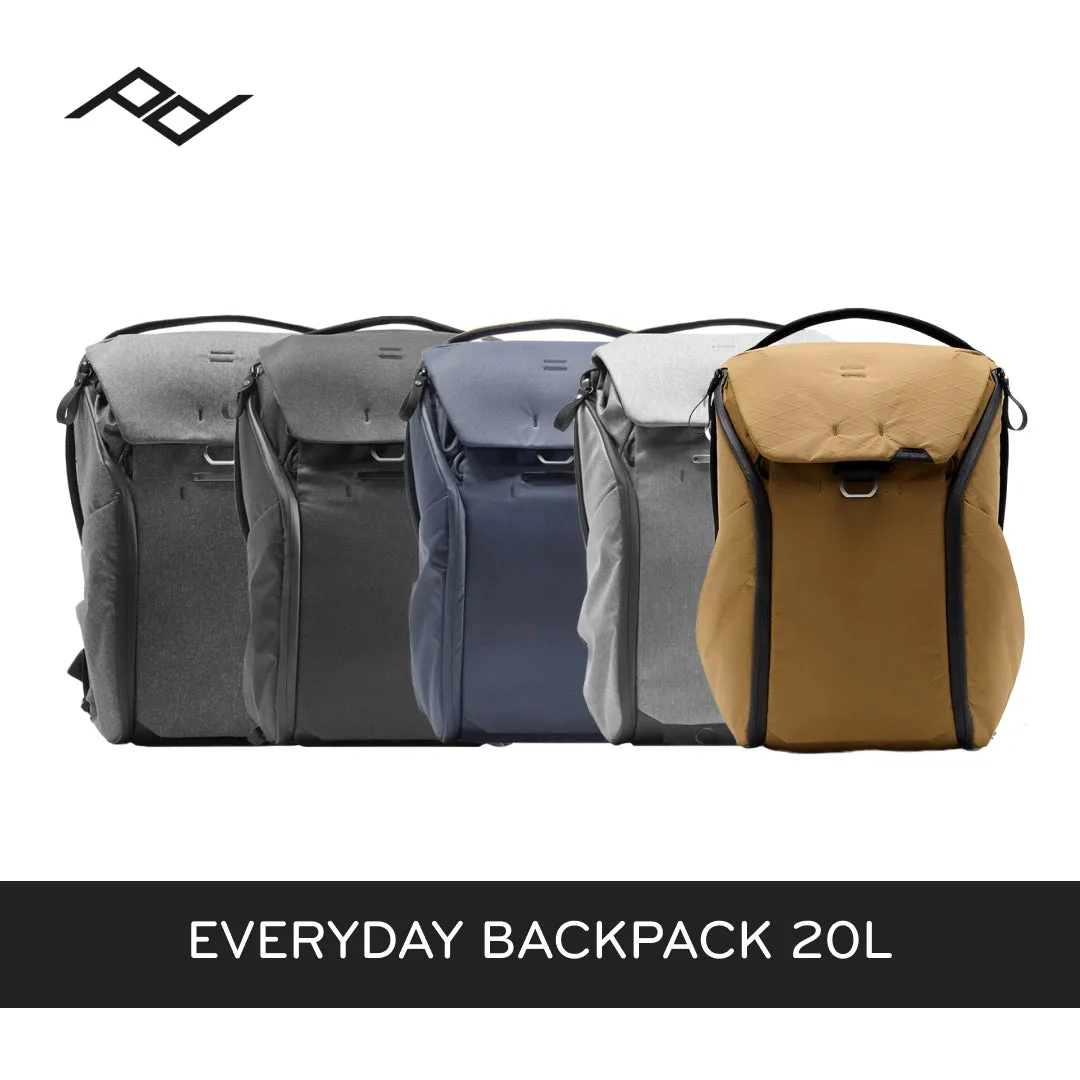
- (Same Day Delivery)Peak Design Everyday Backpack 20L V2 (Black, Charcoal, Ash, Midnight, Coyote): The Peak Design Everyday Backpack 20L V2 uses MagLatch hardware for top access and dual side access via two weatherproof UltraZips, with three configurable FlexFold dividers inside. The internal dividers let you store the camera body and lens separately when you take the camera off the strap clip, so the pack does double duty as a safe place to stow gear between shots.