Quick answer
To mount photos safely, choose between double-sided adhesive tabs (for permanent, invisible hold) or clear photo corners (for easy removal and repositioning). Both are acid-free and photo-safe.
Tabs vs. corners: which one should you pick?
Double-sided adhesive tabs give a permanent, flush mount — ideal for scrapbook pages or display albums where you want the photo to lie flat and stay put. They work best with paper prints and cardstock.
Clear photo corners leave the back of the photo untouched, making them a better choice if you may want to remove or rearrange images later. They also add a subtle, professional look without adhesive touching the print surface.
What about adhesive residue?
Because both products use acid-free, photo-safe adhesive, they won't stain or yellow your images over time. Still, corners are gentler on delicate prints because the adhesive only contacts the corners of the photo, not the entire back.
Step-by-step mounting instructions
- Prepare your workspace: Lay your photo and album page on a clean, flat surface. Wash and dry your hands to avoid transferring oils to the print.
- Position the photo: Lightly hold the photo in place on the page. Use a pencil to mark the corners lightly if you need alignment guides. Common mistake: placing adhesive before final alignment. Always dry-fit first.
- Apply double-sided tabs: Peel one tab from the dispenser and press it onto each corner of the photo back. For larger prints, add one tab in the center of each long edge to prevent curling. Checkpoint: ensure tabs are fully adhered before pressing the photo onto the page.
- Alternative: apply photo corners: Peel a corner from the sheet and stick it to the page at each corner mark. Slide the photo into the corner pockets, pressing gently to secure. Common mistake: pressing the photo into wet or tacky corners. Let the adhesive set for a few seconds first.
- Press and seal: Place a clean sheet of paper over the mounted photo and press firmly across the entire surface. This ensures even adhesion without scratching the print. Checkpoint: if using corners, check that the photo sits flat and doesn't bulge.
Recommended products
-
Double Sided Adhesive Tabs for Photo Albums (box of 250): Kenro Double Sided Adhesive Tabs are acid-free, photo-safe, and supplied in handy dispensers of 250 tabs. They provide a permanent, invisible bond for mounting photos in albums and scrapbooks without risk of discoloration.
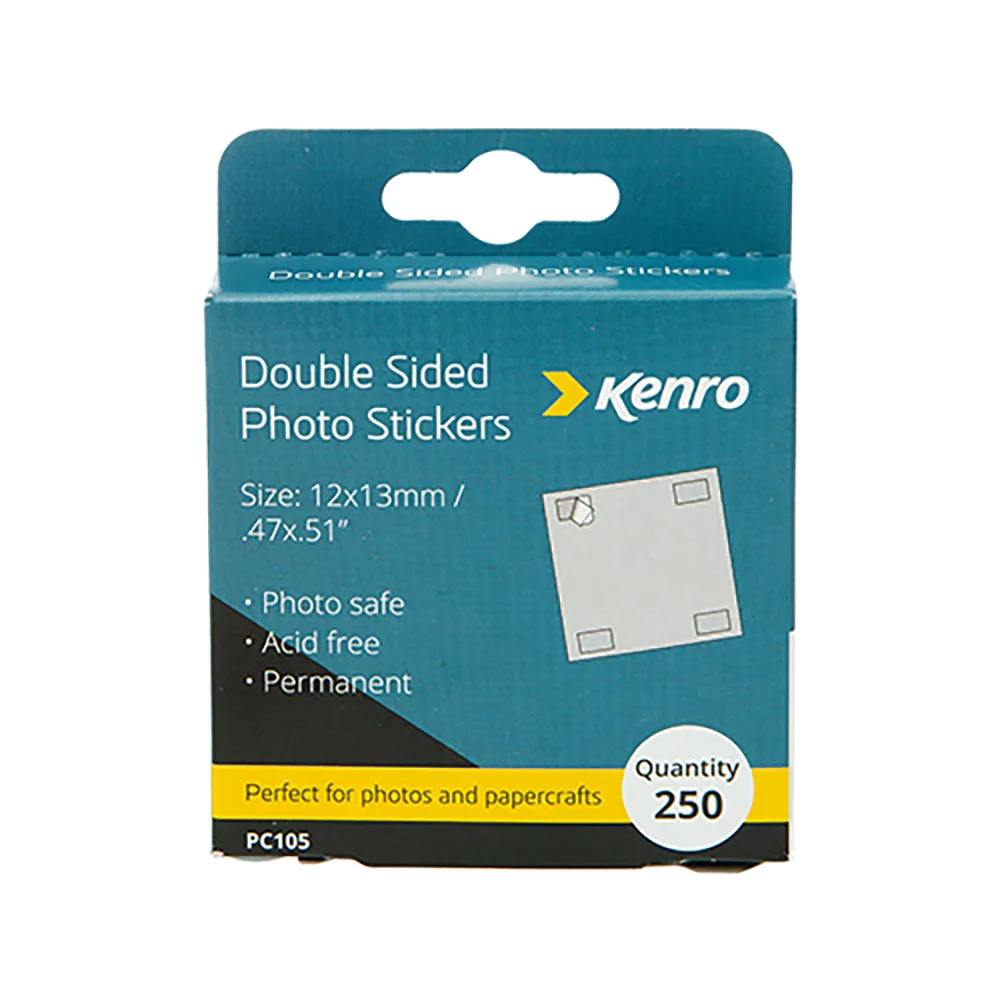
Double Sided Adhesive Tabs for Photo Albums (box of 250)
-
Adhesive Photo Corners for Photo Albums (box of 250): Kenro Clear Photo Corners are acid-free, photo-safe, and hold photos securely while keeping them easily removable if needed. They let you mount photos without applying adhesive directly to the image, making them ideal for valuable or temporary displays.
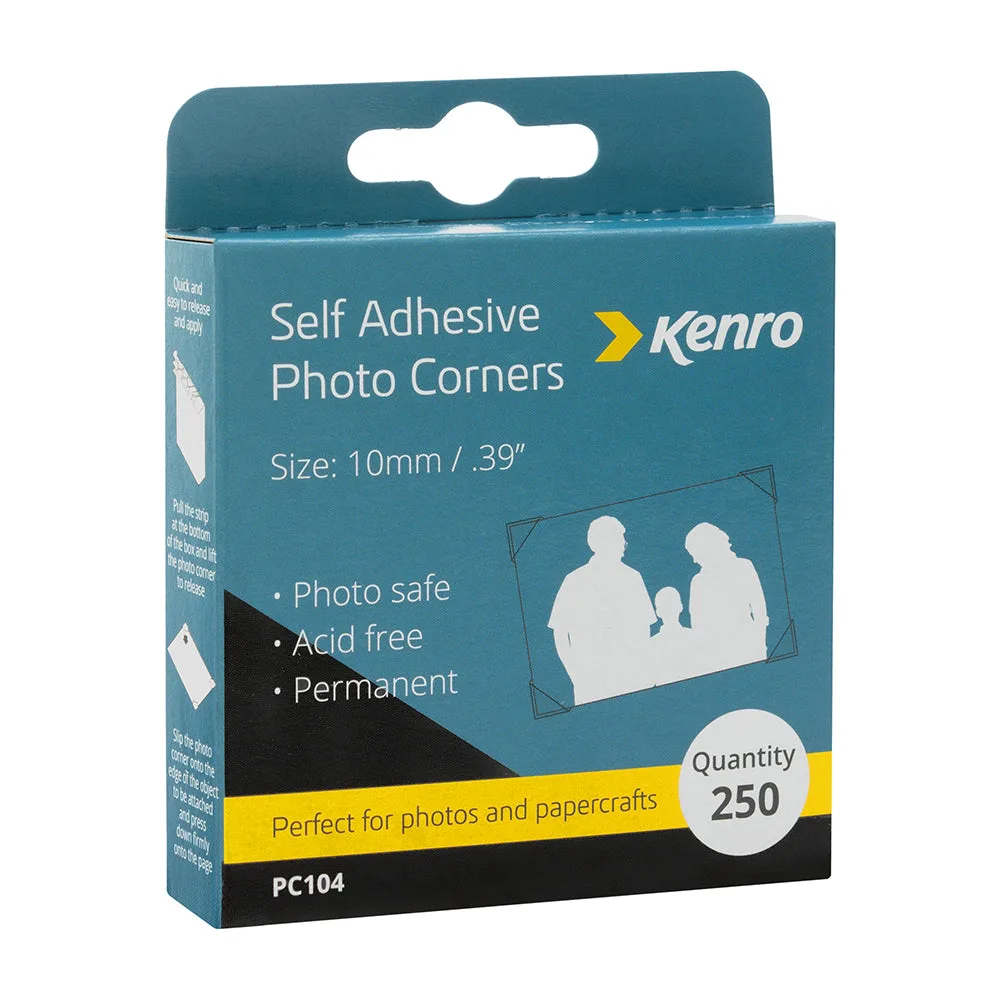
Adhesive Photo Corners for Photo Albums (box of 250)