Quick answer
Mounting an RMSc footprint red dot correctly comes down to three things: a clean, dry, degreased mating surface; an adapter plate that actually matches your slide cut; and the fastener torque specified by your optic or plate maker. Skip any of those and the optic will shift under recoil and lose zero. Work slowly, test-fit before you apply threadlocker, and confirm the dot moves with the barrel, not with your grip.
Confirm your slide cut and RMSc footprint compatibility
RMSc is a footprint standard, not a universal fit. Before you buy or mount anything, identify what your slide is cut for. A true RMSc cut has two rear recoil lugs and two front posts with a specific hole spacing; many slim pistols ship with a modified RMSc cut that only accepts certain plates. If your slide is cut for RMR, you need a different optic or an RMR-to-RMSc adapter, not the other way around. The Apollo Orion Red uses an RMR footprint and ships with a Picatinny adapter mount, so it is not a drop-in for an RMSc-cut slide without the correct plate. The Apollo Eclipse and Pulse Shake Awake both use the RMSc footprint, which is the common standard on subcompact and micro-compact carry pistols.
- Measure the hole spacing and lug pattern on your slide, not just the footprint name.
- Check whether your slide has a rear sight dovetail that interferes with the optic body.
- If your slide is not cut, you need a dovetail mount or a gunsmith cut, not an adapter plate alone.
Prep the slide and plate surfaces
Oil and machining residue are the most common reasons a red dot comes loose. Wipe the slide cut, the adapter plate, and the underside of the optic with isopropyl alcohol and let them dry completely. Do not touch the mating surfaces with bare fingers afterward. If your slide cut has sharp edges or burrs, dress them lightly with a fine stone; a high spot will keep the plate from seating flat and you will chase zero forever.
- Degrease all mating surfaces and let them air dry.
- Inspect for burrs or high spots that prevent full contact.
- Never apply oil or grease between the plate and the slide.
Test-fit the plate and optic before threadlocker
Set the adapter plate into the slide cut and press down. It should sit flat with no rocking. Then set the optic on the plate and check that the recoil lugs or posts engage the optic body correctly. If the plate rocks, the cut or the plate is out of spec; stop and fix that before moving on. A plate that rocks will shear fasteners or strip the slide threads under recoil. Once the dry fit is correct, note which fasteners go where, because plate-to-slide and optic-to-plate screws are often different lengths.
- The plate must sit flat with zero rocking before you install screws.
- Confirm the recoil lugs engage the optic, not just the screw holes.
- Separate and label the two fastener sets so you do not mix lengths.
Apply threadlocker and torque in the correct sequence
Use a removable-strength threadlocker such as blue Loctite on the plate-to-slide screws, and follow the torque value from your optic or plate manufacturer. If no value is supplied, a common starting point for micro red dot fasteners is 12 to 15 inch-pounds, but never exceed the manufacturer's spec and never guess on a slide you cannot replace. Tighten in a cross pattern in two stages: snug all screws, then torque to spec. Over-torquing strips aluminum slide threads and crushes the optic body; under-torquing lets the optic walk. After the plate is torqued, install the optic to the plate with the same care, then let the threadlocker cure for 24 hours before live fire.
- Use blue removable threadlocker, not red permanent.
- Torque in a cross pattern in two stages.
- Let threadlocker cure 24 hours before shooting.
Sight in and verify the mount under recoil
Start at 10 to 15 yards with a rest or sandbags. Fire a three-shot group, then adjust the windage and elevation in the direction the group needs to move. After you are roughly zeroed, fire a five-shot group, then tap the optic body lightly with a plastic mallet or a screwdriver handle and fire another group. If the point of impact shifts, something is loose or the plate is not seated. Re-torque, recheck the plate fit, and repeat. A properly mounted RMSc red dot will hold zero through a full magazine string without wandering.
- Zero from a rest before shooting offhand.
- Tap-test the optic between groups to expose a loose mount.
- If impact shifts, stop and recheck torque and plate seating.
RMSc mounting steps
- Identify the slide cut: Measure the hole spacing and lug pattern on your slide and compare it to the RMSc standard. Check whether the cut is a true RMSc or a modified version that only accepts a specific plate. Checkpoint: if the plate does not sit flat, stop and confirm the cut before buying an optic.
- Degrease and inspect: Wipe the slide cut, adapter plate, and optic underside with isopropyl alcohol, then inspect for burrs or high spots that would keep the plate from seating. Mistake to avoid: handling the mating surfaces with bare fingers after cleaning.
- Dry-fit the plate and optic: Set the plate in the cut and press down; it should not rock. Set the optic on the plate and confirm the recoil lugs engage the optic body. Checkpoint: any rocking means the cut or plate is out of spec, so fix it before installing screws.
- Apply threadlocker and torque: Use blue removable threadlocker on the plate-to-slide screws and torque to the manufacturer's spec, tightening in a cross pattern in two stages. If no spec is given, start at 12 to 15 inch-pounds and do not exceed it. Mistake to avoid: over-torquing and stripping aluminum slide threads.
- Cure, then sight in: Let the threadlocker cure for 24 hours, then zero from a rest at 10 to 15 yards. Fire a group, tap the optic body, and fire again to confirm the mount is stable. Next step: if impact shifts after the tap test, recheck plate seating and torque before shooting further.
RMSc footprint options from Apollo Precision
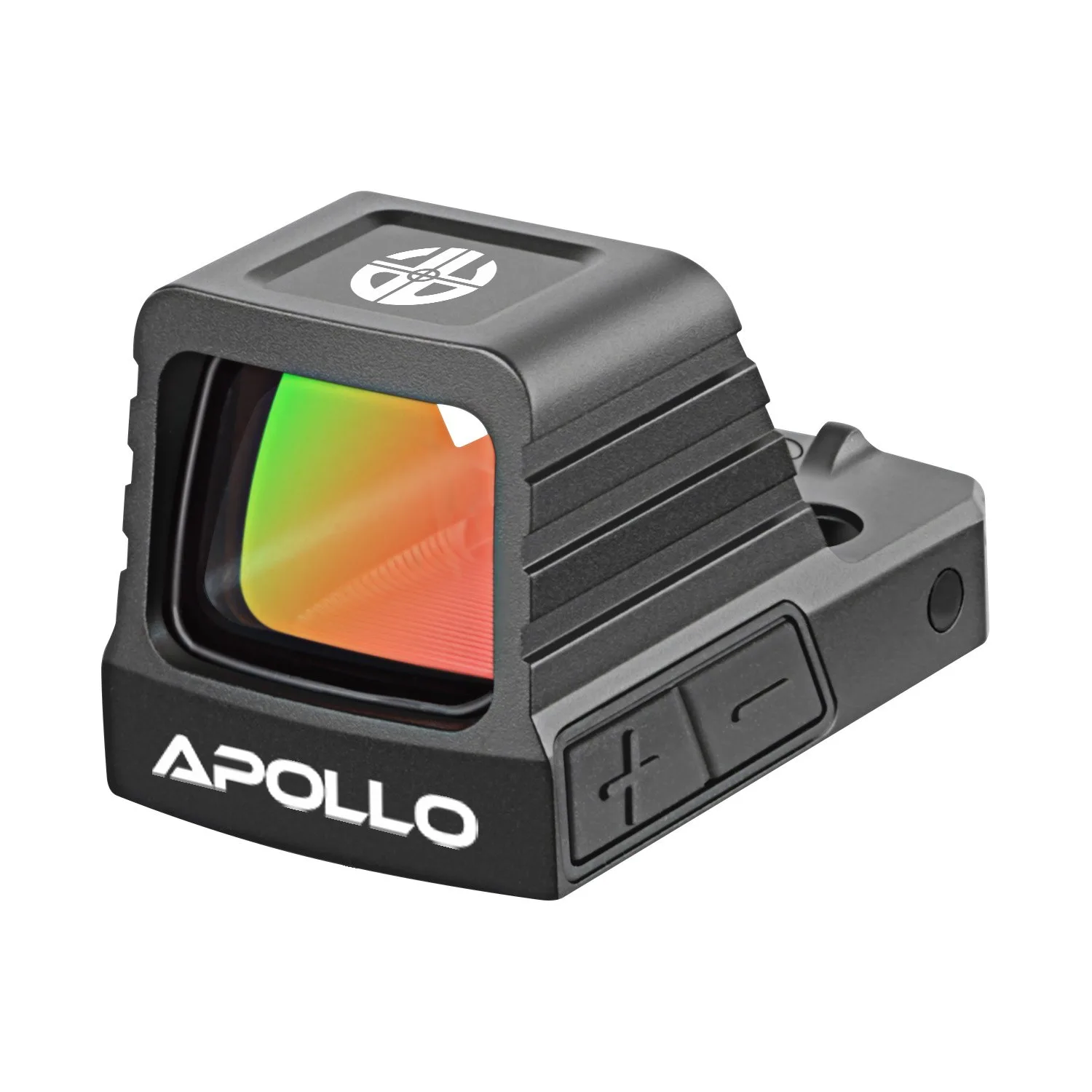
- Pulse Shake Awake: The Pulse Shake Awake uses an RMSc footprint and includes a Picatinny adapter, with a 3 MOA dot, 7075 aluminum body, and multi-coated glass. If your slide is RMSc-cut, this optic mounts directly; the Picatinny adapter also lets you run it on a rail for testing or on a non-cut host.
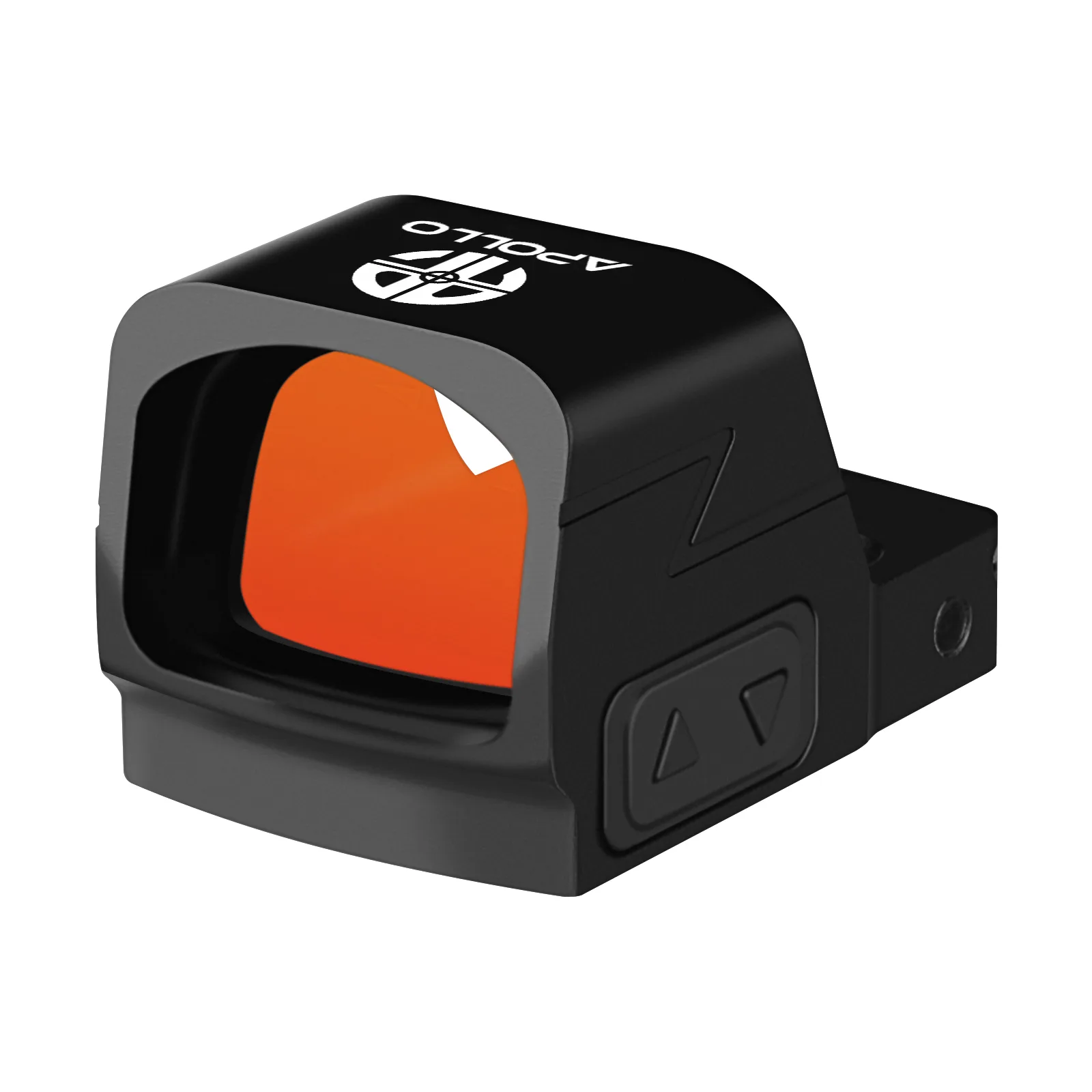
- Apollo Eclipse: The Apollo Eclipse is built for conceal carry and subcompact pistols with a slim RMSc footprint, an 18 x 14.3 mm window, and a 3 MOA red dot, backed by a 5-year warranty. The slim RMSc footprint is the common standard on micro-compact slides, so the Eclipse is a direct fit on many carry pistols without a plate.
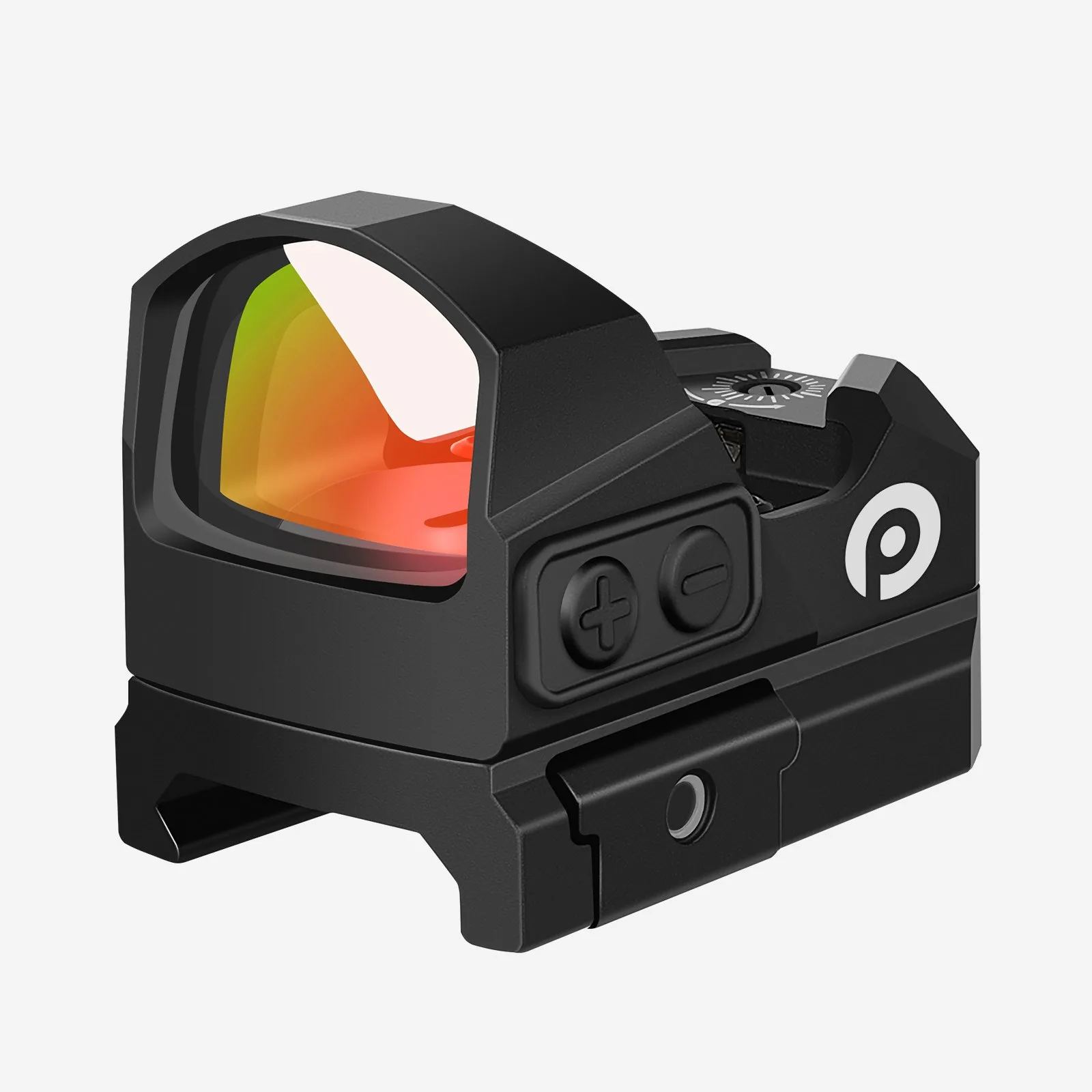
- Orion Red: The Orion Red uses an RMR footprint with a 24 x 17 mm window, 6061 aluminum construction, IPX7 waterproofing, and ships with an RMR footprint and a Picatinny adapter mount. RMR and RMSc are not interchangeable. If your slide is RMSc-cut, the Orion Red needs an RMR-to-RMSc adapter plate, not a direct mount.