Quick answer
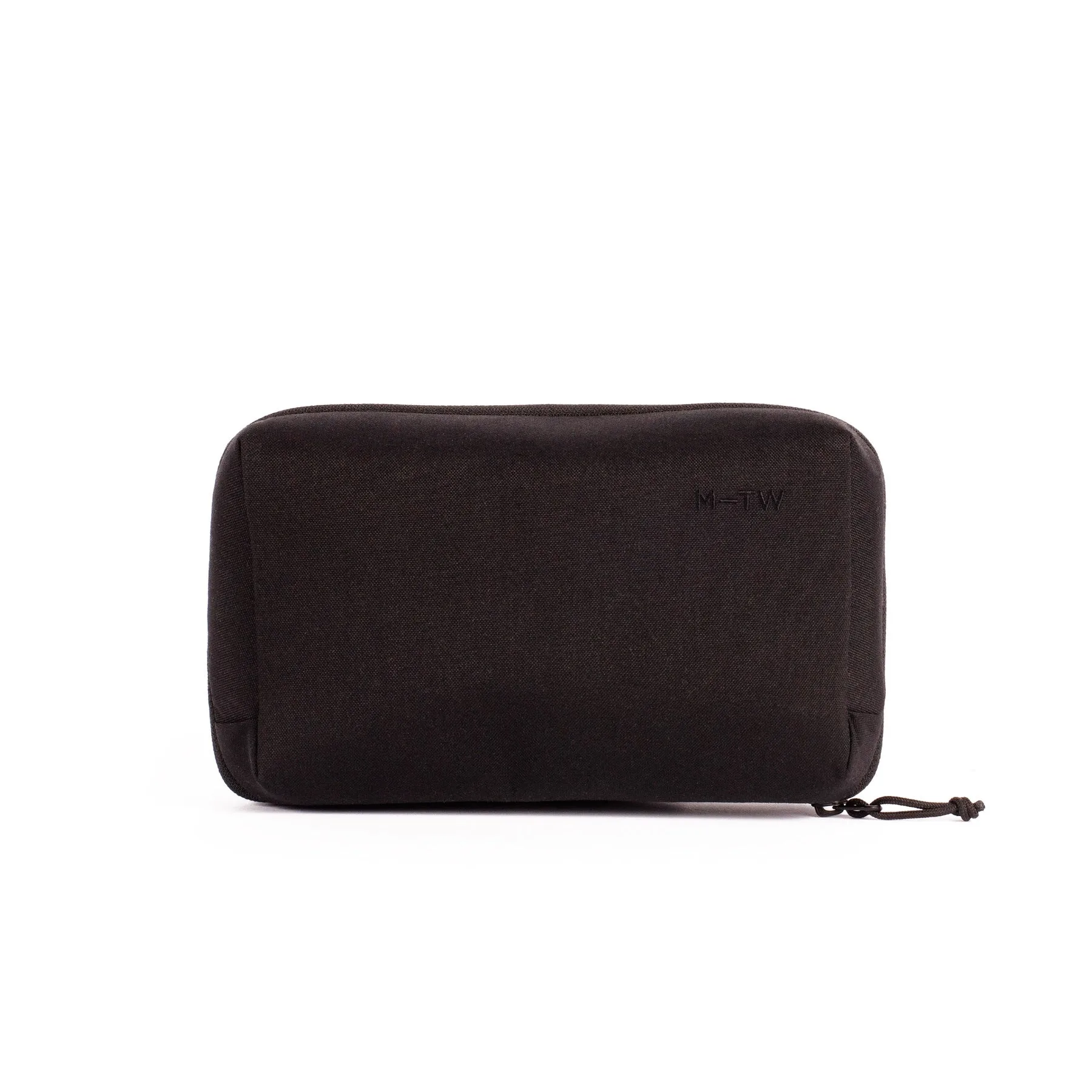
Empty the bag, sort every cable and small accessory by the job it does, wrap each cable so it holds its own shape, group related items in labelled pouches, then place the most-used group where you can reach it without unpacking. A dedicated organiser such as the Moment MTW Tech Organiser does the grouping for you, but the sorting and wrapping steps are what actually stop the tangles.
Start by emptying the bag completely
You cannot organise a bag you have not seen the bottom of. Tip everything out onto a table, including the cables coiled in the side pocket and the adapters that have migrated under the divider. Group what you find into four piles: power, data, mounting, and cleaning. Anything that belongs to none of those piles is probably not camera gear and can leave the bag for good.
- Checkpoint: if you have not used an item in three shoots, it does not need a permanent place in the bag.
- Common mistake: organising around the bag's existing pockets instead of around how you actually shoot.
Wrap each cable so it holds its own shape
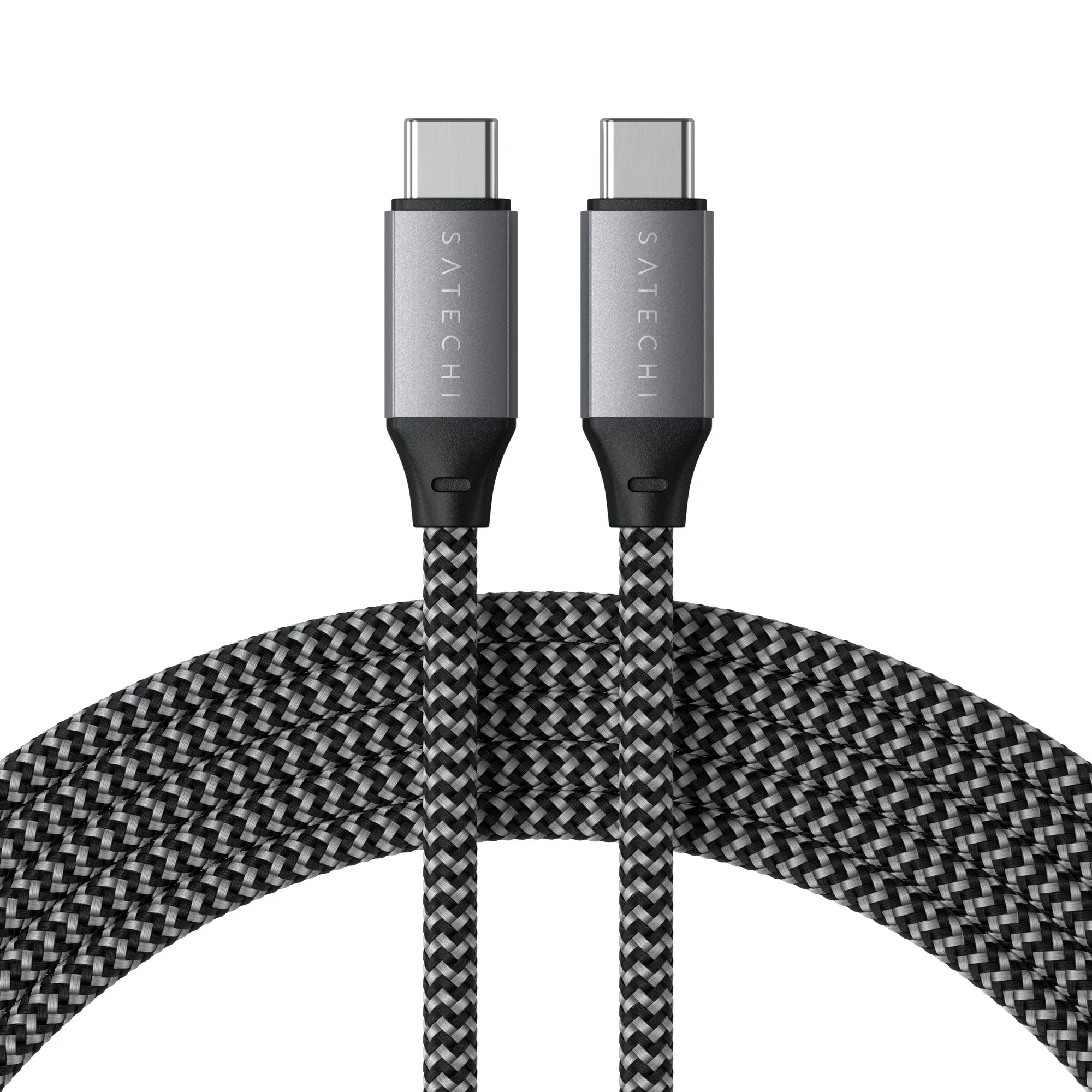
Over-under coiling, the method road crews use on audio cable, keeps a cable straight and lets it unroll without knots. Fold a short cable in thirds rather than winding it tight around your hand, which puts strain on the connector ends. A hook-and-loop tie at each finished bundle means the cable stays wrapped in the bag instead of unspooling against your lenses.
- Checkpoint: pick up a wrapped cable by one end and let go. It should stay bundled.
- Common mistake: wrapping cables around the charger they belong to, which makes both harder to use.
Group by job, not by cable type
A USB-C cable used for offloading cards and a USB-C cable used to charge your phone are not the same job, even though they look identical. Group by task so you can pull one pouch and have everything that task needs. Label each group with a short tag or a coloured tie, and keep duplicates of your most critical cable in a separate pouch rather than doubling up inside the main group.
- Checkpoint: you should be able to describe each pouch's contents in three words or fewer.
- Common mistake: one large pouch holding everything, which recreates the tangle you just fixed.
Give small accessories a fixed home
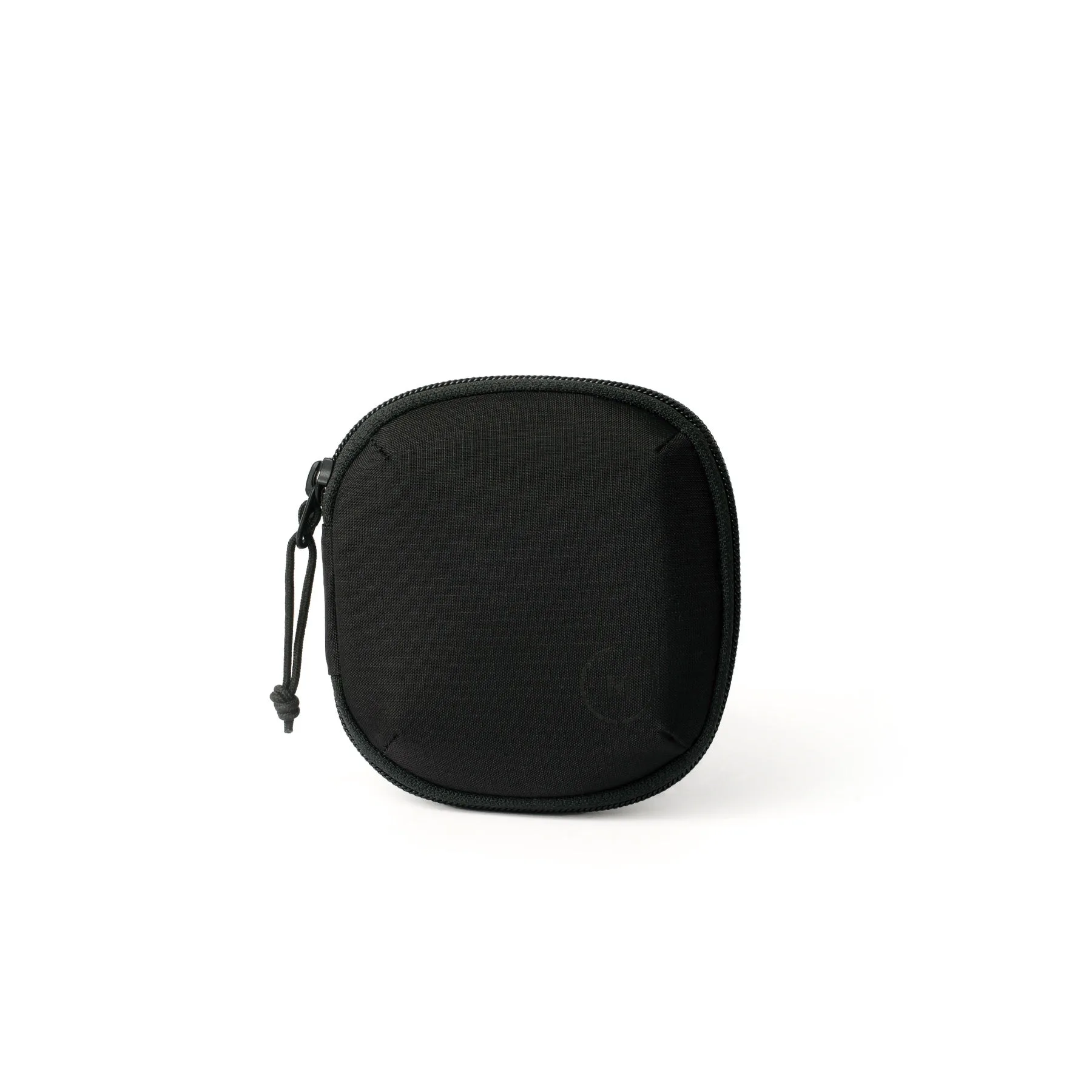
Lens cloths, card readers, spare batteries, and filter pouches are the items that disappear first. A flat organiser with elastic loops or divided pockets keeps them visible at a glance. If you carry filters, a purpose-built case is worth the space because loose filters in a bag pick up grit and scratches. The Moment Soft Filter Case comes in 4 and 6 filter sizes, so a minimal kit can take the smaller version and a full kit the larger one.
- Checkpoint: shake the closed bag gently. Nothing should rattle against a hard edge.
- Common mistake: storing batteries loose next to metal items such as carabiners or tripod plates.
Place the organiser where you can reach it
The most-used group should sit in the lid or top pocket, not at the bottom under the camera body. Your second-most-used group goes in the opposite end of the bag so your hands learn two positions. If you shoot with a sling, the same logic applies: the organiser rides on the side you open most often, and the camera stays in the padded compartment.
- Checkpoint: with the bag on your shoulder, you should reach your main cable group in one motion.
- Common mistake: packing the organiser first and forcing the camera around it.
Re-check the bag after every trip
Cable management decays. A two-minute reset when you unpack — returning each item to its group and re-wrapping anything that came loose — is what keeps the system working. If a group keeps overflowing, that is a signal to split it or to leave something behind on the next shoot.
- Checkpoint: if the bag takes more than two minutes to reset, the groups are too large.
- Common mistake: waiting until the bag is unusable before reorganising it.
Seven-step camera bag cable routine
- Empty and sort: Tip everything out and sort into power, data, mounting, and cleaning piles. Checkpoint: anything unused in three shoots leaves the bag.
- Wrap over-under: Coil long cables over-under and fold short ones in thirds, securing each with a hook-and-loop tie. Checkpoint: a wrapped cable should hold its shape when lifted by one end.
- Group by job: Build one pouch per task rather than one pouch per cable type, and label each group. Checkpoint: describe each pouch in three words or fewer.
- Protect the small stuff: Give filters, cards, and batteries fixed homes; use a filter case sized to your kit. Checkpoint: shake the bag — nothing should rattle against a hard edge.
- Position for access: Put your main group in the lid or top pocket and your second group at the opposite end. Checkpoint: reach your main cables in one motion with the bag on your shoulder.
- Pack the camera last: Fit the camera and lenses first, then slide the organiser into the remaining space. Common mistake: packing the organiser first and squeezing the camera around it.
- Reset after every trip: Spend two minutes returning items to their groups and re-wrapping loose cables. If the reset takes longer, your groups are too big — split them.
Gear that supports this method
- Moment MTW Tech Organiser - Black: The Moment MTW Tech Organiser is a low-profile bag designed to keep cables, chargers, dongles, and adapters in one place. It replaces several loose pouches with a single flat unit, which is the grouping step in physical form and keeps the organiser from bulking out your camera bag.
- Moment Soft Filter Case: The Moment Soft Filter Case is available in 4 and 6 filter sizes and is designed to protect and organise filters while travelling. Choosing the size that matches your actual filter count prevents a small kit from carrying a large case, and keeps glass away from the cables and metal items in the rest of the bag.