Quick answer
Use a monitor stand to lift your screen to eye level and reclaim the space underneath for storing desk essentials, turning one flat surface into two functional zones.
Why a monitor stand helps with desk organization
A monitor stand does more than raise your screen. It adds vertical storage under the stand, so you can store items that usually clutter your desktop, such as notebooks, pens, or a small keyboard. This reduces visual noise and frees up surface area for tasks like writing or using a mouse.
The IRIS USA Computer Monitor Stand is 23 inches wide, which gives you enough room to place a laptop, a lamp, or a phone beside your monitor. It holds monitors up to 32 inches or 22 pounds, so it works with most standard office setups.
Ergonomics and productivity benefits
Raising your monitor by 3 inches brings the top of the screen closer to eye level. This helps prevent neck strain and fatigue during long work sessions. A comfortable posture often leads to better focus and fewer interruptions.
The stand can also hold other items like a printer, humidifier, or fan if you need to create vertical space in a cramped area. It is not limited to monitors only.
Steps to organize your desk with a monitor stand
- Clear your desktop: Remove everything from your desk so you have a blank surface. Sort items into keep, store elsewhere, or toss piles. Common mistake: skipping this step leads to a cluttered stand and defeats the purpose of organizing.
- Position the monitor stand: Place the stand at the center of your desk, about an arm's length away from your seated position. Ensure it is stable and level. Checkpoint: your monitor should sit centered on the stand, not hanging off the edge.
- Set up your monitor on top: Place your monitor on the stand and adjust the height so the top of the screen is at or slightly below eye level. Tilt the screen to reduce glare. Common mistake: leaving the monitor too low forces you to look down, causing neck strain.
- Organize items underneath: Use the space under the stand for items you need within reach but not on the surface, such as a keyboard, mouse pad, notebooks, or a small storage tray. Checkpoint: avoid stacking items too high—they should slide out easily without lifting the stand.
- Tidy cables and accessories: Route cables from your monitor, keyboard, and other devices along the back of the stand. Use cable clips or ties to keep them from tangling. Common mistake: leaving cables loose creates a mess and makes cleaning harder.
Product highlights
-
Computer Monitor Stand: 23 inch wide stand that holds monitors up to 32 inches or 22 pounds. The wide surface accommodates both your monitor and small desk accessories, while the weight capacity covers most standard screens.
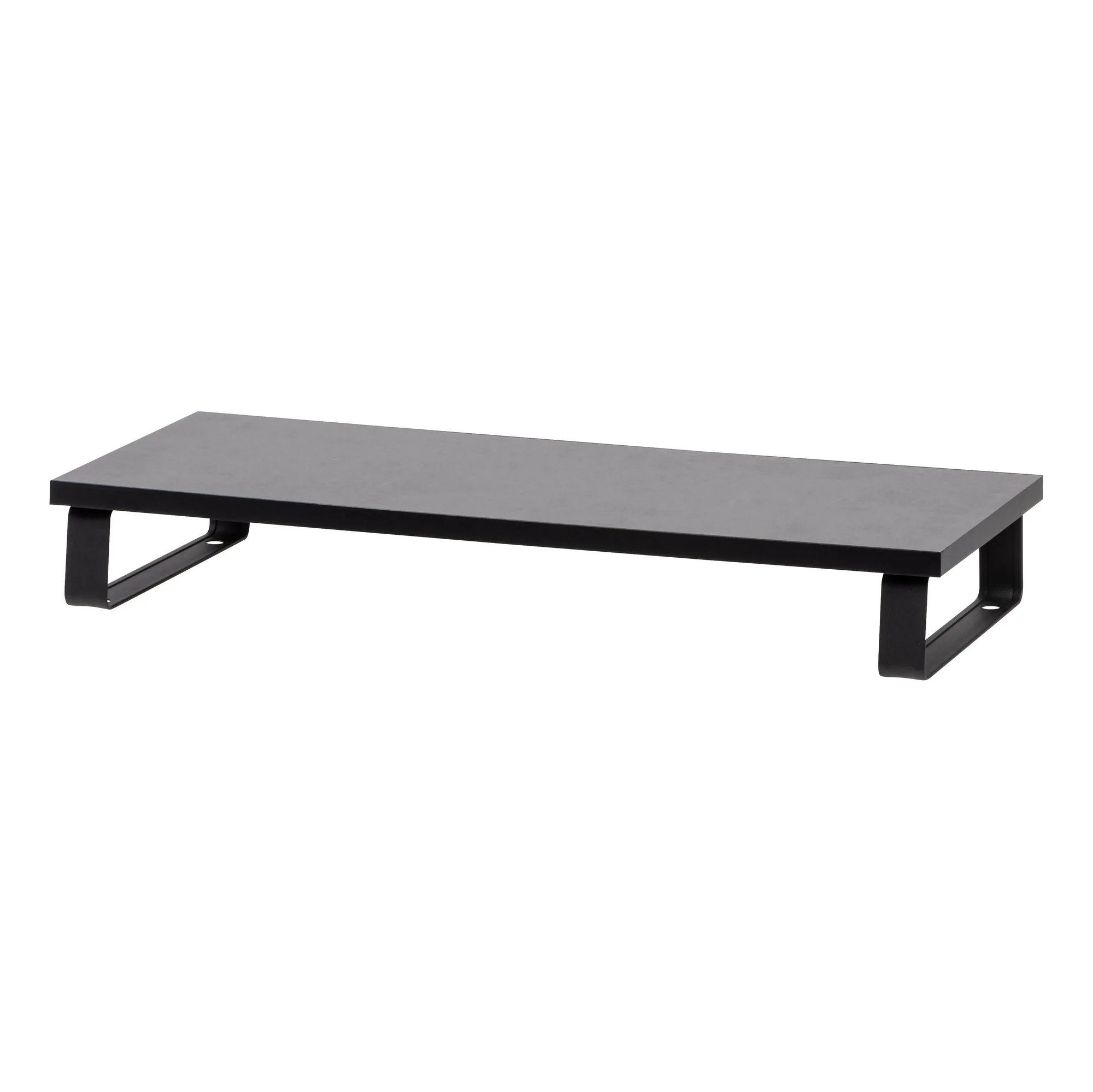
Computer Monitor Stand