Quick answer
Use the Harper Tote's dedicated compartments—padded laptop sleeve, water bottle pockets, and zippered sections—to separate your gear so you can grab what you need without digging.
Why the Harper Tote works for both school and work
The Harper Tote is designed with multiple pockets that let you separate a laptop, water bottle, phone, and small accessories. This means you can switch between a student schedule and a workday without repacking everything. The padded laptop sleeve fits up to a 13-inch device, and the elastic water bottle pockets keep drinks upright and accessible.
What the Harper Tote does not have
The Harper Tote does not include a dedicated tablet sleeve or a padded compartment for a larger laptop. If you carry a device larger than 13 inches, you will need to use the main compartment and add your own sleeve. The bag also lacks a built-in key clip, but it does have a key leash inside one of the pockets.
How to pack your Harper Tote step by step
- Load the laptop sleeve first: Slide your 13-inch or smaller laptop into the padded sleeve with magnetic closure. This secures it against the back of the bag and keeps it separate from other items. If your laptop is larger than 13 inches, skip this sleeve and place it in the main compartment with a separate padded sleeve.
- Fill the water bottle pockets: Use the two large pockets for your main water bottle or travel mug. The elastic holds them upright so they do not tip over. Reserve the remaining two pockets for a snack container or a small umbrella. Do not overfill these pockets—they are meant for slim, cylindrical items only.
- Organize small items in the interior pockets: Place your phone or credit cards in one of the three small pockets. Use the small zippered pocket for sunglasses or earbuds. Clip your keys to the key leash inside so you can find them fast. Avoid stuffing all small items into one pocket—spread them out so you can grab each without rummaging.
- Pack the main compartment last: After the laptop, water bottle, and small items are placed, add your books, lunch bag, or change of clothes in the main compartment. The zippered closure keeps everything contained. Do not overload the main compartment beyond the zipper line—overpacking strains the zipper and makes the bag bulge.
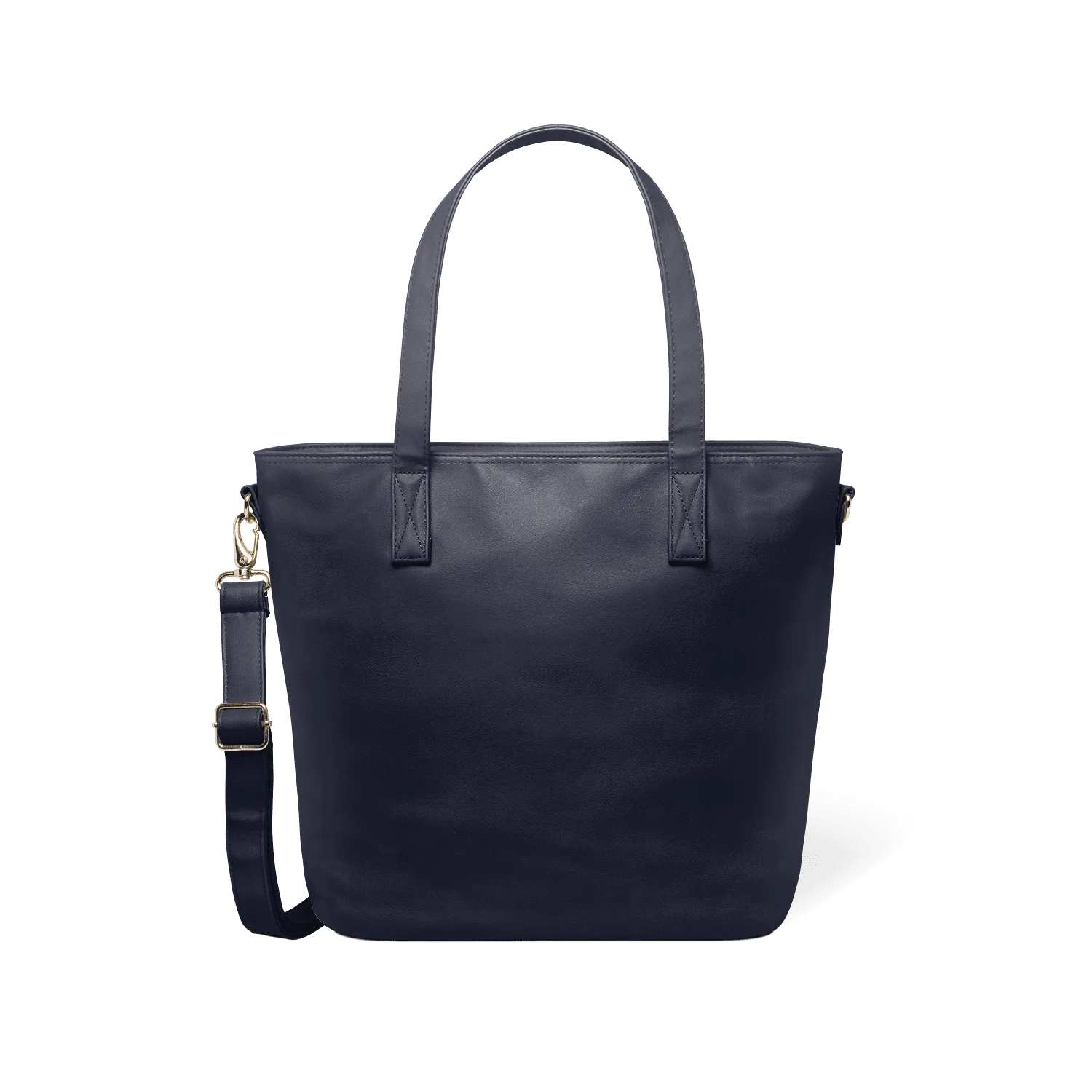
- Choose your carry style: Use the comfortable handles for a tote carry or attach the detachable, adjustable crossbody strap for hands-free walking. Switch between them as needed during the day. If you carry heavy items, the crossbody strap distributes weight better than the handles alone.
Product details
-
Harper Tote: The Harper Tote has a padded laptop sleeve with magnetic closure that fits up to a 13-inch device, plus 4 water bottle pockets with elastic. You can carry a laptop and a water bottle securely without them shifting or spilling inside the bag.
Harper Tote