Quick Answer
Start by sorting your items into categories, then roll or fold them tightly and place them in the Aerolite Packing Cube, using the smallest sizes for accessories and the larger cubes for bulkier clothing. This method maximizes space and keeps your carry-on organized.
Why Use a Packing Cube?
Packing cubes are a traveler's best friend. They not only keep your belongings organized but also help you compress your clothing, allowing you to fit more into your carry-on. The Aerolite Packing Cube, made from lightweight recycled ripstop nylon, adds structure without adding bulk, making it ideal for both everyday carry and multi-day journeys.
Choosing the Right Size
The Aerolite Packing Cube comes in four sizes, but not all are listed here. The Medium and Large cubes align seamlessly within Urth backpacks, while the Small and XS are perfect for accessories and smaller items. Choose your sizes based on what you're packing: use the larger cubes for clothing and the smaller ones for electronics, toiletries, or camera gear.
Step-by-Step Packing Process
- Sort and Categorize: Lay out all items you plan to pack and group them by category: clothing, accessories, toiletries, electronics, and camera gear. This helps you decide which cube size to use for each group. Checkpoint: Ensure you have enough cubes for each category, or combine small items to avoid overpacking.
- Roll or Fold Tightly: Roll your clothing items to save space and reduce wrinkles. For bulkier items like sweaters, fold them flat. Place rolled items vertically in the cube to maximize space. Checkpoint: Avoid overstuffing the cube; it should close easily without straining the zipper.
- Use Smaller Cubes for Essentials: Place smaller items like cables, chargers, toiletries, or a compact camera in the Small or XS cubes. This keeps them separate and easy to find without digging through your bag. Checkpoint: Label or use clear cubes if you need quick access to specific items during travel.
- Arrange Cubes in Your Carry-On: Place the larger cubes at the bottom of your bag and smaller ones on top or in side pockets. This distributes weight evenly and makes it easier to access items without unpacking everything. Checkpoint: Make sure the cubes fit snugly to prevent shifting during transit.
- Test and Adjust: Before zipping your bag, test the weight and accessibility. If you need to access a specific item frequently, move that cube to an easier location. Checkpoint: Ensure your bag still meets carry-on size restrictions and is comfortable to carry.
Product Facts
-
Aerolite Packing Cube S: The Aerolite Packing Cube S is constructed from lightweight recycled ripstop nylon and is part of a four-size system designed to keep essentials separated without adding bulk. The Small size is ideal for accessories, cables, or a compact camera setup, helping you keep smaller items from getting lost in your bag.
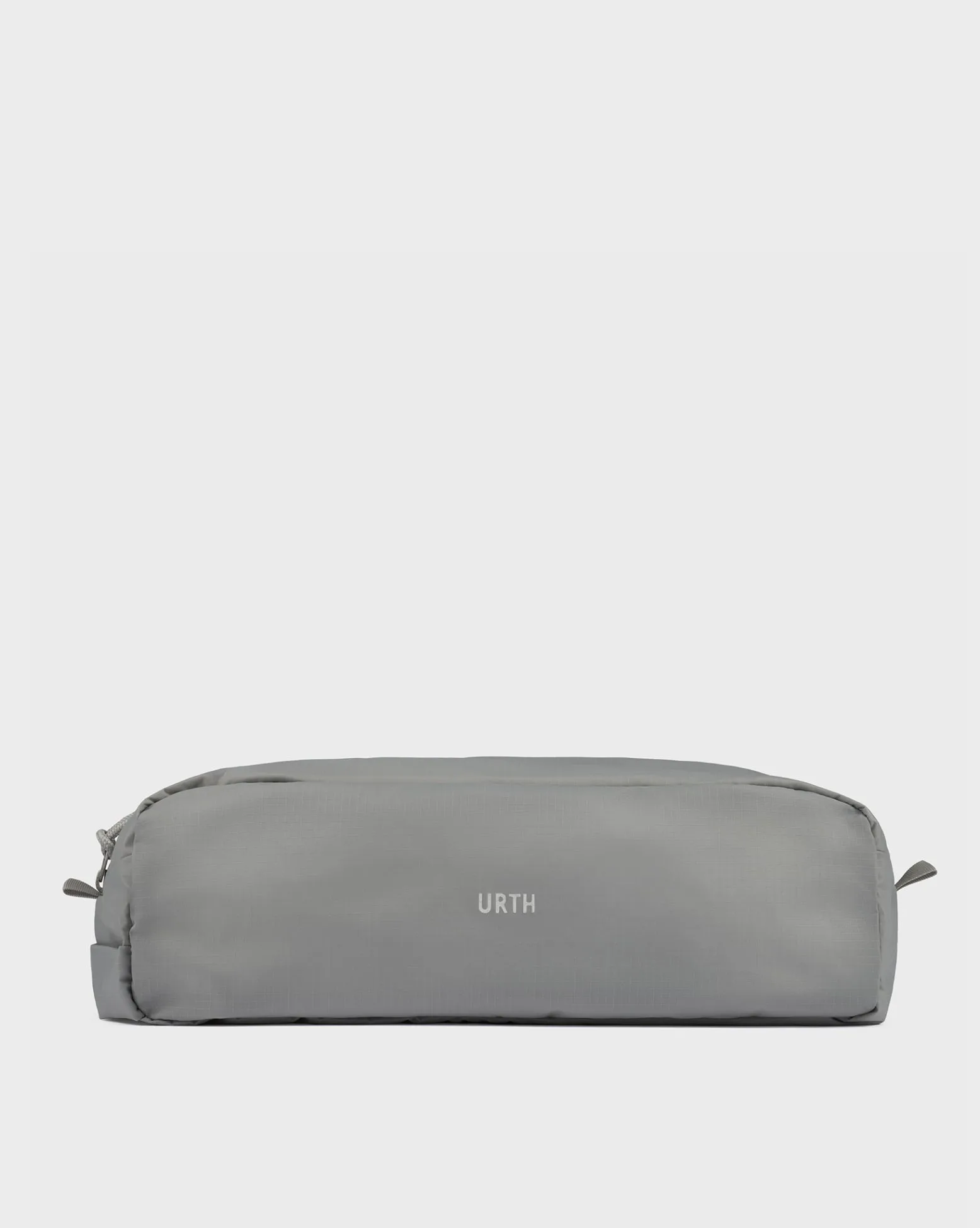
Aerolite Packing Cube S
-
Aerolite Packing Cube XS: The Aerolite Packing Cube XS is also made from lightweight recycled ripstop nylon and is designed to refine your organization system with its compact dimensions. The XS is perfect for toiletries, socks, or small electronics, allowing you to maximize space in your carry-on without sacrificing organization.
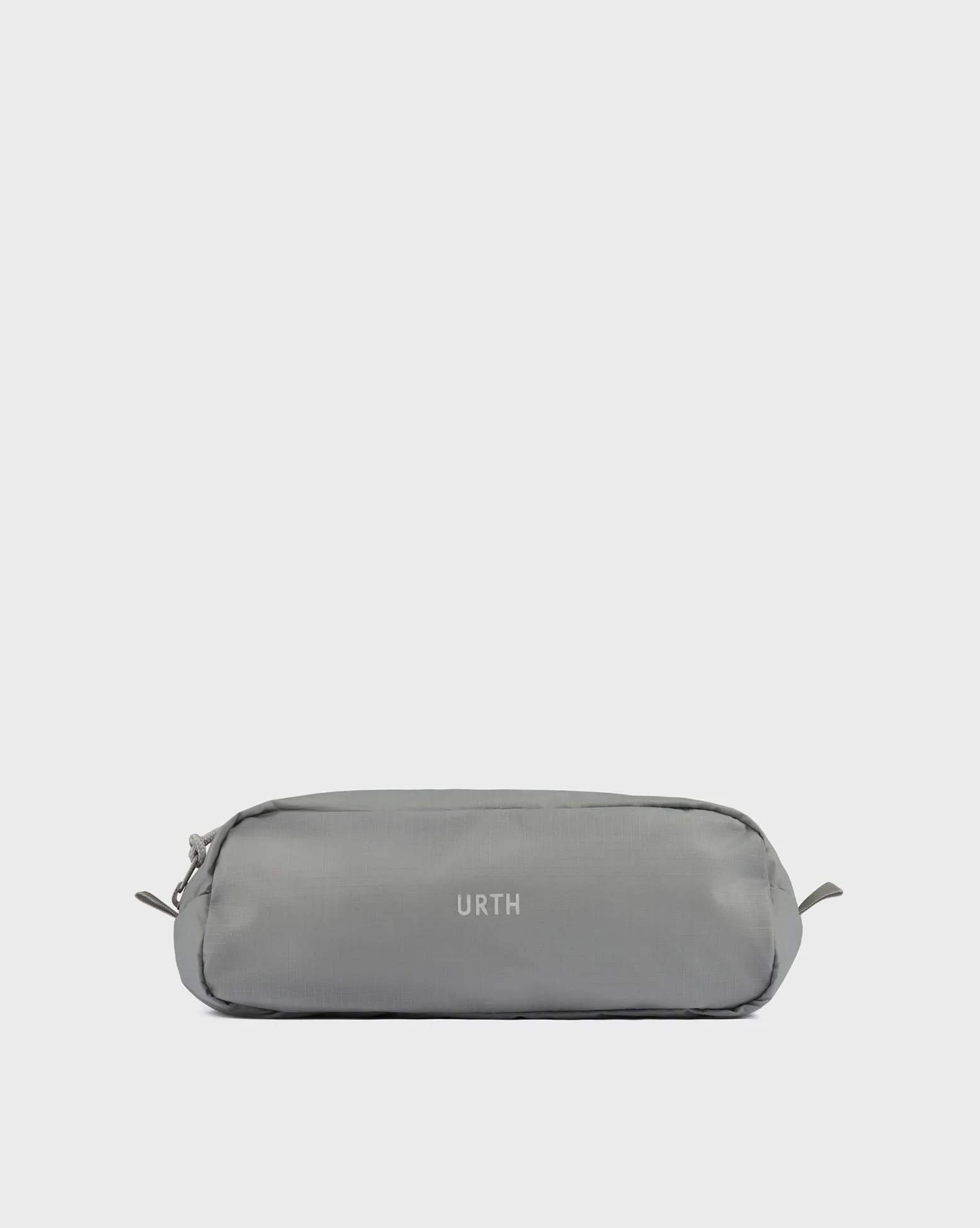
Aerolite Packing Cube XS


