Quick Answer
SCALE75 HONEY paint gives you a warm, golden-brown base that works beautifully for painting realistic skin tones on miniatures. Follow this step-by-step process to layer, shade, and highlight for a natural finish.
Why Honey Paint Works for Skin Tones
SCALE75 HONEY is an acrylic paint with a warm, golden-brown hue that mimics the undertones of many skin complexions. Its smooth consistency allows for thin layers without losing opacity, which is essential for building up realistic skin gradients. Unlike stark browns or oranges, Honey strikes a balance that avoids a cartoonish look when blended properly.
One trade-off: Honey alone is too warm for neutral or cool skin tones. You'll need to mix it with a desaturating color like a pale gray or a cool brown to adjust the warmth. This guide assumes you're aiming for warm-toned skin, such as for characters with sun-kissed or tanned complexions.
Painting Warm Skin Tones with Honey Paint
- 1. Prime and Basecoat: Apply a thin coat of SCALE75 HONEY over the primed skin areas. Use a flat brush and load it with paint thinned to a skim-milk consistency. Apply two thin coats, letting each dry completely. Common mistake: applying too thick a first coat, which hides detail and creates a glossy patch. Check for even coverage; patchy areas will show through later layers.
- 2. Create Shadows with a Mix: Mix HONEY with a tiny amount of dark brown or deep red to create a shadow tone. Paint this into recesses like the eye sockets, under the chin, and sides of the nose. Keep the mix slightly thicker than your basecoat. Common mistake: using pure black or dark brown, which looks muddy and kills the warm undertone. Blend the shadow edges while still wet using a damp brush to avoid harsh lines.
- 3. Build Mid-Tones with Layering: Apply pure HONEY to the raised areas of the face (cheeks, forehead, nose bridge). Use a layering technique: thin the paint slightly more than the basecoat and apply in smooth, overlapping strokes. Let each layer dry before adding the next. Common mistake: adding too many layers too quickly, creating a thick, cakey finish. Two to three layers are usually enough; stop when the skin looks saturated but not shiny.
- 4. Highlight with a Lighter Mix: Mix HONEY with a pale flesh tone or a touch of white to create a highlight color. Apply this to the highest points: cheekbones, brow ridge, tip of the nose, and cupid's bow. Use a fine detail brush and apply small dots or thin lines. Common mistake: using pure white, which looks chalky and unnatural on warm skin. Highlight only the most prominent areas; over-highlighting flattens the face.
- 5. Glaze for Unity: Thin HONEY with water or medium to a glaze consistency (like colored water) and apply a single thin layer over the entire face. This ties the layers together and restores the warm tone if highlights or shadows became too cool. Common mistake: applying a glaze that is too opaque, which obscures the work underneath. Wipe excess glaze from your brush; you want a translucent wash, not a new coat.
Product Used in This Guide
-
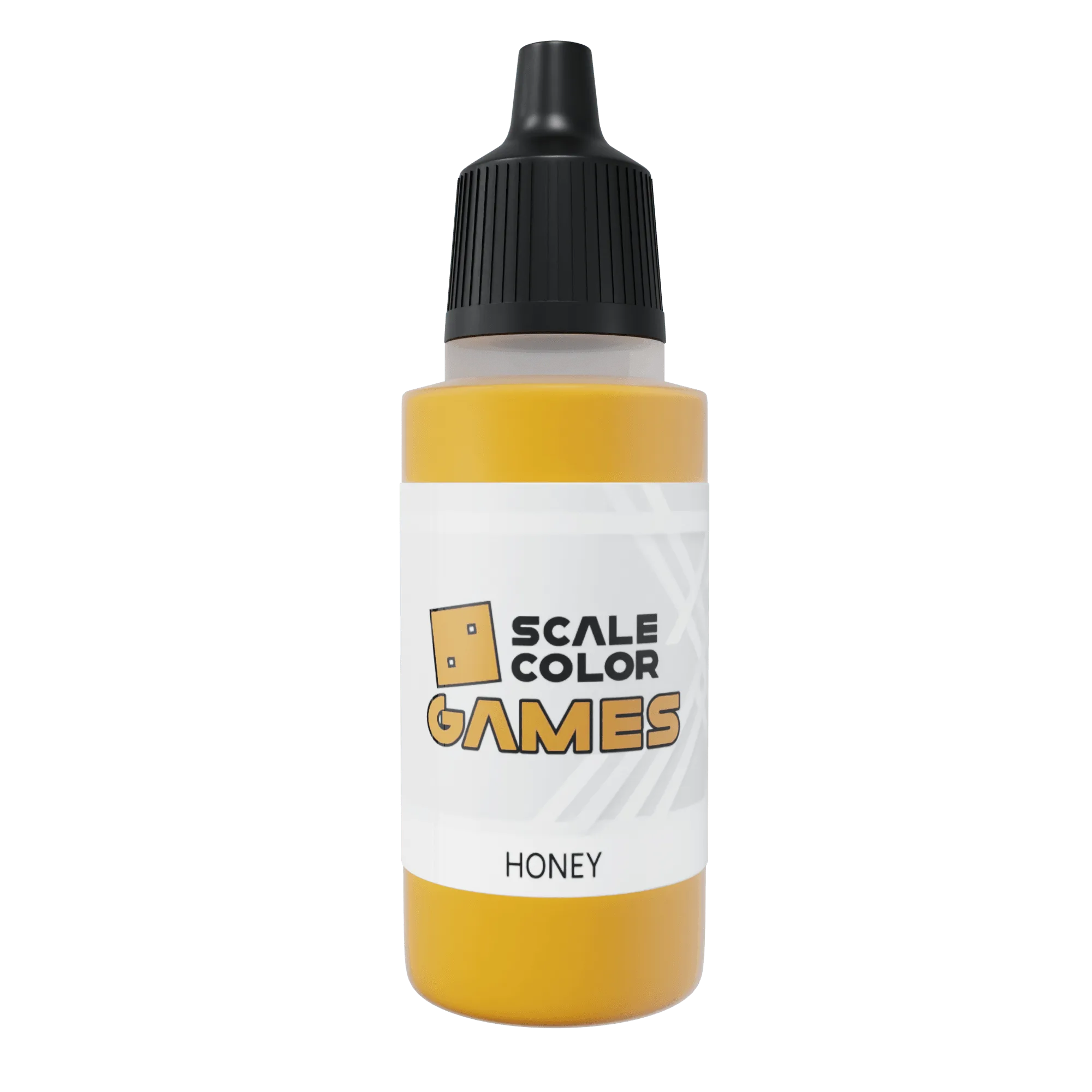
HONEY: SCALE75 HONEY is a high-quality acrylic paint with excellent coverage and a smooth finish for miniature and model projects. Its smooth finish means you can apply thin, even layers without brush marks, which is critical for achieving natural-looking skin transitions.
HONEY