Quick answer
To pair studio monitors with a subwoofer, set the monitors to full range or the subwoofer's crossover, position the sub at the listening position, then adjust phase and level with a test tone for a seamless blend.
Why adding a subwoofer changes your monitoring
Near field monitors like the PreSonus Eris E5 are designed for accurate mid and high frequencies, but their 5.25-inch drivers limit low-frequency extension. A subwoofer fills that gap, letting you hear the full low end without pushing the monitors to their mechanical limits.
The trade-off: a subwoofer introduces new variables—crossover frequency, phase alignment, and placement—that can muddy your mix if set incorrectly. The goal is a seamless transition where the sub and monitors act as one speaker.
Crossover and high-pass filter basics
Most studio subwoofers include a crossover control that sends low frequencies to the sub and high frequencies to the monitors. If your monitors have a high-pass filter, like the PreSonus Eris E5's 80 Hz and 100 Hz options, you can offload the lowest octave entirely, reducing distortion and increasing headroom.
If your subwoofer lacks a crossover, you'll rely on the monitors' high-pass filter or a mixer/interface with bass management. Always check the specs: the Eris E5's high-pass filter is labeled 'Off, 80 Hz, 100…' in the manual, so you can set it to match the sub's crossover point.
Step-by-step setup process
- Position the subwoofer at the listening position: Place the subwoofer exactly where you sit, then play a low-frequency test tone (e.g., 60 Hz) and crawl around the room to find where the bass sounds most even. Mark that spot and move the subwoofer there. Your ears are the best measurement tool for sub placement.
- Set the crossover frequency: Match the subwoofer's crossover to your monitors' high-pass filter. For the PreSonus Eris E5, start with the high-pass at 80 Hz and set the sub's low-pass to 80 Hz. If your sub has no crossover, use the monitors' filter only. A 80 Hz crossover is a safe starting point for most near field monitors.
- Align phase and polarity: Play a test tone around the crossover frequency (e.g., 80 Hz) and flip the sub's phase switch (0°/180°). Listen for the louder, fuller sound—that's the correct phase. If you can't hear a difference, reverse the sub's polarity and compare. Phase is correct when the bass sounds louder, not thinner.
- Balance the subwoofer level: With the same test tone, adjust the sub's volume until the low end blends seamlessly with the monitors. Start with the sub level at 50% and fine-tune by ear, using a reference track you know well. If the bass sounds boomy, turn the sub down—not up.
- Verify with a variety of material: Listen to several songs across genres and at different volumes. If the bass disappears or overpowers at any point, revisit the crossover and level settings. Make small adjustments (1-2 dB at a time) and re-test. Consistency across tracks is the final check for a balanced setup.
Products that help
-
PreSonus Eris E5 2-Way 5.25" Near Field Studio Monitor: The PreSonus Eris E5 is a 2-way active studio monitor with a 5.25-inch Kevlar low-frequency transducer and a front-firing acoustic port, plus an Acoustic Tuning control with a high-pass filter (Off, 80 Hz, 100…). The high-pass filter lets you roll off the lowest frequencies so they go to the subwoofer, which protects the monitor from over-excursion and keeps the midrange clean.
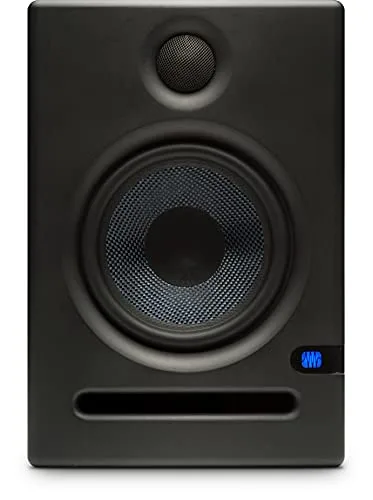
PreSonus Eris E5 2-Way 5.25" Near Field Studio Monitor
-
Mackie Monitor Speaker and Subwoofer Part: The Mackie CR StealthBar is a compact soundbar with 3 tone presets, USB soundcard function, Bluetooth, and a stereo Aux input. If you're on a compact desk, the StealthBar's built-in tone presets are a simpler alternative to a full subwoofer setup, though they won't offer the same low-end extension as a dedicated sub.
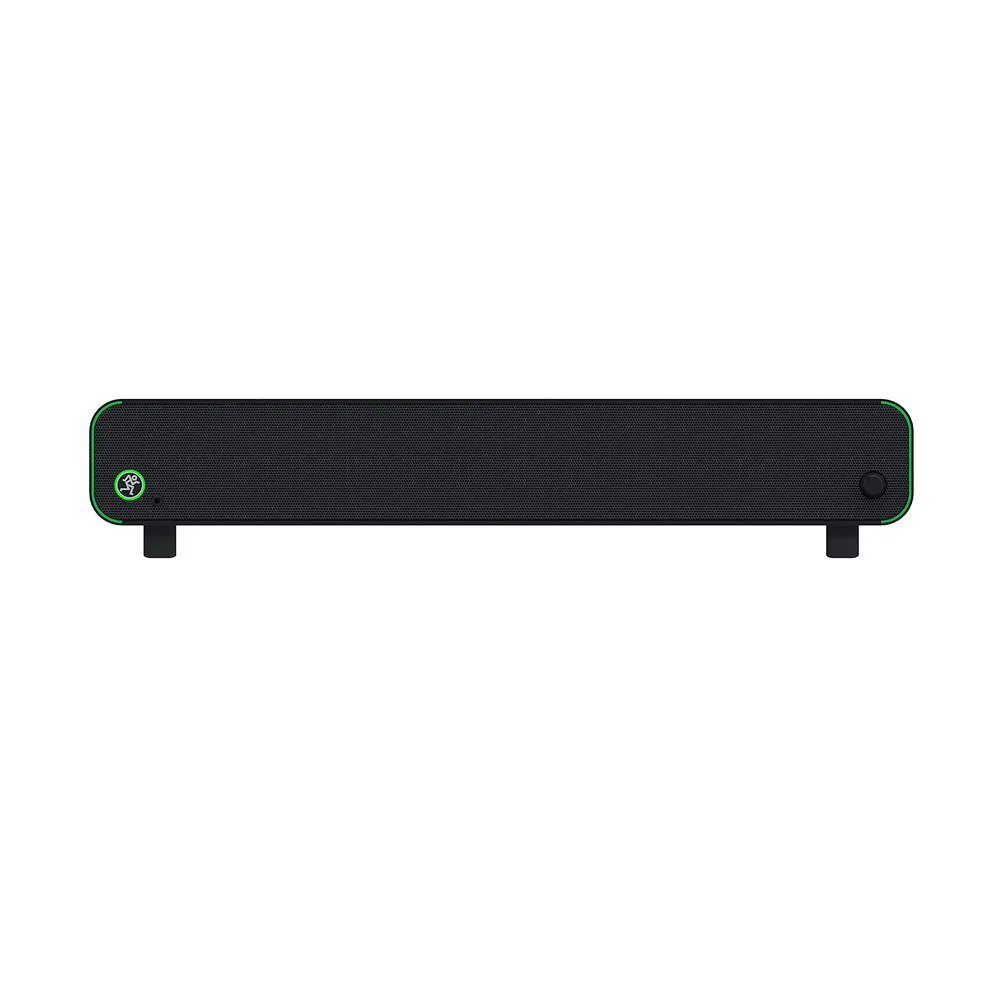
Mackie Monitor Speaker and Subwoofer Part


