Selling collectibles online is a competitive game. Whether you're clearing out a shelf or running a serious side hustle, the difference between a quick sale and a listing that lingers often comes down to one thing: your photos. High-quality images build trust, highlight condition, and make your item stand out in a sea of thumbnails. In this guide, we'll walk you through the essential steps to photograph collectibles for sale, from gear and lighting to editing and listing best practices.
You don't need a professional studio or a pricey camera to get great results. With a few affordable tools and a bit of know-how, you can create crisp, attractive photos that showcase your collectibles in the best light. Let's dive in and turn your online selling photos into a powerful sales tool.
Why Great Photos Matter When Selling Collectibles
When you sell online, buyers can't physically inspect the item. Your photos are their only window into the product's condition, size, and overall appeal. A blurry or poorly lit image raises red flags and can make buyers wonder if you're hiding flaws. On the other hand, clear, detailed photos demonstrate that you're a trustworthy seller who cares about accuracy.
Great photos also help your listing get noticed. Marketplaces and social platforms often prioritize high-quality images, and a striking main photo can dramatically increase click-through rates. In the world of collectibles, where buyers are passionate and detail-oriented, a well-photographed figure like a Mezco Toyz One:12 Collective Marvel Black Panther Action Figure can command attention and justify a higher asking price.
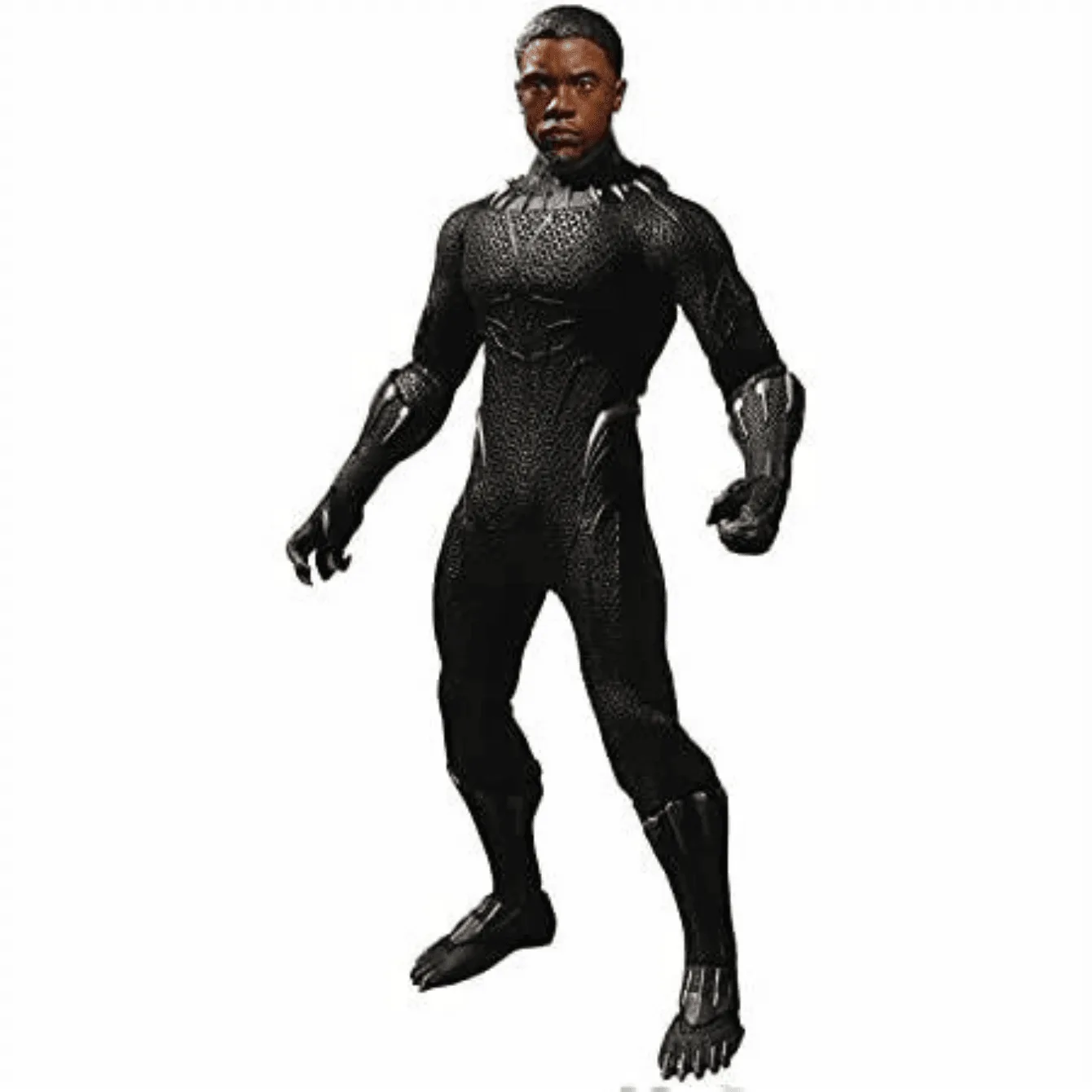
Mezco Toyz One:12 Collective Marvel Black Panther Action Figure
- Use at least 4-6 photos per listing to show multiple angles and close-ups.
- Always include a photo of any flaws or wear to set accurate expectations.
Essential Gear for Collectible Photography
You don't need to break the bank on equipment. A smartphone with a decent camera, a tripod, and a few simple accessories can produce professional-looking results. A tripod is crucial for stability and allows you to use slower shutter speeds without blur, especially in low light.
Lighting is the most important element. Natural window light is free and flattering, but it can be inconsistent. A simple LED lightbox or two adjustable desk lamps with daylight bulbs give you control and consistency. For backgrounds, use neutral colors like white, gray, or black to make your figure pop. Seamless paper rolls or even a large piece of poster board work perfectly.
- Invest in a small tabletop tripod for your phone or camera.
- Use a remote shutter or timer to avoid camera shake.
- Keep a microfiber cloth handy to remove dust and fingerprints.
Setting Up Your Shooting Space
Find a clean, clutter-free area with enough space to set up your background and lighting. A desk or table near a window works well. If you're using artificial lights, position them at 45-degree angles to the subject to minimize harsh shadows. For most collectibles, a three-point lighting setup (key light, fill light, and backlight) gives a balanced, professional look.
Before you start, clean your collectible. Dust it gently, remove any protective films, and pose it in an appealing way. For figures with multiple articulation points, like the One Piece Look Up Series Roronoa Zoro, take a few minutes to find a dynamic pose that showcases its design. Also, consider using a small stand or clear support if needed to keep the figure stable.
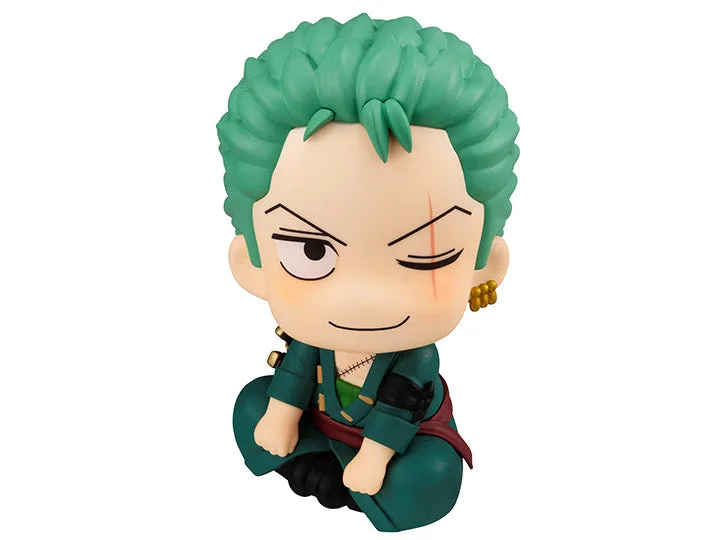
One Piece Look Up Series Roronoa Zoro
- Use a light tent or DIY diffuser to soften harsh light.
- Shoot in a room with neutral wall colors to avoid color cast.
- Frame the shot so the figure fills the frame but leaves a little breathing room.
Mastering Angles and Composition
The angle from which you photograph a collectible can dramatically affect its perceived size, detail, and appeal. Start with a straight-on shot at eye level to give a true representation. Then, add a three-quarter view to show depth and scale. For tall figures, like a Premium Format statue, a slight low angle can make them look more imposing, but avoid extreme angles that distort proportions.
In addition to full shots, take close-ups of important details: paint apps, accessories, joints, and any unique features. For example, if you're selling a Hot Wheels: Batman Collection Joker Hi-Roller II, a macro shot of the card details or the vehicle's paint can be a selling point. Also, use a small ruler or a common object (like a coin) in one photo to show scale, especially for items where size is easy to misjudge.
- Take at least one photo of the front, back, and sides.
- Use a macro mode or get close to capture fine details.
- Include a scale reference in at least one shot.
Editing Your Photos for a Professional Finish
Editing is where you can polish your images and correct minor imperfections. Start with basic adjustments: crop to remove distractions, straighten the horizon, and adjust exposure and white balance to make colors accurate. Most smartphones have built-in editing tools, but free apps like Snapseed or Canva offer more control.
Be careful not to over-edit. Buyers want to see the true condition of the item, so avoid heavy filters or altering the appearance. Remove dust spots, adjust brightness, and sharpen slightly if needed. Consistency across your listing photos is key—use the same editing style for all shots to create a cohesive, professional look.
- Use the 'auto' settings as a starting point, then fine-tune.
- Save the edited photos in high resolution (at least 1000px on the longest side).
- Export in JPEG format for compatibility with most selling platforms.
Creating an Effective Listing with Your Photos
Once you have a set of polished photos, it's time to assemble your listing. Choose the most striking shot as the cover image—this is what will show up in search results and social media. Then, arrange the rest to tell a story: full view, detail shots, scale reference, and any flaws. Use the photo descriptions to point out specific features or conditions.
When writing your item description, reference the photos to guide the buyer's eye. For example, if you're selling a collectible like the Final Fantasy Wall Clock, mention the condition of the clock face and hands, and use the photos to back it up. Clear, honest photos and descriptions reduce the risk of returns and disputes, and they help you build a reputation as a reliable seller.
- Use a consistent photo order across all your listings.
- Add watermarks only if you're concerned about image theft, but keep them subtle.
- Include a photo of the packaging if it's in good condition, as it adds value.
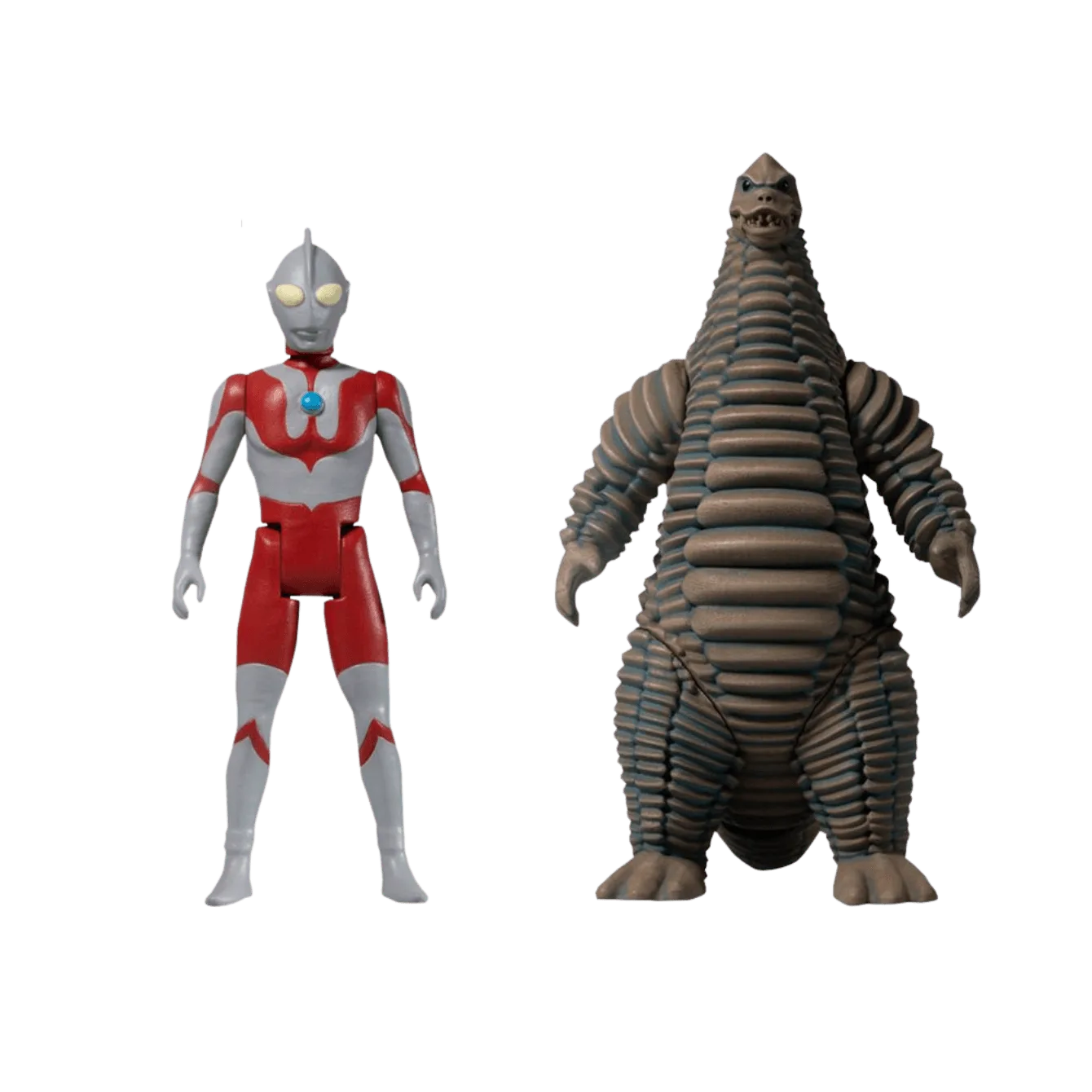
Photographing your collectibles for sale doesn't have to be complicated. With the right setup, a little practice, and attention to detail, you can create images that sell. Start with the basics, experiment with angles and lighting, and always be honest in your photos. Ready to put these tips into action? Check out our selection of collectibles like the Ultraman and Red King Boxed Set to inspire your next listing or to add to your own collection.