Quick answer
Measure your laptop's width, depth, and height with a ruler, then choose a sleeve whose internal dimensions are at least 1–2 cm larger in width and depth and 0.5–1 cm larger in height. If you carry your laptop daily in a bag, a snug 13-inch sleeve is usually better; if you travel often and pack accessories, a 15-inch sleeve gives you more room. Always check the sleeve's internal dimensions, not just the screen size.
Measure your laptop the right way
Close the lid and place your laptop on a flat surface. Use a rigid ruler or tape measure to record three numbers in centimetres: width (left to right), depth (front to back), and height (closed thickness). Round up to the nearest half centimetre. These are the dimensions a sleeve must accommodate. Do not rely on the screen size alone: a 14-inch laptop from one brand can be wider or deeper than a 14-inch model from another, and the difference often exceeds 1 cm. If you use a snap-on case or a keyboard cover, measure with those attached, because they add bulk.
Match your measurements to sleeve dimensions
Sleeve listings usually state external and internal dimensions. Ignore the external numbers for fit; they tell you how much space the sleeve takes in a bag. Look for internal width, depth, and height. A well-fitting sleeve leaves 1–2 cm of slack in width and depth and 0.5–1 cm in height. Less than that makes insertion and removal a struggle; more than 3 cm lets the laptop slide around, which can cause scratches or dents. If the internal dimensions are not listed, treat that as a decision limitation: you cannot confirm fit without them, so either contact the seller or choose a different sleeve.
13-inch vs 15-inch sleeves: what actually changes
A 13-inch sleeve typically fits laptops with a width up to about 32 cm and depth up to about 23 cm. A 15-inch sleeve usually fits widths up to about 36 cm and depths up to about 25 cm. The larger size adds roughly 3–5 cm in width and 2–3 cm in depth, which is enough to swallow a smaller laptop unless the sleeve has a snug interior. If your laptop sits at the upper end of a 13-inch sleeve's range, size up to 15-inch only if you also carry a charger or notebook in the same sleeve. Otherwise, a loose 15-inch sleeve defeats the purpose of a slim carry.
Choose based on how you carry it
For daily commuting in a backpack or messenger bag, prioritize a snug fit and low bulk. A sleeve that matches your laptop's dimensions within 1–2 cm will slide in and out easily without adding unnecessary volume. For air travel or long trips, consider a sleeve with a slightly roomier interior and an accessory pocket. That extra space can hold a charger, cable, or small notebook, but it also means the laptop may shift. If you choose a roomier sleeve, look for one with a padded interior or a securing strap to limit movement. For occasional storage at home, fit matters less than protection; a slightly larger sleeve with thick padding is fine.
Check the closure and material for real-world use
Zippers can scratch a laptop's edge if they are not covered by a guard. Look for a sleeve with a zipper garage or a flap that keeps the metal teeth away from the device. Velcro closures are quick but can wear out and collect lint; magnetic closures are cleaner but may not hold as tightly if the sleeve is overstuffed. Water-resistant materials such as coated nylon or polyester help in light rain, but no sleeve is fully waterproof unless it has a sealed zipper. If you often carry your laptop in a bag without a dedicated laptop compartment, choose a sleeve with at least 5 mm of foam padding on all sides.
Decision rules for laptop sleeve sizing
- Rule 1: Measure before you shop: Record width, depth, and closed height in centimetres. Add 1 cm to each measurement if you use a snap-on case. Write the numbers down and compare them to internal sleeve dimensions, not screen size.
- Rule 2: Internal dimensions over external: A sleeve that lists only external dimensions cannot be verified for fit. Ask for internal measurements or skip it. If the seller cannot provide internal dimensions, treat fit as unknown.
- Rule 3: Allow 1–2 cm of slack: Too little slack makes the sleeve hard to use; too much lets the laptop slide. Aim for 1–2 cm in width and depth, 0.5–1 cm in height. A snug fit protects better and takes less bag space.
- Rule 4: Size up only for accessories: Choose a 15-inch sleeve over a 13-inch only if you regularly carry a charger, cable, or notebook in the same sleeve. Otherwise, stay with the smaller size for a tighter, lighter carry.
Mous products that pair with a laptop sleeve
- USB A to Lightning Cable: Made for iPhone certified charging cable with nylon braiding and aluminium-cased heads. A durable cable for charging your phone or tablet from a laptop while both are in your bag; the braided nylon resists fraying better than standard rubber cables.
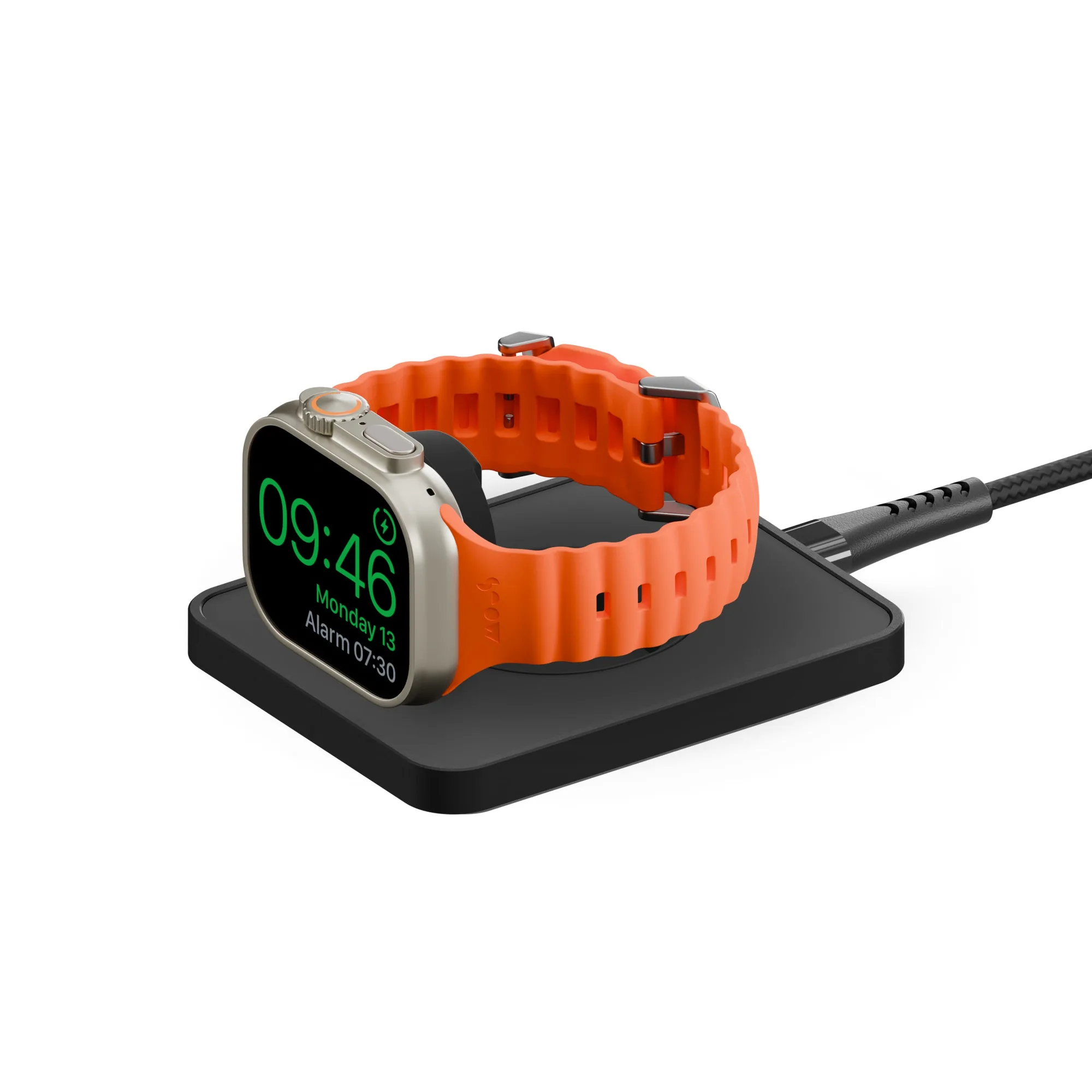
- Matte Black Wireless Apple Watch® Charger: Wireless Apple Watch charger made with official Apple Watch technology, offering up to 33% faster charging. If you travel with a laptop and an Apple Watch, this compact charger can live in your sleeve's accessory pocket so you can top up your watch without hunting for a cable.
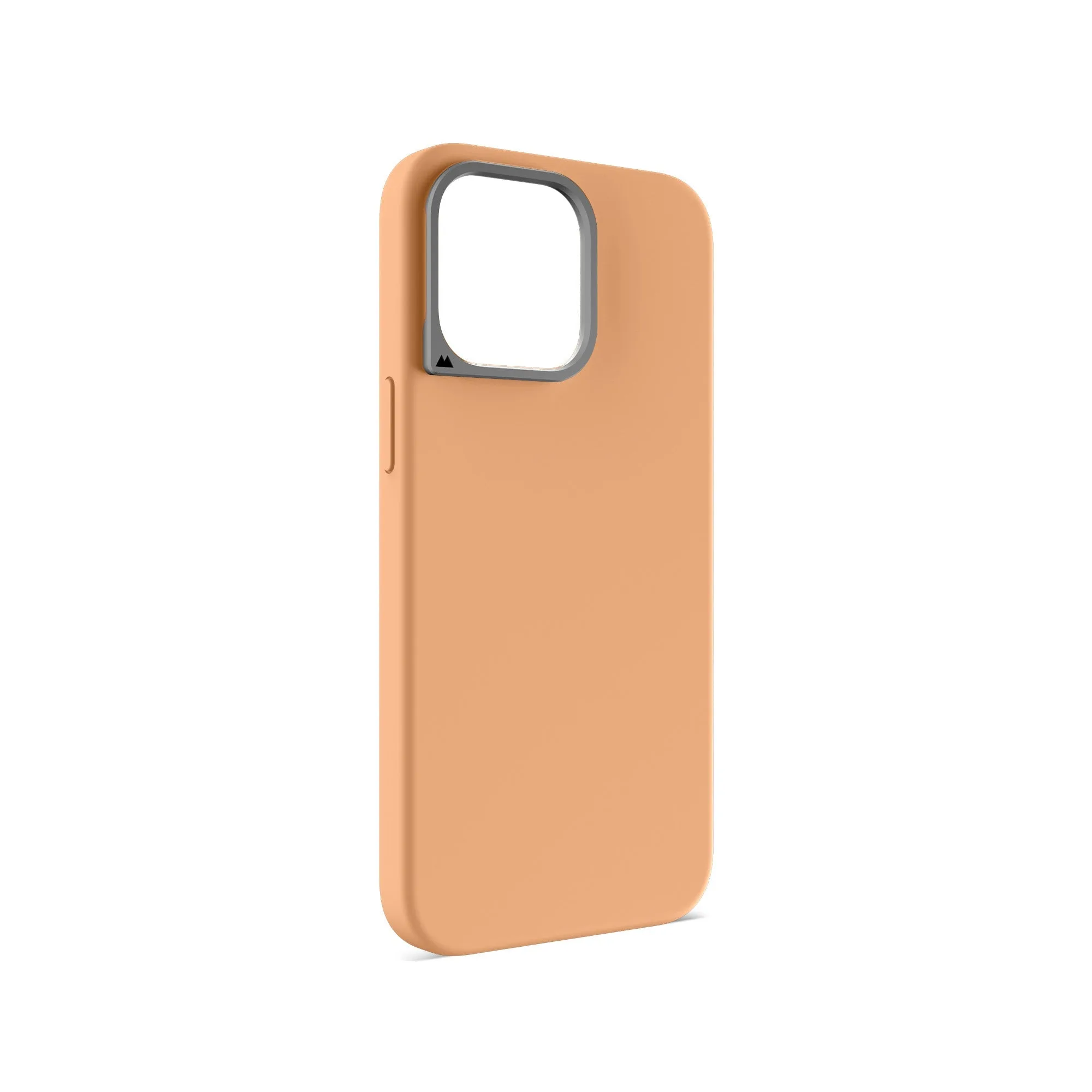
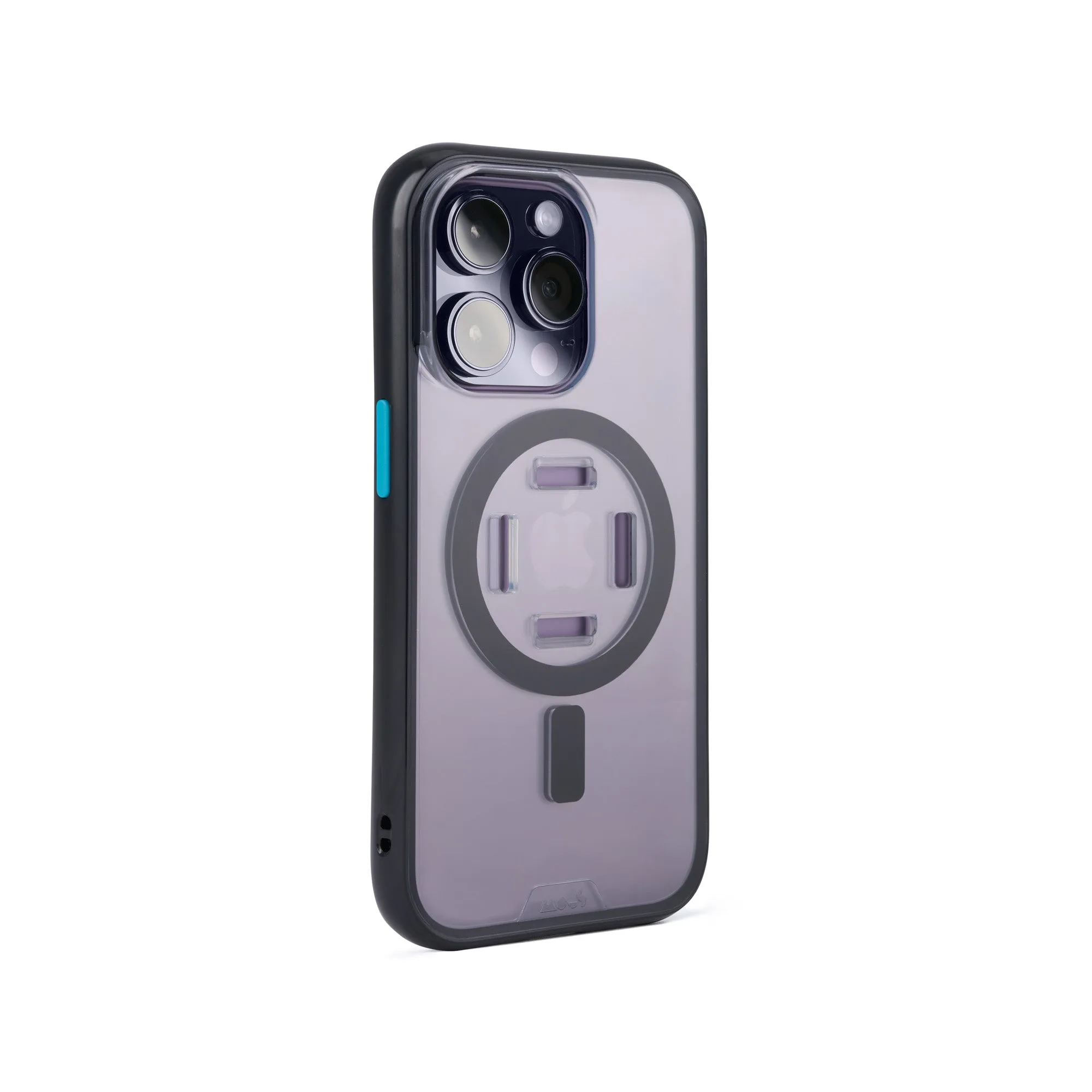
- Chilli Protective Phone Case - Limitless: Protective phone case with impact-absorbing AiroShock, MagSafe/Qi2 compatibility, and a Camera Control Button with triple-shot surround. A slim, protective case for your phone means you can carry it in the same bag as your laptop without worrying about scratches or drops when you pull it out.
Who should choose which size
Best for
- Commuters who carry a laptop in a backpack and want a snug, low-bulk fit
- Students who need to slide a laptop in and out of a bag several times a day
- Travelers who pack a charger and small accessories in the same sleeve
Not for
- Anyone who has not measured their laptop and cannot confirm internal sleeve dimensions
- Users who need to carry a laptop plus a full-size notebook, mouse, and power brick in one sleeve
- People who want a hard-shell case rather than a soft sleeve