Quick Answer
Mount your tri-lens PTZ camera at a height of 8–10 feet, position it to cover the main entry points while using the pan-tilt to sweep the rest, and avoid pointing directly into bright light or reflective surfaces.
Why Height and Angle Matter
The height at which you mount a tri-lens PTZ camera affects both its wide-angle coverage and its ability to capture clear facial details. At 8–10 feet, the camera gets a downward angle that reduces blind spots near the base and keeps the lenses above common obstructions like parked cars or bushes.
A common mistake is mounting the camera too high, which can make faces and license plates harder to identify. Too low, and the camera is vulnerable to tampering and its wide-angle view gets blocked by everyday objects.
Work With the Pan-Tilt Range, Not Against It
A tri-lens PTZ camera combines a fixed wide-angle view with a movable lens that can pan and tilt. The fixed lenses give you constant coverage, while the PTZ lets you zoom in on specific events. To get the most out of this, position the camera so the fixed lenses cover the most active area, and the PTZ can reach secondary zones without hitting a wall or pillar.
If you place the camera in a corner, you can often cover two sides of a room or yard with the fixed lenses and use the PTZ to sweep the third. This reduces the number of cameras you need, but it does mean the PTZ lens has to travel farther, which can slow down its response time.
Step-by-Step Positioning Guide
- Choose the Mounting Spot: Select a location that gives the fixed lenses a clear view of the main entry points or high-traffic areas. Avoid spots where walls, pillars, or large objects will block the wide-angle lenses. Check that the PTZ lens can pan and tilt freely without hitting any obstruction.
- Set the Mounting Height: Mount the camera 8–10 feet above the ground. This height provides a good downward angle for facial identification and keeps the camera out of easy reach. If you mount higher than 10 feet, test the image quality to make sure faces are still recognizable.
- Aim the Fixed Lenses: Point the fixed lenses to cover the most critical areas first, such as doors, windows, or the driveway. Use the camera's live view to adjust the angle until the coverage is optimal. Make sure the fixed lenses cover the areas you need even if the PTZ is not moving.
- Set the PTZ Home Position: Set the PTZ lens to a home position that covers the largest open area or the most likely path of approach. This ensures the camera returns to a useful view after a patrol or manual control. Test the PTZ sweep to confirm it covers all secondary zones without gaps.
- Check for Light and Glare: Avoid pointing the camera directly into the sun, bright lights, or reflective surfaces like windows. These can cause glare and wash out the image. If glare is unavoidable, adjust the camera angle slightly or use the camera's WDR settings if available.
- Test the Coverage and Adjust: After mounting, walk around the area and watch the live feed. Look for blind spots and areas where the PTZ lens cannot reach. Adjust the camera position or home position as needed. Do a final check at night to ensure the infrared or low-light performance covers the same areas.
Product Spotlight
-
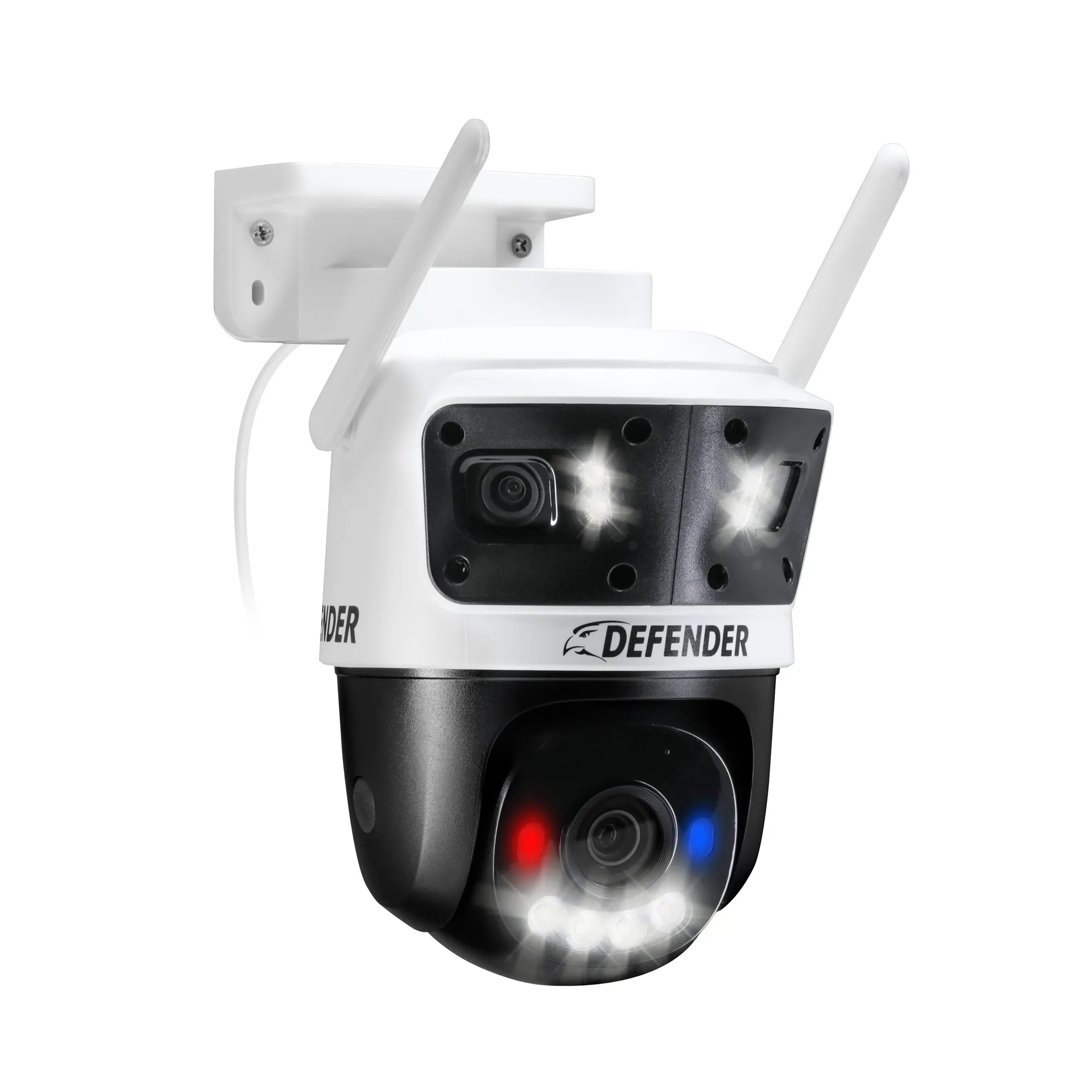
AI POWERED 3K+ Guard WIFI Tri-Lens PTZ Security Camera: The Defender AI Powered 3K+ Guard WIFI Tri-Lens PTZ Security Camera combines three lenses with pan-tilt-zoom functionality and AI-powered detection that identifies people, vehicles, and other motion events. This means you can rely on the fixed lenses for continuous wide-area coverage while the PTZ lens zooms in on specific alerts, and the AI helps reduce false notifications from passing animals or moving branches.
AI POWERED 3K+ Guard WIFI Tri-Lens PTZ Security Camera