Quick answer
Start with a V-Mount or Gold Mount plate that matches your battery system, then run a regulated D-Tap cable to power monitors and follow focus units. Use USB-C only for low-draw accessories or camera charging, and always verify voltage and polarity before connecting anything.
Map your power draw before you buy a plate
List every device on the rig: camera, monitor, wireless video transmitter, follow focus motor, and any converters. Note the voltage and current each one expects. Most cinema cameras and monitors run on 12V, while some transmitters and motors accept a wider range. If a device needs 7.4V or 5V, you will need a regulated cable or a separate power source, not a straight D-Tap line. This step prevents overloading a single plate or frying a low-voltage accessory.
Choose V-Mount or Gold Mount based on your battery pool
V-Mount and Gold Mount plates are not interchangeable without an adapter. V-Mount is common with many third-party batteries and often offers a built-in D-Tap port. Gold Mount, also called Anton/Bauer, uses a different latch and is favored in some broadcast and rental houses. Pick the system your existing batteries and chargers already use. If you are starting fresh, check what local rental houses stock so you can borrow a battery in a pinch.
Wire D-Tap accessories with the right cable and polarity
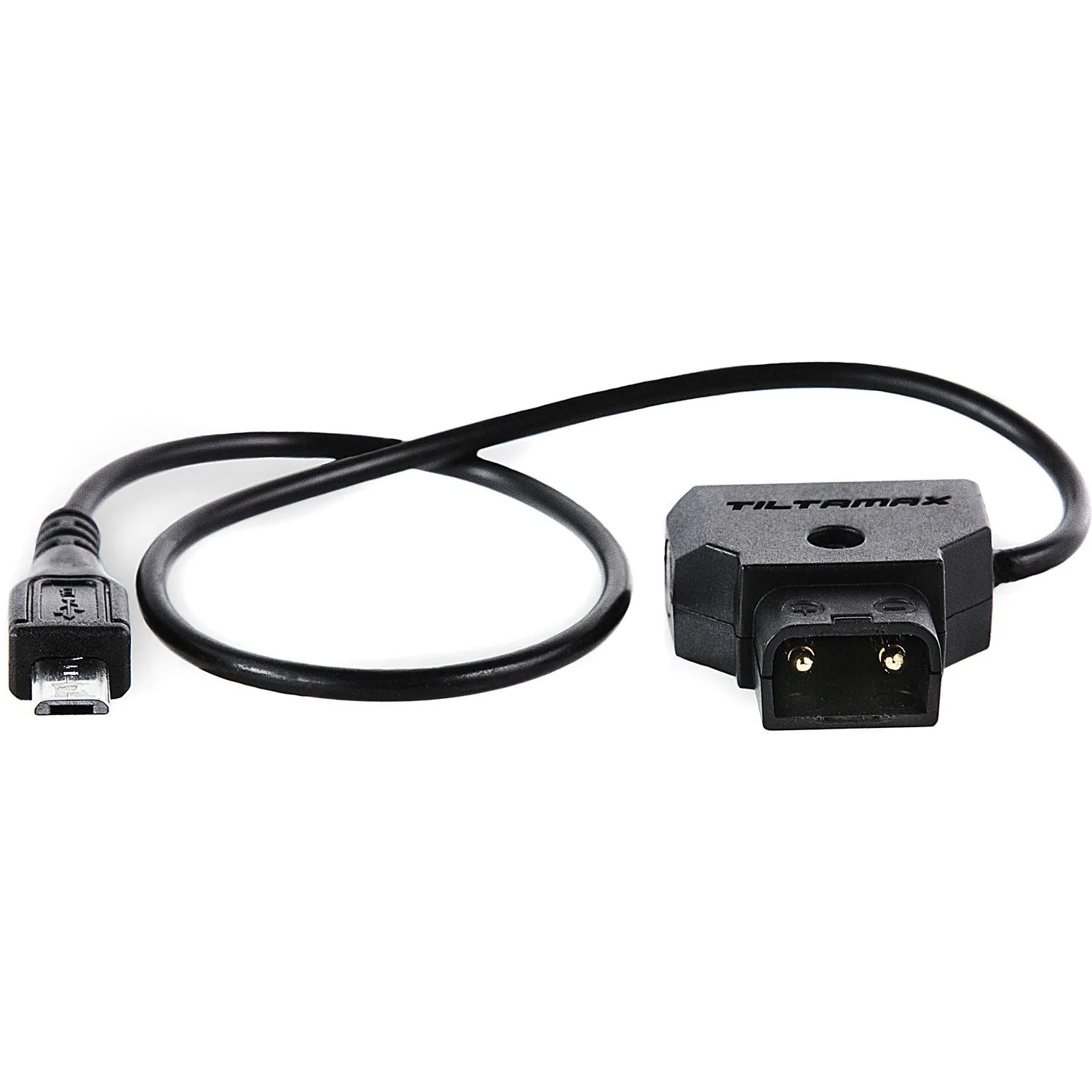
D-Tap ports on a plate or battery typically output the battery voltage, which can be 14.4V or higher when fully charged. That is fine for many monitors and transmitters, but always check the input range. Use a cable with the correct connector for your device, such as a micro-USB to D-Tap motor cable for a Tilta Nucleus-Nano. Before plugging in, confirm the center pin polarity. Reversed polarity can destroy a motor or monitor instantly.
Add USB-C power for low-draw gear
USB-C PD can power small monitors, phone-based teleprompters, or charge a camera that supports USB-C charging. It is not a substitute for a D-Tap line to a high-draw follow focus motor. Use a USB-C wall charger or a PD power bank when you need to keep a rig light for gimbal work. Check the wattage: a 30W charger may run a small monitor but will not charge a cinema camera while it is recording.
Secure and label every cable
After wiring, strain-relieve each cable with a clamp or tie so the connector is not taking the load. Label both ends of every power run. A loose D-Tap can pop out mid-take, and a mislabeled cable wastes time on set. Small consumables like a 1/4-inch fixing screw for a plate or cage can prevent a plate from shifting. Keep a few spare screws and cable ties in your kit.
Step-by-step power setup
- 1. Mount the battery plate: Attach a V-Mount or Gold Mount plate to your camera cage or baseplate using the correct screws. Make sure the plate is centered and does not block access to ports. Checkpoint: Tug gently on the plate to confirm it is secure before adding a battery.
- 2. Connect the camera power cable: Run the appropriate regulated cable from the plate's D-Tap or built-in output to your camera's power input. If your camera uses a dummy battery, ensure it is rated for the plate's voltage. Checkpoint: Verify polarity and voltage match the camera's input before powering on.
- 3. Power monitors and follow focus: Use a D-Tap splitter or daisy-chain only if the total current draw stays within the plate's limit. For a Nucleus-Nano motor, use a dedicated micro-USB to D-Tap cable like the Tilta WLC-T04-PC-PTAP. Checkpoint: Add up the amps. If the total exceeds the plate's output, use a separate battery for accessories.
- 4. Add USB-C for low-draw devices: Plug a USB-C PD source into small monitors, phone chargers, or camera charging ports. Keep USB-C runs short and avoid daisy-chaining multiple PD devices on one charger. Checkpoint: Confirm the device actually charges or runs on USB-C PD; some only accept it for data.
- 5. Test and label the full chain: Power everything on in order: camera first, then accessories. Check for overheating, flickering, or unusual behavior. Label both ends of each cable with the device name. Checkpoint: If a device resets when another powers on, you likely have a voltage drop or overload. Rebalance the load.
Power and rigging gear from Filmgear Canada
- Tilta Micro-USB to D-Tap Motor Power Cable for Nucleus-Nano (13.2") #WLC-T04-PC-PTAP: Tilta Micro-USB to D-Tap Motor Power Cable for Nucleus-Nano (13.2") #WLC-T04-PC-PTAP is a Tilta product available at Filmgear Canada in Vancouver. This cable lets you power a Nucleus-Nano follow focus motor from a D-Tap source, reducing the number of separate batteries on the rig.
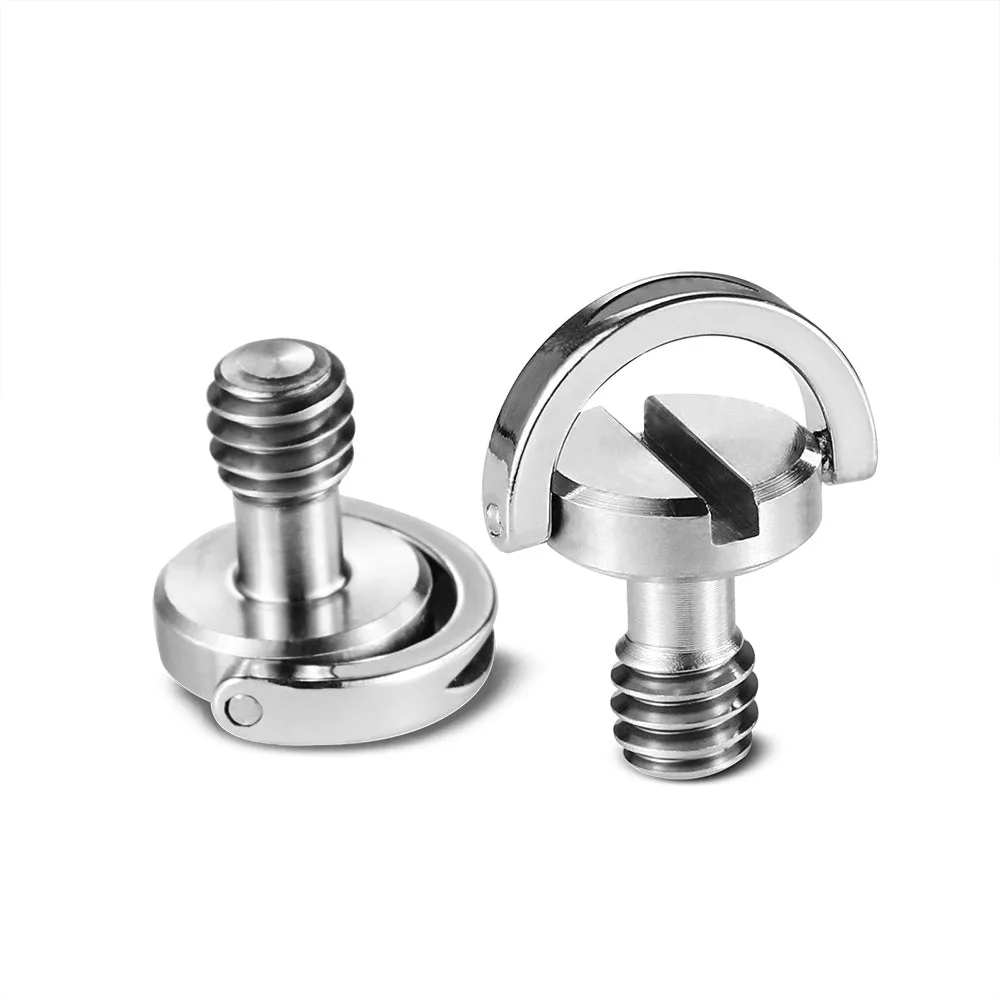
- SmallRig Quick Release Camera Fixing Screw 1/4 Inch 838: SmallRig Quick Release Camera Fixing Screw 1/4 Inch 838 is a 1/4-inch camera fixing screw for securing compatible plates, cages, handles, clamps, or camera-support accessories. A secure plate connection keeps your battery plate from shifting, which protects the power cables from strain.
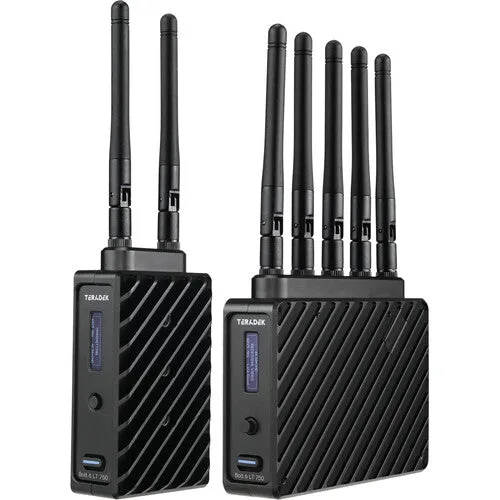
- Teradek Bolt 6 LT 750 3G-SDI/HDMI Transmitter/Receiver Kit: The Teradek Bolt 6 LT 750 Transmitter/Receiver Kit is a wireless video link for the camera-to-monitor and camera-to-director-village workflow, with 3G-SDI and HDMI on both ends. This transmitter needs a reliable power source; plan its D-Tap or USB-C feed as part of your power budget.