Quick answer
Power your Lume Cube lights by matching the cable and power source to the fixture: use the included USB-C cable and a 5V/2A USB power adapter for the Lume Cube 2.0 cubes, and use the supplied power adapter for the RGB Tube Light XL and Edge Light 2.0. Match the connector type and voltage before plugging in, and never force a cable into a port.
Match the cable to the light before you plug in
Lume Cube fixtures do not all use the same power input. The Lume Cube 2.0 cubes charge over USB-C, the RGB Tube Light XL uses a dedicated power adapter, and the Edge Light 2.0 desk lamps have their own power requirements. Check the port on the fixture and the label on the adapter before connecting anything. Using the wrong cable or adapter is the fastest way to damage a port or get a light that will not charge.
Choose a power source that can keep up
A standard 5V/2A USB wall adapter is enough for the Lume Cube 2.0 cubes, but a weak laptop port or a low-output power bank may only trickle-charge them. For the RGB Tube Light XL and Edge Light 2.0, use the supplied power adapter and plug it into a wall outlet rather than a USB hub. If you need portability, bring a power bank rated for the fixture's draw and test it before the shoot.
Route and protect the cable on set
Once powered, secure the cable so it does not pull on the port. Use a cable tie or clamp to create a strain relief loop, and keep cables away from hot lights and walk paths. For the Edge Light 2.0 desk lamps, route the cable behind the monitor arm so it does not cross your keyboard or camera view. A cable that stays put is a cable that keeps working.
Steps to power your Lume Cube lights
- Identify the power input on your fixture: Check whether your light uses USB-C, a barrel connector, or a dedicated adapter. The Lume Cube 2.0 cubes use USB-C, while the RGB Tube Light XL and Edge Light 2.0 use their supplied power adapters. Checkpoint: if the connector does not slide in easily, stop. Do not force it.
- Select the correct adapter and cable: Use the cable and adapter that came with the light. For the Lume Cube 2.0, a 5V/2A USB adapter works; for the Tube Light XL and Edge Light 2.0, use the included power adapter. Common mistake: grabbing a random USB-C cable that only supports data, not power delivery.
- Connect to a suitable power source: Plug into a wall outlet or a high-output USB port. Avoid unpowered hubs and low-amperage ports, which can cause slow charging or flickering. Checkpoint: the light should power on or begin charging within a few seconds. If not, try another outlet.
- Secure the cable and test the light: Create a strain-relief loop and route the cable away from heat and foot traffic. Then turn the light on and confirm it holds steady brightness. Common mistake: leaving the cable taut, which can damage the port over time.
- Pack a backup power option for location shoots: Bring a compatible power bank or spare adapter for the Lume Cube 2.0 cubes, and a portable power station for the RGB Tube Light XL if you will be away from outlets. Checkpoint: test your backup power source at home before you rely on it on set.
Power facts for Lume Cube lights
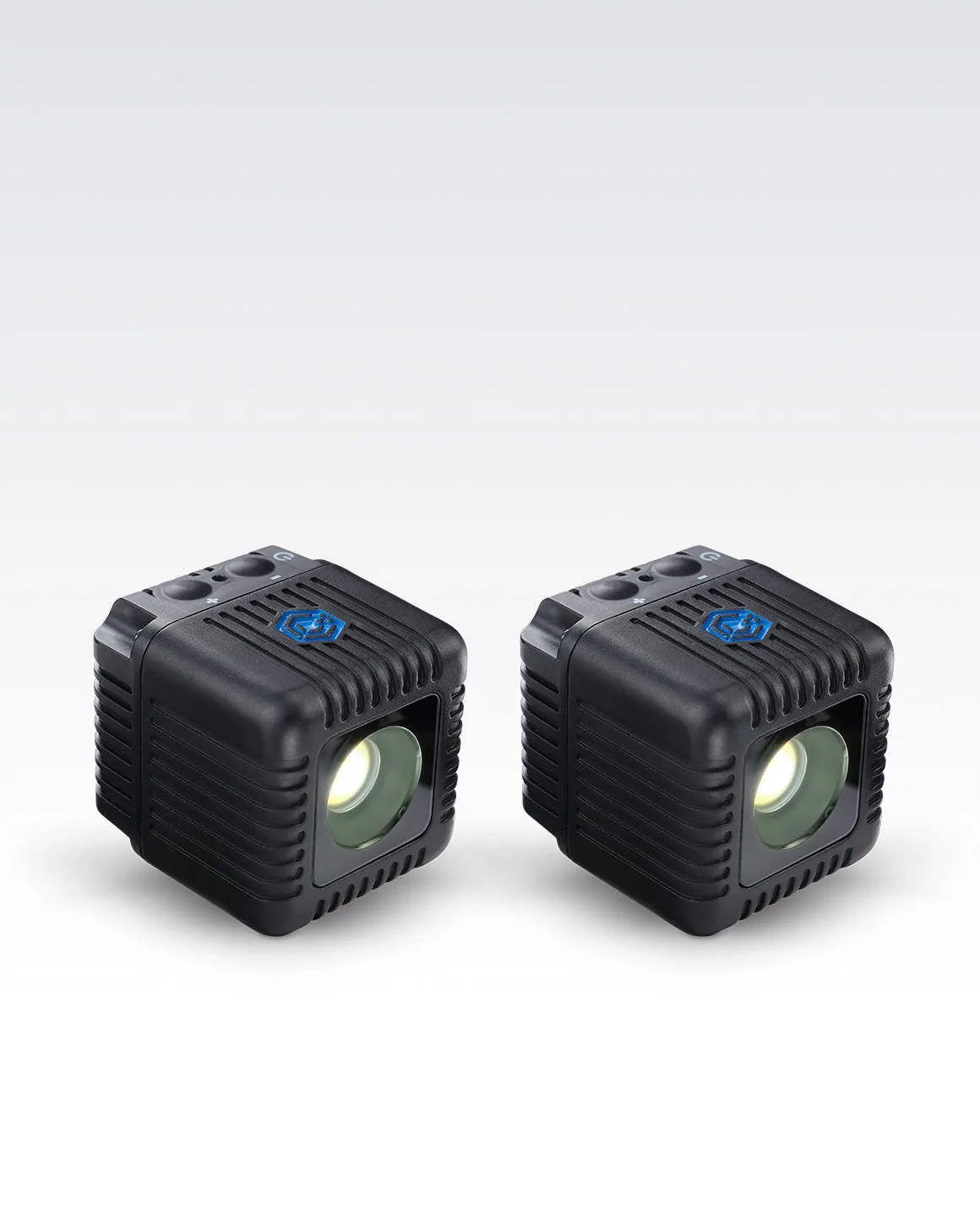
- Lume Cube 2.0 2-Pack App Controlled Waterproof LED Lights: The Lume Cube 2.0 2-Pack provides compact, waterproof, ultra-durable LED cube lights with app control via the Lume Control App. Because the cubes are waterproof and app-controlled, you can power and adjust them in wet or remote locations where a wall outlet is not available, as long as you bring a suitable USB power source.
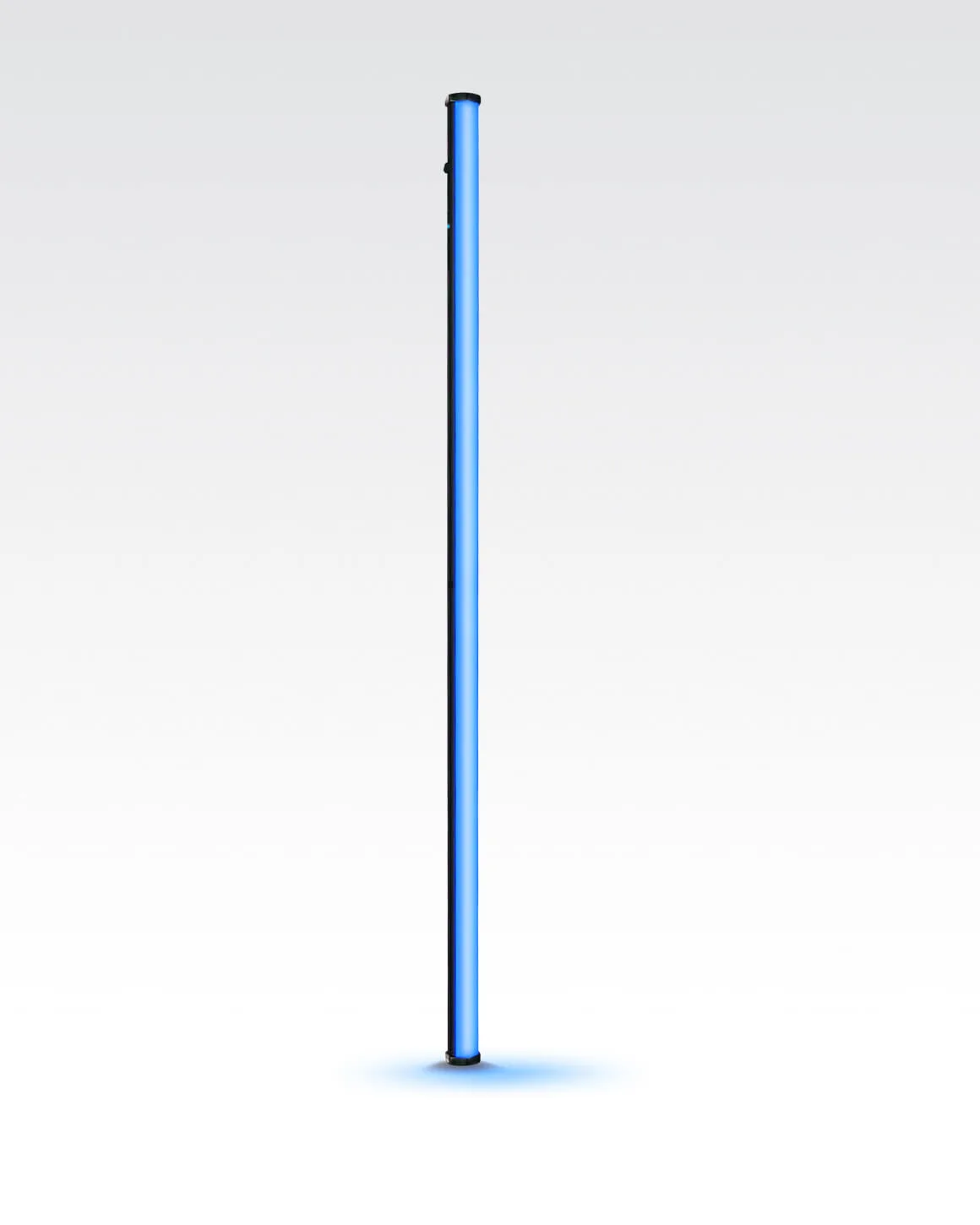
- Lume Cube RGB Tube Light XL App Controlled 4ft. LED Tube Light: The Lume Cube RGB Tube Light XL is a 4ft full-color RGB LED tube light with app control and an infinite range of colors. Its larger size and full-color output mean it needs the supplied power adapter rather than a basic USB cable, so plan for a wall outlet or a high-capacity power station when using it on location.
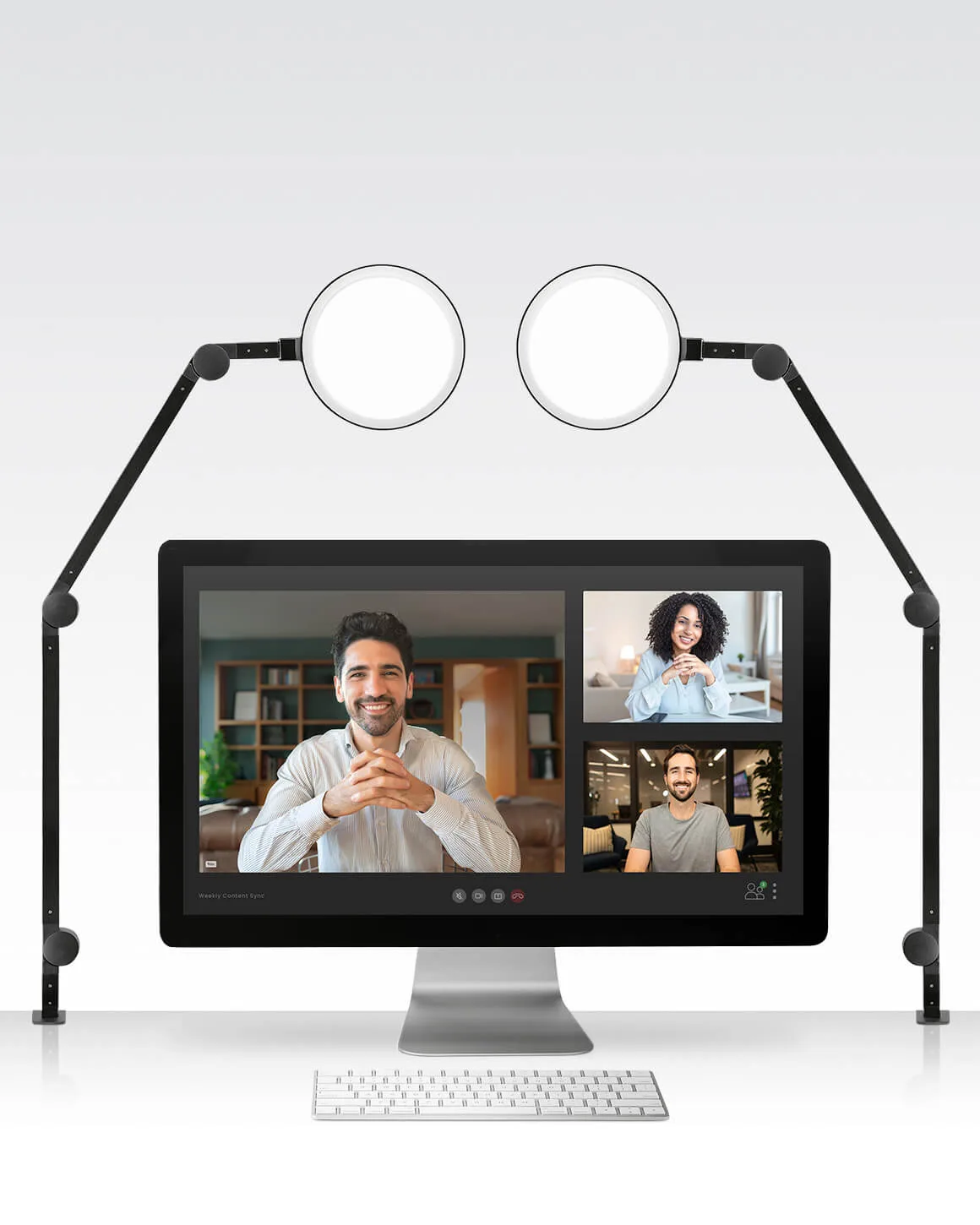
- Lume Cube Edge Light 2.0 2-Pack Two LED Desk Lamps: The Lume Cube Edge Light 2.0 2-Pack is a two-point LED desk lamp setup designed to reduce shadows and prevent monitor glare. Because it is a two-lamp system, you will need two power outlets or a power strip, and the clamp-on design means cable routing should follow your desk or monitor arm rather than the floor.