Quick Answer
To power your Hue Secure camera reliably, use a USB C power cable like the Hue Secure Camera USB C power cable 9.8ft white. This guide helps you diagnose and fix common power issues.
Why Cable Length Matters
A longer cable, such as the 9.8ft option, gives you flexibility in placing your camera away from outlets without needing an extension cord.
Diagnosis Steps
- Symptom: The Hue Secure camera does not power on or shows a weak connection indicator. Check if the cable is fully inserted into both the camera and the USB power adapter.
- Likely Cause: Using a non-compatible or low-quality USB C cable that does not deliver sufficient power. The camera may also be too far from the power source. Use the official Hue Secure Camera USB C power cable 9.8ft white for reliable power delivery.
- Corrective Action: Replace the current cable with the Hue Secure Camera USB C power cable. Ensure the cable is securely connected and the power adapter is plugged into a working outlet. If the issue persists, test the camera with a different USB power adapter to rule out adapter failure.
Product Facts
-
Hue Secure Camera USB C power cable 9.8ft white: Easily charge or power your Hue Secure camera indoors with this white USB C power cable. At 9.8ft long, this cable gives you more flexibility when placing your cameras. You can position the camera farther from a power source, making installation easier in rooms where outlets are not conveniently located.
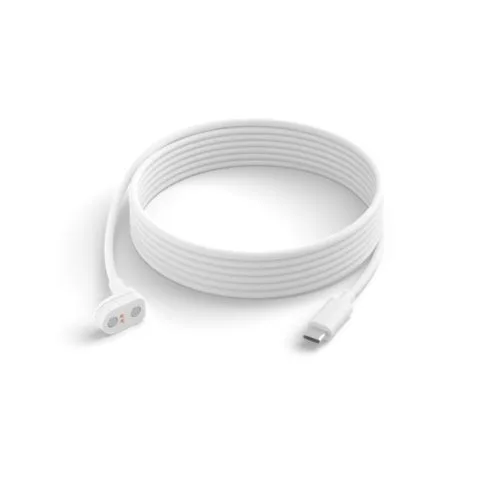
Hue Secure Camera USB C power cable 9.8ft white