Quick Answer
For reliable camera tethering, choose a USB-C cable that supports data transfer, has adequate power delivery for your camera, and is long enough for your setup without being too heavy.
Why Cable Length and Flexibility Matter
Tethering often means connecting your camera to a laptop or tablet while keeping everything stable. A cable that's too short limits your movement, while one that's too long can create clutter or signal issues. For desk setups, 1 meter is usually enough; for studio work, consider longer cables but check if they maintain data integrity.
Cable flexibility also affects handling. Stiff cables can pull on your camera's port, risking damage. Look for cables with a flexible jacket, but remember that thicker cables often handle higher power delivery better.
Power Delivery vs. Data Transfer: A Trade-Off
Some USB-C cables prioritize fast charging, while others focus on stable data transfer. For tethering, you need both, but not all cables do both well. A cable rated for 100W power delivery, like the SmallRig 3-in-1 USB-C Power Cable, can handle charging and data, but verify it supports the data speed your camera requires.
If you're only transferring files and not charging, a simpler cable may suffice, but it's wise to invest in a cable that can do both to future-proof your setup.
Steps to Choose the Right USB-C Cable
- Check Your Camera's Port and Data Speed: Identify whether your camera uses USB-C and what data transfer speed it supports (e.g., USB 3.0, 3.1). This determines the cable's required data capability. Common mistake: assuming all USB-C cables support the same data speed. Check the cable's specs.
- Determine the Length You Need: Measure the distance from your camera to your computer or power source. Add a little slack for movement, but avoid excessively long cables that can introduce signal degradation. For most desk setups, 1 meter works; for floor setups, consider 2-3 meters but test for stability.
- Verify Power Delivery for Charging: If you want to charge your camera while tethering, ensure the cable supports sufficient wattage (e.g., 60W or 100W). Check your camera's charging requirements. A cable that only transfers data won't keep your battery topped up during long shoots.
- Assess Build Quality and Durability: Look for reinforced connectors and a sturdy jacket that can withstand frequent bending. Metal connectors, like on the SmallRig cable, add durability. Avoid flimsy cables that may break at the connector, causing data loss or damage.
- Test the Cable Before Committing: If possible, test the cable with your camera and software to ensure stable tethering. Check for disconnections or slow transfer speeds. A cable that works for charging may not work for tethering; always test data transfer.
Product Facts
-
SmallRig 3-in-1 USB-C Power Cable: The SmallRig 3-in-1 USB-C Power Cable supports fast charging up to 100W and is designed for cameras, smartphones, tablets, and laptops. This cable can power your camera during long tethering sessions and transfer data, making it a versatile choice for studio work.
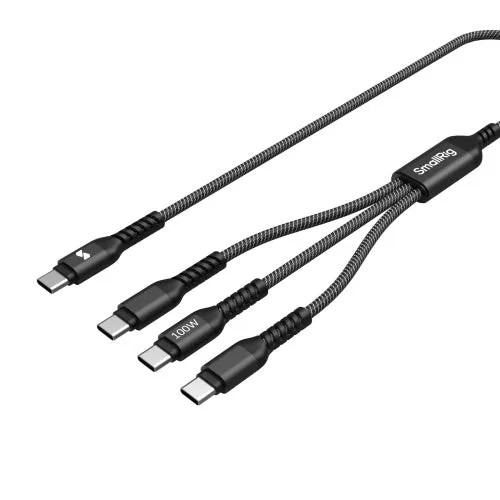
SmallRig 3-in-1 USB-C Power Cable
-
Urbanz 1M 2 in 1 Type C USB & Micro USB to USB Charging Cable: The Urbanz 1M 2-in-1 charging cable combines Type-C and Micro-USB connectors in a flat, tangle-resistant design. If you have older cameras or accessories with Micro-USB, this cable offers compatibility without carrying multiple cables, ideal for travel.
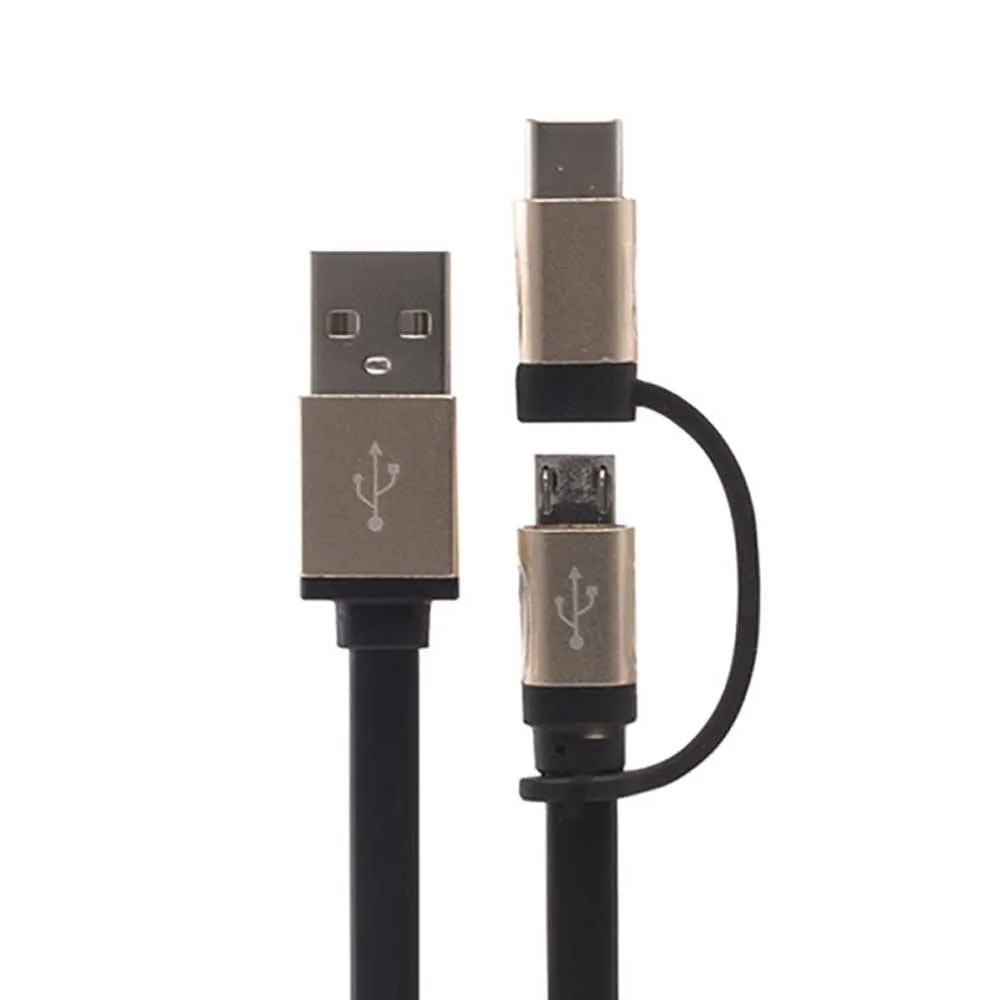
Urbanz 1M 2 in 1 Type C USB & Micro USB to USB Charging Cable


