Quick answer
Replacing the battery in a Motorola Talkabout T82 is a tool-free job: slide the belt clip off, press the latch at the base of the battery door, lift the door, unplug the old pack, and seat a compatible replacement such as the CELLONIC PMNN4477A AAA-version pack. The same procedure covers the T82 EXTREME, T92 H2O, T200, T260, T460, T600 H20, and T800, because they share the same battery compartment design.
Before you open the radio: confirm the pack you have
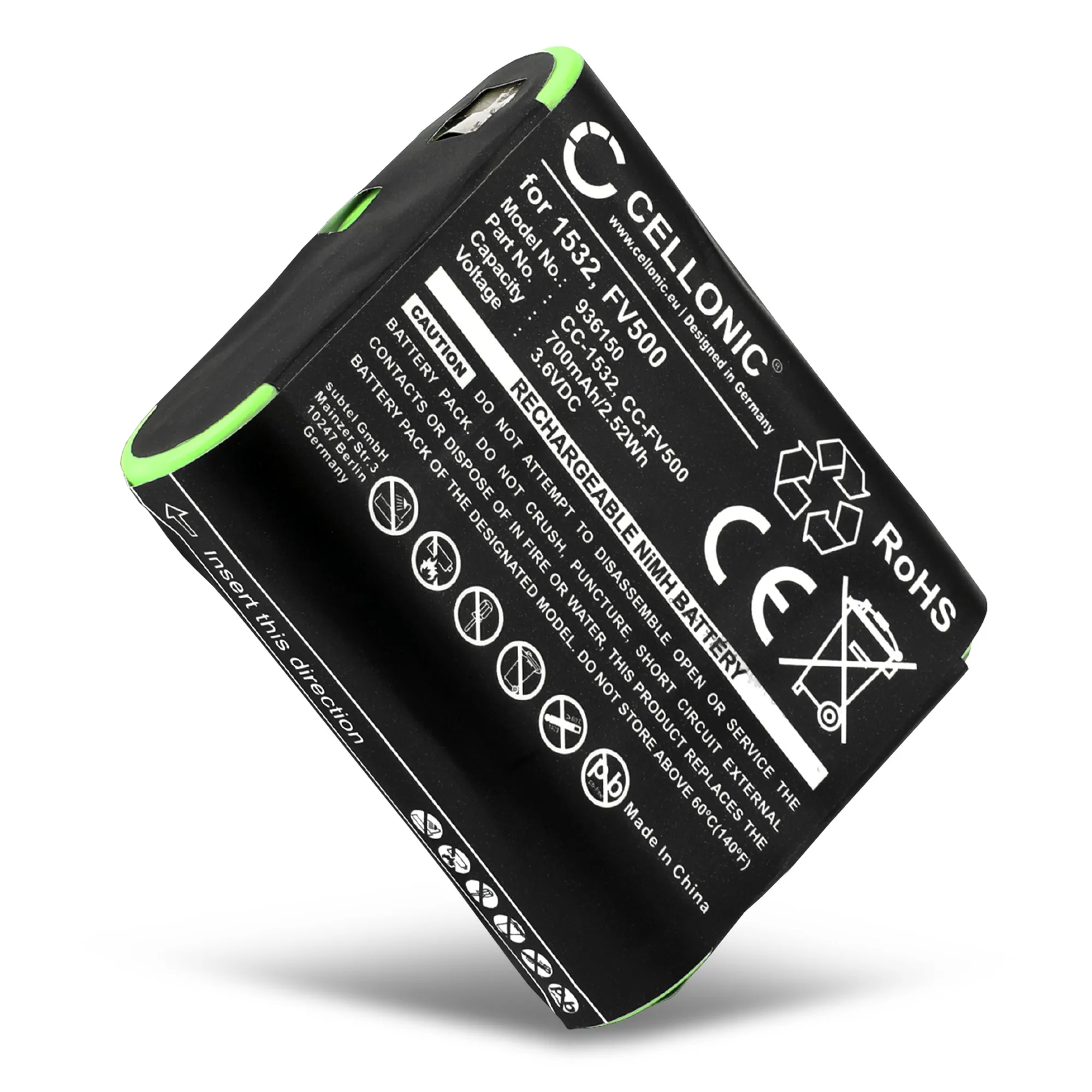
Motorola Talkabout radios in this family use a removable rechargeable pack rather than loose AA cells, so the first check is whether your replacement is the correct format. The CELLONIC pack for this range is listed as the PMNN4477A AAA version, a 3.6V 700mAh NiMH battery, and its compatibility list covers the Talkabout T82, T82 EXTREME, T92 H2O, T200, T260, T460, T600 H20, T800, T5000, plus reference numbers 1532, 4002A, 53615, 56315, and FV500. If your radio model is not on that list, stop and verify before forcing anything into the compartment.
- Check the label on your old pack for a part number before ordering.
- A 3.6V NiMH walkie talkie battery is not interchangeable with a lithium pack from a different radio family.
- Keep the old pack until the new one is confirmed working, in case you need to compare fit.
What you need, and what you do not
You do not need a screwdriver for the standard battery door on these Talkabout models; the pack is held by a spring latch and a plug-in connector. A clean, dry cloth is useful for wiping the compartment, and good lighting helps you see the connector orientation. Avoid metal tools near the battery contacts, because bridging them can damage the radio even when it is switched off.
- Clean, dry workspace with no loose screws or metal debris.
- Soft cloth for the contact area.
- The replacement pack, still in its packaging until you are ready to fit it.
Getting the old pack out without damaging the latch
The most common damage in this job is a cracked battery door latch caused by pulling the door open before the latch is fully released. Press the latch firmly and listen or feel for it to clear, then lift the door from the bottom edge. The pack itself sits on a short connector; ease it straight out rather than rocking it side to side. If the pack feels stuck, check that the latch is fully depressed rather than adding force.
- Never lever the door with a screwdriver.
- Pull the pack straight, not at an angle.
- If the old pack shows swelling or corrosion, dispose of it at a battery recycling point rather than household waste.
Step-by-step battery replacement
- Power off and remove the belt clip: Switch the radio off and slide the belt clip upward off its rail. Working on a live radio risks shorting the contacts when the pack is unplugged. Checkpoint: the screen is blank and the clip is fully removed before you touch the battery door.
- Release the battery door latch: Press the latch at the base of the radio and lift the door away. Do not pry it with a tool; the plastic tab is the weakest point on the housing. Common mistake: forcing the door while the latch is only half pressed, which snaps the tab.
- Unplug and lift out the old pack: Grip the pack by its edges and pull it straight away from the connector. Note which way the connector faces so the new pack goes in the same orientation. Checkpoint: the connector is undamaged and the compartment is free of corrosion or debris.
- Seat the replacement pack: Align the connector on the new pack with the socket and press gently until it seats. It should sit flush without force; if it does not, the orientation is wrong. Common mistake: pushing the pack in upside down and bending the connector pins.
- Close the door and test the radio: Refit the battery door until the latch clicks, then power on and check that the display and transmit function work. Charge the pack fully before relying on it for a full day out. Next step: if the radio still will not hold charge, test the charger and charging contacts before assuming the new pack is faulty.
Replacement pack facts
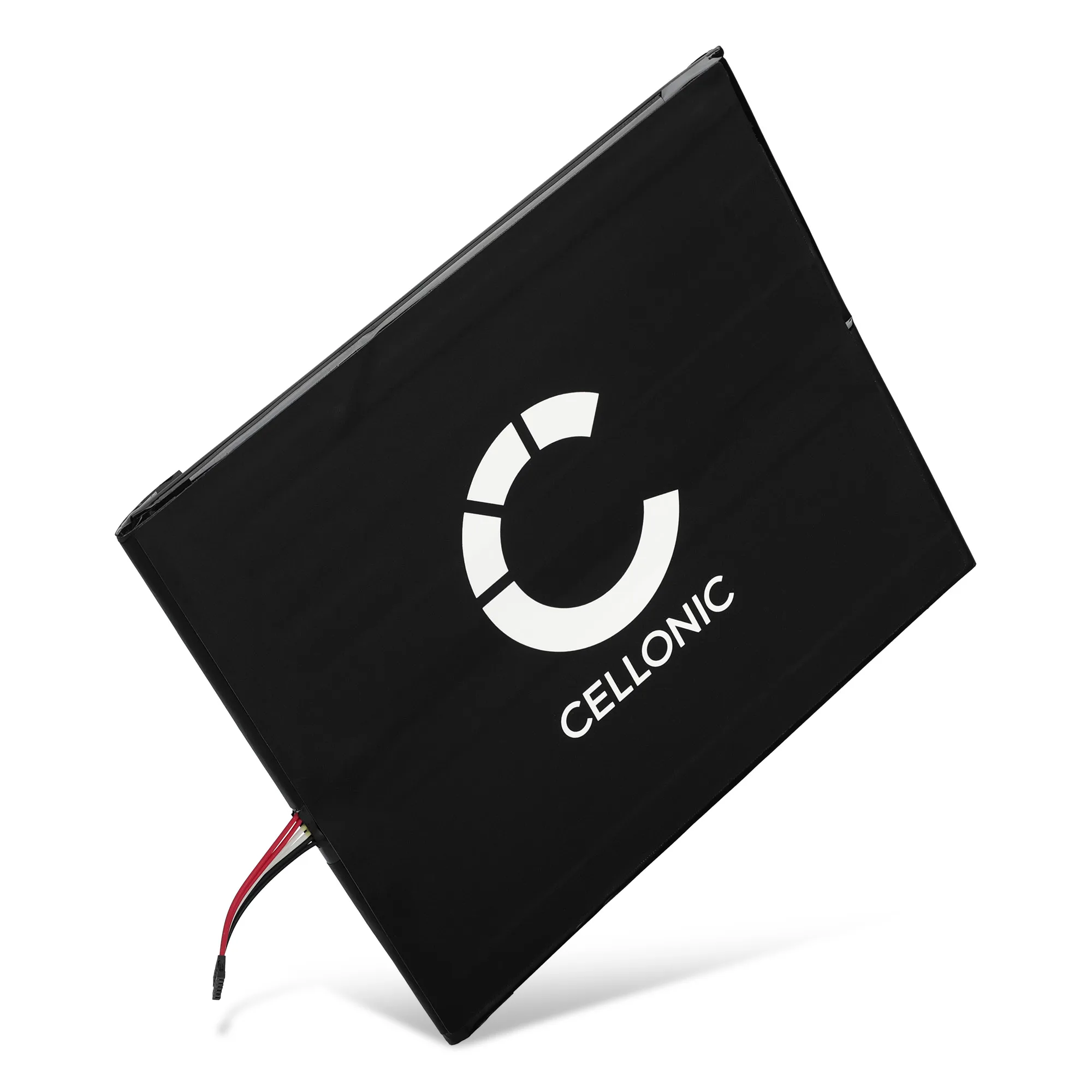
- Battery for Motorola Talkabout T82 EXTREME, T82, T92 H2O, T800, T200, T600 H20, T260, T460 - PMNN4477A (AAA Version) 3.6V 700mAh NiMH from CELLONIC: CELLONIC replacement battery for Motorola Talkabout T82, T82 EXTREME, T92 H2O, T800, T200, T600 H20, T260, and T460, listed as PMNN4477A (AAA version), 3.6V, 700mAh, NiMH. This is the pack that matches the battery compartment and connector shown in the steps above, so you can follow the procedure without adapting it.
- 58-000187, 26S1015-A Battery for Amazon Fire HD 10 (2017) SL056ZE Tablet Battery Replacement - 6200mAh: CELLONIC replacement battery for the Amazon Fire HD 10 (2017) SL056ZE tablet, part reference 58-000187, compatible model reference 26S1015-A, stated capacity 6200mAh. Included here only to show that CELLONIC replacement packs are model-specific; do not try to fit a tablet battery into a radio, because the connector and voltage will not match.
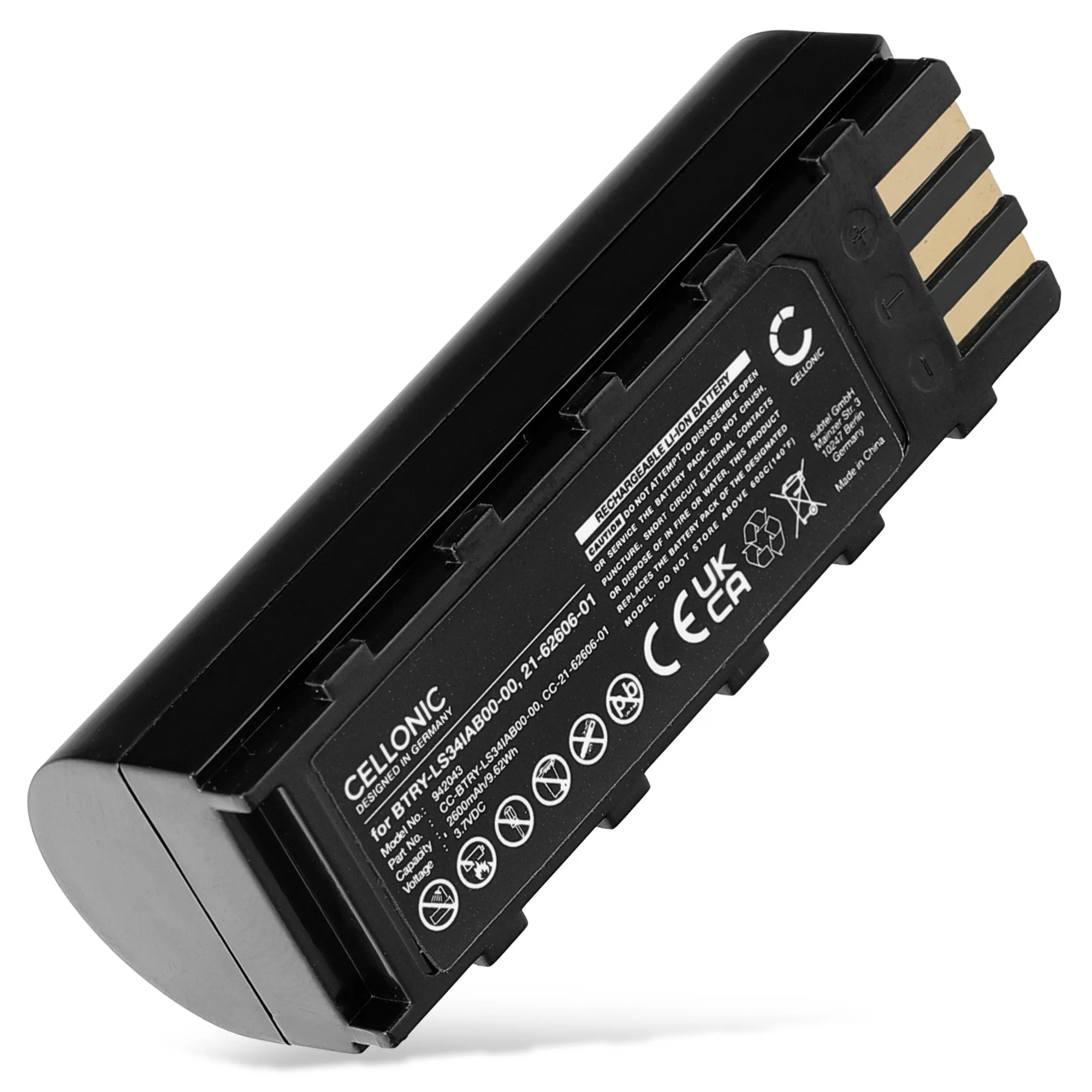
- 21-62606-01,BTRY-LS34IAB00,KT-BTYMT-01R Battery for Motorola Symbol DS3478 / DS3478-DP / DS3478-HD / DS3478-SF DS3578 / DS3578-ER / DS3578-FZ DSS3478: CELLONIC replacement Li Ion 3.7V battery for Motorola Symbol DS3478 and DS3578 barcode scanners, part references 21-62606-01, BTRY-LS34IAB00, and KT-BTYMT-01R. A useful reminder that Motorola-branded devices use different battery chemistries and voltages across product lines, so always match the part reference rather than the brand name alone.