Quick answer
You can replace the battery button on your VSGO V-BP01 bag yourself using the official Replacement Button for V-BP01. The swap takes about five minutes and requires no special tools.
Why replace the button yourself?
A worn or broken battery button can make accessing your camera gear frustrating. Replacing it yourself saves the cost and wait of a professional repair. The VSGO replacement kit is designed specifically for the V-BP01 bag, so fit and function are guaranteed.
Step-by-step replacement
- 1. Remove the old button: Press the old battery button from the outside while pulling gently from the inside of the bag. The button is held in place by a simple snap-fit. Do not use excessive force. If it resists, check for any fabric caught behind the button.
- 2. Align the new button: Take the new Replacement Button for V-BP01 and align it with the hole from the inside of the bag. Ensure the button's tab faces outward. Double-check the orientation before pressing. The button only snaps in one way.
- 3. Snap the button into place: Press firmly on the button from the inside until you hear a click. Test the button by pressing it from the outside to confirm it moves smoothly. If the button feels loose or doesn't click, remove it and try again. A secure fit is essential for reliable use.
What you need
-
Replacement Button for V-BP01: Replacement Button for V-BP01 is a button set branded by VSGO, designed for the VSGO V-BP01 bag and also compatible with the VSGO 20L Black Snipe Camera Bag. Using the official replacement ensures the button snaps securely and matches the original look and feel.
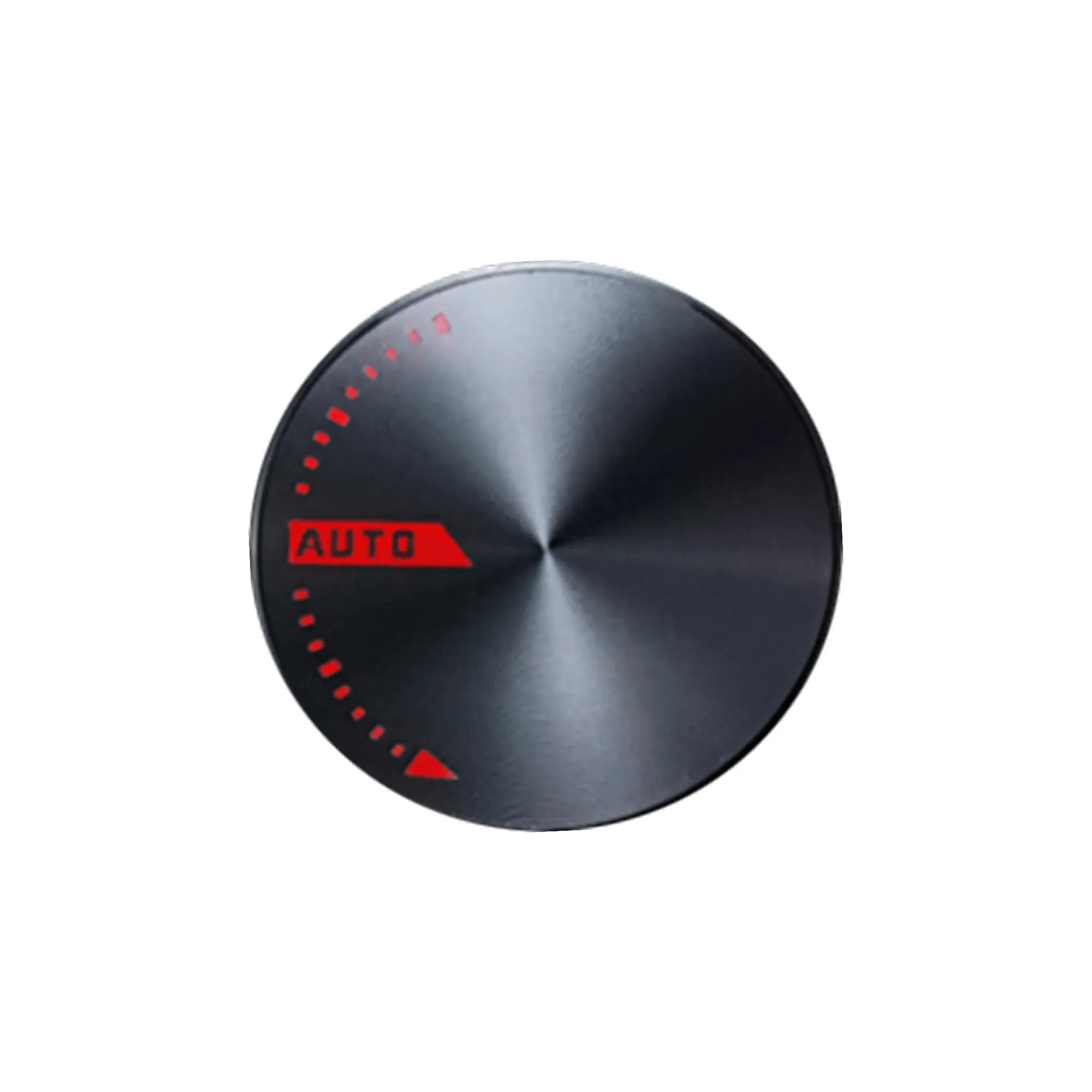
Replacement Button for V-BP01


