Quick answer
Setting up a bow sight range finder involves mounting the device, calibrating the 20-yard pin, and entering your bow's specific parameters. The Garmin Xero A1i PRO simplifies this with micro-adjustable rails for precise windage and elevation adjustments.
Why proper setup matters
A bow sight range finder combines ranging and aiming into one unit. If you skip steps or enter incorrect data, your shots will be off at longer distances. The Garmin Xero A1i PRO, for example, requires your bow speed, draw length, and arrow diameter to calculate accurate holdover points. Taking the time to measure these values correctly saves you from field frustration.
Common pitfalls to avoid
Many archers forget to level the sight housing during installation, which leads to canted pins. Others rush the 20-yard pin calibration and never revisit it after changing arrows or rest height. The Xero A1i PRO's laser reticle alignment needs a stable surface; any movement during calibration introduces error. Always double-check your bow speed with a chronograph instead of relying on manufacturer estimates.
Step-by-step setup process
- Mount the sight securely: Attach the sight to your bow's riser using the provided screws. Torque to manufacturer specs (typically 15–20 in-lbs). Apply a drop of thread locker to prevent loosening from vibration. Check that the sight housing is level with the bow string. A bubble level on the sight helps.
- Calibrate the 20-yard pin: Shoot a group at exactly 20 yards. Adjust the elevation and windage knobs until your point of impact matches the 20-yard pin. On the Garmin Xero A1i PRO, use the micro adjustable rails for fine corrections. Do this on a calm day from a stable rest. Even a slight breeze can shift the group and mislead your calibration.
- Enter bow and arrow parameters: Input your bow speed (fps), draw length, and arrow diameter into the sight's menu. The Garmin Xero A1i PRO uses these values to calculate holdover points for longer distances. Use a chronograph to measure actual bow speed rather than the box rating. Arrow weight and string material affect real speed.
- Verify at multiple distances: Shoot groups at 30, 40, and 50 yards. Compare each group to the sight's computed aiming point. If impacts are consistently off, adjust the bow speed value up or down by 5 fps and retest. Keep a log of your settings and group sizes. This helps you spot trends if you change arrows or tune your bow later.
- Test the auto-ranging feature: Range a target at an unknown distance using the sight's built-in laser rangefinder. Confirm the displayed distance matches a known measurement (e.g., a marked range tape). Adjust the laser alignment if needed using the windage/elevation adjustment screws. If the ranging laser and the aiming reticle don't align at the same point, your shots will be off. Recheck this after any hard impact or transport.
Product facts
-
Garmin Xero A1i PRO Bow Sight Range Finder Right Hand Multi LED Pin: Features micro adjustable rails that let you make quick, precise changes for elevation, windage and laser reticle alignment. This means you can fine-tune your sight without removing it from the bow, saving time at the range and in the field.
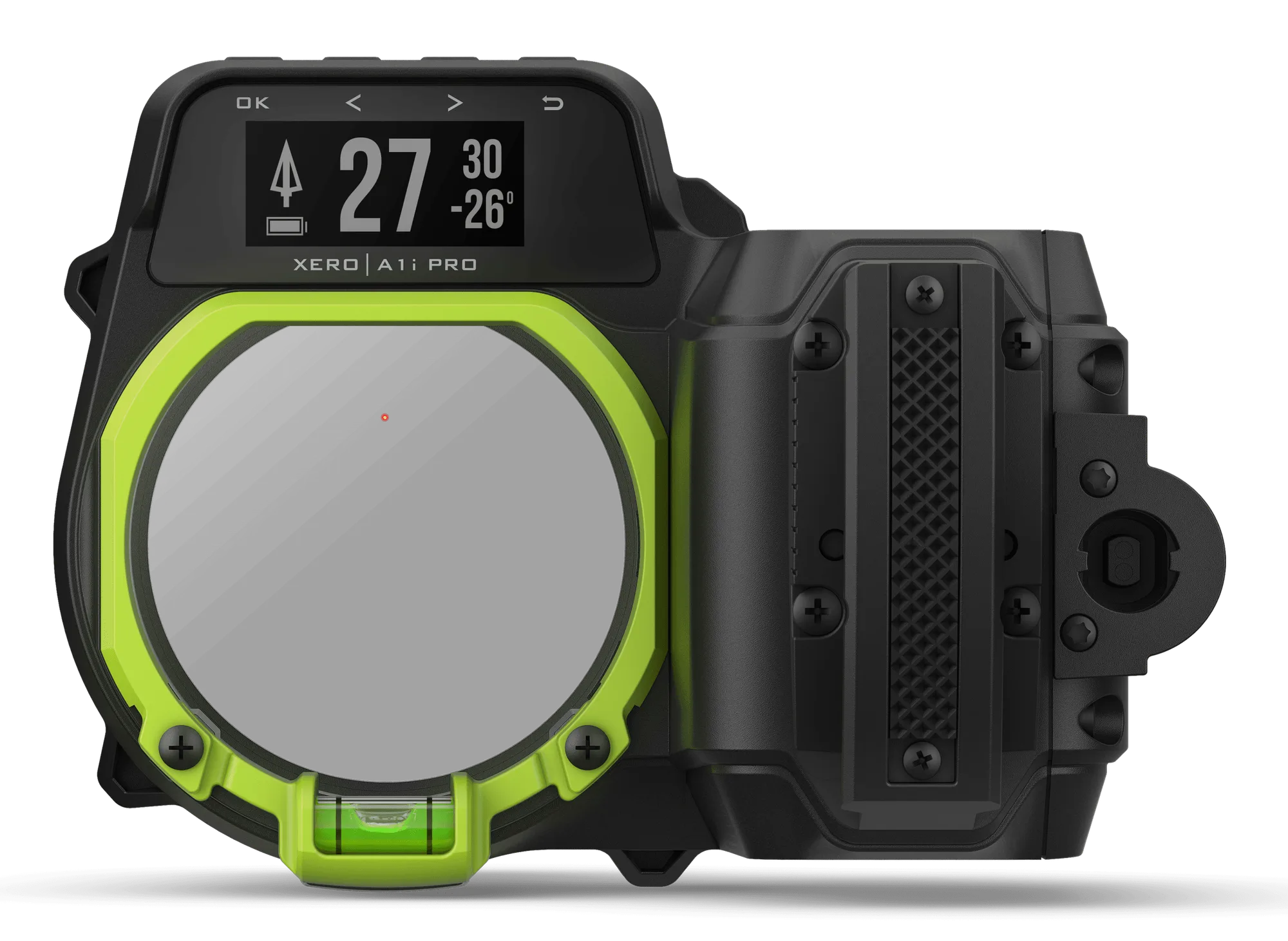
Garmin Xero A1i PRO Bow Sight Range Finder Right Hand Multi LED Pin


