Quick answer
Set up your light stand by first choosing a stable location, then extending the legs and locking each section securely before attaching your light or modifier.
Choosing a stand for your gear weight
The weight capacity of a light stand determines what gear it can safely hold. The Phottix F-180 supports up to 17.6 lbs, making it a strong option for heavier studio lights. The Kupo Midi Pro Stand holds up to 11 lbs but features twin leg braces for added stability. The Promaster LS-CT Compact Travel Stand supports up to 6.6 lbs, which is ideal for smaller strobes or speedlights. Always check the weight of your light and modifier before selecting a stand.
Height and portability trade-offs
A taller stand gives you more flexibility in light placement but may be less stable at full extension. The Phottix F-180 extends to nearly 6 ft and collapses to 18.1 in, offering a good balance for transport. The Promaster LS-CT collapses to just 16 in, making it extremely portable, while the Kupo Midi Pro folds to 34.19 in. For studio use where you don't move the stand often, the Kupo's nut-and-bolt construction allows tension adjustments over time.
Step-by-step light stand setup
- 1. Choose a stable location: Place the stand on a level, non-slippery surface. Avoid carpet or uneven floors that could tip the stand. If using a heavy modifier, consider sandbagging the legs for extra safety. Never set up a stand on a slope without securing it.
- 2. Extend the legs fully: Spread the legs outward until they lock into place. On stands like the Phottix F-180, the reverse folding leg system helps with quick setup. Ensure each leg is fully extended and locked before releasing. A partially opened leg can cause the stand to collapse.
- 3. Raise the center column gradually: Loosen the locking knob or flip-lock on the lowest section first. Extend the column partway, then tighten. Repeat for each upper section. Avoid extending the top section first, as this makes the stand top-heavy. Always extend from the bottom up for stability.
- 4. Lock each section securely: Tighten each locking mechanism firmly. On the Kupo Midi Pro, the 5/8" mounting stud is secured with two cross pins—ensure they are aligned. For flip-lock stands, push the lever down until it clicks. A loose lock can cause the column to slide down unexpectedly.
- 5. Attach your light or modifier: Mount the light onto the stud and tighten the thumbscrew. If using a softbox or umbrella, attach it before raising the stand to full height. This reduces the risk of dropping equipment. Always attach modifiers with the stand at a lower height.
- 6. Adjust height and angle last: Raise the stand to your desired height and tilt the light if needed. Check that the stand remains stable after each adjustment. If it wobbles, lower the height or add a counterweight. An unstable stand is a safety hazard, not a creative tool.
Products mentioned in this guide
-
Phottix F-180 Light Stand (71"): The Phottix F-180 Light Stand extends to nearly 6 ft and supports up to 17.6 lbs. This makes it a versatile choice for studio portraits where you might use heavier studio strobes or softboxes.
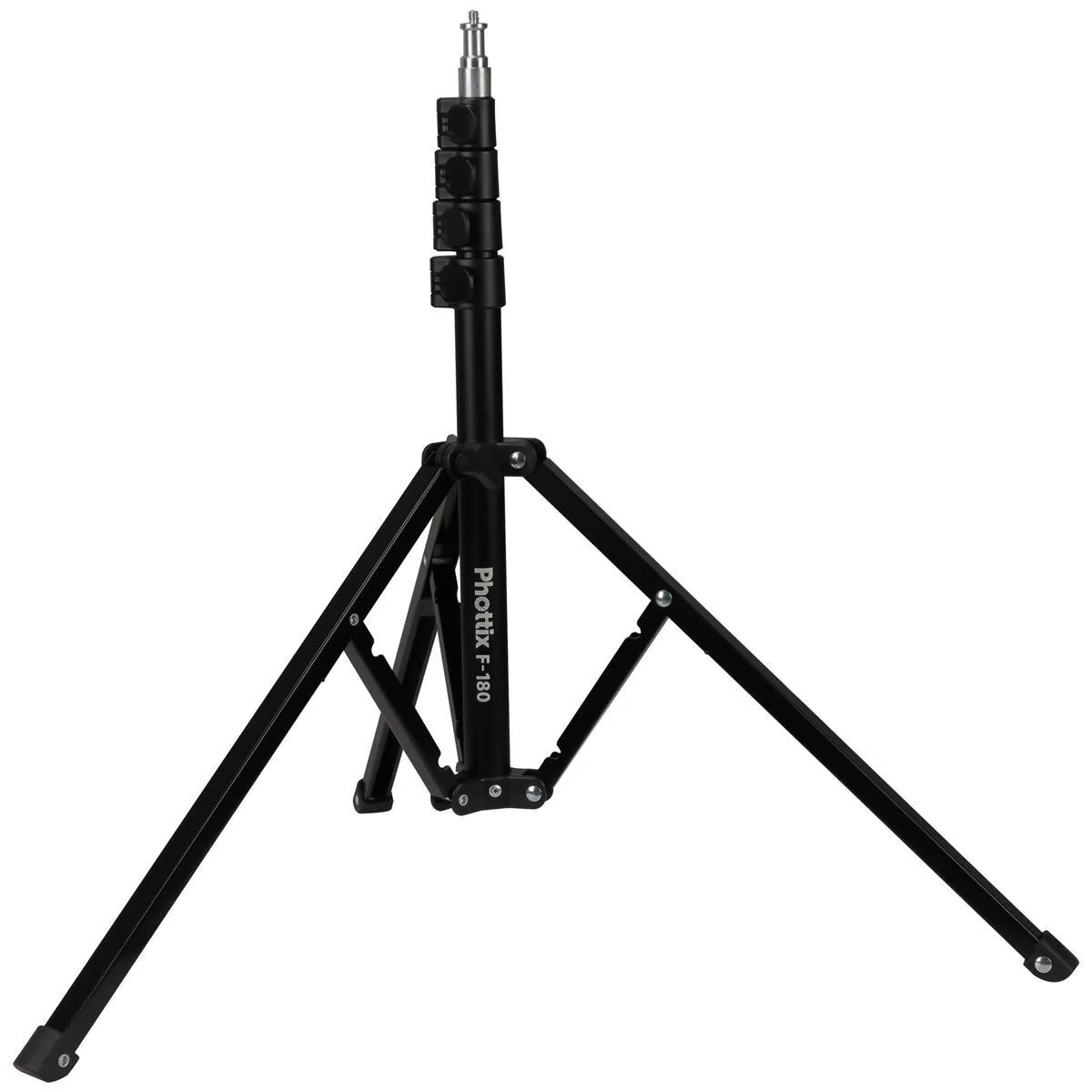
Phottix F-180 Light Stand (71")
-
Promaster 5223 LS-CT Compact Light Stand: The Promaster LS-CT Compact Travel Stand supports up to 6.6 lbs and collapses to 16 in. It is ideal for location shoots or smaller setups using speedlights, but its lower weight limit means you should avoid heavy modifiers.
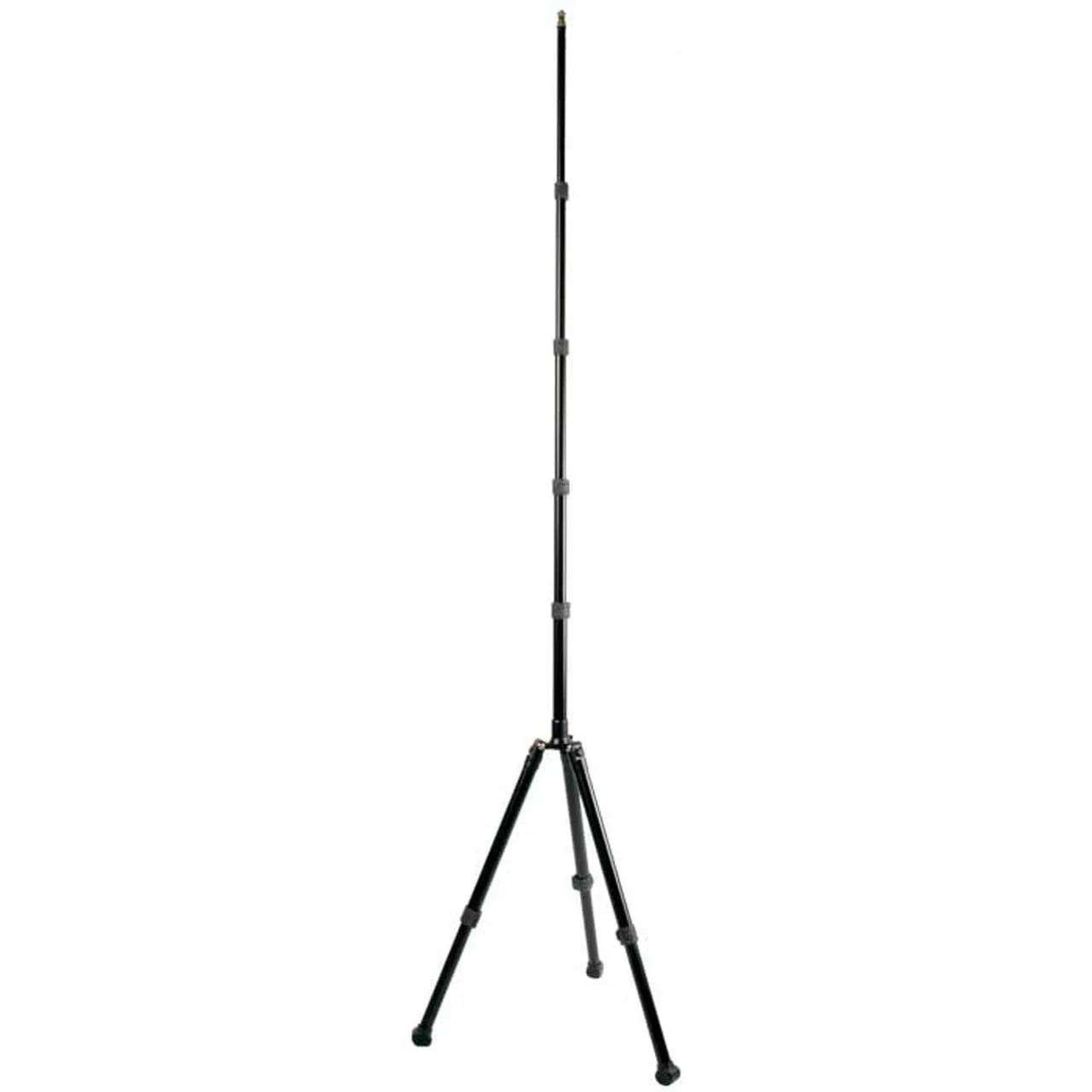
Promaster 5223 LS-CT Compact Light Stand
-
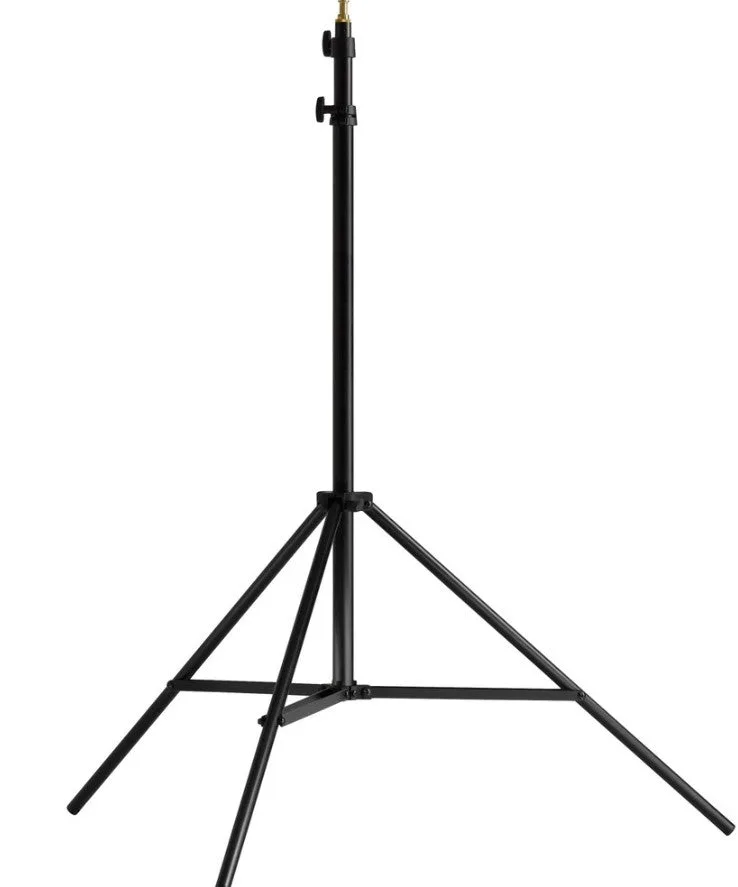
Kupo Midi Pro Stand (Black): The Kupo Midi Pro Stand has twin leg braces and nut-and-bolt construction for tension adjustment. This design provides long-term stability and allows you to tighten the stand if it becomes loose over time, making it a durable studio choice.