Quick Answer
To set up the eufy Indoor Cam S350 3-pack for whole-home coverage, place each camera to cover high-traffic areas, pair them with the eufy Security app, and configure motion zones and privacy settings for each room.
Why the 3-Pack Simplifies Whole-Home Coverage
The eufy Indoor Cam S350 3-pack gives you three cameras to cover multiple rooms without buying separate units. Because each camera can pan and tilt 355°, a single unit can cover a large open area, reducing the number of cameras you need. This makes the 3-pack a practical choice for monitoring living rooms, nurseries, or home offices.
However, more cameras mean more placement decisions. You'll need to balance coverage with privacy—especially in bedrooms or spaces where guests stay. Plan each camera's position before mounting to avoid blind spots and to respect household members' comfort.
Step-by-Step Setup Guide
- Plan camera placement: Decide which rooms need coverage. Place cameras in corners or on shelves to get a wide view. Avoid pointing directly at windows to reduce glare and false alerts. Ensure each camera can pan/tilt to cover doorways and high-traffic areas. Check that each camera's field of view covers the main entrance of the room.
- Download the eufy Security app and create an account: Install the eufy Security app on your smartphone. Create an account or log in. Make sure your phone is connected to the same 2.4 GHz Wi-Fi network you'll use for the cameras. Confirm your Wi-Fi band is 2.4 GHz; the cameras may not connect to 5 GHz networks.
- Power on the cameras: Plug each Indoor Cam S350 into a power outlet using the included cable. Wait for the status LED to blink, indicating the camera is in pairing mode. If it doesn't blink, press the reset button until it does. Keep the camera near the router during pairing to avoid connection drops.
- Add each camera in the app: In the eufy Security app, tap '+' to add a device. Select 'Indoor Camera' and follow the on-screen instructions. Scan the QR code on the camera or enter the serial number. Wait for the chime to confirm pairing. If pairing fails, move the camera closer to the router and try again.
- Configure motion zones and privacy settings: For each camera, set up motion zones to focus on important areas and ignore others. Enable privacy mode if you want to disable recording temporarily. Adjust detection sensitivity to reduce false alerts from pets or moving shadows. Test motion detection by walking through the room and adjust zones as needed.
- Mount the cameras securely: Once configured, mount each camera using the included bracket or place it on a shelf. Ensure the camera can pan/tilt freely without obstruction. Tighten the mount to prevent movement over time. Verify the camera angle after mounting and adjust if necessary.
Product Facts
-
Indoor Cam S350 (3 pack): The Indoor Cam S350 features dual cameras with 4K UHD resolution and 8× hybrid zoom, plus 355° pan and tilt. This lets one camera cover a wide room and zoom into details like a pet or entryway, reducing the number of cameras needed per room.
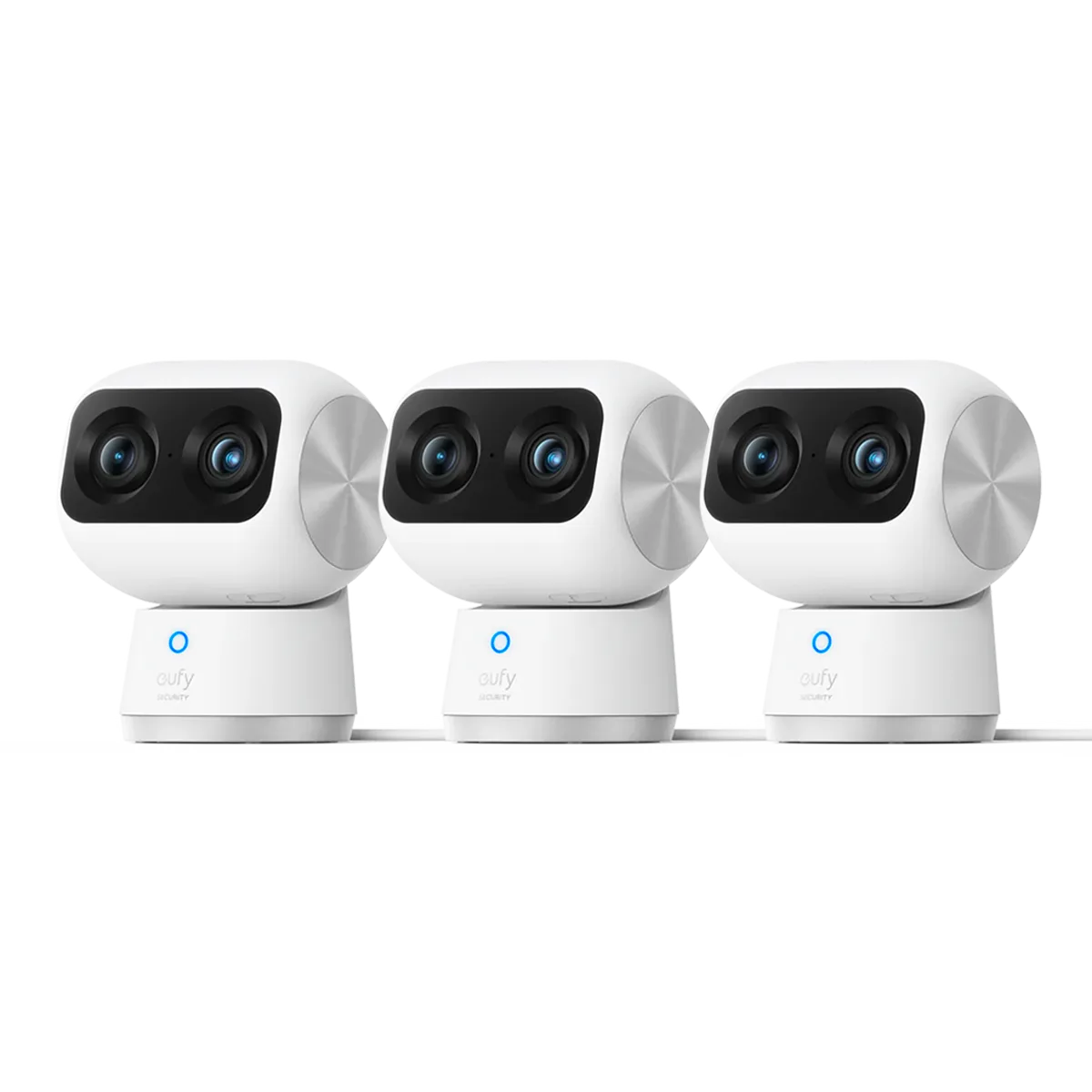
Indoor Cam S350 (3 pack)