Quick answer
Set up your Litter-Robot 5 on a firm, level surface near a power outlet, plug it in and let it complete its start-up rotation, add litter only to the fill line, then pair it with the Whisker app and let your cat explore with the unit powered on. Most first-time problems come from placing it on carpet without support, overfilling the litter, or rushing the app pairing step.
The first hour with a self-cleaning litter box decides whether your cat uses it or avoids it for a week. Litter-Robot 5 setup is not complicated, but the order you do things in matters: placement and leveling come before power, power comes before litter, and the app pairing comes last so the globe is not cycling while you are still tapping through screens.
This guide walks through the process in the order that avoids the usual first-time headaches. If you bought a bundle, unpack everything first so you are not hunting for the power supply halfway through.
Before you start: what to unpack and check
Open the box in the room where the unit will live, or as close to it as possible. Moving an assembled Litter-Robot 5 across a house is more awkward than moving the box. Confirm you have the unit, the power supply, and any accessories that came with your bundle before you start plugging anything in.
If you chose the Litter-Robot 5 Insights Bundle, that package is built around deeper cat insights through a Whisker+ membership, so it is worth knowing before setup whether you plan to activate that membership. Deciding now saves you from re-pairing the unit later. The Litter-Robot 5 Pro, sold on its own, is the same core self-cleaning design aimed at multi-cat homes and owners who want more data about each cat.
- Unpack in the destination room and keep the box until setup is confirmed working.
- Have your phone charged and your Wi-Fi password handy before you start pairing.
Step 1: Choose a spot that your cat will actually use
Placement is the step people rush, and it is the one cats notice most. Pick a quiet, low-traffic spot with a clear approach path, not a corner where the cat has to squeeze past a washing machine. Cats want to see what is coming, so a spot with some visibility is usually better than a closed closet.
Keep the unit out of damp areas and away from direct heat. You also want a power outlet within reach of the cord without an extension cord stretched across a walkway. If the only practical spot is carpet, plan for that now rather than discovering it after the first cycle.
- Common mistake: tucking the unit into a tight corner where the cat feels trapped.
- Checkpoint: your cat can walk in, turn around, and walk out without squeezing.
Step 2: Level the unit and handle carpet properly
A self-cleaning litter box relies on weight sensing, and an unlevel base skews that. On hard flooring, set the unit down and check that it does not rock. On carpet or an uneven surface, the Litter-Robot 4 Carpet Tray is the accessory Whisker makes for exactly this problem — it improves the accuracy of SmartScale weight readings when the unit sits on carpet or uneven surfaces. Note that it is not required for the Litter-Robot 4 to function.
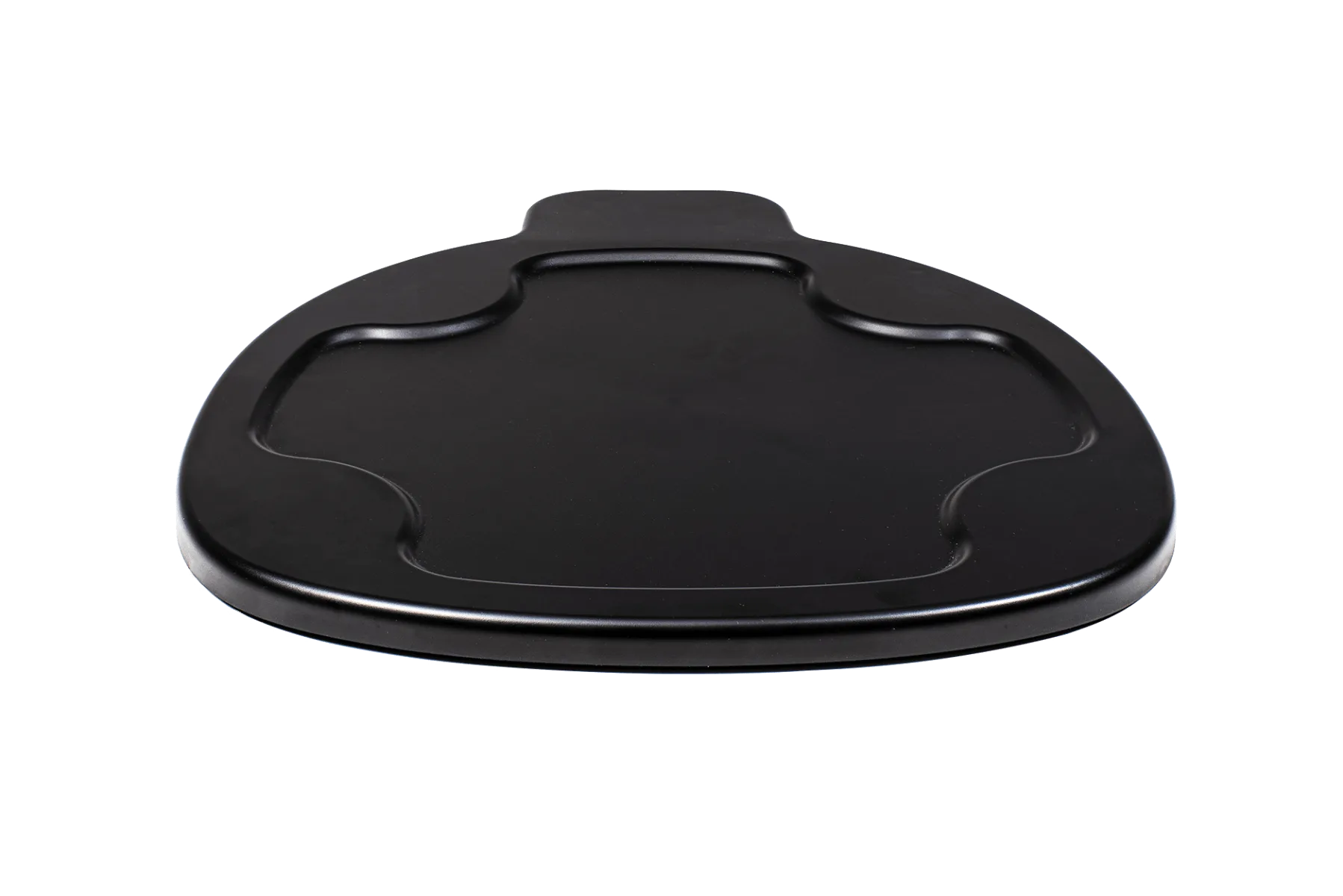
Litter-Robot 4 Carpet Tray
If your unit rocks after placement, fix that before powering on. A wobbly base can cause inconsistent readings and unnecessary troubleshooting later. This is a two-minute check that saves a support ticket.
- Common mistake: assuming a slightly soft carpet is fine because the unit looks stable.
- Checkpoint: press each corner — the base should not tip or rock.
Step 3: Power on and let the start-up cycle finish
Plug the unit in and let it run its initial rotation without touching it. Do not add litter yet. The start-up cycle is the unit calibrating itself, and interrupting it or loading litter mid-cycle is a common source of confusion about whether the box is working correctly.
Watch the cycle complete once from start to finish. You are looking for a smooth rotation that returns to the home position. If something sounds strained or the globe stops mid-turn, stop and check that nothing is obstructing the opening before running it again.
- Common mistake: adding litter before the first cycle finishes.
- Checkpoint: the globe completes a full rotation and returns to its resting position.
Step 4: Add litter to the fill line — and stop there
Use a clumping litter and pour to the marked fill line, no higher. Overfilling is the single most common setup error because it feels like you are being generous. Extra litter gets pushed into the waste drawer or dragged out during cycling, which wastes litter and makes the unit look messier than it is.
If you are switching from a traditional box, keep some of the old litter scent in the new unit for the first few days. Familiar smell lowers the odds your cat rejects the change.
- Common mistake: filling above the line "just in case."
- Checkpoint: litter sits at the line and the globe can rotate without spilling.
Step 5: Pair the app and confirm the connection
Pair the unit with the Whisker app last, once the box is placed, powered, and filled. Follow the in-app pairing flow and confirm the unit shows as connected before you walk away. If pairing fails, move your phone closer to the unit and check that you are on a 2.4 GHz network if your router splits bands.
The Litter-Robot 5 Pro uses dual AI-powered cameras and WasteID to identify which cat did what, so a stable connection matters more on that model than on a basic setup. If you bought the Pro specifically for per-cat data, do not skip verifying the connection.
- Common mistake: closing the app before confirming the unit is online.
- Checkpoint: the app shows the unit connected and reporting.
Step 6: Introduce your cat and leave it alone
Set your cat down near the unit with the power on so it can hear and see the cycle. Do not force the cat inside. Most cats investigate within a day or two once the unit cycles a few times and stops seeming like a threat.
Keep the old litter box available during the transition, but stop scooping it so it becomes the less appealing option. Once your cat is using the Litter-Robot 5 consistently, remove the old box. If you have multiple cats, expect a longer adjustment and watch for one cat guarding the unit.
- Common mistake: removing the old box on day one.
- Checkpoint: your cat uses the unit at least twice before you retire the old box.
First-time setup checklist
- Place and level: Set the unit on a firm, level surface in a quiet, low-traffic spot with a reachable outlet. Press each corner — no rocking before you plug in.
- Power on, hands off: Plug in and let the start-up rotation complete without adding litter or touching the globe. A full, smooth rotation back to home position means you can move on.
- Fill to the line: Add clumping litter only up to the marked fill line. Above the line causes spillage and wasted litter.
- Pair the app: Complete Whisker app pairing and confirm the unit shows as connected. Especially important on the Litter-Robot 5 Pro, where insights depend on the connection.
- Introduce, then wait: Let your cat explore with the unit running and keep the old box available but unscooped. Retire the old box only after consistent use.
Which Litter-Robot 5 setup you may be installing
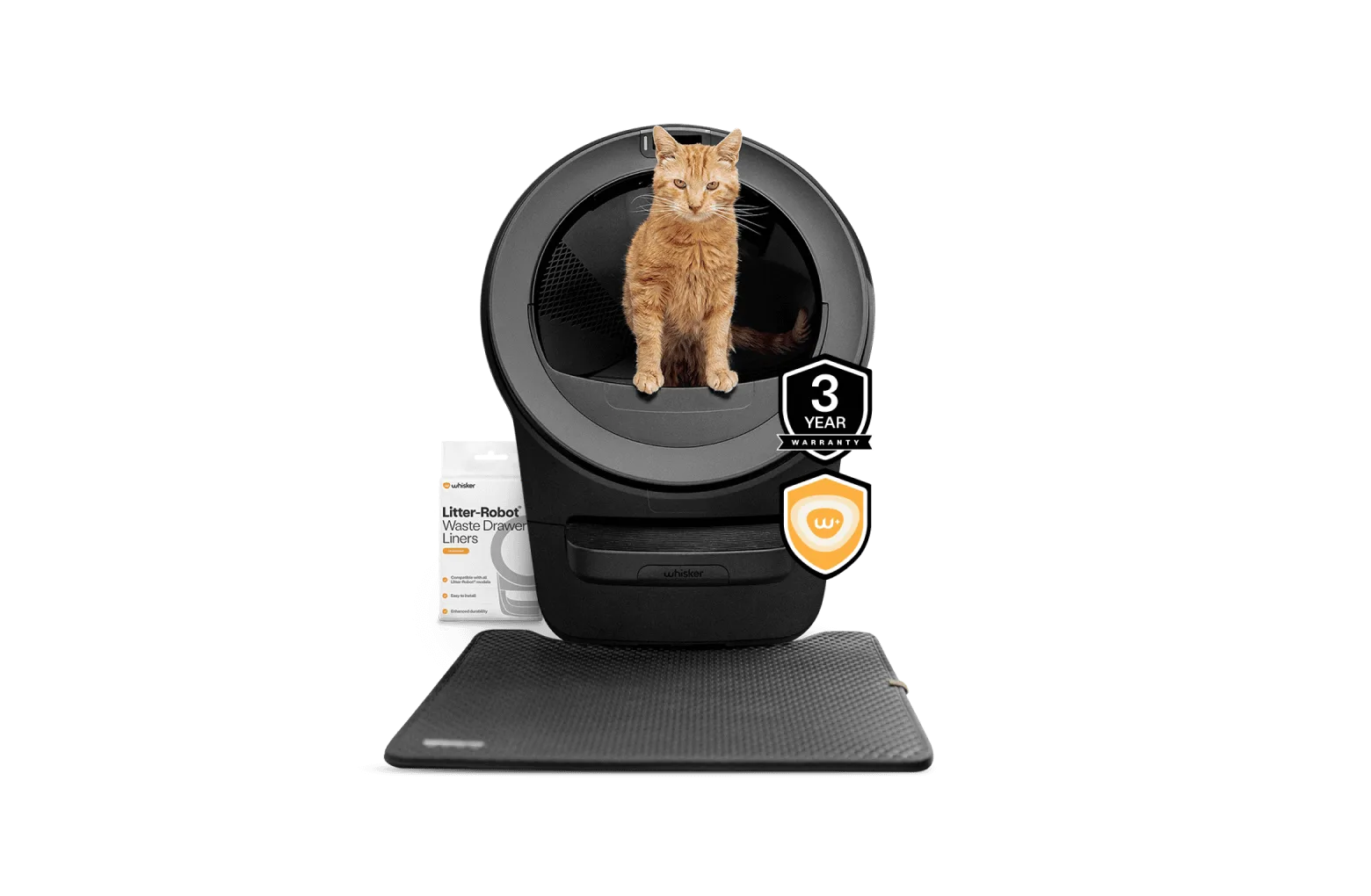
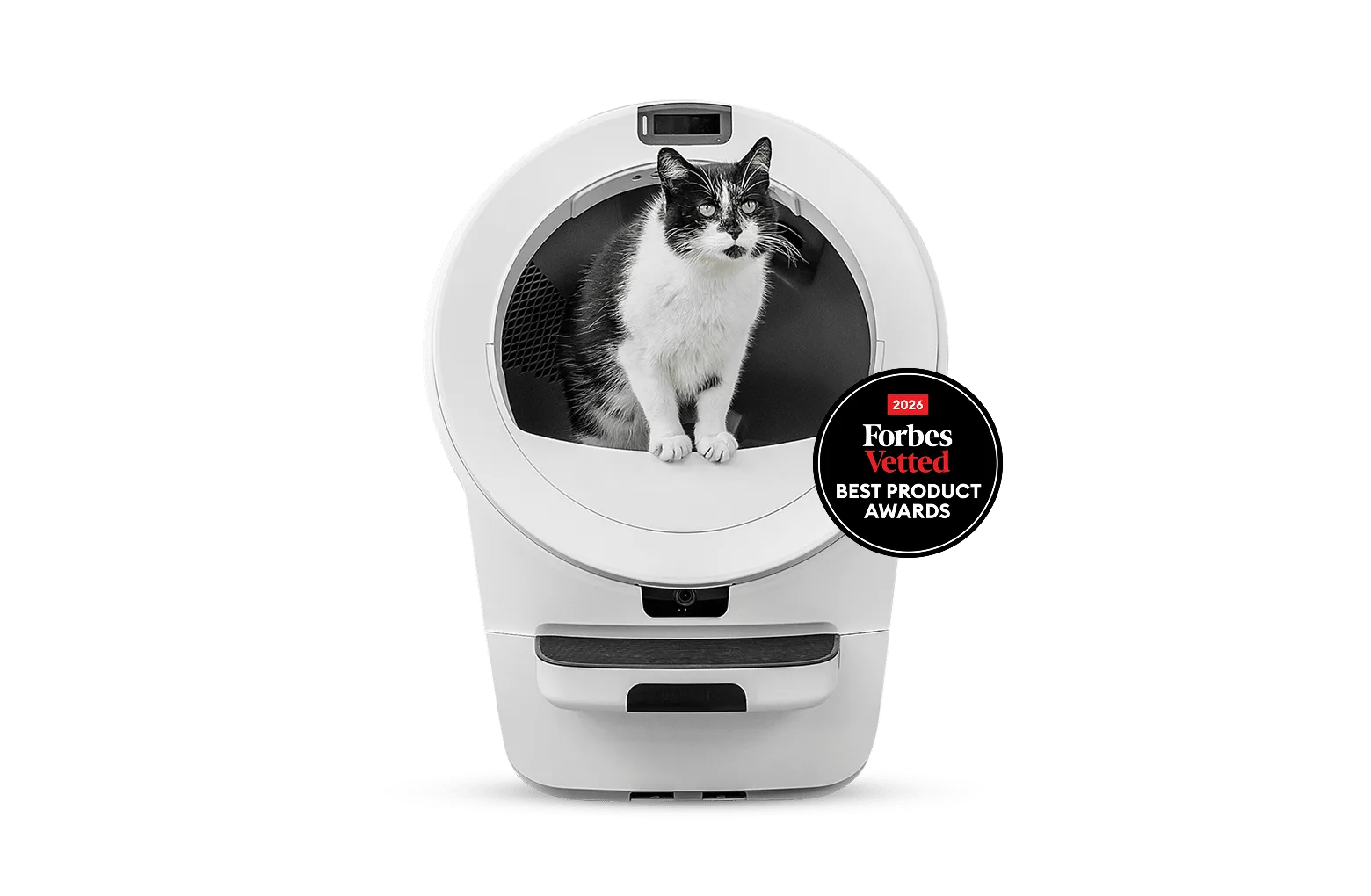
- Litter-Robot® 5 Pro: The new Litter-Robot 5 Pro is the insightful self-cleaning litter box designed to help you understand your cat like never before. With dual AI-powered cameras, WasteIDTM, and smart insights, it's perfect for multi-cat homes and helicopter cat parents. If you are setting up a Pro, the app connection is not optional — per-cat identification and insights depend on it, so verify pairing before introducing your cats.
- Litter-Robot® 5 Insights Bundle: Litter-Robot 5 is the most advanced automatic, self-cleaning litter box for cats. Stop scooping and get access to deeper cat insights with a Whisker+ membership. This bundle includes a Whisker+ membership, so decide during setup whether you will activate it — doing it now avoids re-pairing the unit later.
- Litter-Robot 4 Carpet Tray: The Litter-Robot 4 Carpet Tray improves the accuracy of SmartScale® weight readings when Litter-Robot 4 sits on carpet or uneven surfaces. (Not required for Litter-Robot 4 to function.) If your setup spot is carpeted or uneven, this tray addresses weight-reading accuracy — a useful reference point if you are comparing placement needs across models.
Setup is mostly about sequence and restraint: level the base, let the first cycle finish, do not overfill, and pair the app before your cat gets involved. Get those four things right and the first week is usually uneventful — which is exactly what you want.