Quick answer
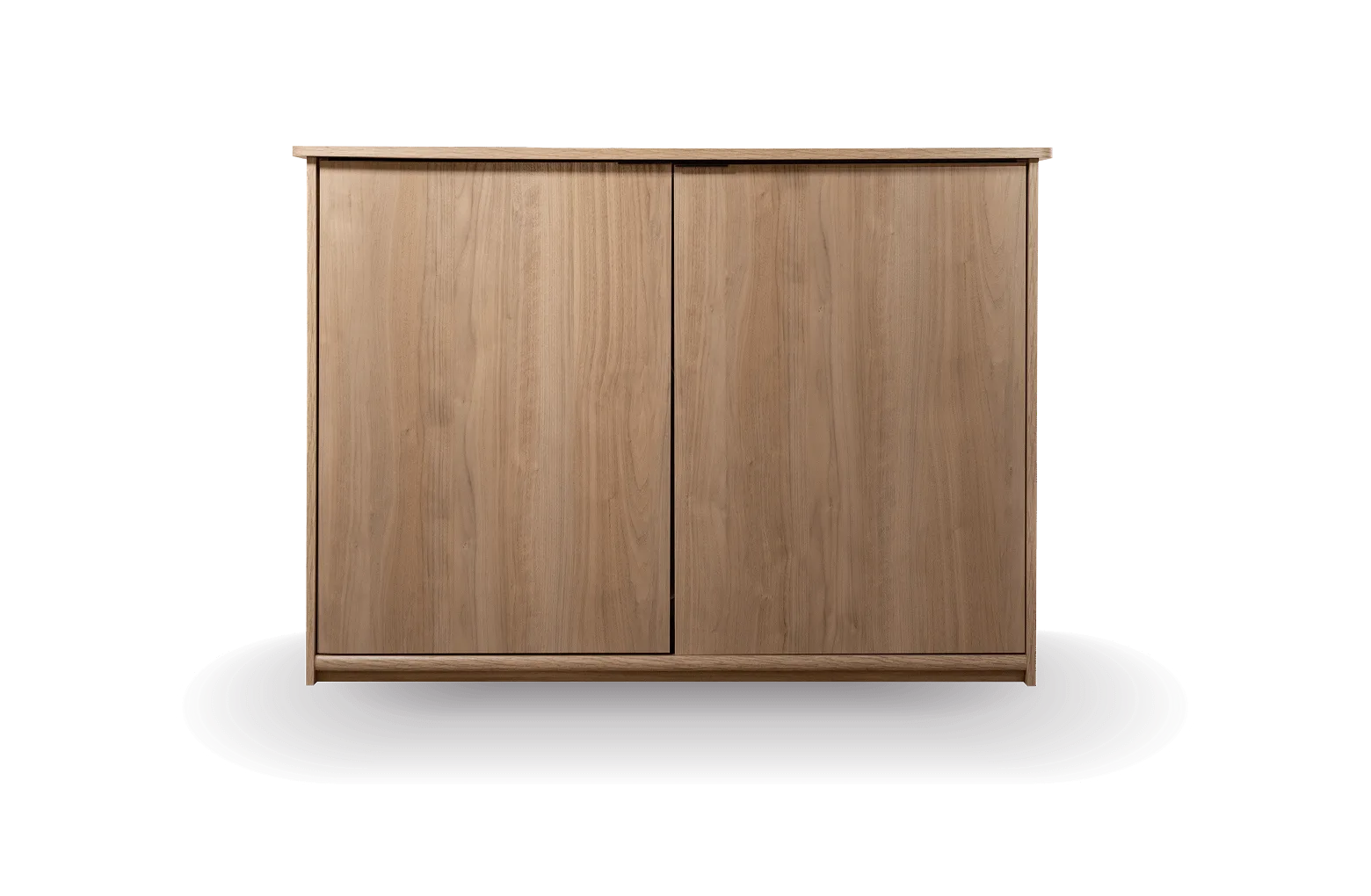
Set up the Litter-Robot Credenza by first assembling the furniture piece, then placing your Litter-Robot inside, and finally routing the power cord through the designated cutout. The Credenza is designed to discreetly conceal your Litter-Robot while elevating your space with thoughtful functionality. Allow 30–45 minutes for assembly and placement.
Litter-Robot Credenza
The Litter-Robot Credenza is more than furniture—it's a way to integrate your self-cleaning litter box into your home without sacrificing style. But proper setup matters for both function and cat acceptance. This guide walks you through each step, from unboxing to the moment your cat claims it as their own.
Whether you're upgrading from a bare Litter-Robot or adding a Credenza to an existing setup, the process is straightforward. The key is to plan placement, assemble carefully, and give your cat time to adjust. Follow these steps to get it right the first time.
Before you begin: what to gather
Unbox the Credenza in a clear area and check that all panels, hardware, and the power cord cutout are present. You'll need a Phillips-head screwdriver and possibly a rubber mallet for wooden dowels. Keep the packaging until setup is complete in case you need to return or exchange anything.
Decide where the Credenza will live before assembly. It should sit on a level surface, ideally against a wall with access to an outlet. Avoid tight corners where you can't open the Credenza door fully—you'll need room to pull the Litter-Robot out for cleaning.
- Common mistake: assembling in a cramped space, then struggling to move the heavy unit.
- Checkpoint: confirm your chosen spot has at least 6 inches of clearance on all sides for airflow and door swing.
Step 1: Assemble the Credenza frame
Follow the included instructions to attach the side panels to the base, then secure the back panel and top. Use the provided cam locks or screws and tighten them firmly but not over-tight. If your model has a magnetic door catch, install it now before adding the top.
Work on a soft surface like a blanket or cardboard to avoid scratching the finish. Once the frame is stable, stand it upright and check for wobble. Adjust the leveling feet if included.
- Common mistake: overtightening cam locks, which can strip the particle board.
- Checkpoint: the frame should feel solid and not rock when you press on the top corners.
Step 2: Position your Litter-Robot inside
With the Credenza frame assembled, slide your Litter-Robot into the open bay. The Credenza is designed to fit Litter-Robot models, but always check that the unit sits flat and the entry opening aligns with the Credenza's front cutout. If you have a Litter-Robot 4, the Carpet Tray can improve SmartScale accuracy on uneven surfaces—but it's not required for function.
Make sure the Litter-Robot's weight sensor isn't resting on any part of the Credenza frame. The unit should sit on the floor or base panel, not suspended. Once positioned, plug the Litter-Robot into the nearest outlet using the cutout at the back of the Credenza.
- Common mistake: forcing the Litter-Robot into a space that's too tight, which can misalign the entry and cause cycling issues.
- Checkpoint: the Litter-Robot should slide in and out easily without scraping the sides.
Step 3: Route the power cord and secure cables
Feed the Litter-Robot's power cord through the designated cord cutout at the back or side of the Credenza. If your Credenza has a cable management channel, tuck the excess cord inside it to prevent your cat from chewing or pulling. Leave enough slack so you can pull the Litter-Robot out for cleaning without unplugging it.
Avoid pinching the cord between the Credenza and the wall. If the outlet is far, use a heavy-duty extension cord rated for indoor use, and secure it along the baseboard with cable clips.
- Common mistake: running the cord under the Credenza where it can be crushed or tripped over.
- Checkpoint: tug gently on the cord—it should not disconnect from the Litter-Robot or feel taut.
Step 4: Attach the Credenza door and finishing touches
If your Credenza includes a door, attach it according to the instructions. Adjust the hinges so the door swings smoothly and closes flush. Some owners prefer to leave the door off initially so their cat can see the Litter-Robot and adjust without a barrier.
Add any shelves or dividers if your model includes them. Wipe down all surfaces with a damp cloth to remove dust from assembly. Let everything dry completely before letting your cat investigate.
- Common mistake: installing the door too tightly, causing it to stick and scare your cat.
- Checkpoint: the door should stay open on its own if you position it at 90 degrees, and close gently with a light push.
Step 5: Introduce your cat to the new setup
Place your cat's favorite toy or a sprinkle of treats near the Credenza entrance. Let them explore at their own pace—don't force them inside. You can leave the Litter-Robot turned off for the first day so it doesn't cycle unexpectedly and startle them.
If your cat seems hesitant, try removing the Credenza door for a few days, or place the Litter-Robot slightly forward so the entry is more visible. Once they use it consistently, you can turn the Litter-Robot back on and reattach the door.
- Common mistake: rushing the introduction, which can lead to litter box avoidance.
- Checkpoint: your cat should enter and exit the Credenza without hesitation before you consider setup complete.
Credenza setup checklist
- Assemble on a soft surface: Lay down a blanket or cardboard to protect the finish while you attach panels and hardware. Checkpoint: frame is stable and doesn't wobble.
- Test-fit your Litter-Robot: Slide the unit in before fully tightening the top panel to ensure the entry aligns with the Credenza opening. Checkpoint: Litter-Robot sits flat and slides out easily.
- Route the cord through the cutout: Use the designated cutout and cable channel to keep the cord tidy and out of your cat's reach. Checkpoint: cord has enough slack to pull the unit out for cleaning.
- Adjust the door swing: If included, set hinges so the door closes gently and stays open when needed. Checkpoint: door doesn't stick or slam.
- Introduce your cat gradually: Leave the Litter-Robot off for the first day and offer treats near the entrance. Checkpoint: cat enters and exits without fear before you turn the unit on.
Products that pair with your Credenza
- Litter-Robot Credenza: Crafted with a modern furniture design, the Litter-Robot Credenza discreetly conceals your Litter-Robot while elevating your space with thoughtful functionality. It turns a utilitarian litter box into a piece of furniture, so you can place it in living areas without sacrificing style.
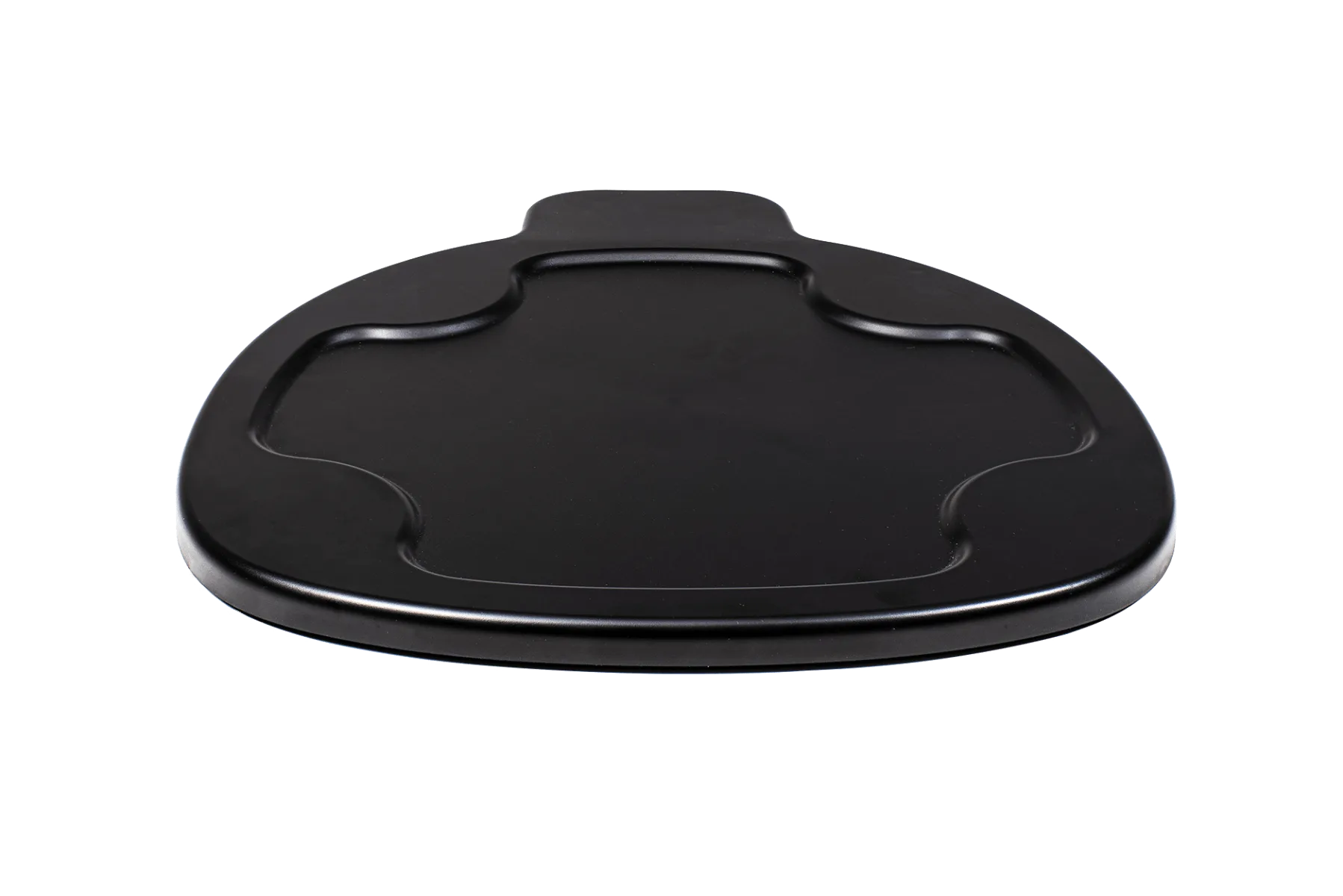
- Litter-Robot 4 Carpet Tray: The Litter-Robot 4 Carpet Tray improves the accuracy of SmartScale® weight readings when Litter-Robot 4 sits on carpet or uneven surfaces. (Not required for Litter-Robot 4 to function.) If your Credenza sits on carpet, this tray helps ensure your Litter-Robot's weight sensors stay accurate for tracking your cat's health.
Setting up the Litter-Robot Credenza is a straightforward process that pays off in a cleaner, more stylish home. Take your time with placement and assembly, and give your cat a few days to adjust. Once they're comfortable, you'll wonder why you waited so long to hide the litter box in plain sight.