Quick Answer
Set up your new gaming PC bundle by unboxing carefully, placing it in a ventilated spot, connecting all peripherals, powering on for the first time, and installing the latest drivers and updates.
Why Placement and Ventilation Matter
Where you put your new PC affects its performance and lifespan. A cramped desk or a closed cabinet can trap heat, causing components to throttle or even fail over time. Choose a location with at least a few inches of clearance on all sides, especially around the intake and exhaust fans.
If your bundle includes a themed case with glass panels, keep it away from direct sunlight to prevent glare and heat buildup. A stable, level surface also prevents vibration and accidental bumps that could loosen internal connections.
First Boot: What to Expect
The first time you press the power button, your PC may take a little longer to boot as it initializes components. You might see a manufacturer logo or a BIOS screen. Don't worry if it restarts once or twice during initial setup—this is normal as Windows configures itself.
If nothing appears on the monitor, double-check that the display cable is plugged into the graphics card ports (not the motherboard ports) and that the monitor is set to the correct input source.
Step-by-Step Setup Process
- Unbox with Care: Place the box on a flat, clean surface. Open the top flaps, lift the PC out gently, and remove all foam and protective film. Keep the box and packing materials in case you need to ship the PC later. Check for any visible damage before powering on.
- Choose the Right Spot: Set the PC on a stable desk or stand with at least 3-4 inches of clearance on all sides. Avoid carpeted floors and enclosed cabinets that block airflow. Ensure the power supply fan (if bottom-mounted) has unobstructed airflow.
- Connect Your Peripherals: Plug in the monitor, keyboard, mouse, and any other USB devices. For the monitor, use the cable that came with it and connect to the graphics card's ports (not the motherboard's). Double-check that the display cable is firmly seated in the GPU.
- Connect Power and Boot Up: Plug the power cable into the PSU and a surge protector or UPS. Press the power button. If nothing happens, check that the PSU switch is flipped to 'on.' Always use a surge protector to protect your investment.
- Complete Windows Setup: Follow the on-screen prompts to set up Windows. Connect to your network, sign in with your Microsoft account (or create a local account), and let Windows update run. Do not skip Windows updates—they include critical security patches.
- Install Drivers and Software: Download the latest graphics card drivers from the manufacturer's website (NVIDIA or AMD). Also check for motherboard chipset drivers and audio drivers. Then install your favorite games and apps. Reboot after installing drivers to ensure they take effect.
- Configure Settings and Test: Set your display resolution and refresh rate in Windows settings. Test your system with a game or benchmark to ensure everything runs smoothly. Monitor temperatures with software like HWMonitor. If temps seem high, check that all fans are spinning and vents are clear.
Gaming PC Bundles to Consider
-
Chainsaw Man PC Bundle - Elite: The Chainsaw Man PC and Bundle is here! Packing a punch powerful enough to get your heart going, this machine is both a weapon and a tool. You won't have to start it with a ripcord, but it'll still shred through anything that stands in your way! This bundle combines a powerful system with a bold theme, making it a great choice if you want a high-performance PC that also shows off your fandom.
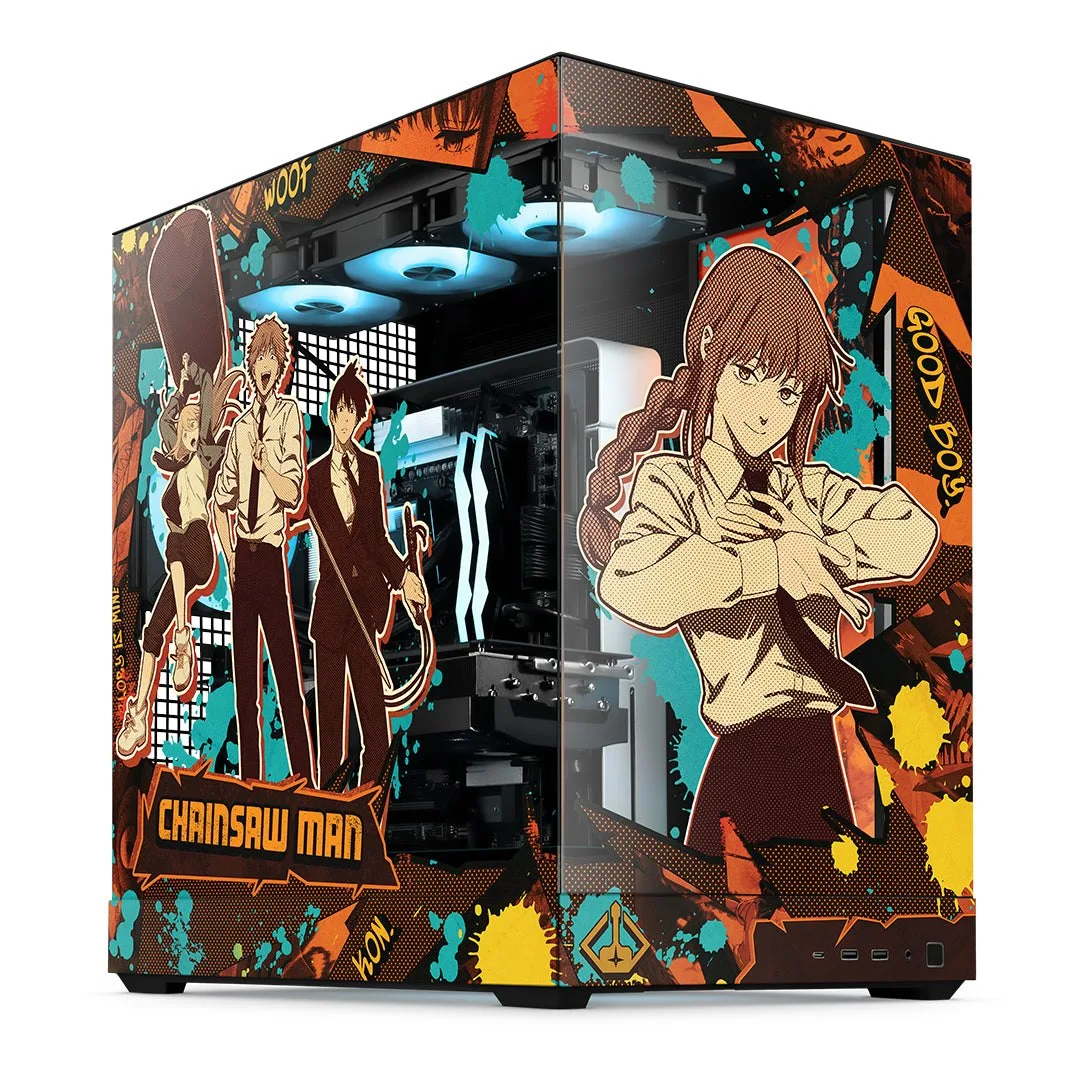
Chainsaw Man PC Bundle - Elite
-
Terraria PC Bundle - Elite: For over a decade, gamers have been digging, fighting and building in the world of Terraria. Starforge is proud to offer a PC worthy of such a beloved title. This system is perfect for building a base at the surface or pushing deep into the Underground mid Blood Moon. If you're a Terraria fan, this bundle delivers a machine that's ready for both creative building and intense boss fights without compromise.
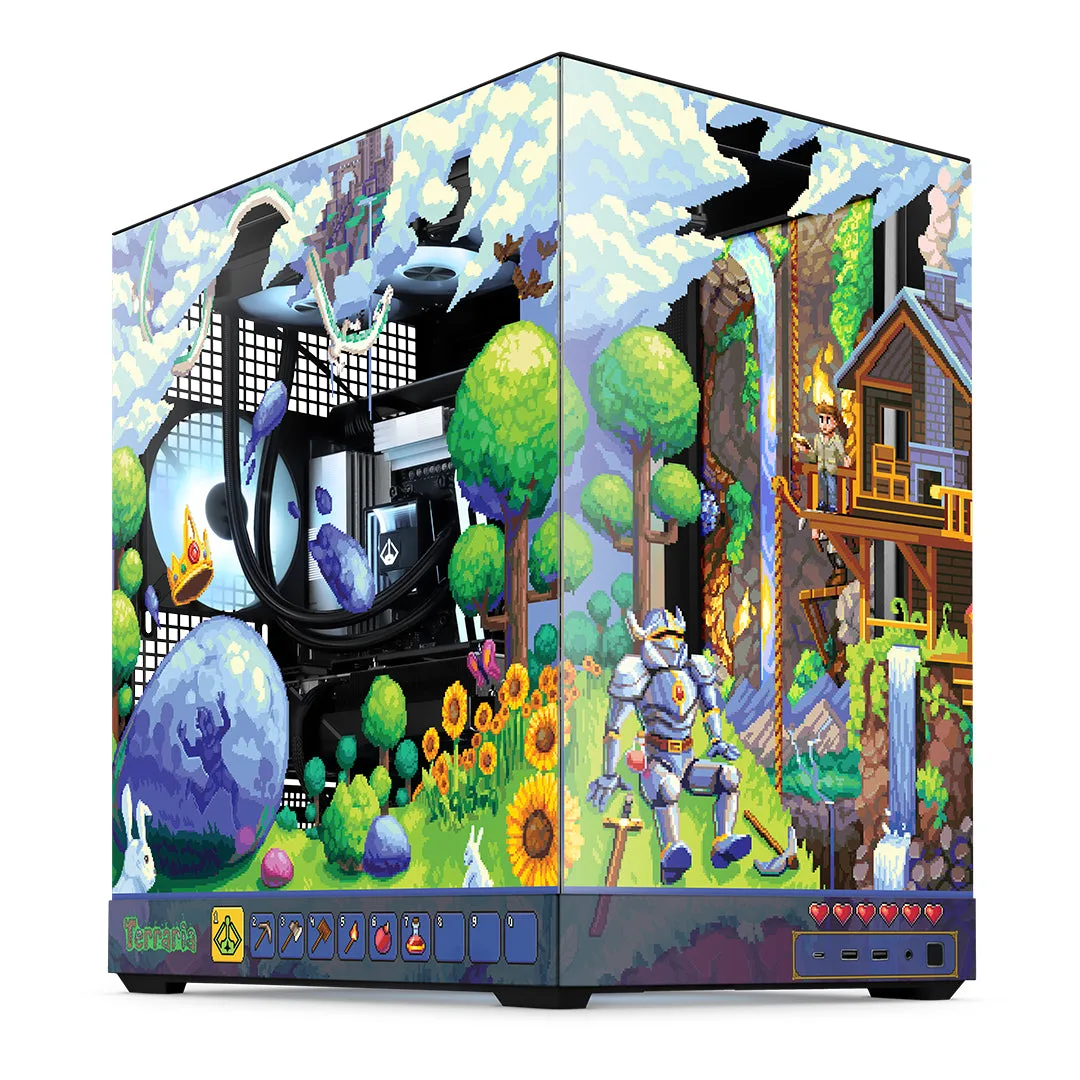
Terraria PC Bundle - Elite
-
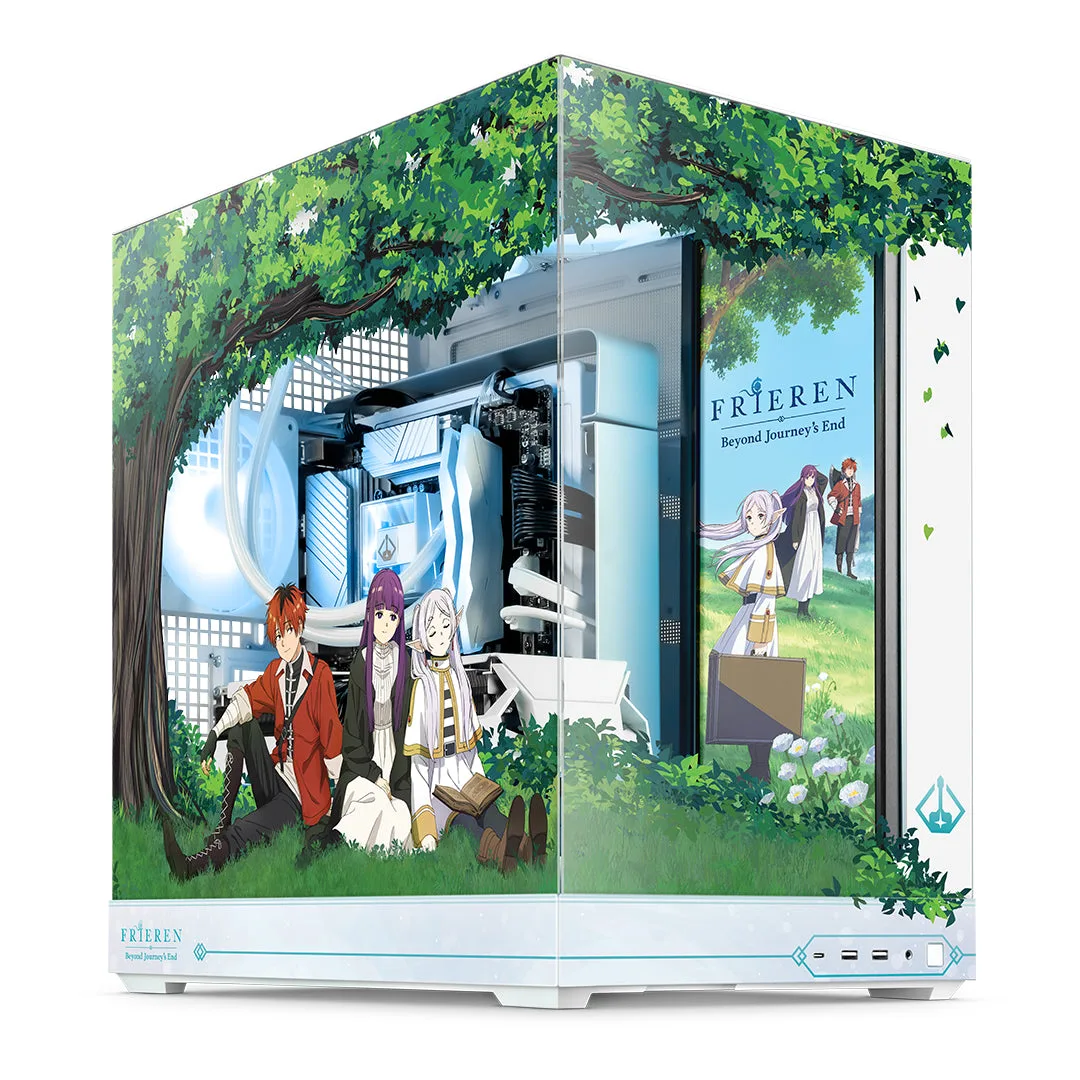
Frieren PC Bundle - Elite: With artwork featuring Frieren, Fern and Stark from the iconic anime, this computer is stunning and powerful. Starring components ready for whatever may lie ahead on the road - and whatever your favorite title may be, this white-themed system is sure to create new, incredible gaming memories. This white-themed bundle pairs eye-catching anime art with solid performance, making it ideal for gamers who want a unique, aesthetic centerpiece.