Quick Answer
Plug the AISLPC M15 Plus into your TV's HDMI port, connect the USB power cable, and turn on the console to start playing from its preloaded 20,000+ game library.
What You Get in the Box
The AISLPC M15 Plus comes with the game stick, a USB power cable, an HDMI cable, and a 64GB TF card preloaded with over 20,000 games across 23 emulators. No internet connection or account setup is required.
Choosing the Right TV Port
Use any available HDMI port on your TV. If your TV has HDMI ARC (Audio Return Channel) ports, a standard HDMI port may be more reliable for power-cycling the stick. The stick is compact, so avoid ports that are recessed or behind a tight panel.
Step-by-Step Setup
- 1. Connect the HDMI Cable: Plug the included HDMI cable into the M15 Plus game stick, then connect the other end to an available HDMI port on your TV. Make sure the cable is fully inserted; a loose connection can cause no signal.
- 2. Power the Stick: Connect the USB power cable to the stick and plug the USB end into a USB power adapter (not included) or a USB port on your TV. Most TV USB ports provide enough power, but a wall adapter is more reliable. If the stick doesn't boot, try a wall adapter instead of the TV's USB port.
- 3. Select the Correct HDMI Input: Turn on your TV and use the remote to select the HDMI input that matches the port you used. The stick should display its boot screen within a few seconds. Label your HDMI inputs to avoid confusion if you have multiple devices.
- 4. Navigate the Main Menu: Use the included wireless controller to browse the game list. The stick organizes titles by emulator (e.g., NES, SNES, Sega). Select a game and press the 'A' button to start. If the controller doesn't respond, check that it has fresh batteries or is paired correctly.
- 5. Save and Exit Your First Game: During gameplay, press the 'Select' and 'Start' buttons together to open the emulator menu. From there, you can save your progress or return to the main menu. Always save before exiting to avoid losing progress—the stick doesn't auto-save.
Product Spotlight
-
AISLPC® - M15 Plus Retro Game Stick: Preloaded with 20,000+ iconic games across 23 emulators on a 64GB TF card You can start playing immediately without downloading or installing anything—just plug in and go.
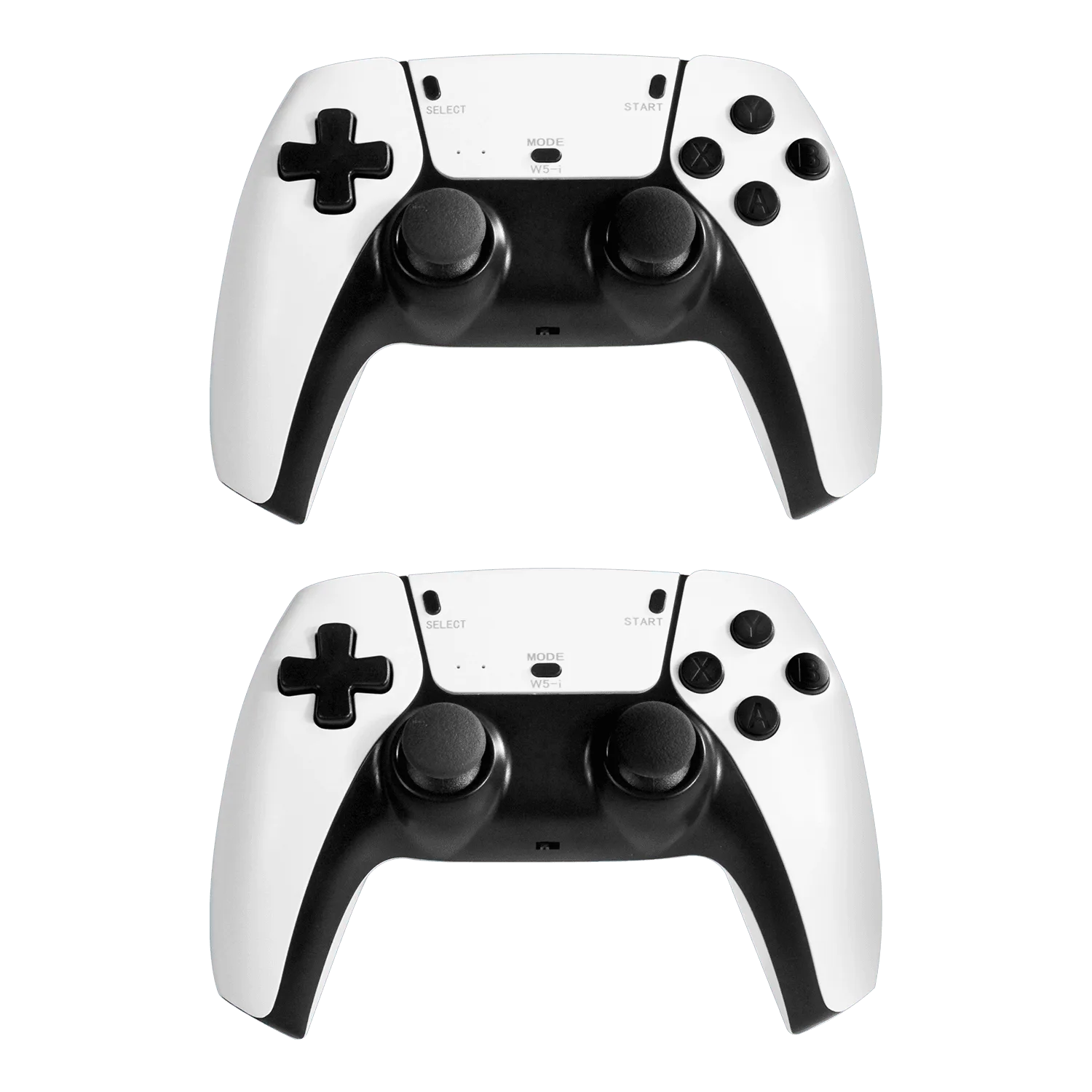
AISLPC® - M15 Plus Retro Game Stick