Quick answer
Shoot Fomapan Retro 200 at its nominal ISO 200, meter for the shadows, and develop it in a standard black and white developer like D-76 or HC-110. Use a developing time from the Massive Dev Chart for your developer and temperature, then follow the steps below for consistent negatives.
Exposing Fomapan Retro 200 in 35mm
Fomapan Retro 200 has a nominal ISO of 200, so set your meter there for daylight and most indoor scenes. Its spectral sensitivity renders warm, nostalgic blacks with good shadow separation, so metering for the shadows helps you keep that look. If you are unsure, bracket a few frames at ISO 200 and ISO 160; the film handles slight overexposure well, but underexposure crushes the shadows. For high-contrast scenes, expose for the shadows and let the highlights fall where they may. This film is not DX-coded on all versions, so if your camera relies on DX coding, set the ISO manually.
Loading and Shooting
Load your 35mm camera in subdued light and advance two frames before your first shot. Fomapan Retro 200 is a traditional black and white film, so it is forgiving of minor exposure errors but rewards careful metering. If you are using a camera without a meter, use a handheld meter or a phone app and rate the film at ISO 200. Keep a note of your exposure choices so you can adjust development later if needed.
Choosing a Developer and Time
Fomapan Retro 200 works well in standard developers such as Kodak D-76, Ilford ID-11, or HC-110. Developing times vary by developer, dilution, and temperature, so always check a reliable source like the Massive Dev Chart for your specific combination. As a starting point, D-76 stock at 20°C often calls for around 7–8 minutes, but confirm with your developer's documentation. If you cannot find a time for your exact developer, use a time for a similar ISO 200 film and adjust based on your results.
Step-by-Step Developing Process
Follow these steps in order for consistent results. Work in a dust-free space and keep your chemistry at a stable temperature, ideally 20°C (68°F).
After Development: Drying, Scanning, and Printing
Hang your film to dry in a dust-free area for at least 2–4 hours. Once dry, cut and store it in archival sleeves. For scanning, use a dedicated film scanner or a digital camera setup with a macro lens. Fomapan Retro 200's fine grain and rich tonal gradation scan well, but you may need to adjust levels to bring out the warm blacks. If you print in the darkroom, start with a grade 2 or 3 filter and adjust based on your negative contrast.
Step-by-step developing process
- 1. Prepare chemistry and equipment: Mix your developer, stop bath, and fixer according to the manufacturer's instructions. Bring all chemistry to 20°C (68°F). Set out your developing tank, reel, thermometer, and timer. Pre-soak the film in water at the same temperature for 1 minute to promote even development. Common mistake: skipping the pre-soak can lead to uneven development. Checkpoint: verify temperature with a reliable thermometer.
- 2. Load the film onto the reel: In complete darkness, open the cassette and load the film onto the developing reel. Use a changing bag or darkroom. Once loaded, place the reel in the tank and secure the lid. Common mistake: touching the film surface can cause fingerprints. Checkpoint: practice loading with a sacrificial roll in daylight first.
- 3. Develop with agitation: Pour in the developer, start the timer, and agitate continuously for the first 30 seconds. Then agitate for 5 seconds every 30 seconds. Keep the tank at 20°C throughout. Use the time from your developer's data sheet or the Massive Dev Chart. Common mistake: inconsistent agitation causes uneven density. Checkpoint: set a timer and stick to a rhythm.
- 4. Stop, fix, and wash: Drain the developer and pour in stop bath for 1 minute with agitation. Then pour in fixer and fix for the recommended time (typically 5–10 minutes). Wash the film in running water for 5–10 minutes or use a washing method recommended for your fixer. Common mistake: insufficient washing leaves residual fixer and shortens negative life. Checkpoint: use a hypo clearing agent to reduce wash time.
- 5. Dry and inspect: Remove the film from the reel and hang it to dry in a dust-free area. Use a film squeegee or your fingers to remove excess water, but be gentle. Allow 2–4 hours to dry completely. Inspect the negatives on a light box for density and contrast. Common mistake: drying too quickly with heat can cause curling. Checkpoint: if negatives look thin, increase development time next roll.
Film options at Austin Camera
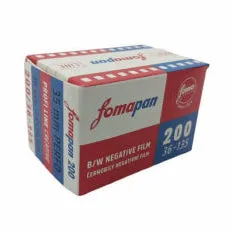
- Foma Fomapan Retro 200 Black and White Negative - 35mm Film: Foma Fomapan Retro 200 Black and White Negative - 35mm Film has a nominal ISO of 200, fine grain, and rich tonal gradation, with a unique spectral sensitivity that produces warm, nostalgic blacks. This makes it a versatile choice for portraits, landscapes, and general work, and it responds well to standard black and white developers.
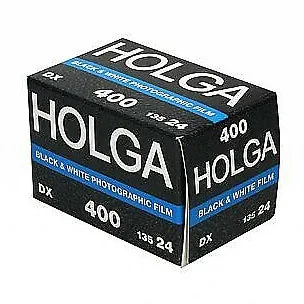
- Holga Black and White 400 ASA - 35mm Roll Film - 24 Exposures: Holga Black and White 400 ASA - 35mm Roll Film - 24 Exposures is non-DX coded and officially approved by the Holga factory, with grain and contrast suited to surrealistic effects. If you want a more experimental look or shoot with a Holga, this film is a natural match, but remember to set your ISO manually.
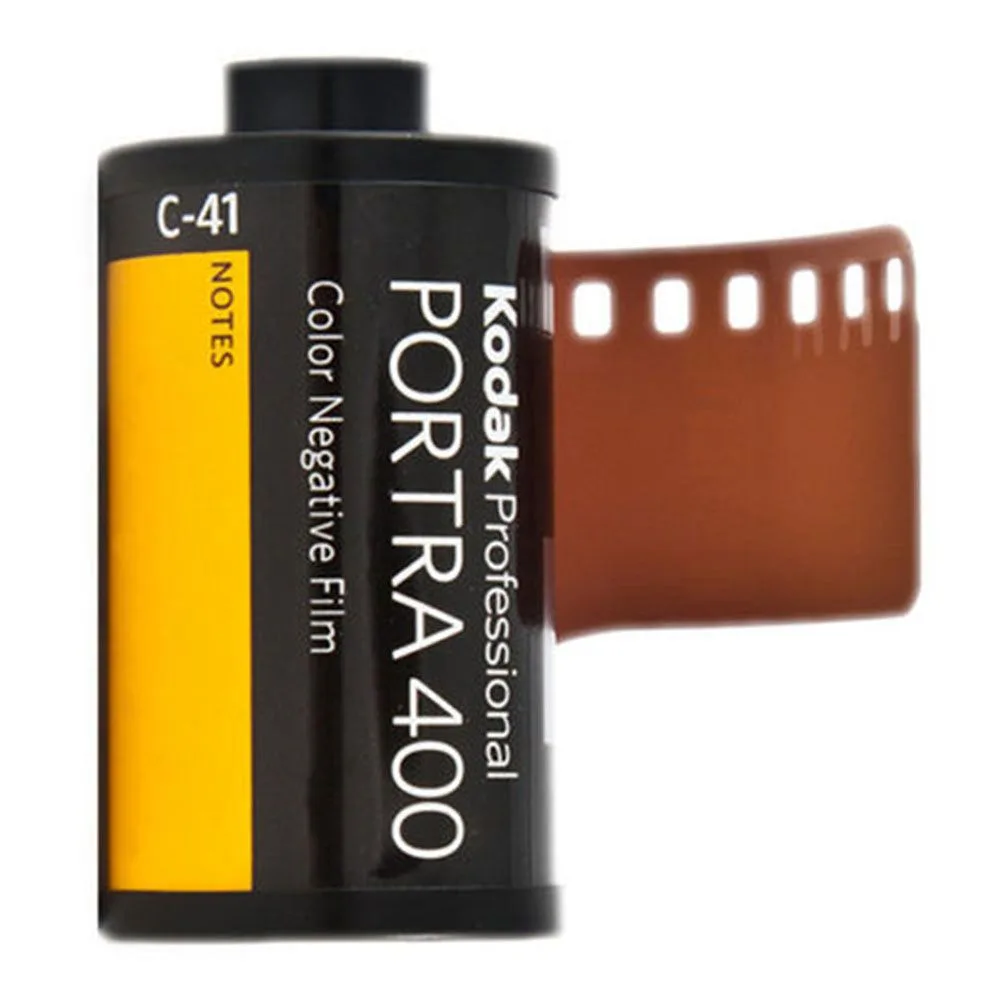
- Kodak Professional Portra 400 Color Negative Film - 35mm Film -36 Exposures - Single Roll: Kodak Professional Portra 400 Color Negative Film - 35mm Film - 36 Exposures - Single Roll delivers spectacular skin tones and exceptional color saturation at ISO 400. For color work alongside your black and white projects, Portra 400 is a reliable professional option with wide exposure latitude.