Quick Answer
Switching from a manual to an electric toothbrush like the Oral-B iO Series 9 is straightforward: charge it, set it up, and adapt your brushing technique to let the brush do the work.
Why the Oral-B iO Series 9 Makes the Transition Easy
The Oral-B iO Series 9 features a smart pressure sensor and multiple cleaning modes that guide you to brush effectively without applying too much pressure—a common mistake when switching from manual brushing.
Its rechargeable battery lasts up to two weeks on a full charge, so you don't need to worry about daily charging. The brush head replacement indicator reminds you when to swap heads every three months, ensuring consistent cleaning power.
Common Mistakes to Avoid When Switching
Don't scrub back and forth like a manual toothbrush. The electric brush oscillates to break up plaque; you just guide it gently along each tooth surface.
Don't apply too much pressure. The iO Series 9's pressure sensor alerts you if you're brushing too hard, which can damage gums.
Steps to Switch from Manual to Electric Toothbrush with Oral-B iO Series 9
- Charge the Toothbrush: Place the Oral-B iO Series 9 on its charging base for at least 12 hours before first use. The handle has an LED indicator that shows charging status. A full charge lasts up to two weeks; avoid using the brush before the first charge completes.
- Attach the Brush Head: Align the brush head with the handle and push until it clicks into place. The bristles should face the same direction as the handle's buttons. Make sure the head is securely attached; a loose head can affect cleaning efficiency.
- Select Your Cleaning Mode: Press the mode button to cycle through options like Daily Clean, Sensitive, Gum Care, and Whitening. For first-time users, Sensitive mode is recommended. Start with Sensitive mode to ease into the new brushing sensation; you can switch later as you get used to the brush.
- Apply Toothpaste: Add a pea-sized amount of toothpaste to the brush head. Do not wet the brush first; the brush activates with water to reduce splatter. Using too much toothpaste; a small amount is enough.
- Brush with the Right Technique: Guide the brush along each tooth surface, moving slowly from tooth to tooth. Let the brush do the work; do not scrub vigorously. Aim for two minutes: two minutes total, spending about 30 seconds per quadrant.
- Use the Pressure Sensor: When you finish brushing, the iO Series 9 will display a smile icon if you brushed without too much pressure. If you press too hard, the handle vibrates more and the ring turns red. Pay attention to the sensor feedback; it's a key tool to correct your brushing habits.
- Rinse and Store: After brushing, rinse the brush head under water and shake off excess. Store the handle upright on the charging base or in a dry area. Do not store the brush head covered as it can cause bacteria growth.
Product Features
-
Oral-B iO Series 9 Rechargeable Electric Toothbrush, Aqua Marine: The Oral-B iO Series 9 includes a smart pressure sensor that lights up red or green to indicate brushing pressure. This helps new users avoid pressing too hard, a common habit from manual brushing, protecting gums and enamel.
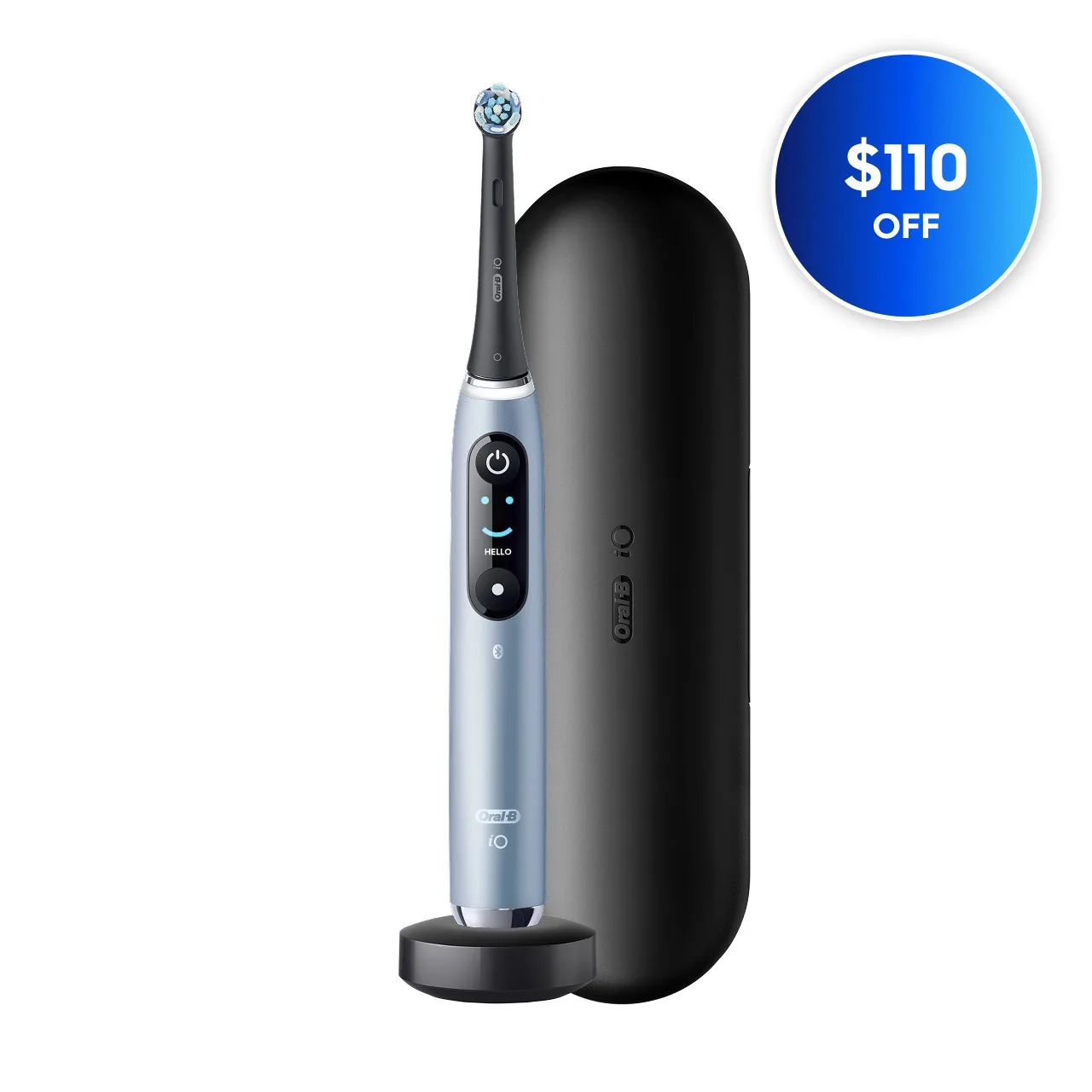
Oral-B iO Series 9 Rechargeable Electric Toothbrush, Aqua Marine