Quick answer
To use a 10-stop ND filter for long exposure photography, mount your camera on a sturdy tripod, compose and focus without the filter, switch to manual focus, attach the filter, calculate the required shutter speed (multiply your base exposure by 1000), and use a remote shutter release or self-timer to avoid camera shake.
Why a 10-stop filter is ideal for daytime long exposures
A 10-stop neutral density filter reduces incoming light by a factor of approximately 1000, allowing shutter speeds of several seconds or even minutes in broad daylight. This enables silky water effects, streaking clouds, and motion blur that would otherwise require very low light conditions. The trade-off is that you cannot see through the viewfinder after attaching the filter, so composition and focus must be set beforehand.
Choosing the right 10-stop ND filter
Look for a filter with neutral color rendition to avoid unwanted color casts, especially during long exposures. The NiSi 180x180mm ND1000 (10 Stop) filter is a popular choice among landscape photographers because it is designed to maintain color accuracy and works with large format or filter holder systems. Its nano coating also helps reduce reflections and flare.
Step-by-step guide to using a 10-stop ND filter
- 1. Set up on a sturdy tripod and compose your shot: Mount your camera on a tripod and frame your composition. Because the filter will block almost all light, you need to lock in composition before attaching it. Common mistake: using a flimsy tripod that introduces vibration during long exposures.
- 2. Focus and lock focus without the filter: Use autofocus to focus on your subject, then switch the lens to manual focus. This prevents the camera from hunting for focus when the filter is on and the viewfinder is dark. Checkpoint: after switching to manual focus, gently tap the lens to confirm focus does not shift.
- 3. Set your base exposure and calculate the filtered shutter speed: Take a test shot without the filter to get a correct exposure (e.g., 1/100 sec at f/11, ISO 100). For a 10-stop filter, multiply the shutter speed by 1000 (1/100 × 1000 = 10 seconds). Use a calculator app or exposure chart if needed. Common mistake: forgetting to adjust for reciprocity failure with very long exposures (over 30 seconds) – add extra time if your film or sensor requires it.
- 4. Attach the 10-stop ND filter carefully: Screw the filter onto the lens or slide it into your filter holder. Ensure it is clean and free of dust or smudges, as these become visible in long exposures. Checkpoint: use a lens cloth to gently clean the filter before mounting.
- 5. Use a remote shutter release or self-timer: Trigger the shutter with a remote release or set a 2-second self-timer to avoid camera shake from pressing the shutter button. For exposures longer than 30 seconds, use Bulb mode and a locking remote cable. Common mistake: relying on mirror lock-up alone – always use a remote or timer for exposures over 1 second.
- 6. Review and adjust your histogram: After the exposure, check the histogram to ensure the image is not underexposed or clipped. If the histogram is too far left, increase shutter speed; if too far right, reduce it. Adjust and reshoot as needed. Checkpoint: a slightly underexposed long exposure is easier to recover in post than one with blown highlights.
Product facts
-
Nisi 180x180mm Nano IR Neutral Density filter ��� ND1000 (3.0) ��� 10 Stop: The NiSi 180x180mm ND1000 filter uniformly reduces light by 10 stops, allowing slower shutter speeds and wider apertures even in bright conditions. This means you can achieve smooth water and cloud motion effects during midday shoots without overexposing your image.
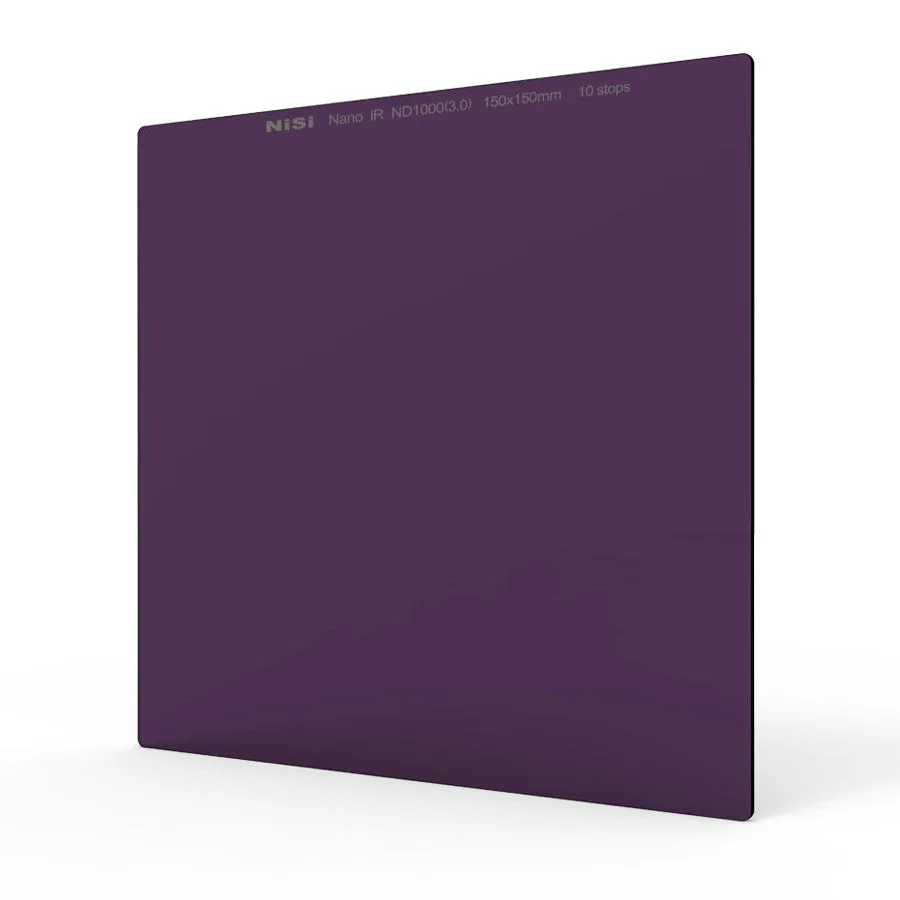
Nisi 180x180mm Nano IR Neutral Density filter ��� ND1000 (3.0) ��� 10 Stop